The Address Seen by This Website
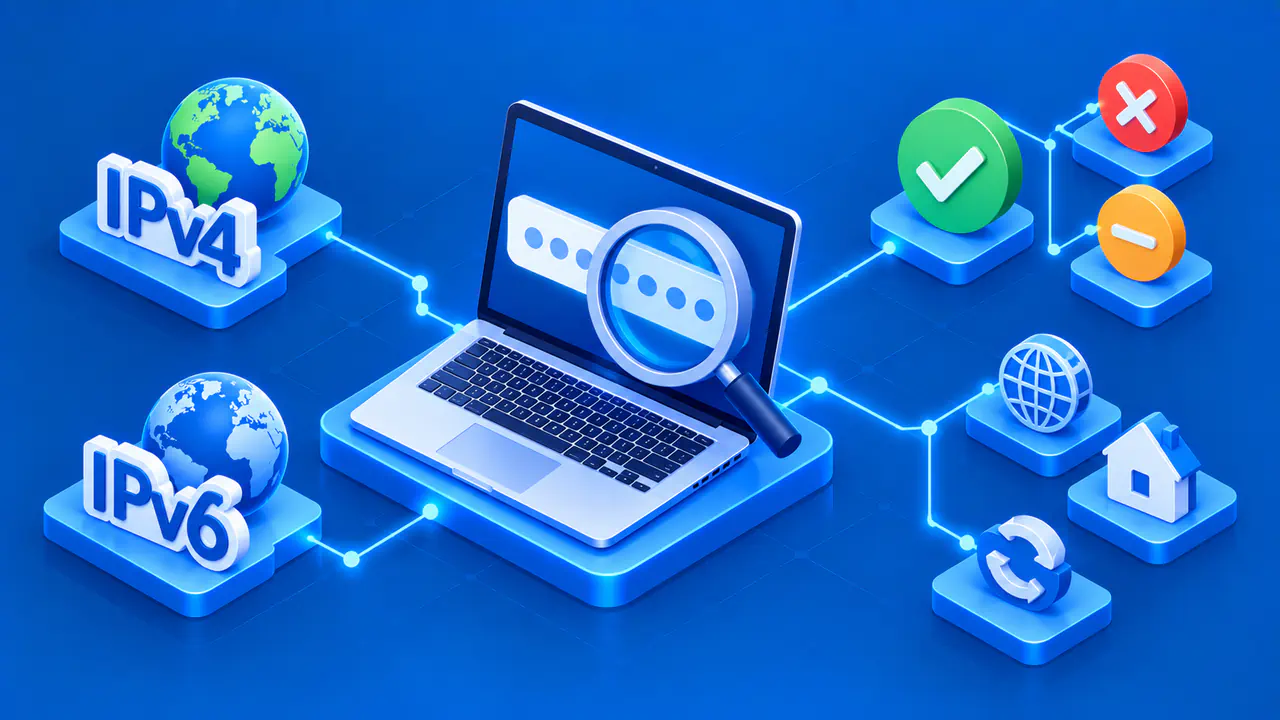
The result shows the public IP address used to load this page. You do not need to enter an address or start a search. When the site can detect a public address, the result includes buttons to copy it or refresh the page.
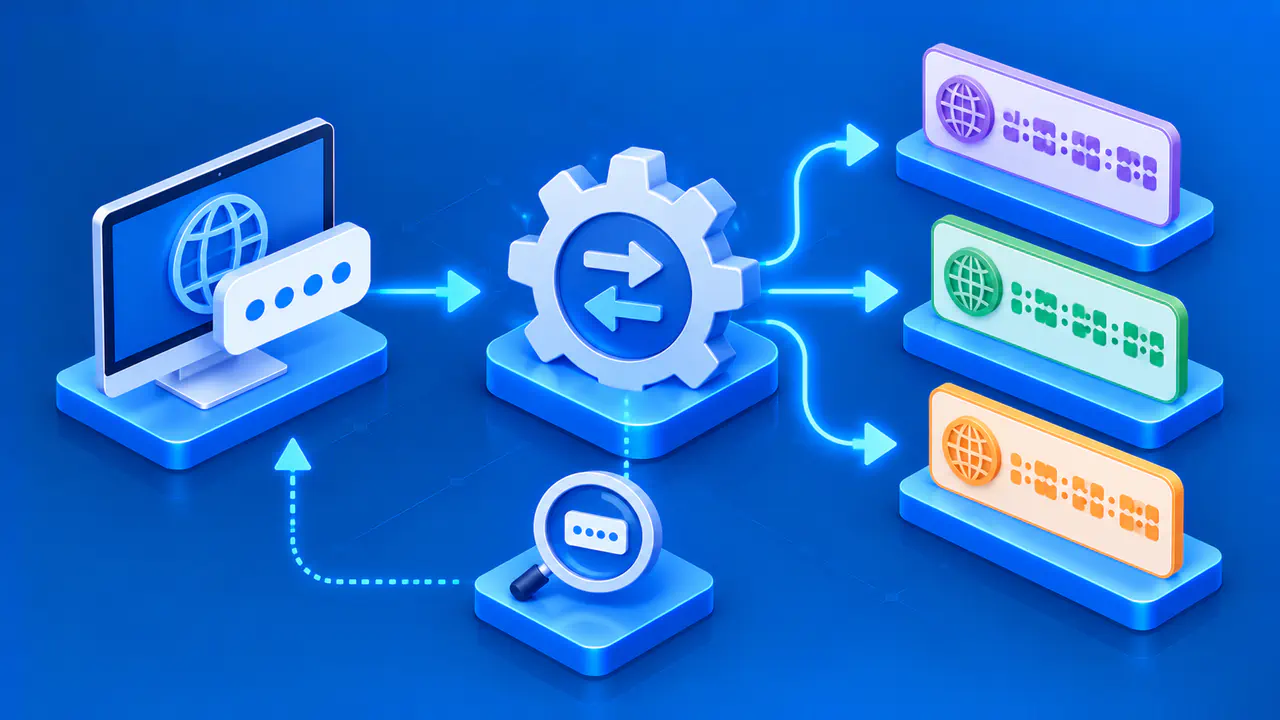
Your device can have several network interfaces and addresses at the same time. The address the site sees depends on the route your request takes.
Recognizing IPv4 and IPv6
An IPv4 address has four decimal numbers separated by periods. An IPv6 address uses hexadecimal groups separated by colons, and two consecutive colons can stand for a sequence of zero groups. Both forms identify an IP address, although they belong to different versions of the protocol.
The result displays the address used for this page request, so it does not necessarily list both versions. Seeing an IPv4 address here does not prove that your device has no IPv6 configuration. It only identifies the address available to this page through the current connection.
Why Your Router Can Show Another Address
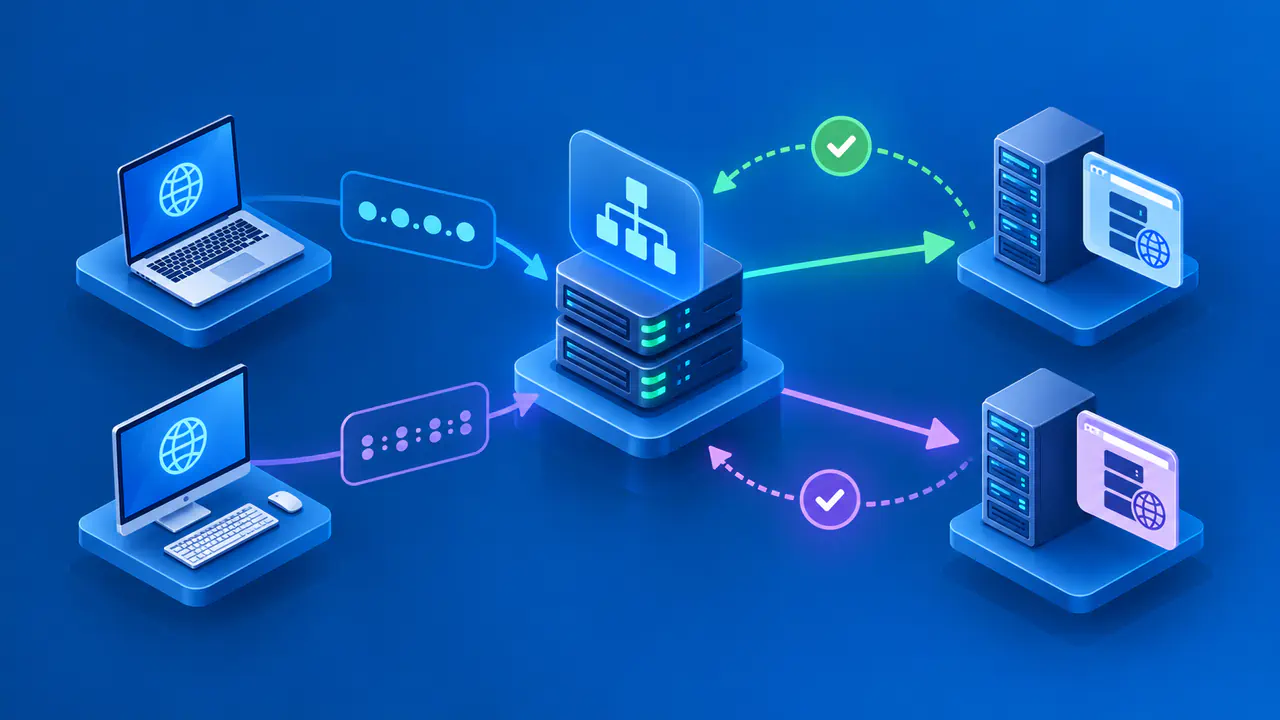
A router often gives devices private addresses for communication within the local network. The router or another gateway can translate those addresses before traffic reaches the internet. In that arrangement, the address shown here is different from the private address listed in your device settings.
Some internet service providers share a public IPv4 address among multiple customers. A public address shown here does not tell you whether it is assigned directly to your router or shared by your internet service provider. Check the router's internet settings if you need to compare its assigned address with this result.
Keeping a Result Current
Select Copy IP Address to copy the displayed value without retyping it. Before sending it to someone, check the pasted value against the result. Copying the value does not change your network settings or prevent the address from changing.
Use Refresh Page after moving between Wi-Fi and mobile data or reconnecting to a network. The existing page is a snapshot of the request that loaded it. It does not continuously monitor your connection or replace the result whenever your network changes.
When No Public Address Appears
If the site cannot detect a public address, it displays an unavailable message. That message does not mean your internet connection is offline. The site cannot determine your public IP address from a private or local connection address.
Refresh the page to try again. If the message remains, report the unavailable result and mention whether you are using a VPN or proxy.