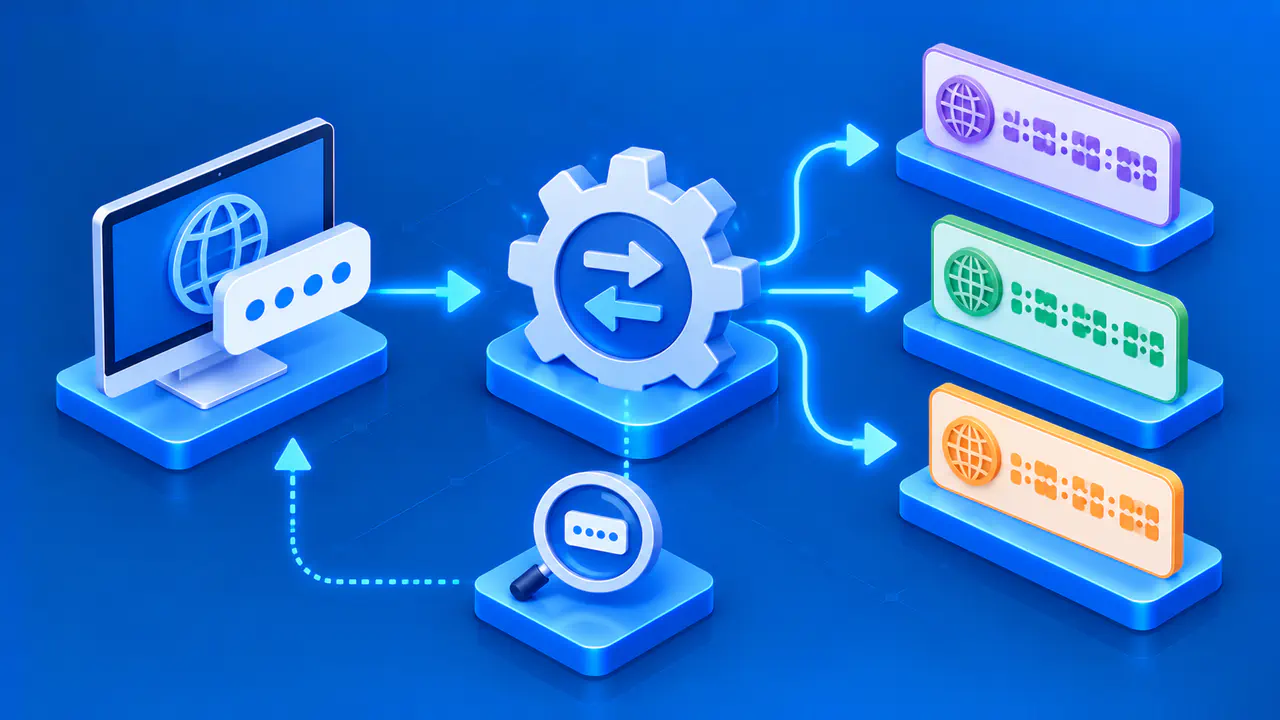
What the IPv6 Test Checks
The IPv6 test checks whether your browser can connect over IPv6. It runs automatically and tries separate IPv4 and IPv6 test services. The test can also use the public address detected when you load this page. A successful IPv6 connection confirms that IPv6 works on the route used for that request, which may pass through a VPN or proxy.
This is a connection check, not an address format check. There is no IP address to enter and no address to convert. A correctly written IPv6 address does not establish whether your own connection can reach IPv6 services. JavaScript must be enabled for the browser requests to run.
Reading the Result
Supported means that IPv6 connectivity was confirmed. The connection type indicates which protocol or protocols the test could verify. An IPv4 address and an IPv6 address can both be valid results for the same device; they are separate addresses, not two spellings of one address.
Not supported is shown when the IPv6 test service is confirmed to be working but your browser cannot reach it over IPv6. This describes the tested connection. It does not identify which part of the route prevents access, and it does not mean the device could never use IPv6 on a different network.
Could not be determined means the test cannot give a definite IPv6 result. An unavailable test service, a blocked request, or an invalid response can prevent confirmation. An incomplete test does not prove that IPv6 is disabled. The explanation below the status tells you which connections worked and which could not be confirmed.
Checking the Addresses
The address fields show the public addresses confirmed by the connection checks. A field marked Could not be determined means no address was confirmed for that protocol. If the IPv6 check returns Not supported, the IPv6 address field shows Not in use. These labels describe the current test; they do not list every address configured on your device.
A VPN may carry one protocol through its tunnel while handling the other differently. A browser proxy may also affect the route used to reach the test service. If you change networks or reconnect a VPN, refresh the page to run a new test. The previous result does not update automatically when your connection changes.
When a Result Needs Another Check
Wait for the checking messages to finish before comparing results. If the result is inconclusive, refresh the page after a short wait. Repeated inconclusive results can mean that the test service cannot be reached; they do not establish whether your internet service includes IPv6. Browser extensions and network policies can also block the test requests.
If the result says IPv6 is not supported and you expected it to work, check whether IPv6 is enabled on your device and whether your router and internet provider support it for that connection. Note the exact status and the network you were using before changing settings. Comparing results from another browser or network can help narrow down the problem.
The test checks whether the current connection can reach this site or its test services. It does not check every destination, measure download speed, test incoming connections to your device, or prove that a firewall is correctly configured. A successful result confirms IPv6 connectivity for the tested route at that time.