Apex Domain vs Subdomain Explained

A Domain Name System (DNS) zone apex is the top name of one authoritative DNS zone. A subdomain is a descendant in the domain name tree. Those descriptions answer different questions: apex describes a zone boundary, while subdomain describes a name's position relative to another name. A delegated subdomain can therefore be the apex of its own zone.
This distinction helps when deciding which DNS provider holds a record or why an answer comes from an unexpected nameserver. Start with the zone that is authoritative for the name rather than assuming the registered domain always defines the only zone.
Find the Authoritative Zone
DNS names form a hierarchy, but DNS zones are management units within that hierarchy. An authoritative nameserver holds data for a particular zone and can answer for names within its authority. The zone has a top node with a Start of Authority (SOA) record and nameserver (NS) records describing its nameservers. That top node is the zone apex.
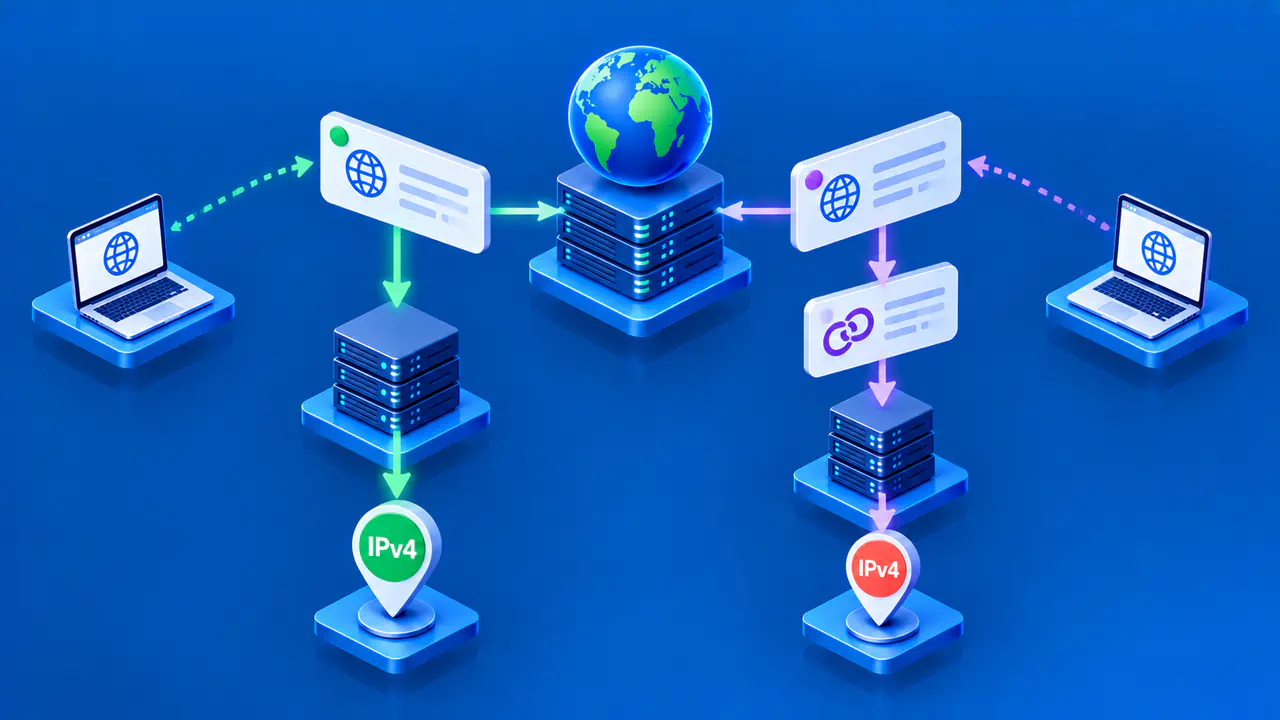
For a simple setup, example.com may be both the registered domain and the apex of the example.com zone. The zone can contain records at example.com, www.example.com, and other names below it. These hostnames do not each need a separate zone. An A record maps shop.example.com to an Internet Protocol version 4 (IPv4) address while remaining part of the example.com zone.
To identify the relevant apex, follow the DNS delegation path and find the authoritative zone supplying the requested name's data. The SOA owner name, which is the name the record belongs to, identifies the zone's top. A recursive resolver looks up DNS data for clients and may return a cached answer. That answer alone does not always reveal the current authority path.
Apex Names and Subordinate Names
An apex name can hold several record types, including SOA, NS, and records used by services at that name. A subordinate name sits below the apex in the DNS tree. For example, if example.com is a zone apex, api.example.com is subordinate to it. The subordinate name may have an address record, alias where permitted, or other records without acquiring a separate SOA.
The word subdomain can be broader than a single hostname. team.example.com is a subdomain of example.com because it is below it in the tree. That statement does not say whether team.example.com has a separate DNS zone. The operator can keep its records in the parent zone or delegate authority for that branch to another zone.
The global DNS root has its own zone at the top of the DNS tree. In the fully qualified name example.com., the final dot represents the root label. The apex of the example.com zone is not the global root. The term root domain also appears in hosting interfaces, where it can mean the account's main or registered domain. Check the actual zone and SOA rather than relying on that informal label.
How Delegation Changes the Boundary
Suppose the example.com zone contains ordinary records for www.example.com, but its operator delegates team.example.com to a different set of nameservers. The parent publishes NS records at the delegation point. The child operator maintains a team.example.com zone with its own SOA and authoritative NS records.
In that example, team.example.com is still a subdomain of example.com in the name tree. It is also the apex of the delegated child zone. A name such as app.team.example.com belongs beneath that child apex. This is why apex cannot always be treated as a synonym for the registrable domain: authority can be split below it.
NS records need context. At the top of a zone, they describe that zone's authoritative servers. At a delegation point in a parent zone, they direct resolvers to a child zone. Seeing an NS record for a child name is a clue to investigate delegation, but compare the parent referral with an authoritative answer from the child. An NS answer from a recursive resolver may be cached and does not show where the parent returned a referral.
A hostname can be a subdomain without any delegation. For example, adding blog.example.com as an address record in the example.com zone does not create a new zone apex. The relevant SOA remains at example.com. Changing the website destination for that record is different from moving DNS authority for the entire blog branch.
Check SOA and NS Evidence
Query an authoritative nameserver for the SOA and NS records at the name you are checking. In these dig examples, replace ns1.dns-provider.example with a nameserver assigned to your zone and team.example.com with the candidate name. The queries request two different record types from the same server.
dig @ns1.dns-provider.example team.example.com SOA +norecurse
dig @ns1.dns-provider.example team.example.com NS +norecurse
The @ prefix selects the server to query, and +norecurse asks it to answer without performing recursive resolution. These queries read DNS information without changing records or registrar delegation.
Read the Answer and Authority Sections
An SOA record for team.example.com in the answer section supports identifying that exact name as a zone apex. Check for the AA flag, which indicates an authoritative answer. The owner name of the SOA record matters more than a nameserver name listed inside its data.
If blog.example.com exists inside the example.com zone without its own SOA, an authoritative SOA query can return NOERROR with no SOA in the answer section. An SOA for example.com in the authority section identifies the zone responsible for that negative answer. It does not make blog.example.com a separate apex.
A parent referral is different: it points toward child nameservers using NS records in the authority section. Query the child servers to confirm their SOA and authoritative NS records rather than treating the parent's referral as the child's answer.
When the authority path is unclear, dig team.example.com NS +trace follows referrals from the root. Compare that path with direct queries to the parent and child servers, and record the server and time for each result. During a migration, caches or authoritative servers can hold different versions, so one response alone may not establish the current zone boundary.