IPv4 Address Classes Explained
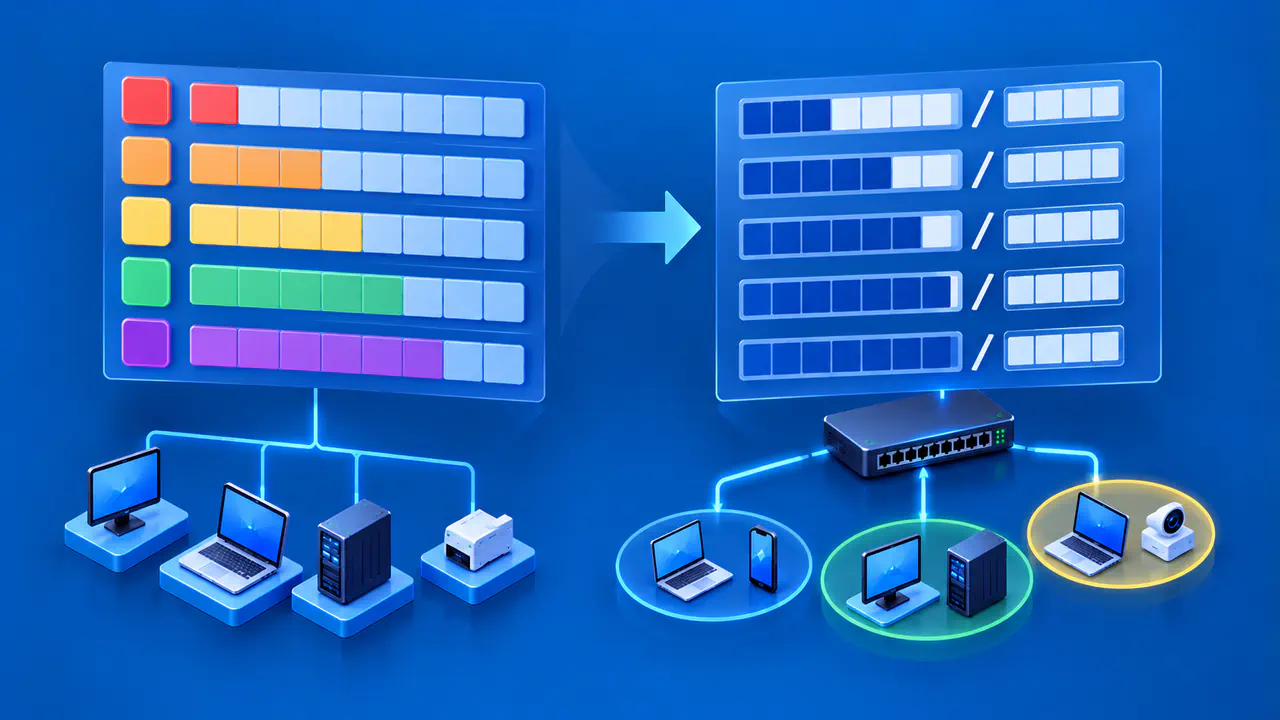
IPv4 address classes are the old A, B, and C network categories, together with the D multicast and E reserved ranges. The first bits of an address determined its class and, for A through C, its original network boundary. These labels explain historical diagrams and older networking terminology.
A current IPv4 subnet needs an explicit mask or prefix length. An address beginning with 10 does not automatically belong to a /8 subnet, and an address beginning with 192 does not automatically use /24. The class describes an old address format; the configured prefix tells you which network the interface actually belongs to.
How the Original Classes Divided an Address
An IPv4 address has 32 bits, usually written as four decimal octets. Each octet represents eight bits. Under classful addressing, the leading bits selected a predefined division between the network portion and the remaining local address portion.
Class A placed the network boundary after the first octet, leaving three octets for local addresses. Class B placed the boundary after two octets, while Class C placed it after three. The class marker occupied part of the network portion: A began with binary 0, B with 10, and C with 110.
The historical defaults can therefore be expressed as /8, /16, and /24. In older material, these may be called natural masks. The following table combines those defaults with the bit patterns that identify all five categories.
| Class | Leading Bits | First Octet | Historical Unicast Default | Address Role |
|---|---|---|---|---|
| A | 0 | 0–127; ordinarily 1–126 | /8 — 255.0.0.0 | Large original network blocks |
| B | 10 | 128–191 | /16 — 255.255.0.0 | Intermediate original network blocks |
| C | 110 | 192–223 | /24 — 255.255.255.0 | Small original network blocks |
| D | 1110 | 224–239 | No ordinary unicast default | Multicast destinations |
| E | 1111 | 240–255 | No ordinary unicast default | Reserved space, with a broadcast exception |
The raw Class A bit pattern also includes first octets 0 and 127, but these are special cases. The 0.0.0.0/8 block has a special protocol role, and 127.0.0.0/8 is loopback space. This is why introductory class tables commonly show 1–126 as the ordinary Class A range.
Classes D and E: Multicast and Reserved Addresses
Class D covers the multicast range from 224.0.0.0 through 239.255.255.255. A multicast group address identifies a group of receivers rather than a single workstation. Packets sent to that address can reach the group's members.
Class E spans 240.0.0.0 through 255.255.255.255. The 240.0.0.0/4 block remains reserved, while 255.255.255.255 has the specific role of limited broadcast. The reserved block is not an extra pool of public addresses available for assignment to workstations.
The /4 notation identifies all addresses that share the same first four bits. For Classes D and E, it describes each overall address range; it is not a default subnet mask for workstation interfaces. Unlike the A, B, and C formats, these classes do not divide an ordinary unicast address into network and host portions.
Subnetting Already Existed in the Classful Era
A classful network could be divided into subnets. The original local address portion was then split into a subnet number and a host number, allowing an organization to place parts of one assigned network on different links.
The natural mask described the assigned network's original boundary, while a subnet mask could use additional bits to identify smaller networks within it. An organization with a Class A network could therefore divide that address space among multiple internal links.
For a hypothetical modern interface configured as 10.20.30.40/24, the network is 10.20.30.0/24 and the mask is 255.255.255.0. The first octet still falls in the old Class A category. Replacing the supplied /24 with /8 would change the network definition, rather than correct it.
CIDR Made the Boundary Explicit
CIDR means Classless Inter-Domain Routing. A prefix consists of an address followed by a slash and the number of significant leading bits, from 0 through 32. A /20 prefix uses 20 network bits; there is no need to derive its length from an A, B, or C label.
The corresponding mask has consecutive one bits followed by zero bits. For example, /20 is 255.255.240.0. A longer prefix leaves fewer address bits available within the block, so /26 describes a smaller block than /24.
CIDR allowed address blocks to match demand more closely and supported aggregation of suitably aligned routes, helping control routing table growth. Both benefits depend on actual prefix boundaries and routing design.
The Same Address Can Have Different Subnet Boundaries
Consider the hypothetical configuration 192.0.2.130/26. This address comes from space reserved for documentation, so the example is a calculation, not a public address to deploy.
The /26 mask is 255.255.255.192. Six address bits remain below the prefix, producing a block of 64 values. In the last octet, these blocks start at 0, 64, 128, and 192; the value 130 falls in the block beginning at 128.
The resulting network is 192.0.2.128/26, covering 192.0.2.128 through 192.0.2.191. On a conventional broadcast LAN, .128 is the network address and .191 is the subnet broadcast address, leaving .129 through .190 for ordinary hosts.
If that same interface address were configured with /24 instead, its network would be 192.0.2.0/24. Both configurations involve an address in the historical Class C interval, but they define different local ranges. The first octet cannot tell you which configuration is present.
An Address Class Does Not Establish Public or Private Use
The private IPv4 blocks are 10.0.0.0/8, 172.16.0.0/12, and 192.168.0.0/16. These private blocks do not all match the old class boundaries. For example, 172.16.0.0/12 covers 172.16.0.0 through 172.31.255.255, which spans 16 historical Class B networks.
Consequently, a Class B address is not necessarily private, and a Class C address is not necessarily public. The specific reserved range determines private-use status. The class label also does not establish whether an otherwise usable public address has been assigned to you.
A private block's published prefix describes the reserved range, not every subnet built inside it. A network administrator may use a smaller subnet from that range. An address starting with 172.16 therefore does not tell you whether the interface uses /12, /16, or another prefix.
Read the Address and Subnet Mask Together
For an existing interface, obtain its actual address and subnet mask together. On Windows 10 or 11, run the following command in Command Prompt to display each adapter's IP addresses, subnet mask, and default gateway:
ipconfigRead the block for the relevant adapter. A computer can have several adapter entries, so a mask from one entry should not be paired with an address from another. Record the displayed subnet mask as its own value; the default gateway is a different field and cannot substitute for it.
When planning a new subnet, ask for the complete address and prefix assignment. If a handoff says only “Class B network” or supplies an address without a mask, it leaves the current subnet boundary unspecified. Obtain that missing value before calculating the host range or configuring an interface.
In network documentation, include the interface address with its prefix and the resulting network prefix. For the /26 calculation above, those entries are 192.0.2.130/26 and 192.0.2.128/26. Keeping both prevents a later reader from confusing an individual interface address with the beginning of its subnet.