What Causes DNS SERVFAIL Errors?
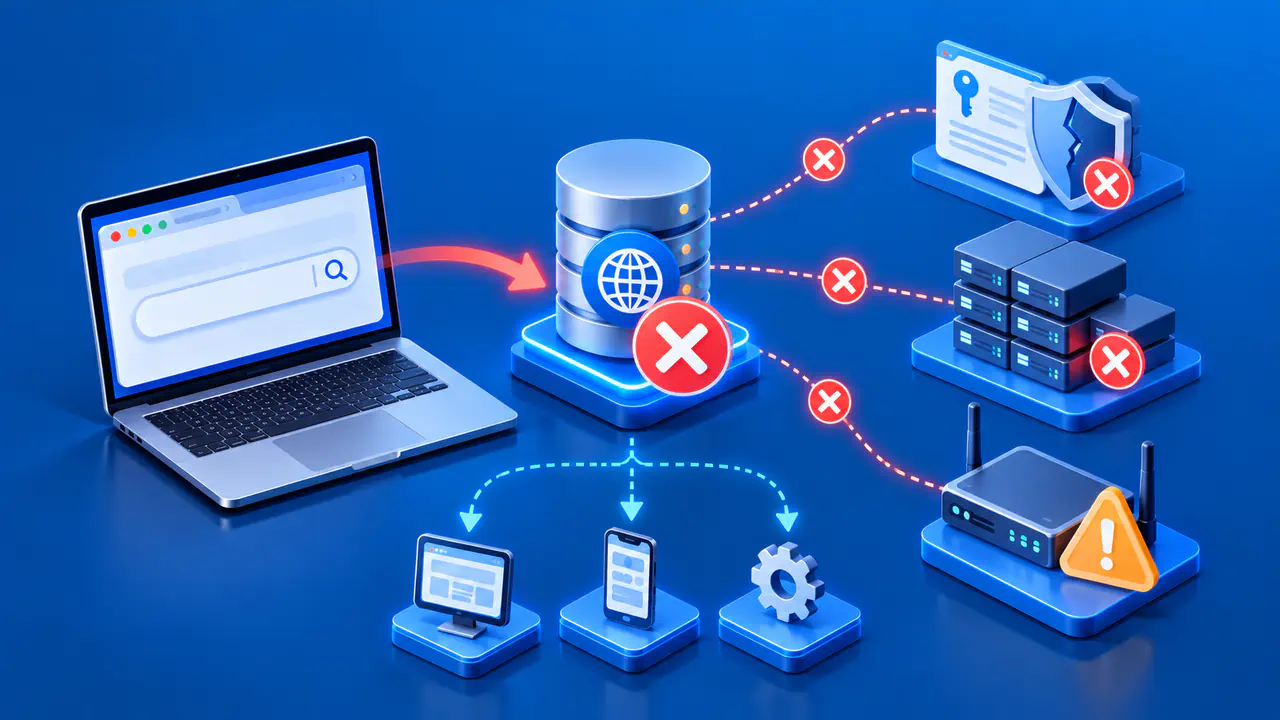
DNS SERVFAIL means a DNS server could not complete a query. Its numeric response code is 2. Possible causes include failed DNSSEC validation, unavailable authoritative nameservers, broken delegation and network problems that prevent the resolver from obtaining an answer.
Unlike NXDOMAIN, SERVFAIL does not say that the queried name does not exist. A browser may translate several DNS failures into a generic loading error, so obtain the actual DNS response code when possible. Record the exact name, type, resolver, time and whether the problem affects one domain or many before changing settings.
What the Error Does and Does Not Tell You
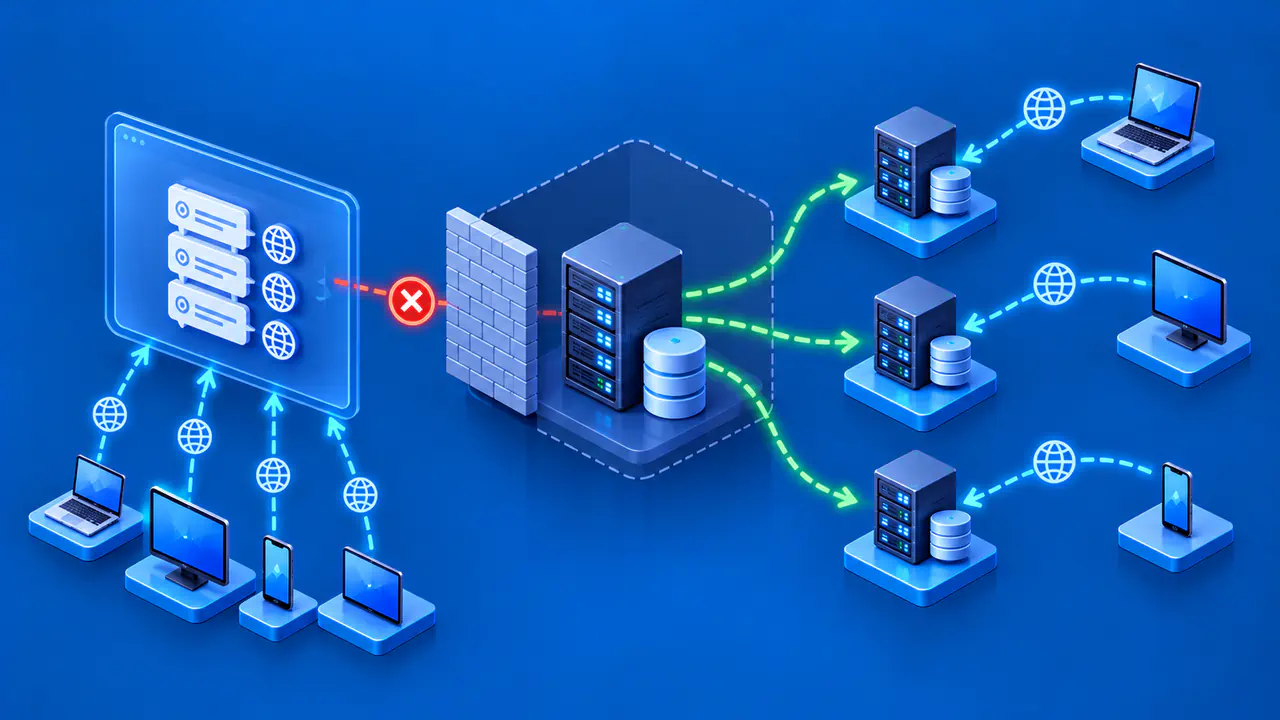
A recursive resolver obtains records from other DNS servers and may return SERVFAIL if it cannot retrieve or validate a usable answer. An authoritative server, which publishes the records for a zone, can also return SERVFAIL if it has no valid zone data to serve. The response code alone does not identify which server or step caused the problem.
A missing record and a failed lookup are different outcomes. The server can return NOERROR with no matching data if the name exists but lacks the requested record type, or NXDOMAIN if the name does not exist. If one record type works and another fails, check the signatures and responses for that specific type.
One successful retry also does not prove the issue is solved. A resolver may reach different authoritative nameservers, or cached information may mask an intermittent failure. Record whether the error is repeatable and whether it follows one client, one resolver, one network or a particular authoritative server.
Compare Resolvers and Authoritative Servers
Begin with the same fully qualified name and record type at more than one recursive resolver that you are authorized to query. If only one resolver fails, its validation configuration, upstream route or cached data may be involved. If several independent resolvers fail for the same zone, look more closely at the zone's delegation and authoritative service. This comparison is a clue, not proof of a cause: resolvers can share upstream conditions or apply different policies.
Identify the authoritative nameservers from the parent delegation for the zone containing the queried name. If the name is inside a separately delegated child zone, follow that delegation before comparing servers. Query each listed server for the same name and record type, and note whether it answers, times out or returns a different result.
A direct query from your computer does not follow the recursive resolver's network path. Success from your computer therefore does not prove that the resolver can reach the same server. If none of the authoritative servers supplies usable data to the resolver, a fresh lookup can fail even though the zone exists in a provider's control panel.
Compare with an unrelated domain that is known to resolve correctly. Failures across many domains on one resolver suggest a broader resolver, transport or validation problem. A failure limited to one domain suggests that domain's DNSSEC chain, delegation or authoritative servers. Keep the tested network and resolver constant while changing one comparison variable at a time.
Check DNSSEC Validation
DNSSEC allows a resolver to check signatures and follow a chain of trust back to a trusted key. A validating resolver may return SERVFAIL when data that should validate fails those checks. For diagnosis, the CD flag, meaning checking disabled, asks the resolver to return data without rejecting it because of failed DNSSEC validation.
If the same resolver returns SERVFAIL normally but returns data with CD set for the same query, investigate DNSSEC validation. Keep the name, type and resolver unchanged so the comparison has a clear meaning. The flag affects the test query; it does not repair a broken trust chain.
Zone operators should inspect the parent DS records, the child zone's DNSKEY records and the signatures covering the failed answer. Missing keys, invalid signatures or signatures outside their validity period can prevent validation. Resolver administrators should also check their configured trust anchors, the trusted key information used to start validation.
Do not assume every SERVFAIL is caused by DNSSEC. A query can still fail with checking disabled if the resolver cannot reach an authoritative server or parse a usable upstream response. Resolver logs or extended DNS errors, when available, can give more specific evidence than SERVFAIL alone. Keep normal validation enabled while diagnosing the cause.
Check Delegation and Zone Data
The parent zone's NS records must lead resolvers to servers that actually serve the child zone. A DNS provider can hold a correct copy of the zone while the published delegation still points to an old or incorrectly configured server. Compare the parent NS records with the intended hosting arrangement before editing individual address records.
Check each authoritative server for the intended zone data. A server that never loaded the zone, or a secondary server that cannot refresh its expired copy, may leave the resolver without a usable answer. Differences between servers can cause intermittent failures if some responses are invalid and the resolver cannot obtain an acceptable alternative. Comparing their SOA serial numbers can help identify an out-of-date copy.
Check UDP and TCP Transport
DNS can carry queries over UDP or TCP. A response that exceeds the usable UDP size may be truncated, which tells the client to retry over TCP. A blocked TCP connection can therefore break a lookup even when a small UDP response succeeds.
Large DNSSEC or TXT answers can expose problems that smaller address answers do not. Dropped UDP fragments, packet filtering or devices that mishandle DNS extensions can prevent complete answers from reaching the resolver. Compare UDP and TCP for the same query to the same server, using a network where those queries are permitted.
If queries to a resolver time out from only one network, check that network's path to the resolver. If the resolver receives client queries but cannot get upstream answers, its administrator needs to inspect the path from the resolver to the authoritative servers. Clearing a device's DNS cache cannot repair broken delegation or blocked upstream transport.
Verify the Repair
After fixing the identified problem, repeat the query with the original name, record type and resolver. Confirm that each relevant authoritative server serves the intended zone data and that normal DNSSEC validation remains enabled. If the failure persists, keep the response codes and timestamps so the DNS operator can match them to server logs.