What Is a Hostname?

A hostname is a name used to identify a device or service on a network. A computer might use a short name such as printer, while a service may be reached through a complete name such as printer.office.example. Software can look up the name to find an address for the connection. The name and the IP address serve different purposes.
The meaning of a short hostname depends on where you use it. A computer at home and a server at work could both be called files without referring to the same device. A fully qualified domain name, or FQDN, includes the domain labels needed to distinguish a name in the DNS hierarchy. Even a complete name does not guarantee one permanent address or one physical machine.
Hostnames and Fully Qualified Names
The term hostname can refer to a computer's configured name, the first part of a DNS name, or the complete DNS name used to reach a host. For example, printer is the first label in printer.office.example. Here, office.example supplies the rest of the name. These are documentation examples, not addresses of actual printers.
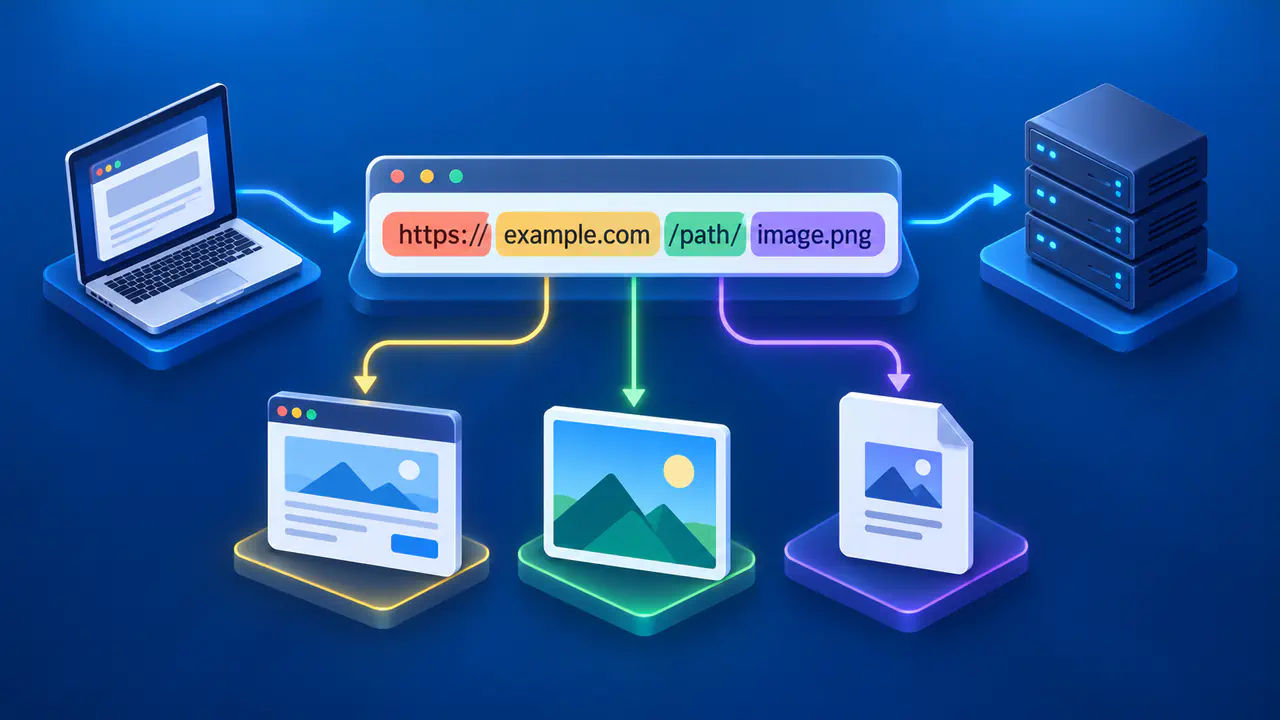
DNS names consist of labels separated by dots. For a conventional ASCII hostname, a label uses letters, digits, and hyphens, with a letter or digit at each end. The labels in printer.office.example place printer under office, which in turn sits under example. Reading the complete name avoids confusing that printer with one under a different domain.
An FQDN includes every label through the DNS root. In strict DNS notation, a final dot marks the root, so printer.office.example. is explicitly complete. Most ordinary interfaces omit that last dot and still describe printer.office.example as fully qualified. Whether software treats an entered name as complete or tries additional suffixes depends on the application and resolver settings.
A short name such as printer may be completed with a configured search suffix. On an office network, the device might look for printer.office.example; on another network, it could try a different suffix or find no match. A search suffix fills in omitted labels rather than changing the device's IP address. Use the full name supplied by the service administrator when a short name would be ambiguous.
How Names and IP Addresses Work Together
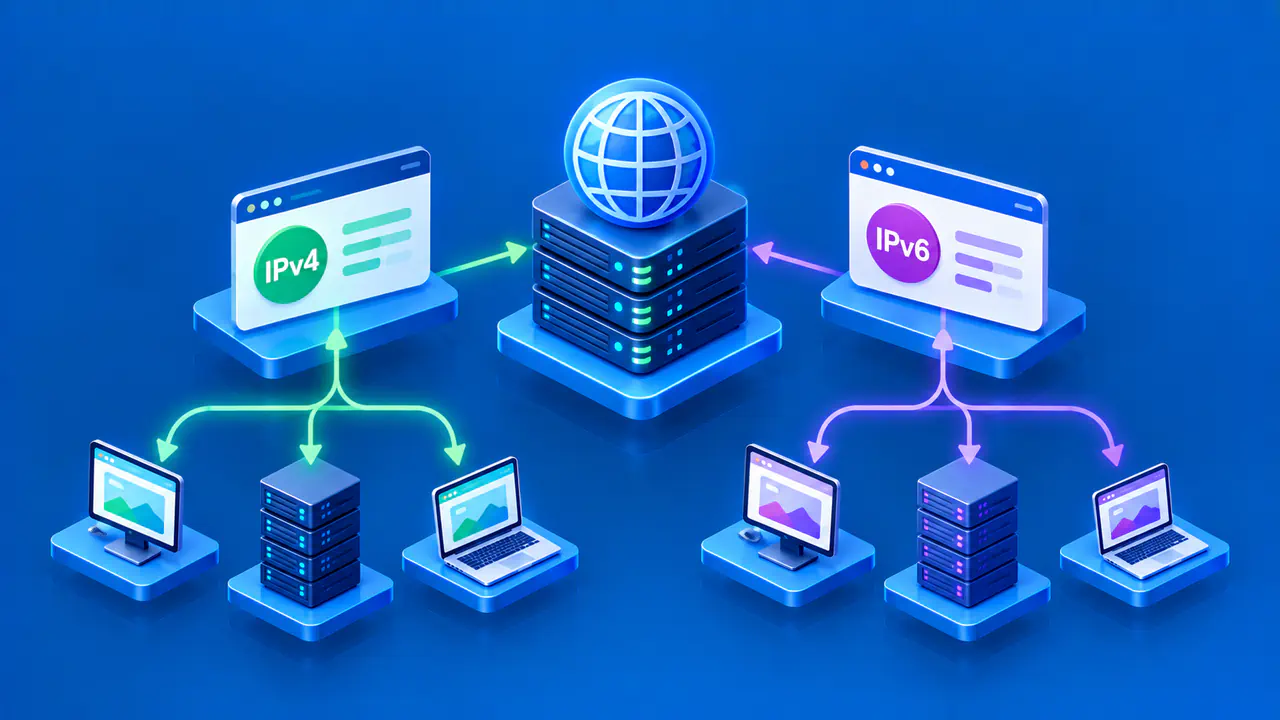
When an application connects by name, it can ask a resolver, the software that performs name lookups, for DNS records. An A record supplies an IPv4 address, while an AAAA record supplies an IPv6 address. The application then uses an available address to attempt the connection. DNS provides naming information; the network uses IP addresses to deliver packets.
One name can return more than one address for capacity or resilience. The selected address may differ by query time, resolver, location, or network policy. A service can also change its underlying address without requiring a new hostname. For these reasons, a lookup result describes the answer received at that time, not a permanent property of the name.
Several names can also lead to the same address. A web server can host more than one site at one IP address and use the requested name to select content. Learning an IP address alone therefore does not reveal every hostname or service using it. A reverse DNS record, when one exists, provides a name associated with an address rather than an inventory of all the sites at that address.
A successful name lookup does not guarantee that the application service is running. The returned address might be unreachable, a firewall might block the connection, or the service might reject the request. If a named resource fails, distinguish a failure to find its address from a failure to connect to the service. Changing DNS settings cannot fix every connection problem.
Names on Local and Private Networks
A computer name shown by a router is not necessarily registered in public DNS. A home or workplace network can use private DNS for names that are unavailable through a public resolver. A corporate VPN may provide access to those private DNS servers and the resources they name. After the VPN disconnects, the same lookup may stop working even though the private service remains available inside the organization.
Multicast DNS, or mDNS, provides another way to look up names on a local network link without a conventional DNS server. Names ending in .local are reserved for this local use. A name such as printer.local identifies a device within that local setting; the same text on a different network need not refer to the same printer. An ordinary router does not make a local mDNS name available across the internet.
These differences matter when interpreting a device list or diagnostic result. A displayed name may come from local configuration, private DNS, or another discovery method rather than a public DNS lookup. Check where the name was obtained before assuming it should work from a different network. A familiar name is useful for finding a device, but it does not authenticate the device.
Why the Same Name Can Resolve Differently
DNS answers can change when an operator moves a service or distributes traffic across several endpoints. A network can also provide an internal address for a name that has a different answer in public DNS. This arrangement is often called split DNS. The complete name can stay the same while the answer depends on the network that asks.
Caching can produce another difference. A resolver may still hold an earlier answer while another resolver has obtained the updated records. The records' TTL controls how long an answer may normally be reused before it needs to be refreshed. An address change therefore does not mean every device will immediately receive the same new answer.
Compare Hostname Lookup Results
When comparing results, record the complete queried name, the resolver or network used, the address family, and the time. A lookup on a phone using mobile data may differ from one on a laptop using a company VPN. An IPv4 result and an IPv6 result are also answers to different address queries. Compare the same name and record type under the same conditions before deciding that one result is wrong.
If a local name leads to the wrong device, check the network's naming configuration with its administrator. For an unexpected public result, verify the spelling and the service's official address through a trusted channel. Keep internal hostnames and private network details out of public support posts unless sharing them is authorized. Correcting the name, the lookup configuration, and the service itself are separate tasks, so first establish which part failed.