Internet vs Wi-Fi: What Is the Difference?
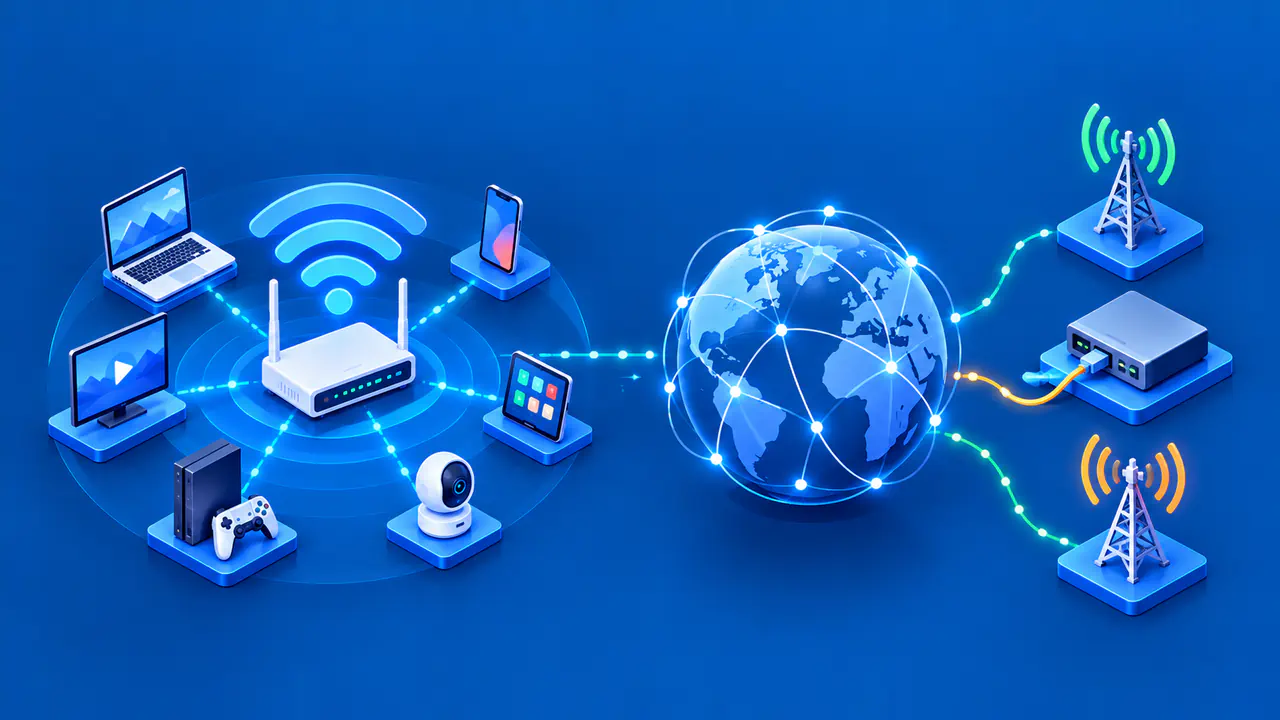
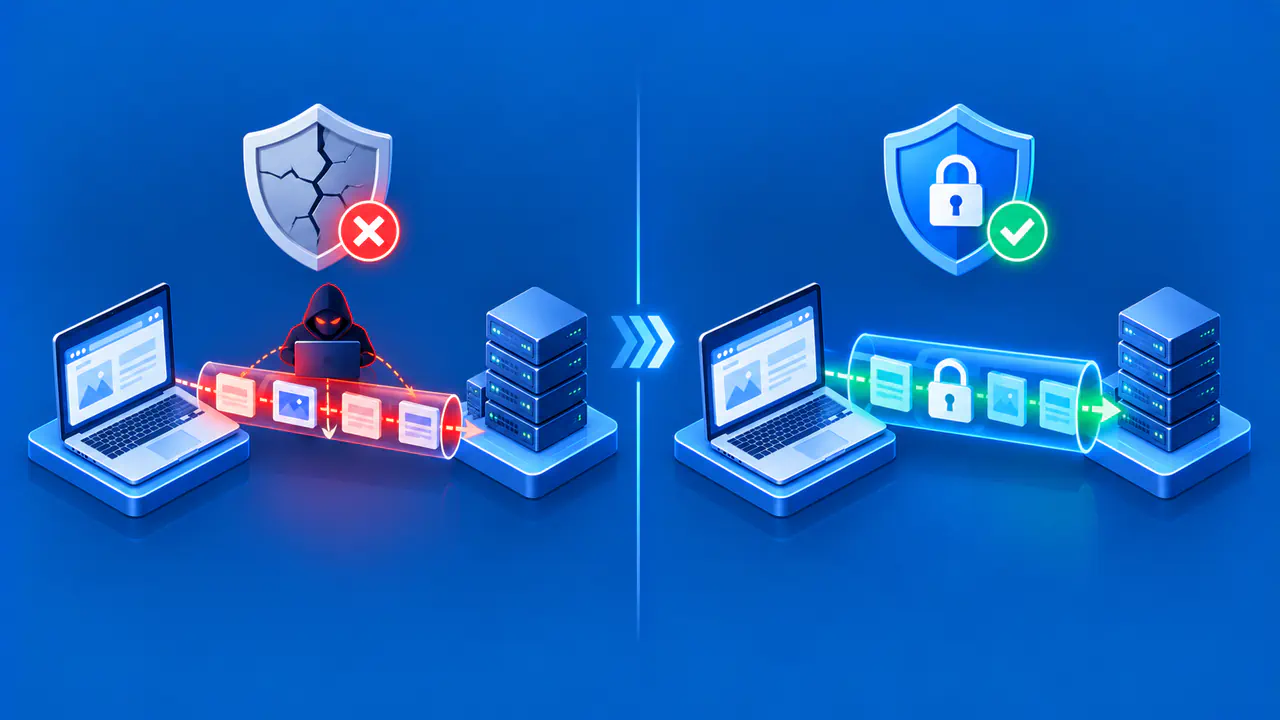
Wi-Fi connects a device by radio to a nearby wireless network. The internet is the larger network of networks that lets that device reach services beyond the local network. In a typical home, Wi-Fi is one way to reach the router, and the router uses an upstream internet service to reach websites and apps. Those are separate links, even when one box provides both the wireless signal and the service connection.
This distinction explains the familiar message “Connected to Wi-Fi, no internet.” A laptop may have a strong wireless link to the router and still be unable to reach anything outside the home. Conversely, a computer connected by Ethernet or a phone using cellular data can reach the internet without using that home's Wi-Fi at all.
Wi-Fi Is the Local Wireless Link
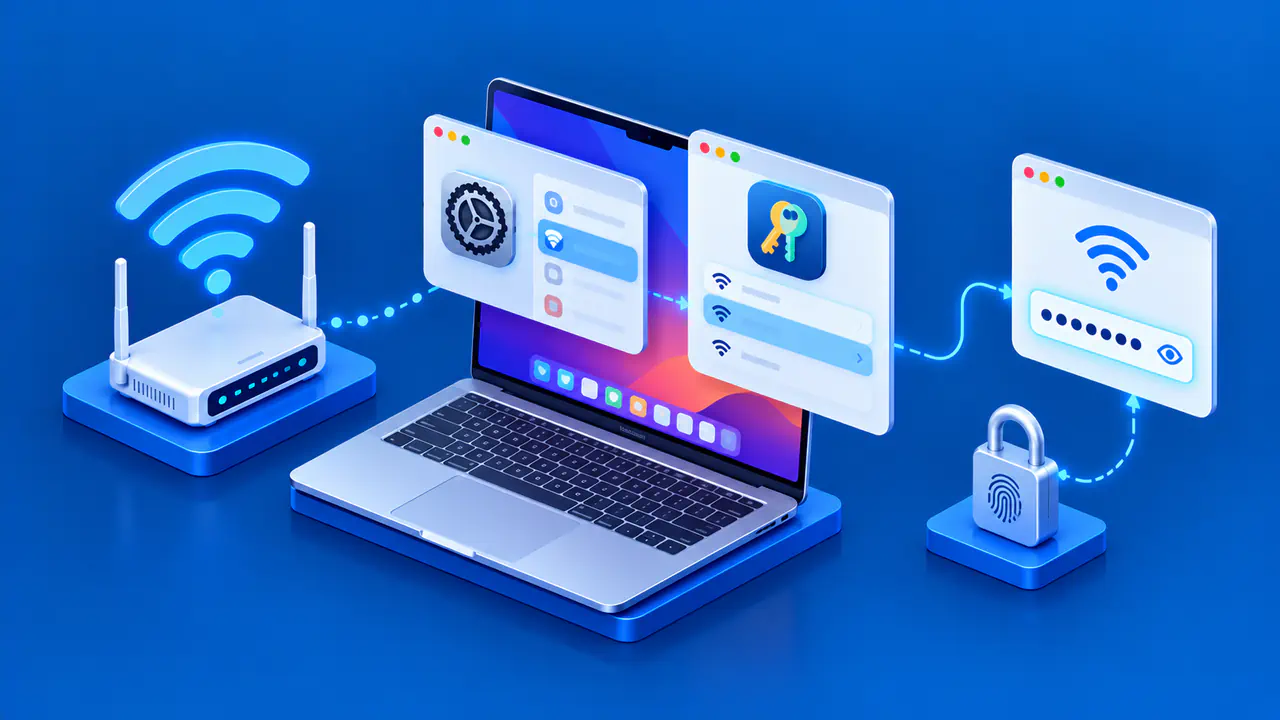
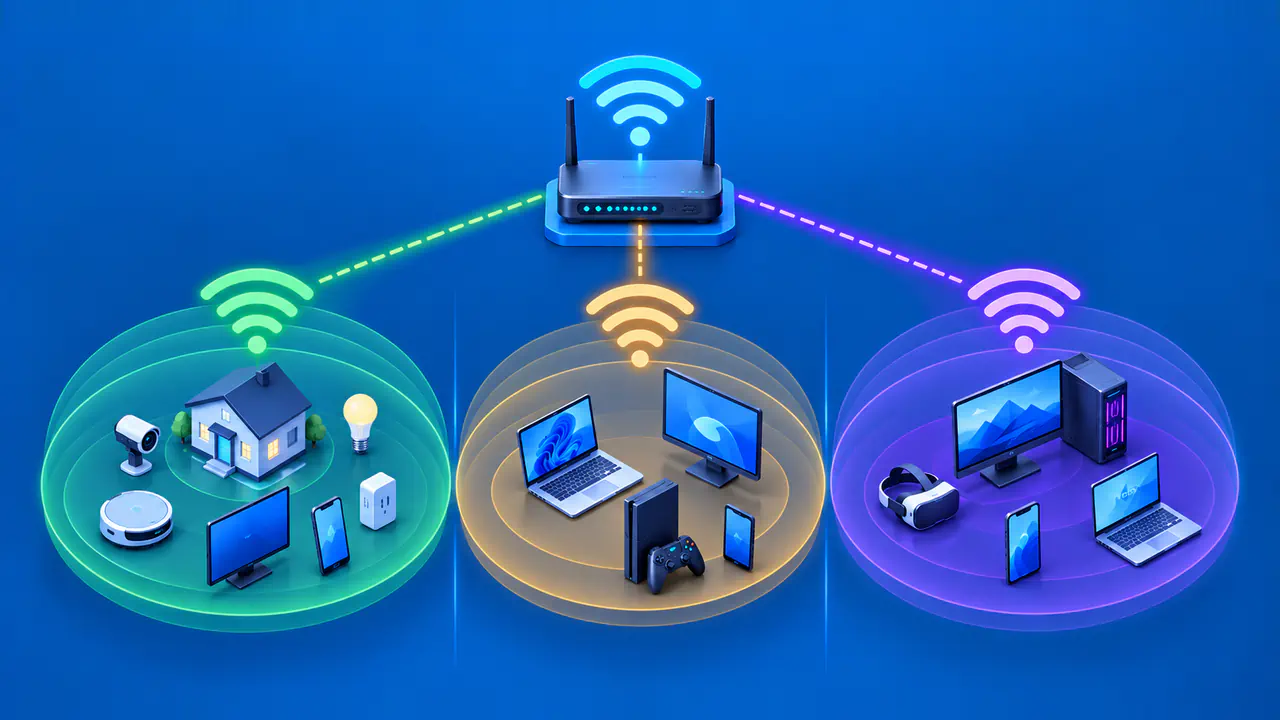
An access point usually advertises a network name, called an SSID, that appears in a phone or laptop's network list. Joining that network establishes the wireless link. The device also needs a usable network configuration before it can communicate with the router or other permitted local devices.
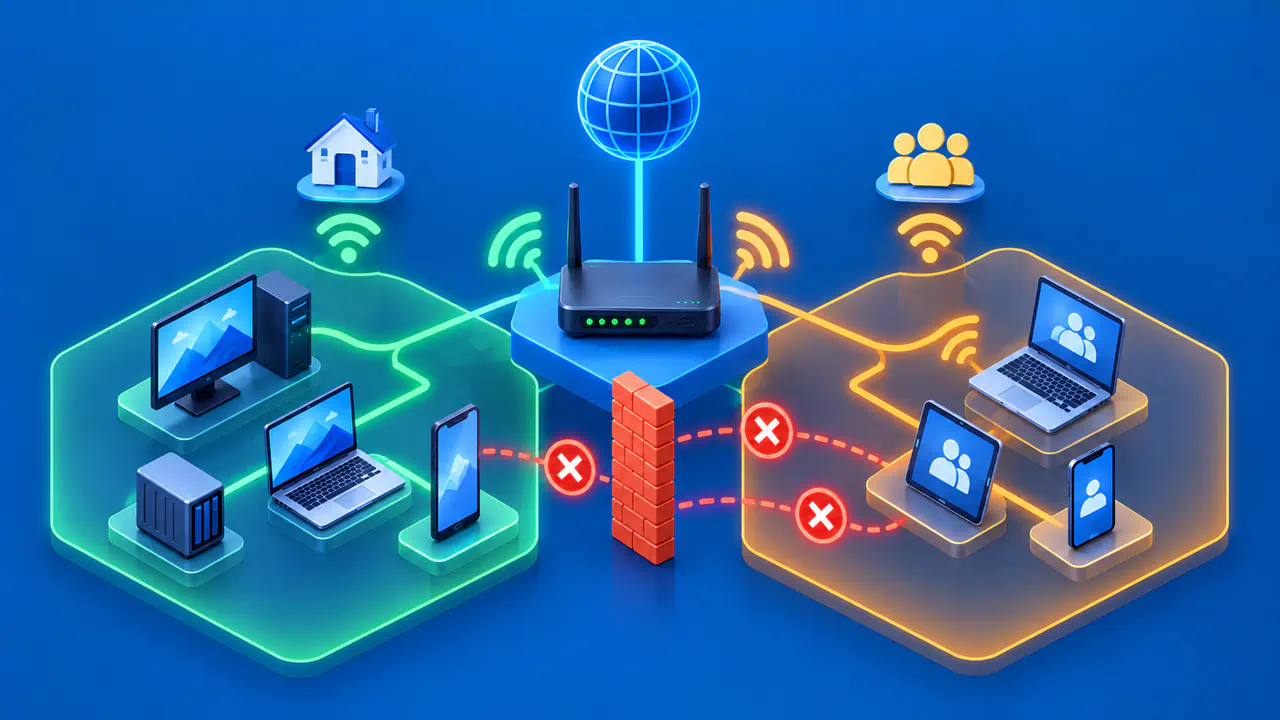
A local Wi-Fi network can be useful without an external internet connection. A printer, media device, or local file service may still be reachable within the network if the equipment remains powered and configured to allow that traffic. Local communication may be restricted by guest isolation or other policies, so connection to the same network name is not a guarantee that every device can see every other device.
The quality of your Wi-Fi connection depends on signal strength, interference, distance, and the capabilities of your device and access point. Full Wi-Fi signal bars indicate a strong signal from the nearby access point; they do not show whether your internet service is working. A weak wireless link can also slow access to a perfectly healthy internet service. Traffic sent over Wi-Fi must cross that local radio link before it can reach the provider.
How the Router Connects Local and External Networks
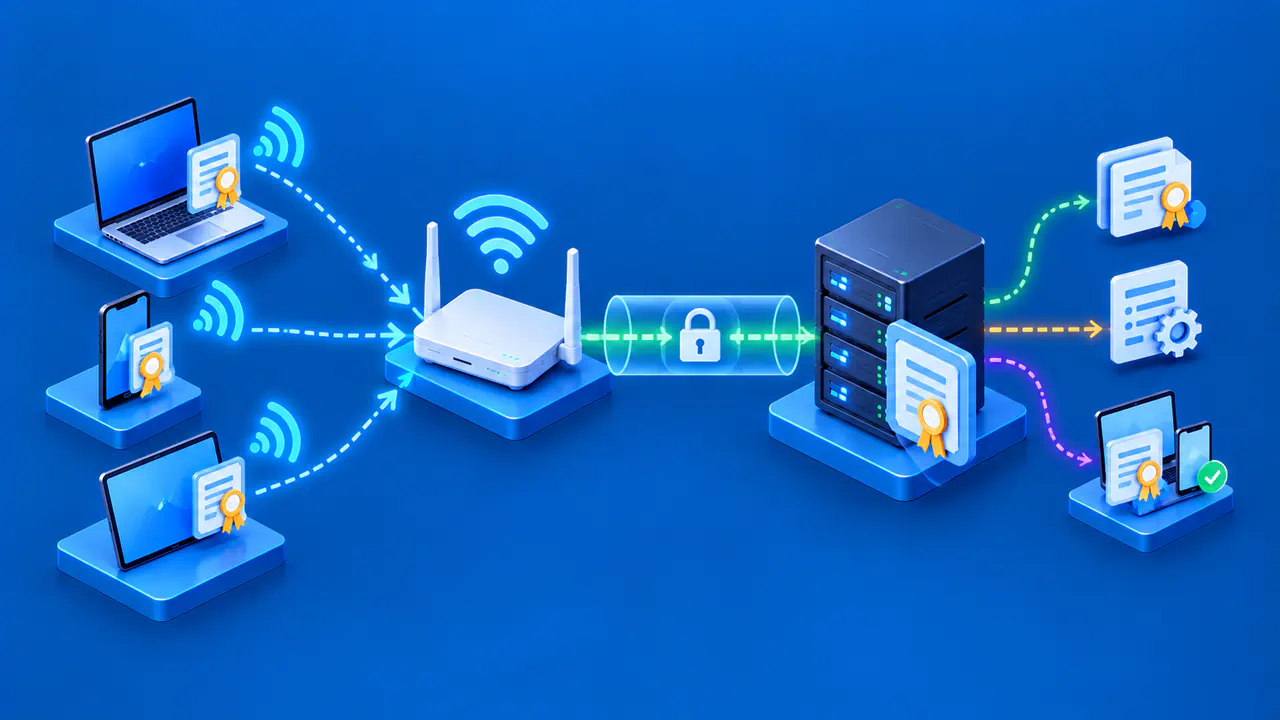
A router moves traffic between the local network and other networks. At home, a modem, fiber terminal, or provider gateway connects to the internet service, and a router shares that connection with wired and wireless devices. These functions may be combined in one physical box. Calling the whole box “the Wi-Fi” can hide which part is actually failing.
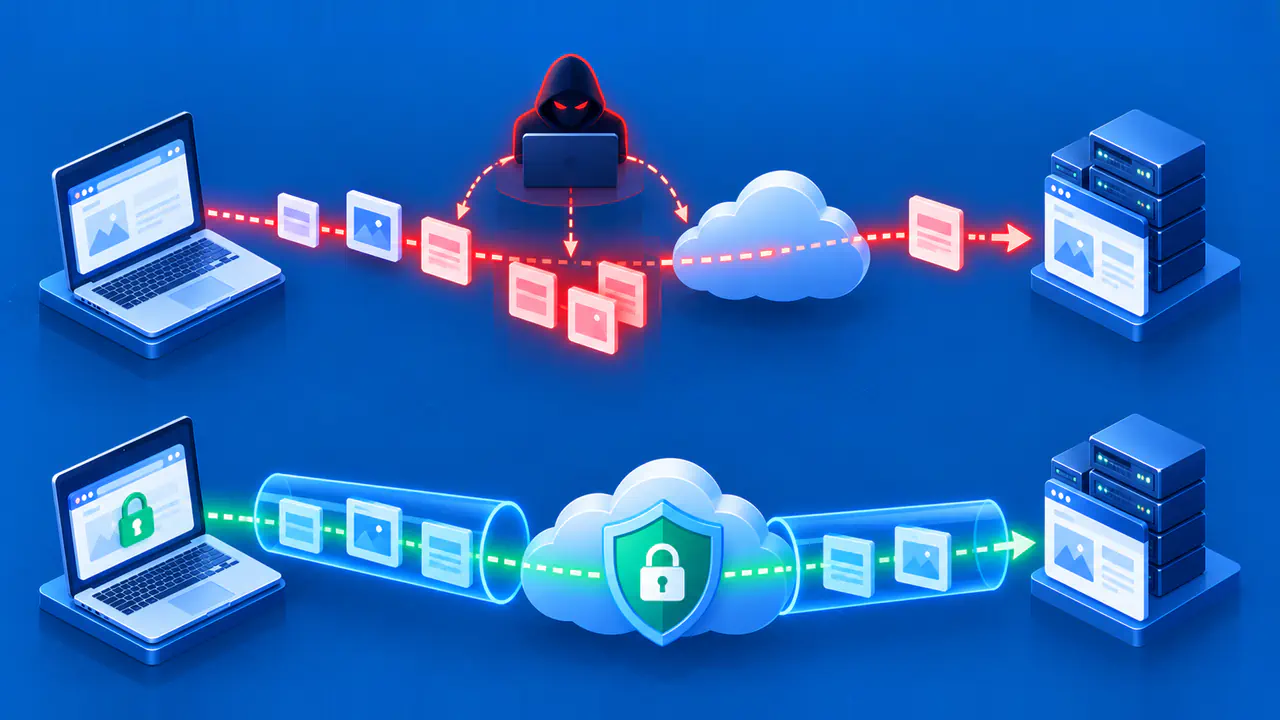
To reach a website over Wi-Fi, a device needs more than a wireless connection. It needs a usable local network configuration, a gateway that can forward traffic, a working provider connection, and a path to the destination. Name resolution is also needed when an app uses a domain name instead of a numeric address. Failure at any later stage can leave Wi-Fi connected while the website remains unavailable.
That does not mean every website error is a home internet outage. If other outside services work, a single website or app may be having its own problem. Check which part of the connection is failing before assuming the Wi-Fi link is at fault.
Why Wi-Fi Can Work without Internet Access
Imagine a router and access point that stay powered while the provider's cable or fiber service is interrupted. A phone can still join the Wi-Fi network and receive a local IP address from the router. The phone may still reach a local printer, but it cannot use the interrupted internet service to reach a website. The local wireless connection remains usable even though this route to the internet is unavailable.
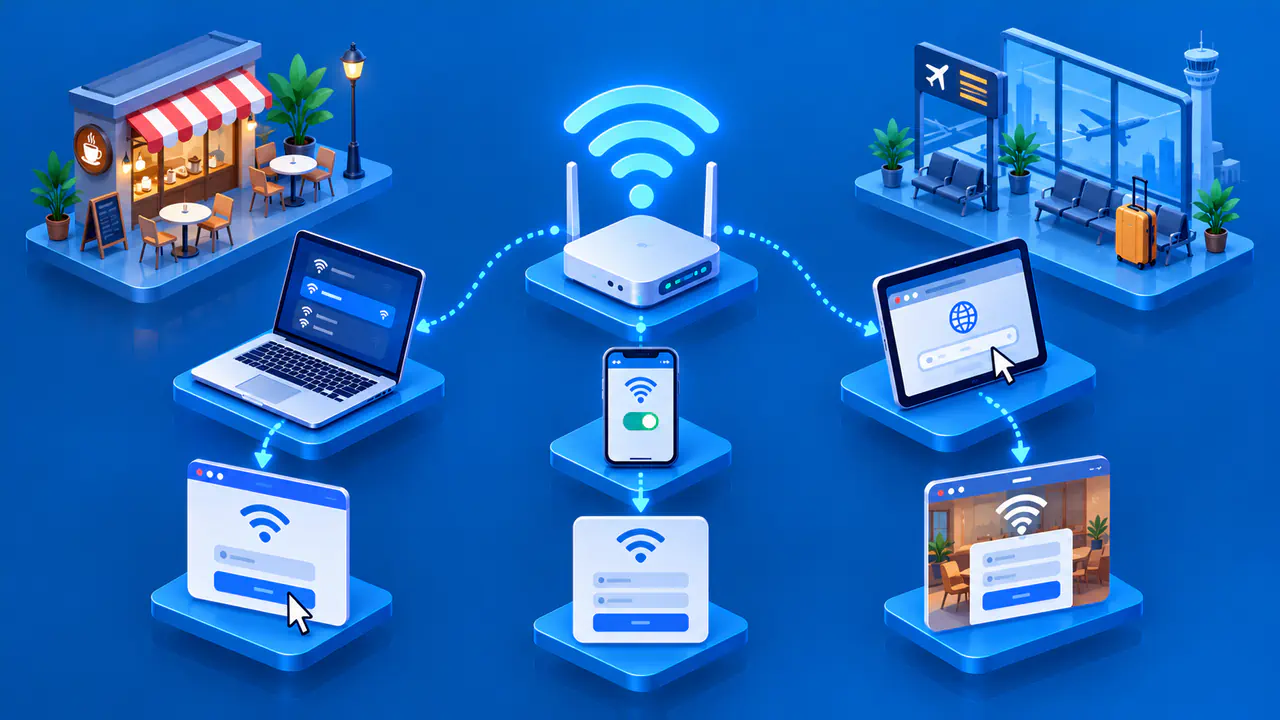
Another example is a guest network that requires a sign-in page before it permits outside traffic. A device can join the wireless network before you sign in, but the network may block internet access until you finish. Completing this sign-in is separate from entering a Wi-Fi password. A network policy or a gateway fault can also prevent outside access after the device joins Wi-Fi.
To distinguish local access from internet access, try a local service you normally use, such as a network printer, and a website. If local traffic works but external traffic does not, the wireless link is at least functioning for that local exchange. If neither works, the issue may be closer to the device or access point. Neither result proves what caused the problem, because the network may deliberately block access to local devices.
Internet Access Does Not Require Wi-Fi
Ethernet connects a device to a local network with a cable. A desktop plugged into the router can use the same upstream internet service as a nearby phone on Wi-Fi. If the wireless radio is off but the router and provider link work, the wired desktop may still browse the web. That makes Ethernet a useful comparison when the question is whether a problem is wireless or further upstream.
Cellular data is another route. A phone can disconnect from your home Wi-Fi and use its mobile provider's network to reach the internet. Mobile 5G is a cellular technology, not the 5 GHz radio band used by some Wi-Fi networks. A phone hotspot can share its cellular internet connection with other devices over Wi-Fi. In that setup, the Wi-Fi connection reaches the internet through the mobile provider instead of the home internet service.
Other access technologies, such as cable, fiber, fixed wireless, or satellite, can also connect a router that offers Wi-Fi indoors. Changing the internet access technology does not necessarily change how devices connect to the home network. For example, replacing a cable service with fiber may leave the household's existing wireless devices connected through the same access point.
Compare Local Link Speed with Internet Speed
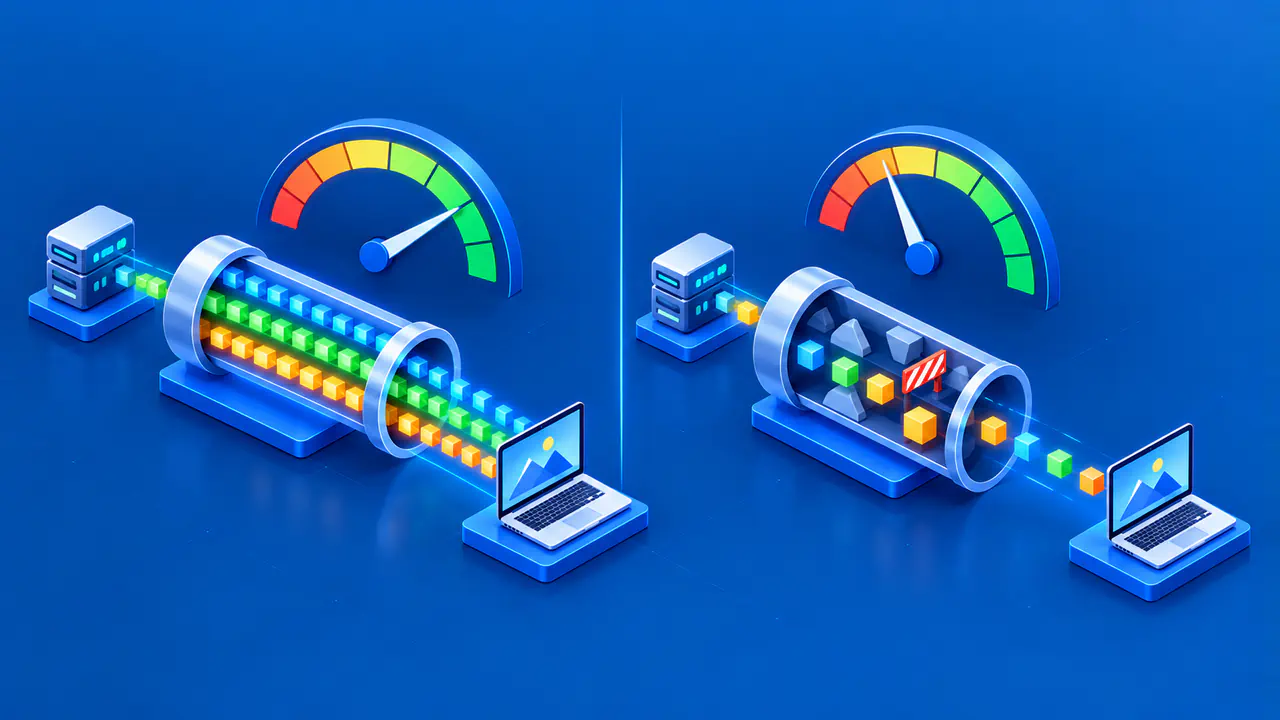
A Wi-Fi link rate shown in a device's settings describes its connection to the access point. It is not a measurement of a download from the internet. A speed test to an external server includes both the local connection and the path beyond the router, so a lower result does not by itself identify a Wi-Fi fault.
A file transfer that stays entirely within the home network does not pass through the internet provider's connection. Its speed can therefore differ from an internet download on the same device. A faster provider plan will not remove a severe Wi-Fi dead zone, while a better access point cannot restore a disconnected provider line. Choose a change based on which part of the path is limiting the connection.