What Is TCP/IP and How Does It Work?
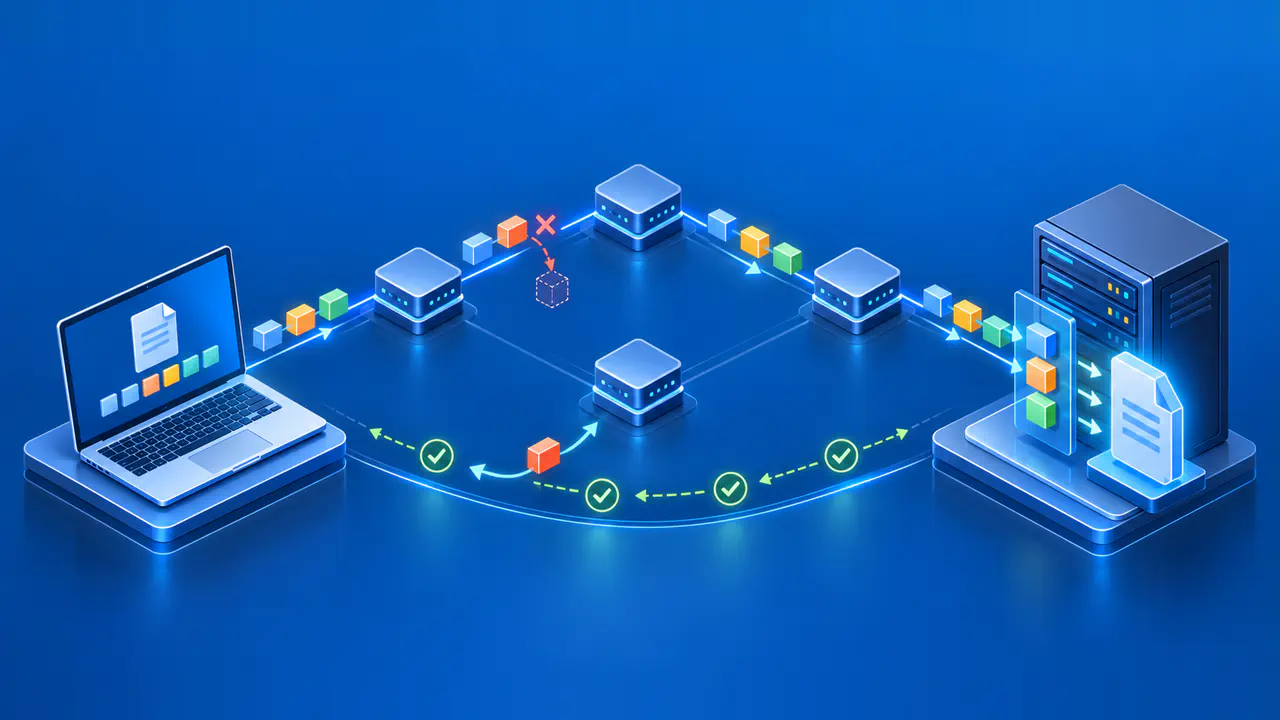
TCP/IP is the name commonly given to the internet protocol suite: a set of rules that lets devices exchange data across networks. The name comes from Transmission Control Protocol and Internet Protocol, but the suite also includes other protocols, such as UDP and DNS. Each protocol handles part of the communication, from sending a packet toward its destination to interpreting a web request.
The suite is commonly described in four layers: application, transport, internet, and link. For example, a browser uses an application protocol to request a page, while lower layers carry the request across the network. Separating those jobs allows the same web service to work over Wi-Fi, Ethernet, and other network connections.
IP Handles Addressing and Routing
An IP packet contains a source address and a destination address. IPv4 and IPv6 use different address and packet formats, but both provide the addressing needed to move packets between networks. A sending device uses its routing information to choose where to send each packet next.
For a destination reachable directly on the local link, the device can send the packet to that destination without a router forwarding it. For a remote destination, the next stop is usually a router, often the device's default gateway. Each router along the path makes its own forwarding decision using its routing information; the sending device does not normally choose every router in advance.
IP does not guarantee that packets will arrive, arrive in order, or all take the same path. Packets can be lost when a link fails or a device cannot handle the traffic. Software above IP must provide any required recovery, and an application may still report a failed connection if recovery is unsuccessful.
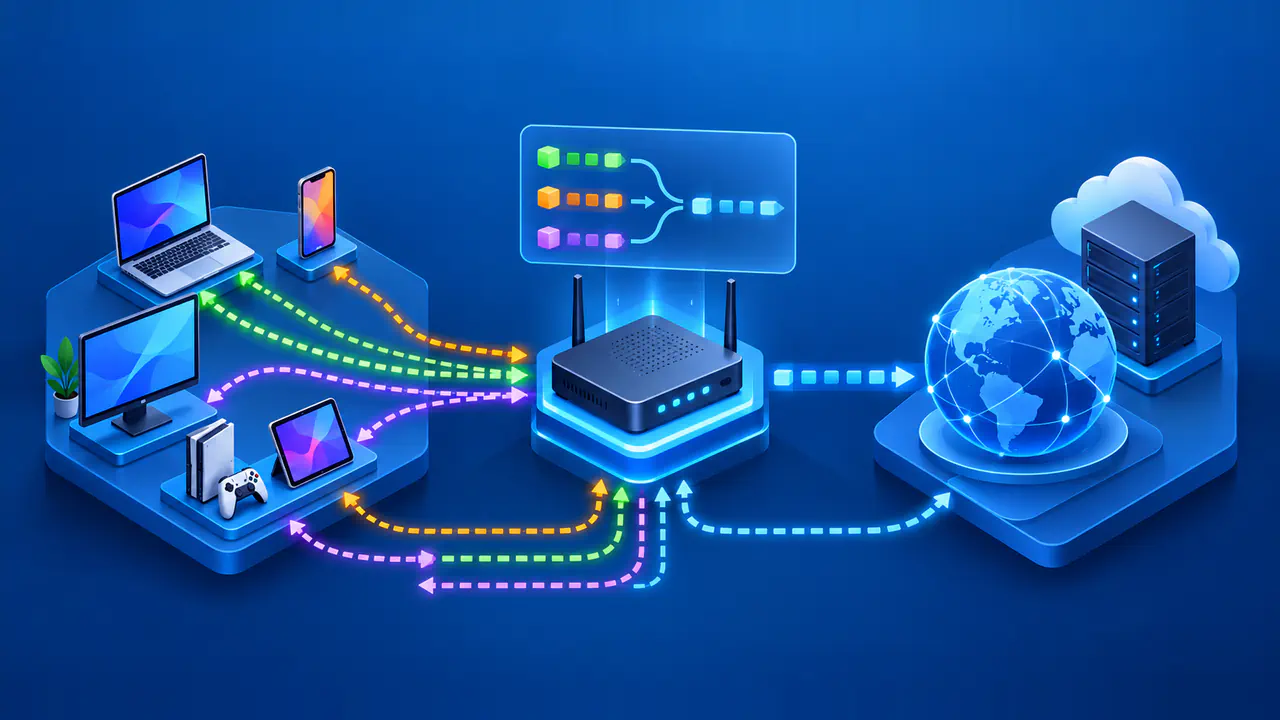
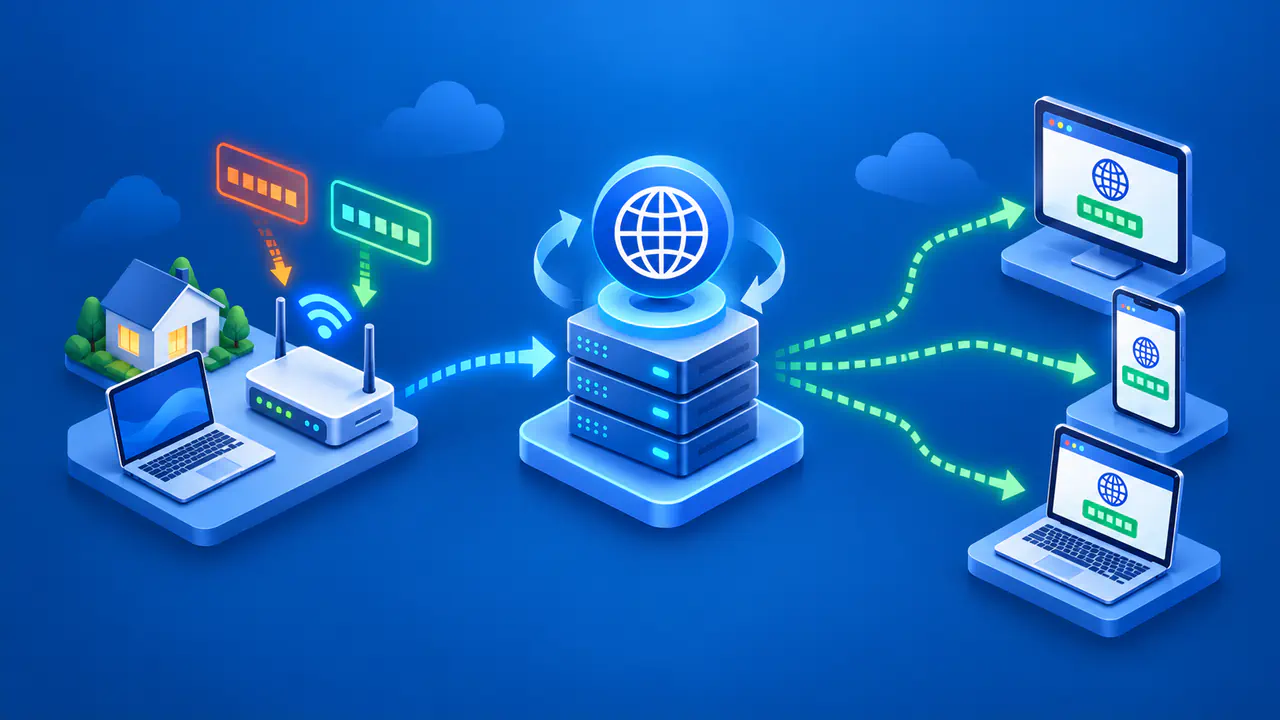
Network address translation can also change IP addresses along the path. For example, a home router commonly replaces a device's private source address with a public address for an outgoing IPv4 connection. The website then sees the translated address, even though the connection began on the device inside the home network.
Routing is distinct from name lookup. DNS can return IP addresses associated with a name such as www.example.net, but DNS does not select every router that a packet passes through. A failed name lookup can prevent a new connection even when a usable route exists; knowing the destination address does not, by itself, prove that the destination is reachable.
The Link Layer Handles Local Delivery
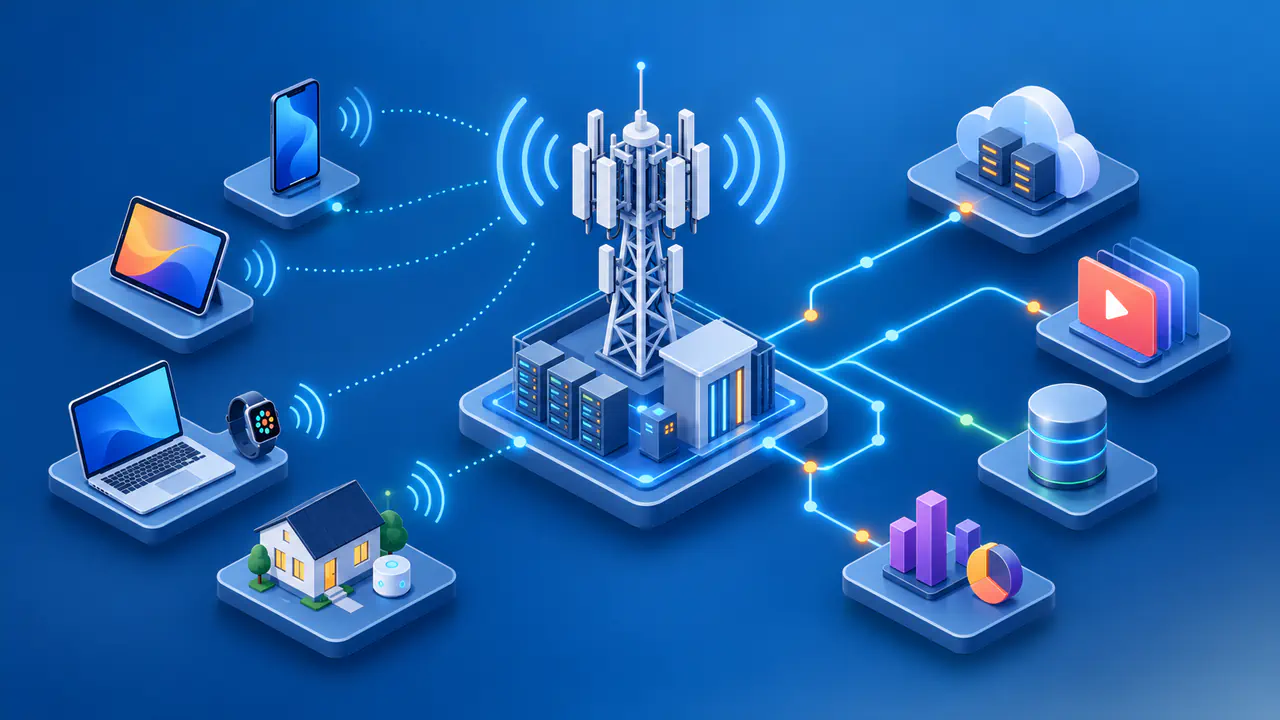
The link layer handles communication over the network to which a device is directly connected. On Ethernet, an IP packet travels inside a frame that includes the information needed for delivery on that local network. Wi-Fi uses its own frames and rules for transmitting over a wireless link.
When a router forwards a packet onto another link, it removes the incoming link's framing and supplies the framing needed for the outgoing link. A packet can therefore cross several types of network on its way to a server. The local delivery information changes from link to link rather than serving as one permanent address for the whole journey.
TCP and UDP Handle Transport
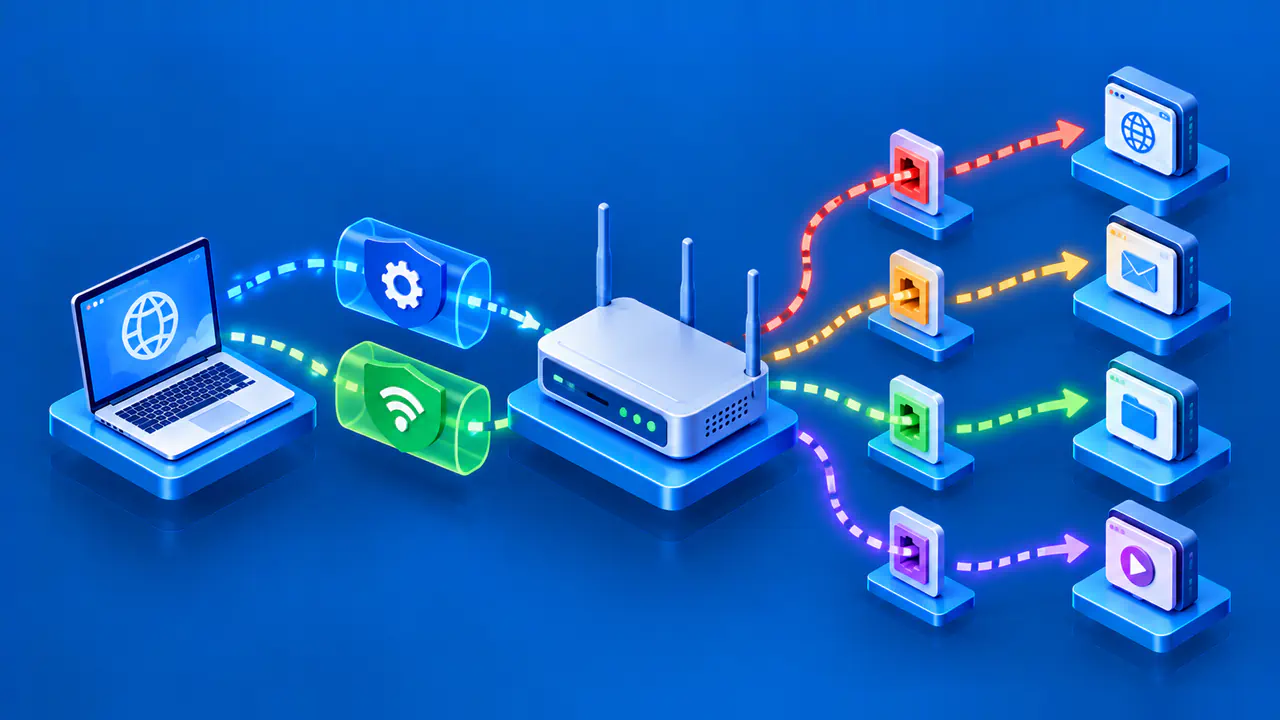
TCP and UDP use port numbers to help deliver arriving data to the right application on a device. The IP address identifies where the traffic is going, while the transport protocol and port help distinguish the receiving service. A server can therefore accept web traffic and other application traffic at the same IP address.
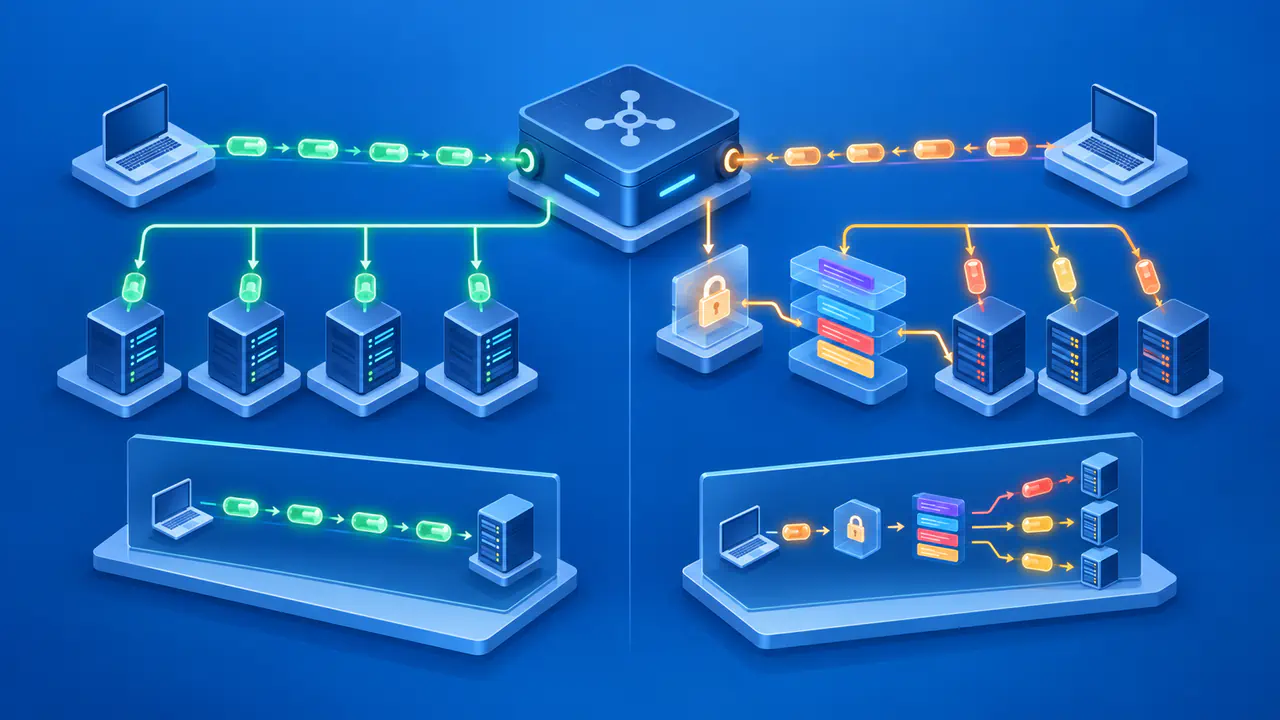
TCP establishes a connection and gives applications a stream of bytes in the order sent. It uses sequence numbers and acknowledgments to track delivery and can retransmit data that was lost. Flow control limits data to what the receiver can accept, while congestion control adjusts transmission to conditions on the network.
UDP sends separate messages called datagrams without first establishing a TCP-style connection. UDP itself does not restore missing datagrams or put them back in order. Applications or protocols built over UDP can add those features when needed; UDP's behavior does not mean that every application using it must accept data loss.
A working IP route is only part of reaching a service. The server must also have software accepting the intended traffic, and firewalls must allow the exchange. If the server process has stopped, a browser can fail to connect even though packets can reach the server's network.
Application Protocols Define the Exchange
An application protocol specifies the messages that communicating programs understand. HTTP defines web requests and responses, including what a request asks the server to do and what a response status means. DNS answers questions about domain names, while email services use their own application protocols. The lower layers carry these messages without interpreting them as web pages or email.
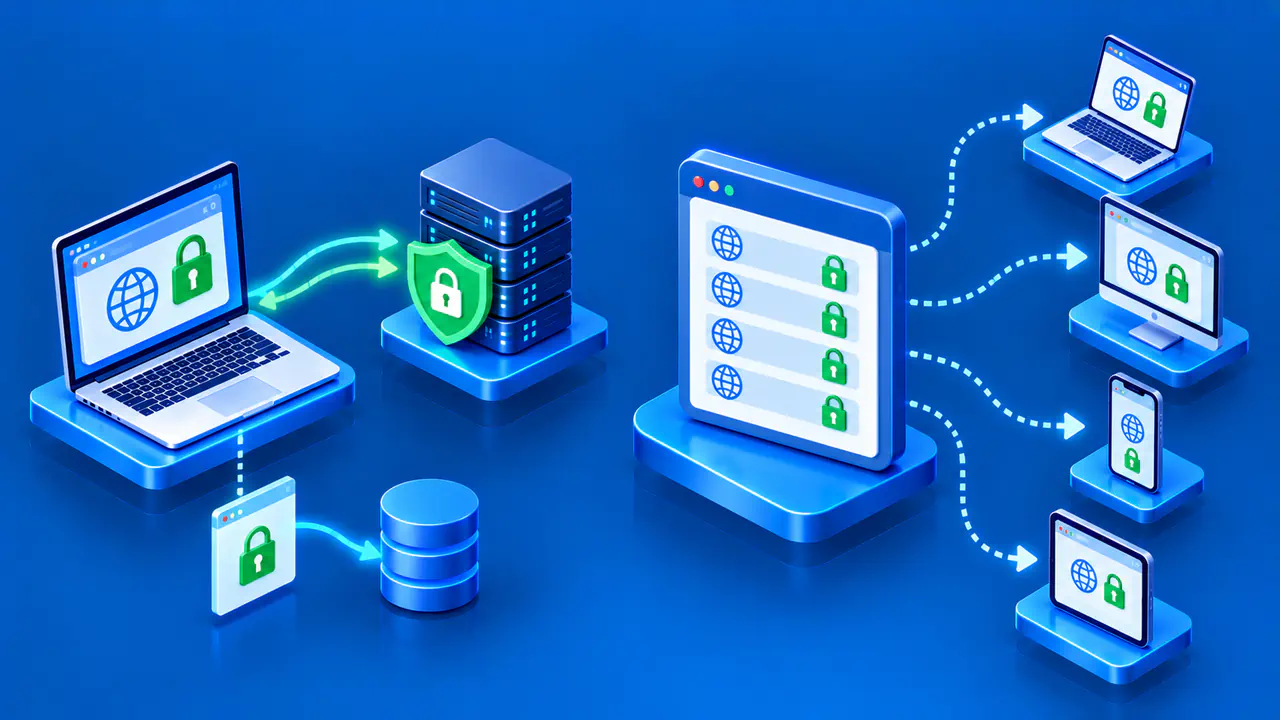
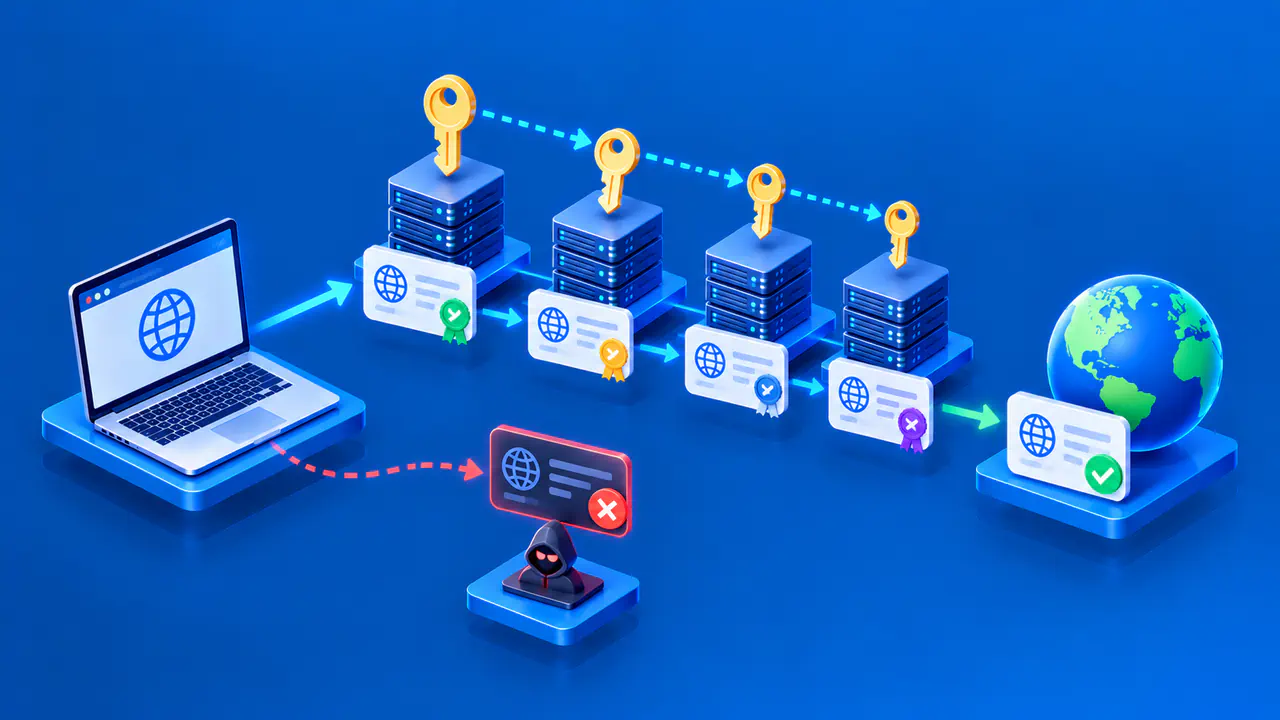
HTTPS adds protection for HTTP communication through TLS. The browser checks the server's identity for the requested site, and the connection protects HTTP data against eavesdropping and undetected changes in transit. Ordinary IP routing and TCP delivery do not provide those protections by themselves, and a valid certificate does not establish that a website's content is trustworthy.
An application can still reject a request after the network connection succeeds. A web server might return a permission error or report that a page does not exist. Those responses mean that an HTTP exchange occurred; changing the device's route is not a general solution to an application-level error.
A Web Request from Browser to Server
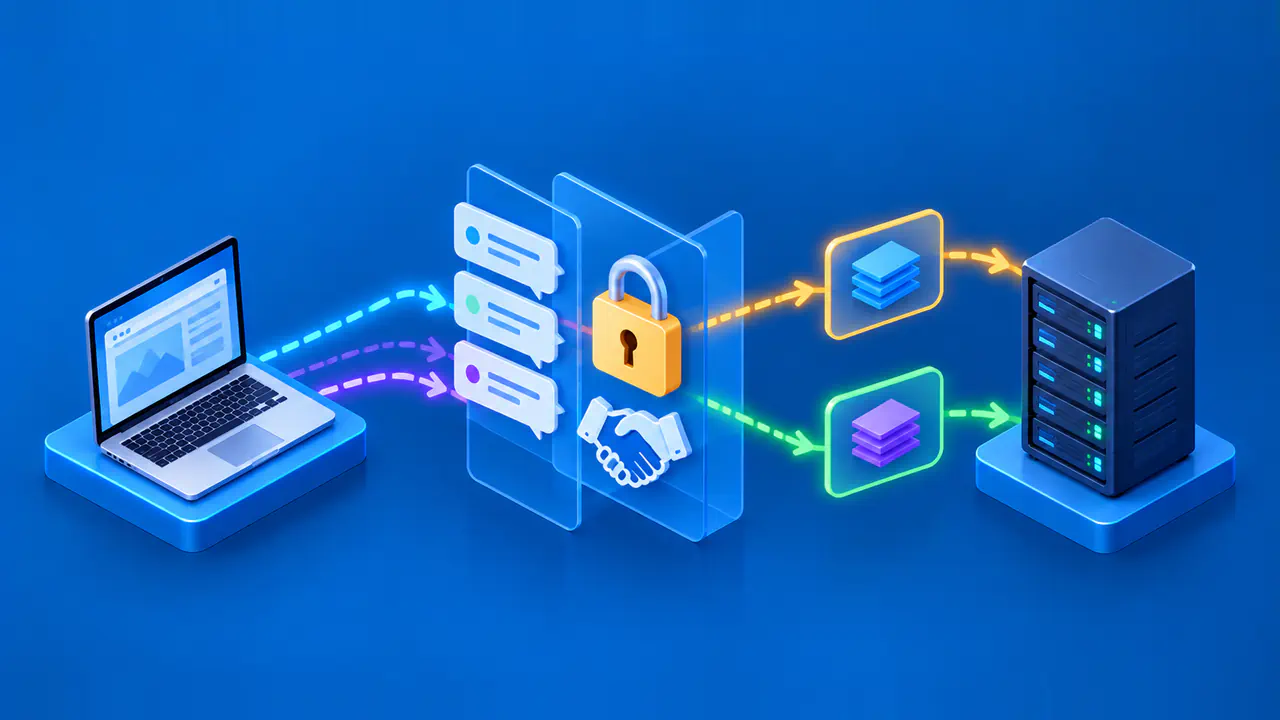
Consider a browser opening a page on www.example.net using a new HTTPS connection over TCP. The browser obtains a destination address, either from information already available locally or through DNS. The device selects a route, and the browser establishes a TCP connection to the server, normally on port 443. TLS then secures the connection before the browser sends the HTTP request.
The request does not travel across the network as one indivisible object. TLS protects the HTTP data, TCP carries the resulting bytes in segments, and IP carries those segments in packets. Ethernet or Wi-Fi framing handles delivery across the local link, with routers forwarding packets toward the server as needed. Adding the information required by successive layers is called encapsulation.
At the server, the receiving software processes the layers in reverse: it extracts the IP packet from the local frame, delivers the TCP byte stream to TLS, and decrypts the HTTP data for the application. The server's application then interprets the request and generates a response. The response travels back through the same kinds of layers, although its route through the network need not match the outbound route.
This example uses TCP, but HTTP/3 uses QUIC over UDP instead. QUIC supplies reliable delivery and encrypted communication above UDP, while IP and the link layer still carry the packets. A browser may also reuse an existing connection, so loading another page does not always require a new TCP connection and TLS negotiation.
When a request fails, the error helps identify which part of this process needs attention. A DNS error concerns name resolution, a connection timeout means the connection attempt did not complete in time, and a certificate error concerns the secure connection's identity or certificate checks. An HTTP error response comes from the application exchange; none of these symptoms alone means that the entire TCP/IP suite has stopped working.