What Is a Port Number in Networking?
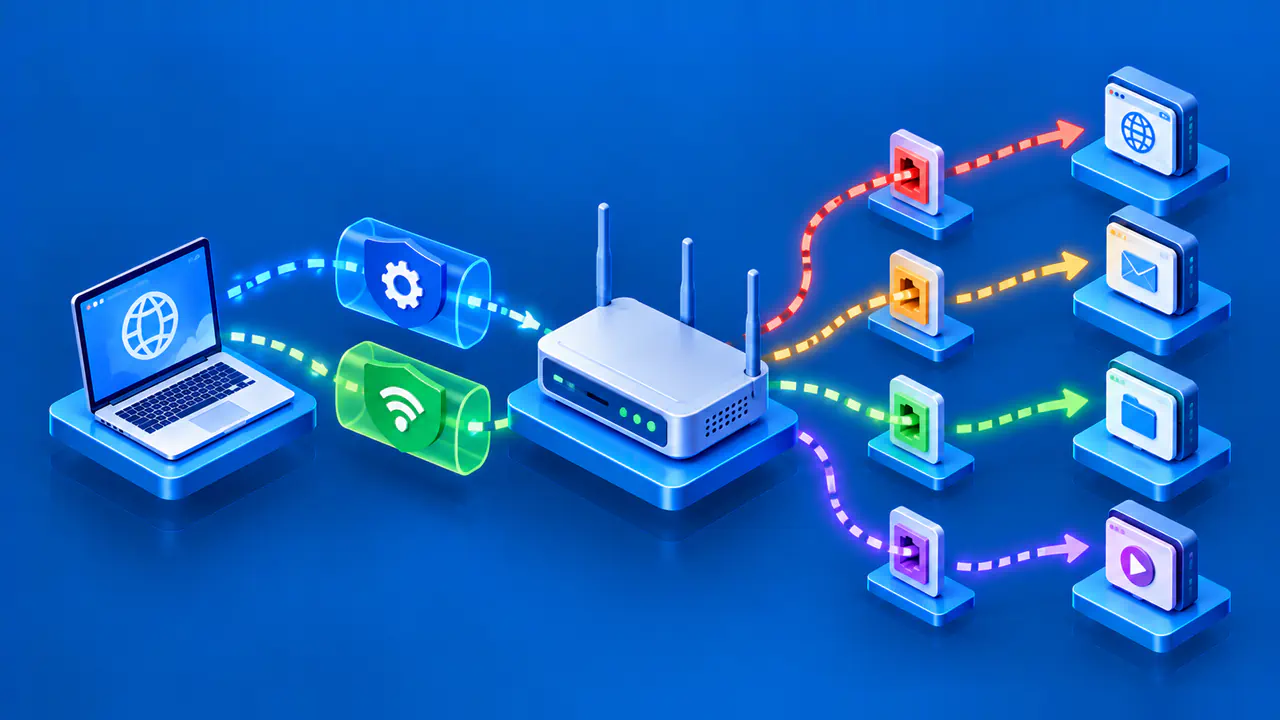
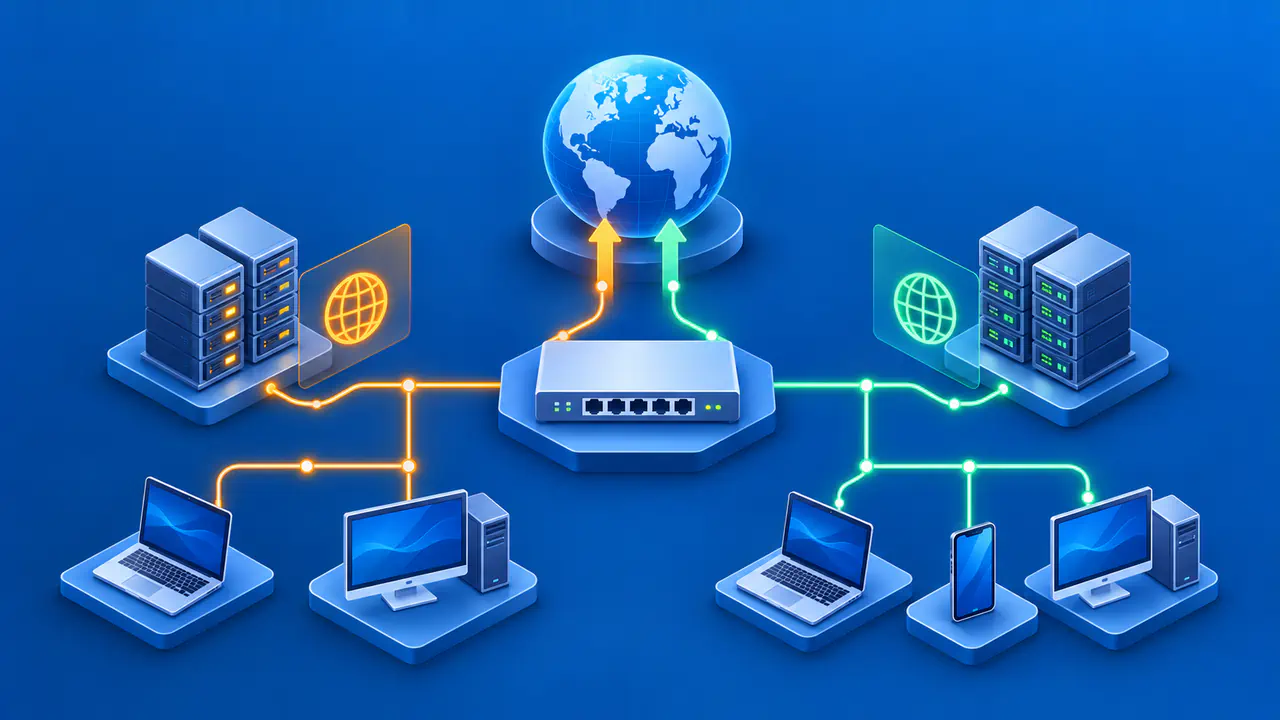
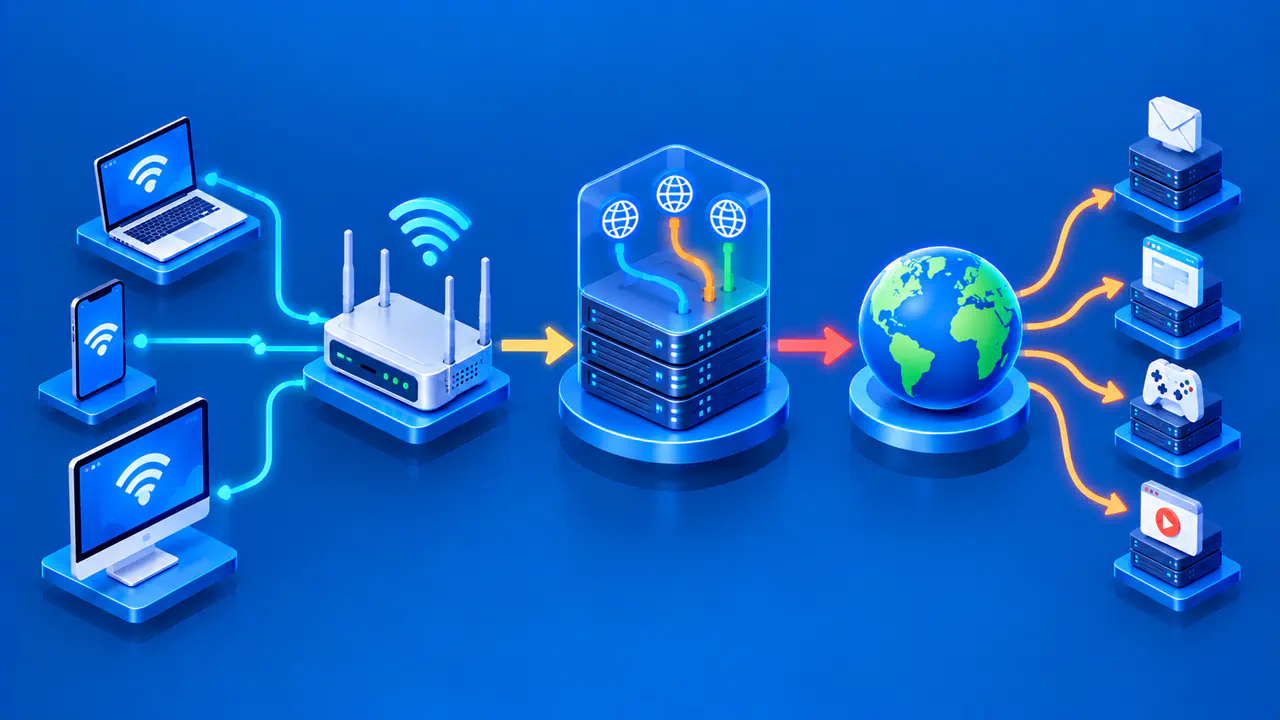
A port number helps a device deliver network traffic to the right application. An IP address identifies the destination on the network, while TCP or UDP uses the destination port to direct the traffic within that device. The protocol, IP address, and port together identify a communication endpoint. A port number alone does not identify a device or prove which program is running.
Ports appear in web addresses, connection logs, router rules, and error messages. In these settings, a port is a number used by software, not a physical socket for a cable. Understanding a port also requires knowing which device and protocol it belongs to, and whether the number describes the sender or the receiver.
Source and Destination Ports
TCP and UDP both carry source and destination port fields. Each field is 16 bits, allowing values from 0 through 65535. TCP and UDP have separate port spaces, so TCP port 443 and UDP port 443 are distinct. A service using one does not automatically receive traffic sent to the other.
For a client connecting to a service, the destination port is the number the service expects at the destination address. The client also uses a source port for its end of the communication. For example, a browser might send TCP traffic from local port 55020 to a server's port 443. In replies on that connection, 443 is the source port and 55020 is the destination port.
A server can accept many TCP connections on the same listening port. Each established connection is distinguished by both ends: the client address and port, and the server address and port. Two clients can therefore contact the same server port without their data being delivered to the wrong connection. One client can also make several connections to that server by using different local ports.
The transport protocol determines how data is exchanged. TCP establishes a connection and delivers an ordered stream of bytes, recovering from packet loss through retransmission. UDP sends individual datagrams without TCP's connection setup or delivery guarantees. Applications choose the protocol they need; changing a port number does not change TCP into UDP.
Service Ports and Temporary Client Ports
Port assignments are organized into three ranges. System ports, also called well-known ports, run from 0 to 1023. User or registered ports run from 1024 to 49151, and dynamic or private ports run from 49152 to 65535. These ranges describe how numbers are assigned, not which ports are currently in use on a particular computer.
A service often listens on a documented port so clients know where to connect. A client commonly uses a temporary source port for an outgoing connection, often called an ephemeral port. The operating system normally selects an available value when the application has not requested a particular one. The client may use a different source port for its next connection.
Numbers in the dynamic range are not assigned to permanent services in the port registry. However, operating systems have their own configurable ranges for choosing temporary ports, and those ranges need not match the registry's dynamic range. A client source port below 49152 is therefore not necessarily an error. Inspect the operating system's settings before deciding that a source port is unexpected.
Port 0 is part of the numeric space but is reserved rather than an ordinary service destination. Other numbers within the system and user ranges may also be reserved or unassigned. A range label alone does not establish that a number is available or suitable for a new service.
Why a Port Number Does Not Identify a Program
A registered port indicates an agreed use for a service, but it does not enforce that use on every computer. Software can be configured to listen on another port, and an unrelated program can use a familiar number. To identify what is actually running, an administrator needs evidence from the host's processes and configuration or from the application protocol.
This distinction matters when reading a log. A service name shown beside a port number may have been added from a lookup table rather than discovered from the traffic itself. Treat that label as a clue. Neither the number nor the label establishes that the traffic is safe or that the application is the one expected.
Listening and Remote Access
A listening TCP socket means an application is ready to accept connections at a local address and port. The application may listen only on a loopback address, which other devices cannot reach directly. It may instead listen on a private address reachable from connected networks or an authorized VPN. Binding to a private address does not, by itself, limit access to one local subnet.
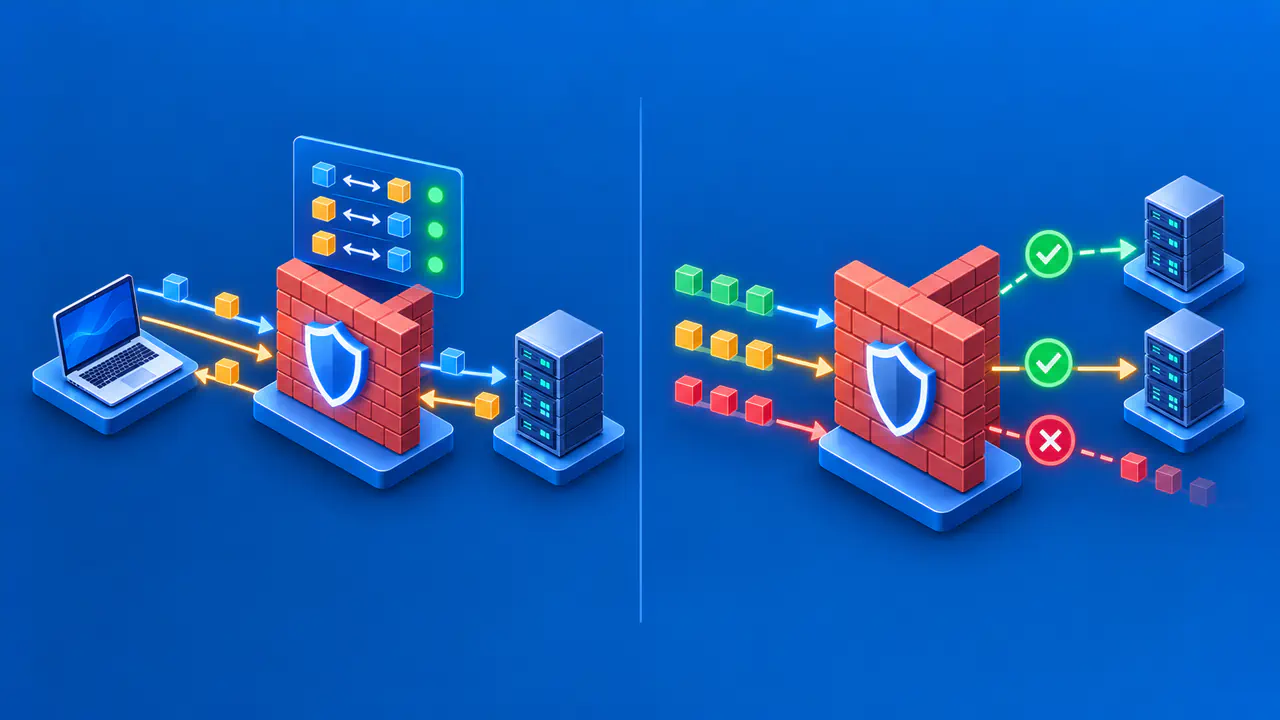
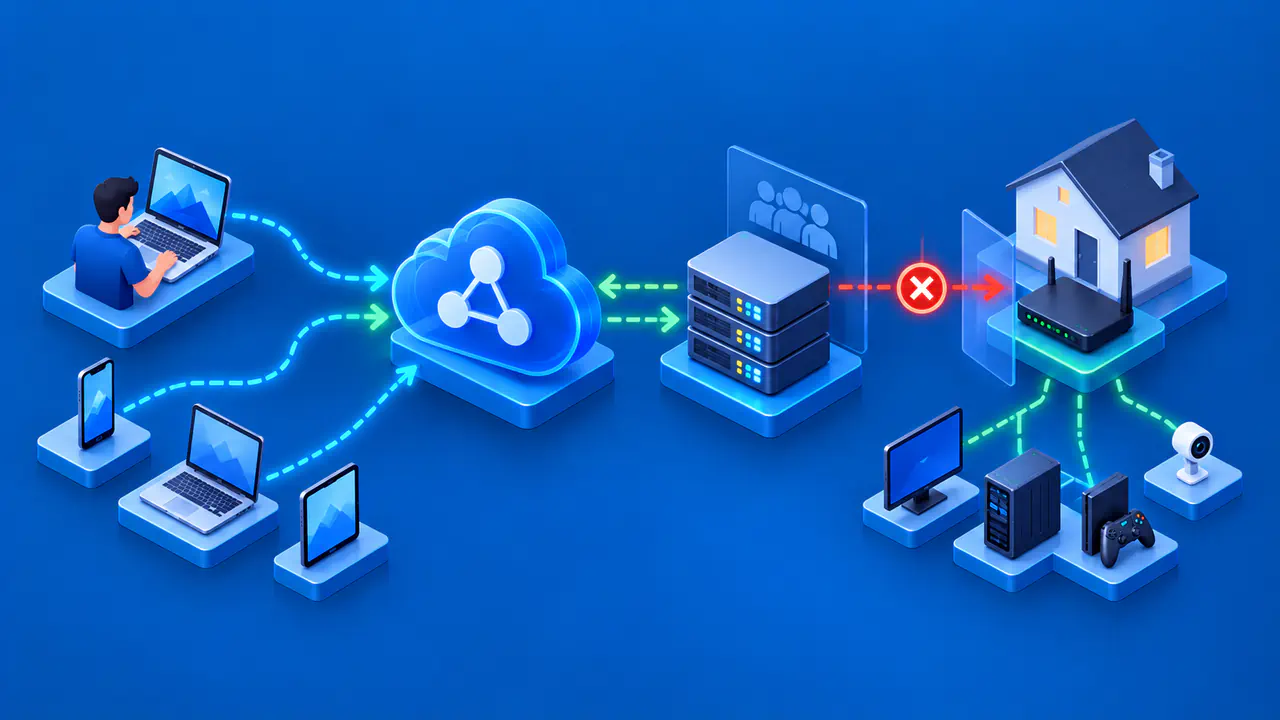
A service listening locally can still be blocked by a host firewall, a network firewall, or a router between the client and server. A connection made on the server itself may succeed while one from another computer fails. A connection from the same Wi-Fi network may work while an internet connection to the service does not. The result depends on the source network and the permitted route to the service.
UDP is harder to assess from silence because it has no TCP-style connection handshake. A UDP application might receive a datagram but send no reply, or a firewall might silently drop the packet. A missing response does not distinguish those cases. Application logs or a valid request for that service can provide more useful evidence than an arbitrary UDP probe.
A successful TCP connection shows that the endpoint accepted that connection from the tested location. It does not prove that the application will accept a login, return the requested data, or work from every network. If the connection succeeds but the application fails, the next check concerns the application response rather than whether the port is reachable.
Ports in Router Rules and Logs
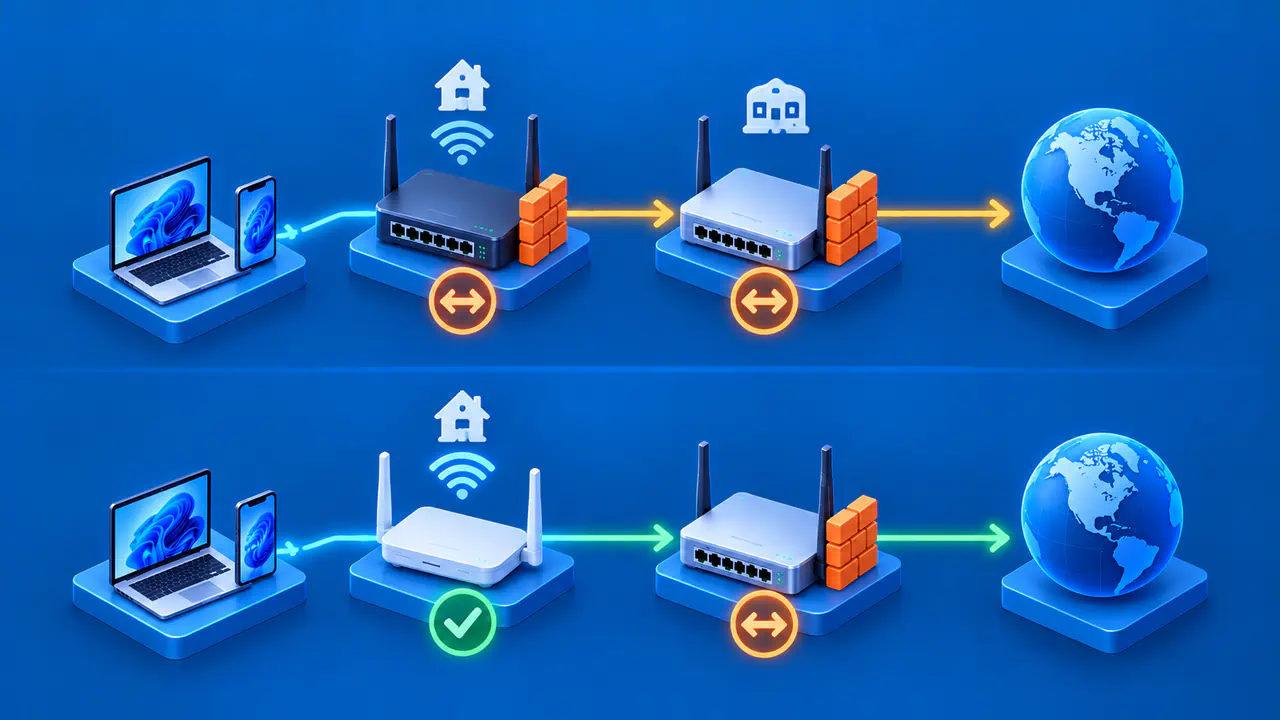
Network address translation, or NAT, can place a service's private address behind a router's public address. A port-forwarding rule can direct selected inbound traffic to that service, but a local listener does not automatically create such a rule. A router's own service and a service behind the router are also different destinations. Check which device a rule or result actually describes.
An open port is not automatically a security flaw. The risk depends on the exposed application, its authentication, updates, configuration, and who can reach it. An administrator should disable or restrict unneeded services, but blocking a number without identifying the service can interrupt legitimate connections. Changing the number alone does not fix a vulnerable application.
When investigating a connection, keep the address, protocol, local port, and remote port together with the time and source network. A log recorded on the server reverses the local and remote roles shown on the client. Confirm which side produced the record before interpreting a port as the service's listening port. Any connection checks should be limited to systems you own or are authorized to assess.