TLS Handshake Errors and Common Causes
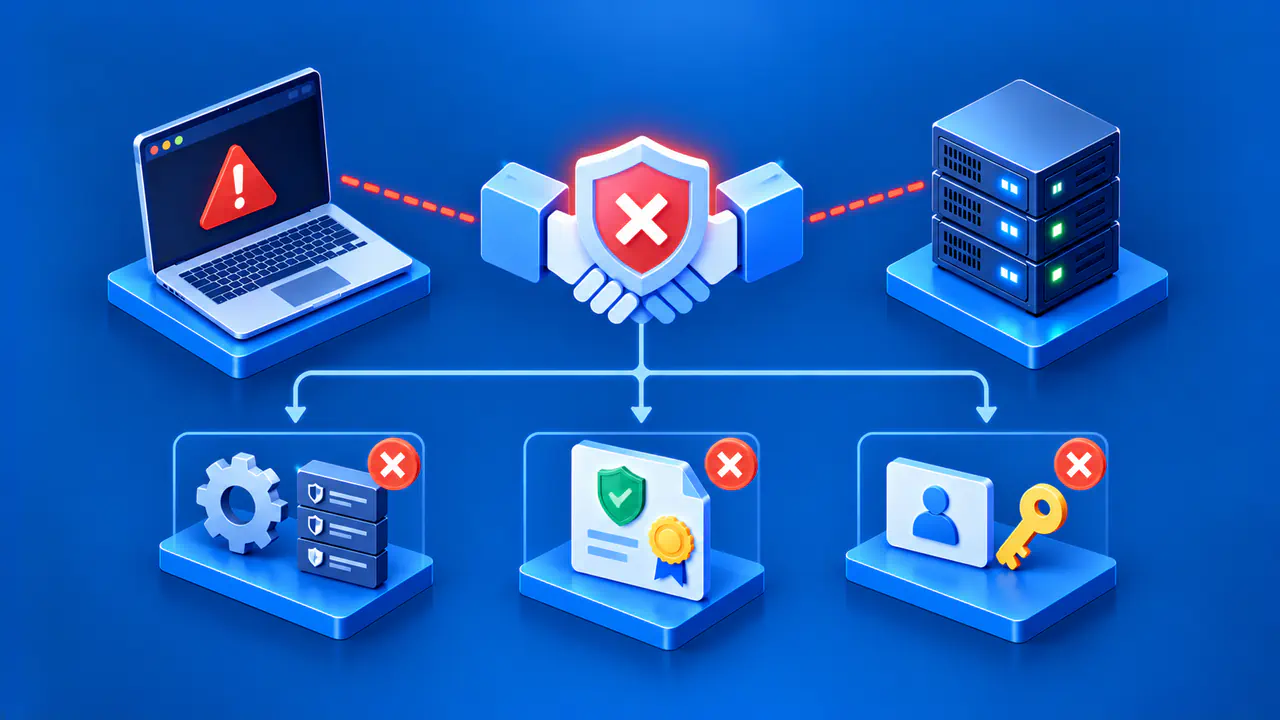
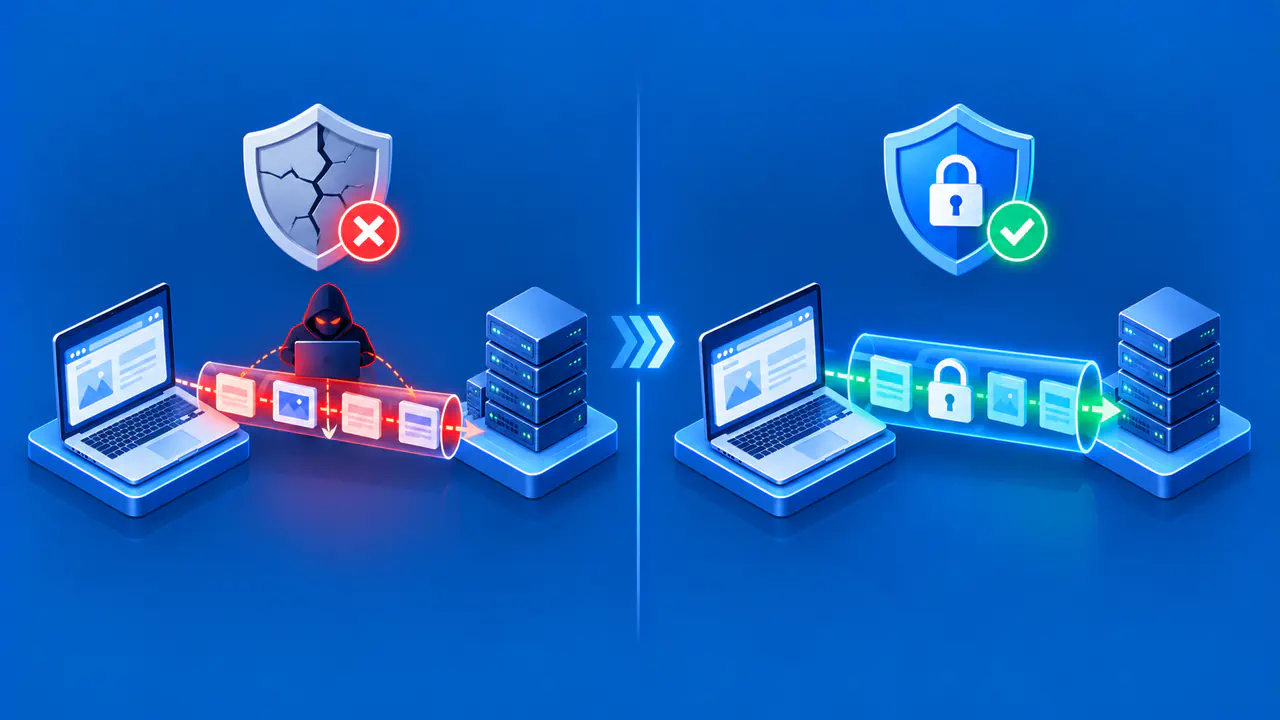
A TLS handshake lets a client and server agree on security settings and authenticate the connection. It normally precedes application traffic, although TLS 1.3 can allow a client to send early data before the handshake finishes. If that exchange fails, the browser may show a general secure connection error while a server log records a more specific alert. A handshake error identifies a failed exchange, but the message alone may not reveal which step failed. Protocol support, server name selection, certificate validation, and client authentication can each stop the exchange.
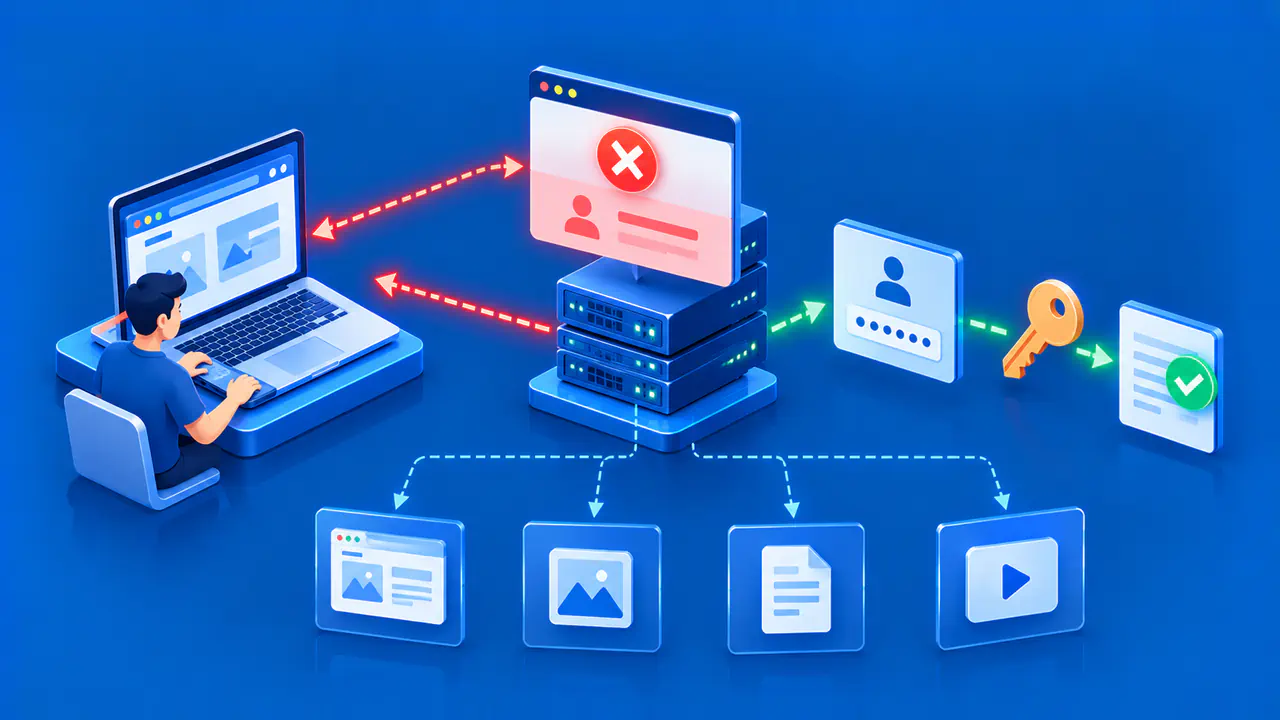
First identify which connection failed. A visitor may connect to a CDN edge, which then opens a separate TLS connection to the origin. A TLS error generated by the browser concerns its connection to the CDN. An error page returned by the CDN may instead report a failed TLS connection to the origin. Match each error to the connection it describes before comparing browser, CDN, and origin logs.
Separate Client and Server Responsibilities
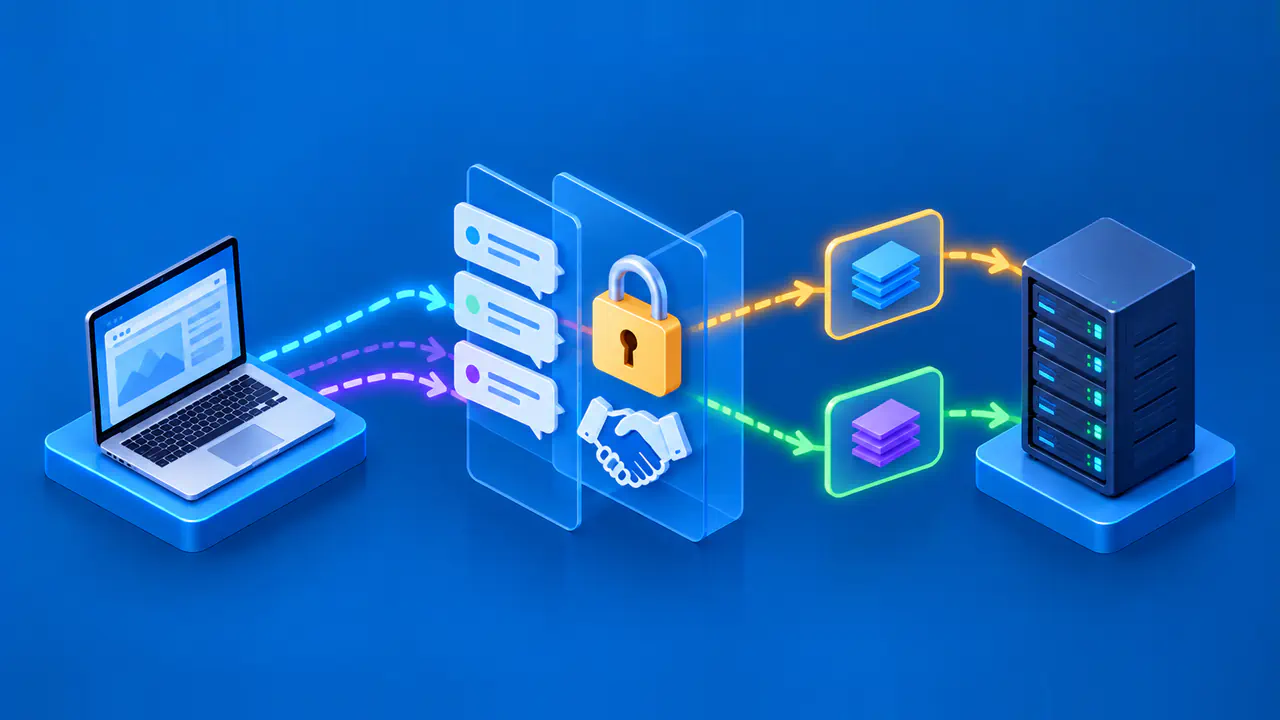
The client starts by offering supported TLS versions and other parameters in a ClientHello. The server selects compatible parameters and presents its certificate in a typical authenticated handshake. The client validates the server identity and certificate chain. In mutual TLS, the server can also request a client certificate and validate it. A failure at any of these stages can prevent the connection from being established.
A visitor can record the exact hostname, browser and operating system versions, warning text, and whether other known HTTPS sites work. The server owner can inspect listener configuration, supported protocol versions, logs, certificate selection, and client authentication policy. A visitor cannot repair a server that offers only obsolete TLS, while the server owner cannot fix a single device's incorrect clock or locally intercepted connection without help from that device or its administrator.
Find the Failure Stage
Collect the timestamp, requested hostname, source and destination endpoints, and the first relevant error from client and server logs. TLS alerts such as protocol_version, handshake_failure, unknown_ca, or certificate_required help narrow down the cause. Software may display a less specific message, so record the exact alert when it is available. Also note which side sent it: a client rejecting the server certificate requires a different investigation from a server rejecting a client certificate.
If the failure occurs before a certificate is presented, focus on reachability, the listener, protocol version, supported security parameters, and the selected TLS endpoint. If a certificate is presented and rejected, check the server certificate, the supplied intermediate certificates, the trusted root, validity dates, and hostname matching. If the server requests a client certificate, inspect whether the client sent one and whether the server accepts its issuer and intended use. An HTTP error response over that HTTPS connection is an application response, although a proxy may use it to report a TLS failure on a separate connection.
Check Protocol Support and Server Name Selection
A client and server need a mutually acceptable TLS protocol and security configuration. A server restricted to older protocols can fail with a modern browser. Use a current TLS configuration on the server or proxy, with TLS 1.3 preferred and TLS 1.2 supported where compatibility requires it. Do not enable obsolete SSL, TLS 1.0, or TLS 1.1 to make the error disappear.
Matching the TLS version is not enough. The client and server also need compatible cipher suites, signature algorithms, and key exchange settings. A server can reject a handshake even when both sides support TLS 1.3 if an administrator has restricted those settings too far. Compare the client's offered algorithms with those enabled on the server, and use the server log to identify the rejected setting.
Server Name Indication, or SNI, lets a client include the DNS hostname during the handshake so a shared TLS listener can select the intended certificate. If the client omits SNI or sends an unexpected name, the server may select a default certificate. The TLS endpoint chooses the server certificate before processing the HTTP request, so correct HTTP routing does not prove that the intended certificate was selected. Check the public hostname, address family, port, CDN edge, SNI name, and listener mapping together.
Do not infer a protocol problem from a certificate warning or vice versa. A protocol version error calls for checking the supported TLS versions; a name mismatch calls for checking the requested hostname and the selected certificate. Also consider that a reverse proxy can use one TLS version toward visitors and another toward the origin. Record whether the failure affected the visitor connection or the origin connection before changing settings.
Check Server and Client Certificates
When the client rejects a server certificate, distinguish the cause. The server certificate may be expired, not yet valid, or issued for another hostname. The chain may lack a needed intermediate or lead to a root the client does not trust. A browser can group several of these conditions under a broad warning. Inspect the certificate actually served to the affected hostname rather than a certificate stored on the origin that may not be in use.
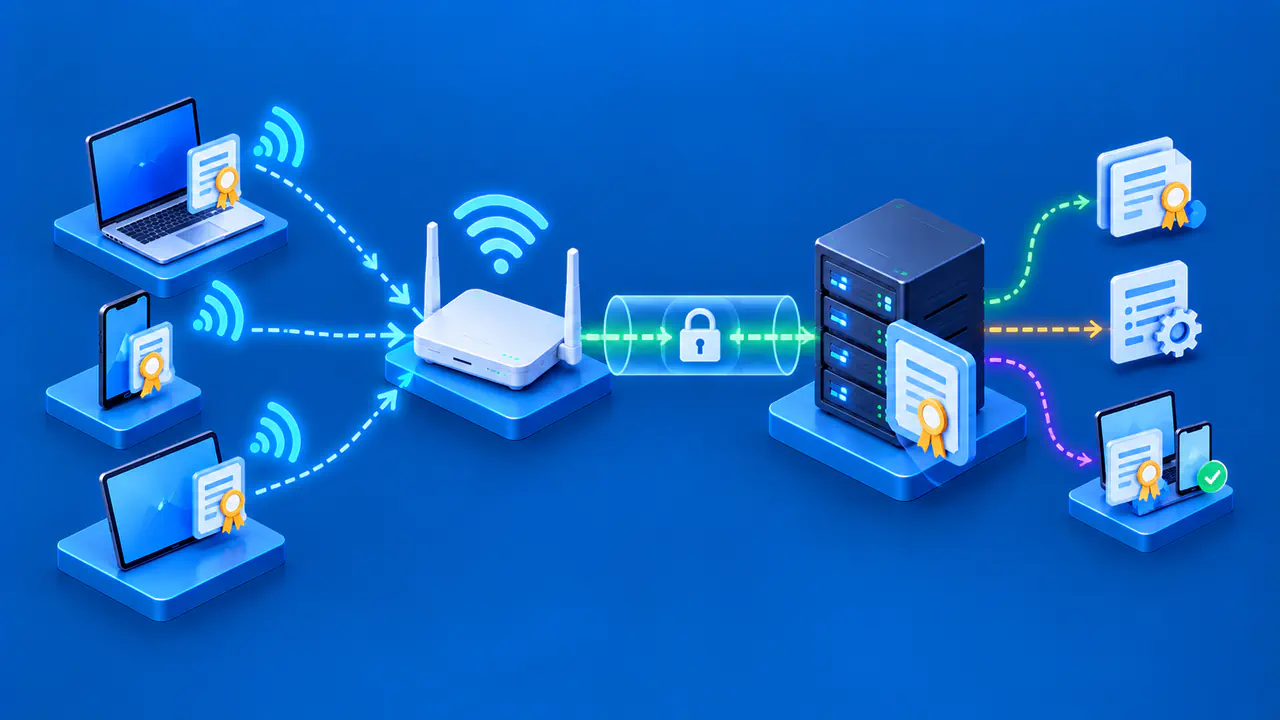
With client authentication, the server also checks the client's identity. A server configured for mutual TLS may send a CertificateRequest and require the client to present a usable certificate. In TLS 1.3, the server can send a certificate_required alert if the client provides no certificate and the server requires one. A wrong client certificate, missing chain, or untrusted issuing authority can also cause rejection. An ordinary public website normally does not require visitors to hold a client certificate, so check whether this policy was enabled intentionally on the intended TLS listener.
A security product or enterprise gateway can insert another TLS endpoint. If failures occur only on one managed network or device, ask its administrator to compare the certificate received there with the certificate received on an unaffected device or network. Differences may point to TLS inspection or a different server configuration. Do not install an unknown CA or disable certificate checks in response to a generic handshake error.
Fix the Cause and Retest
Correct the failing stage: restore reachability to the intended TLS listener, enable a supported protocol on the responsible endpoint, map the right SNI name to the right certificate, install the server certificate with its required intermediate certificates, or configure client authentication for the intended audience. Change only the component implicated by the evidence. Recheck the public connection with the exact hostname and compare its result with both client and server logs.
Confirm that the selected certificate identifies the requested service and that application traffic reaches the expected host after the handshake. If the error persists, preserve the alert and endpoint details and repeat the stage analysis. For a site behind a CDN or proxy, verify both TLS connections after the change. A successful browser connection to the CDN alone does not show that the CDN can reach the origin securely.