What Is CGNAT and How Can You Detect It?
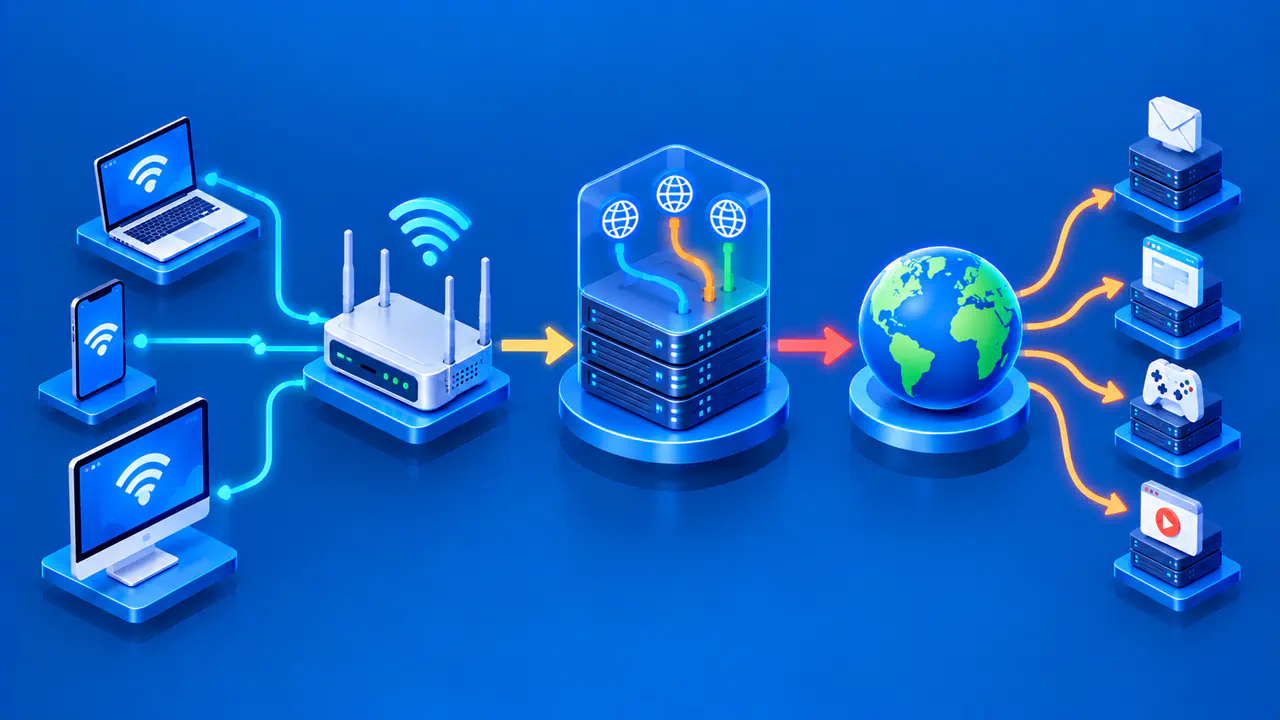
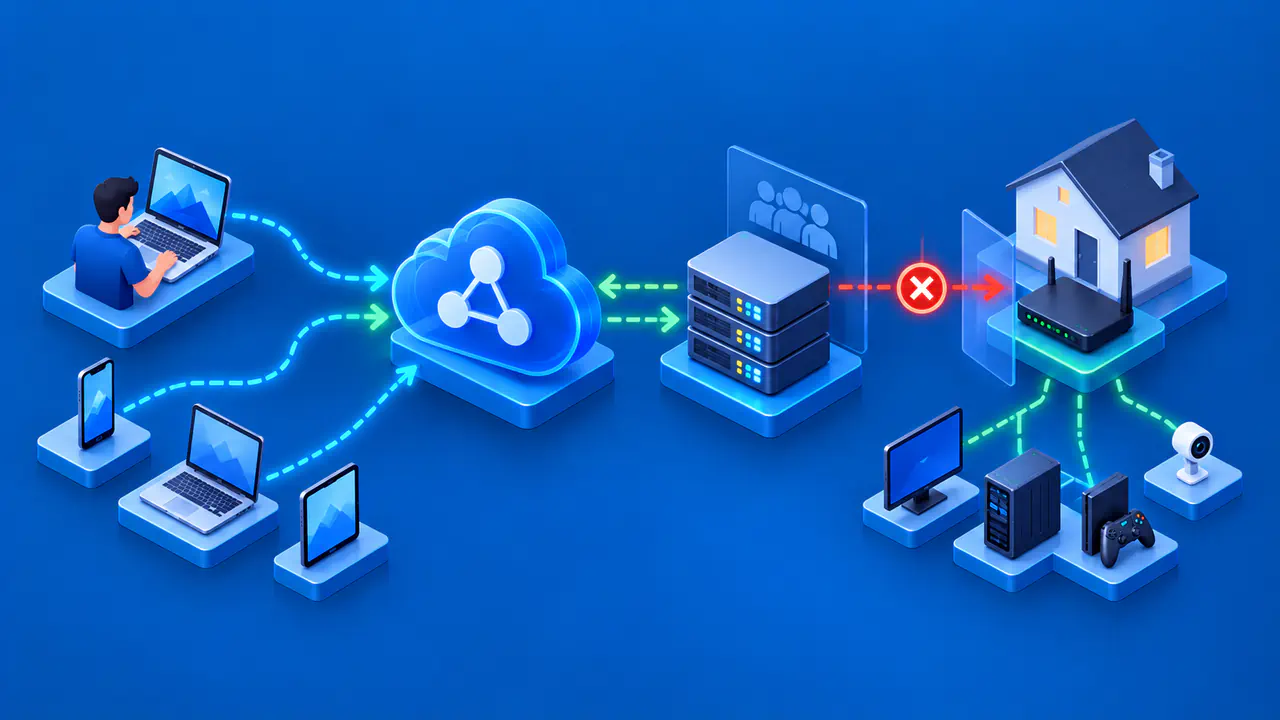
Carrier-grade NAT, often shortened to CGNAT, is address translation operated inside an internet provider's network. It lets multiple customer connections share one or more public IPv4 addresses. Your own router may already translate private home addresses; CGNAT adds another translation stage upstream. The practical effect is that the IPv4 address on your router's WAN interface may be different from the public IPv4 that a website sees.
You can gather clues by comparing those two addresses, but a mismatch by itself does not prove CGNAT. A VPN, proxy, another router, or a different IP version can also make the numbers differ. Use the comparison as evidence to take to your provider, which can confirm how your line is provisioned.
Carrier-Grade versus Home NAT
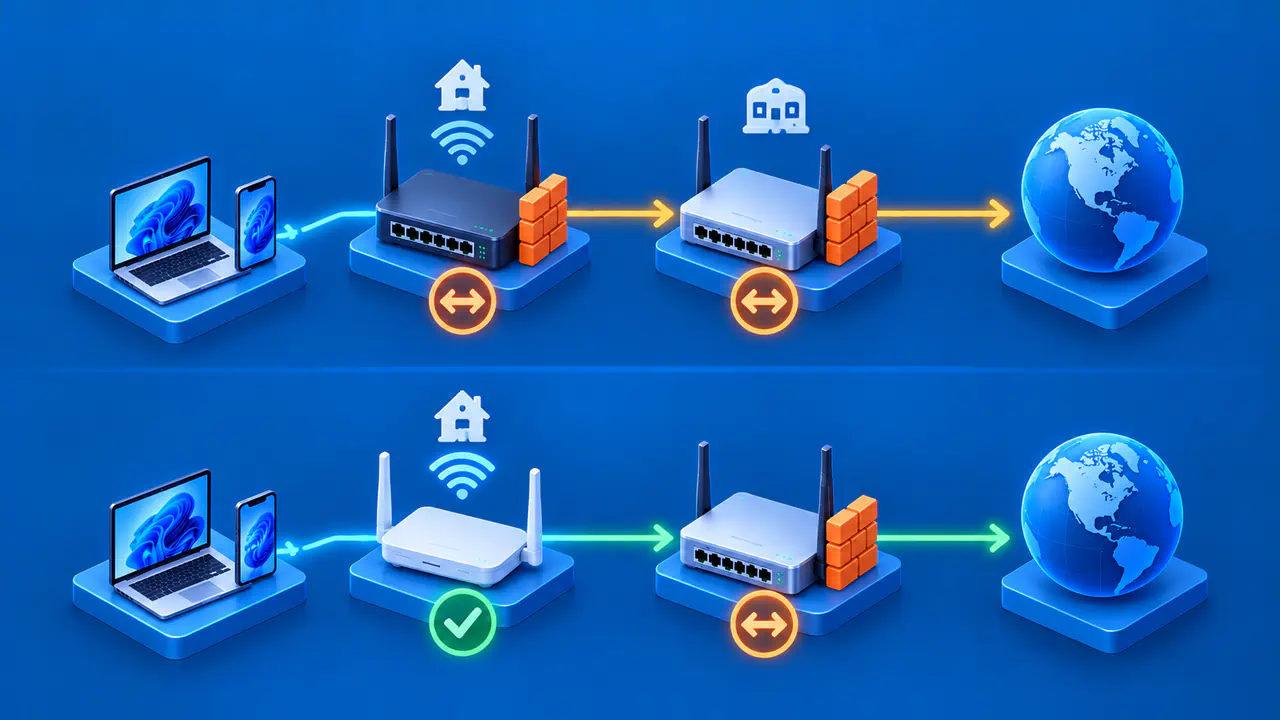
With ordinary home NAT, phones and laptops have private addresses inside the home, and the router translates their outgoing traffic to its WAN address. Address and port mappings keep outgoing sessions separate even when they share the same external address. If the router's WAN IPv4 is public, that router can be the visible IPv4 endpoint for the household.
Under CGNAT, the provider puts a translation device beyond the customer's router. The router may receive an address that works inside the provider network but is not globally reachable. The provider translator then maps traffic from many customers to public IPv4 addresses. A website sees the provider-side public source, while the home router sees its assigned WAN address. The two translation stages explain why a home port-forwarding rule alone cannot guarantee that an unsolicited internet connection reaches your router.
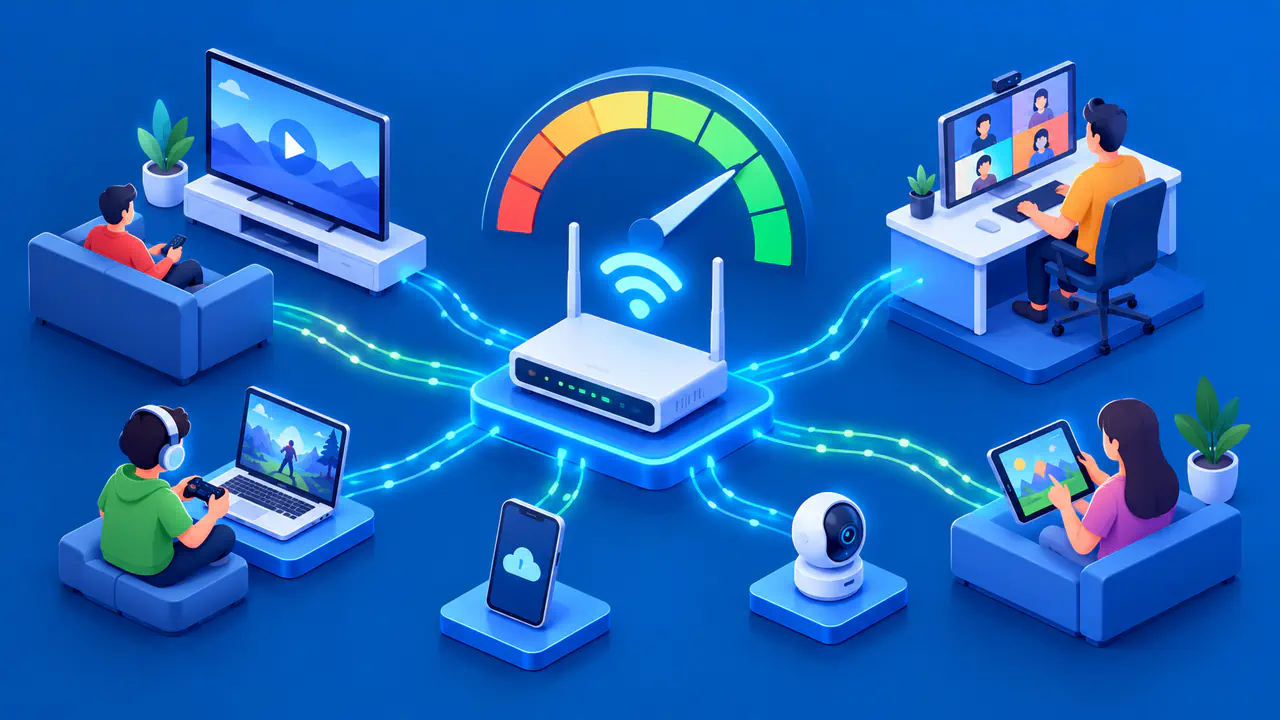
A shared public IPv4 address can represent many customer connections at once and can be reused by other customers later. If a website restricts that address because of one customer's traffic, other customers using it may also be affected. A website's log showing the same public IP for several visitors does not mean they are one device or one person.
Compare WAN and Observed Public Addresses
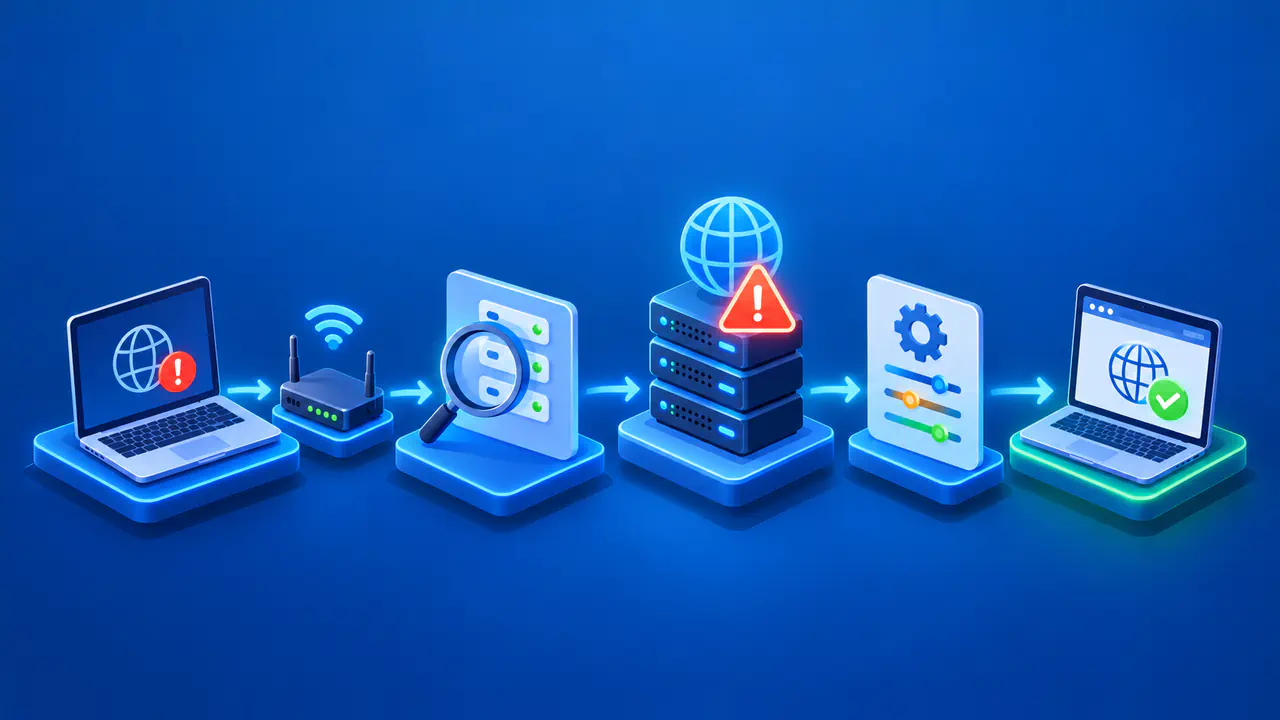
Find the router or modem's reported WAN IPv4 address in its connection status, using its official administration interface. Record the time and the interface name. Then, from a device using that connection, ask a trusted public-IP service for the IPv4 address it sees. Compare IPv4 with IPv4; an IPv6 result cannot be compared meaningfully to the router's IPv4 WAN field.
When comparing addresses, note whether the device uses a VPN, corporate proxy, browser privacy relay, or a second internet connection. Such services can show their own exit address to the public-IP page. If you can safely use the direct provider path, compare again without those intermediaries. Do not weaken a required work or privacy setup merely to run a test; instead, tell the ISP or network administrator which path you measured.
If the router WAN IPv4 is a globally routable public address and matches the observed public IPv4 at the same time, that is evidence against an additional IPv4 translator on that path. It is not a guarantee that inbound connections work: firewall rules and service configuration still matter. If the router WAN field is private or shared space and the observed public address differs, upstream translation is plausible. Check for a second home router or gateway before attributing it to the ISP.
A mismatch can also occur because the router reports an intermediate interface, the device is on mobile data, or a service uses a proxy. Record the exact values privately, the time, the network path, and whether the observation came from the same connection. Repeat only when needed to resolve a concrete ambiguity; an address comparison with a known connection path gives the provider more useful evidence than repeated tests under different conditions.
The 100.64.0.0/10 Shared Address Range
The 100.64.0.0/10 block is reserved as Shared Address Space for use in provider networks and certain address-translation arrangements. It spans 100.64.0.0 through 100.127.255.255 and is separate from the private ranges commonly used in home networks. An address in this block is not globally routable on the public internet.
A WAN address in this range is consistent with a provider's CGNAT setup. Providers can assign addresses from this block to the interfaces connecting customer equipment to their translators. Still, the range alone does not reveal every translation or access policy on your particular connection. The provider can tell you whether its CGN service is active and whether a public IPv4 option exists.
CGNAT does not require every customer WAN interface to use 100.64.0.0/10. Some provider designs use private address space instead, provided they can avoid or handle conflicts with customer networks. A WAN address such as 192.168.1.2 may also indicate a second router at home. Check which devices connect your router to the provider and ask the operator before concluding where translation occurs.
Inbound Access and Provider Confirmation
Outbound browsing often works normally through CGNAT because the provider creates mappings for connections you start. Services that require an outside peer to initiate a direct IPv4 connection can be harder to reach. A local port forward controls only the home router; it cannot create a matching inbound path through a provider translator that you do not administer. This is why a remote access problem should be diagnosed against the whole path, not just the home router menu.
Ask your ISP whether your service uses CGNAT, whether it can assign a public IPv4 address, and what terms apply. If your application supports IPv6 and the provider supplies it, IPv6 may offer a separate path, subject to firewall and service settings. Authorized relay or managed remote-access services are another possible design when direct inbound IPv4 is unavailable. Check which connection methods the application supports and which ones your provider permits before choosing an approach.
Keep the router WAN IPv4 and the observed public IPv4 out of public posts when asking for help. Provide them, with timestamps and network context, only through an appropriate private support channel. Give the provider the comparison results and ask it to confirm whether your service uses CGNAT. The addresses alone do not reveal every device or policy inside its network.