How Much Internet Speed Do You Need?
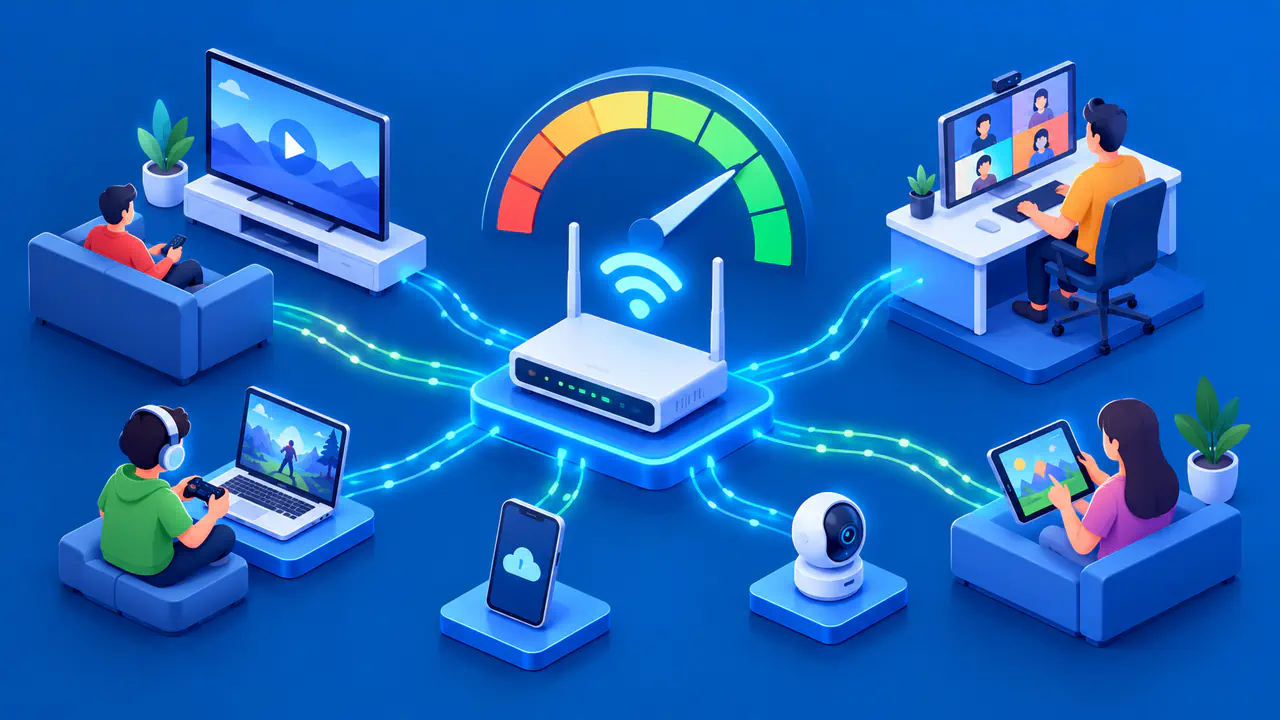
The internet speed you need depends mainly on what people in your home do at the same time. An idle device may use little bandwidth, while a video stream, cloud gaming session, call, and backup can compete for the same connection. Start with the activities that run together, then assess download speed, upload speed, and latency separately.
A single 4K video stream and several simultaneous video calls have different needs, even in homes with the same number of people. Adding the requirements of your busiest activities gives you a starting estimate. The right plan also depends on the connection you actually receive and the spare capacity you need when traffic changes.
List the Activities That Overlap
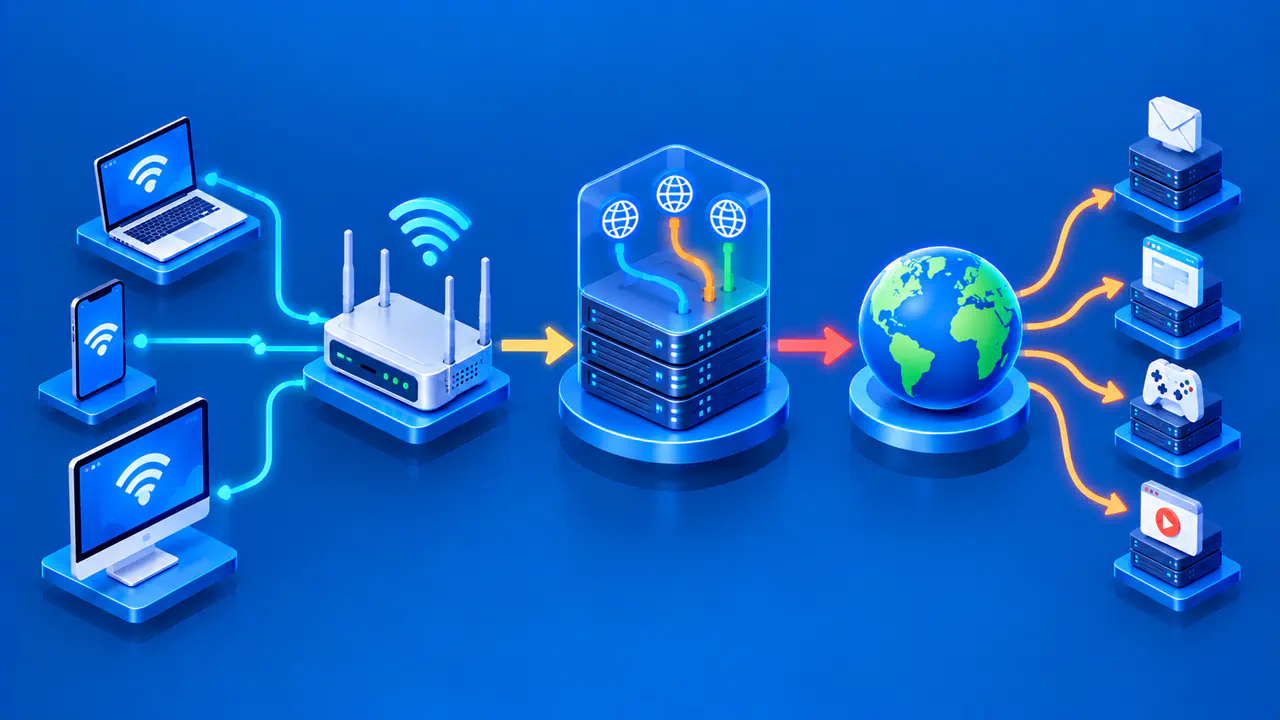
Write down a realistic peak period, such as an evening when one person streams television, another joins a video meeting, and someone else plays a game. Count active streams and calls, not every device connected to Wi-Fi. Include background activity that coincides with them: operating-system downloads, photo backups, security cameras uploading video, or a large file transfer.
Separate download from upload. Streaming a movie mostly uses download capacity. Sending your camera feed, uploading a file, or backing up photos uses upload capacity. A plan advertised with a large download number may have much less upload bandwidth, which can make a call unstable even when a movie plays smoothly. List both directions for each activity before comparing plans.
Also distinguish ordinary online gaming from cloud gaming. During online play, a locally installed game exchanges inputs and game-state updates with a server, so latency and stability matter greatly even if its continuous data rate is modest. Cloud gaming streams rendered video to the player and can consume download bandwidth comparable to a high-quality video stream, in addition to requiring low latency.
Estimate Speed for Concurrent Activities
Budget for the quality level you intend to use, and check whether the bandwidth figure applies to one session or several. These examples describe specific activities, rather than complete household plans:
- For one Netflix 4K stream, allow at least 15 Mbps of stable download capacity. For Full HD at 1080p, budget at least 5 Mbps; for HD at 720p, budget at least 3 Mbps.
- For GeForce NOW at 1080p and 60 frames per second on a supported desktop, allow 25 Mbps of download capacity. The connection must also have less than 80 milliseconds of network latency to the NVIDIA data center.
- A Google Meet 1080p video session can use up to 3.6 Mbps in each direction for an individual participant. Include that amount in both the download and upload estimate.
Add Up the Download Requirements
For a household running one Netflix 4K stream, one GeForce NOW session at the quality above, and one 1080p Meet call concurrently, the download figures add to 43.6 Mbps, or roughly 44 Mbps. The Meet call adds up to 3.6 Mbps of upload demand before other outgoing traffic. This total is a starting estimate, not a recommendation to buy a 44 Mbps plan. Actual traffic can vary, the figures describe different kinds of requirements, and the sum does not account for other tasks or reduced performance along the connection.
Check the current requirements for your service, device, and quality level before choosing a plan. Higher resolutions or frame rates can require more bandwidth, and adaptive services may reduce quality when capacity is tight. Allow extra room above the combined estimate; do not treat several minimum requirements added together as a guarantee of smooth simultaneous use.
Budget Upload Capacity Separately
Check the upload figure in the internet plan, not only the headline download figure. Two concurrent video calls, a camera backup, and an active file upload all share the outbound path. Even if each application can adapt, filling the upload connection can delay packets and make conversations choppy. If your upload speed is too low, paying for a higher download speed alone may not improve your calls.
Check the service's stated upload requirements, if available, and monitor your bandwidth use during a typical call or file transfer. The Meet example above shows why a two-way video meeting needs capacity in both directions. Large backups do not need a fixed speed to function, but they may take longer or interfere with a call if they fill the available upload path. Scheduling them outside the busy period can reduce the required simultaneous capacity.
Check Latency and Stability
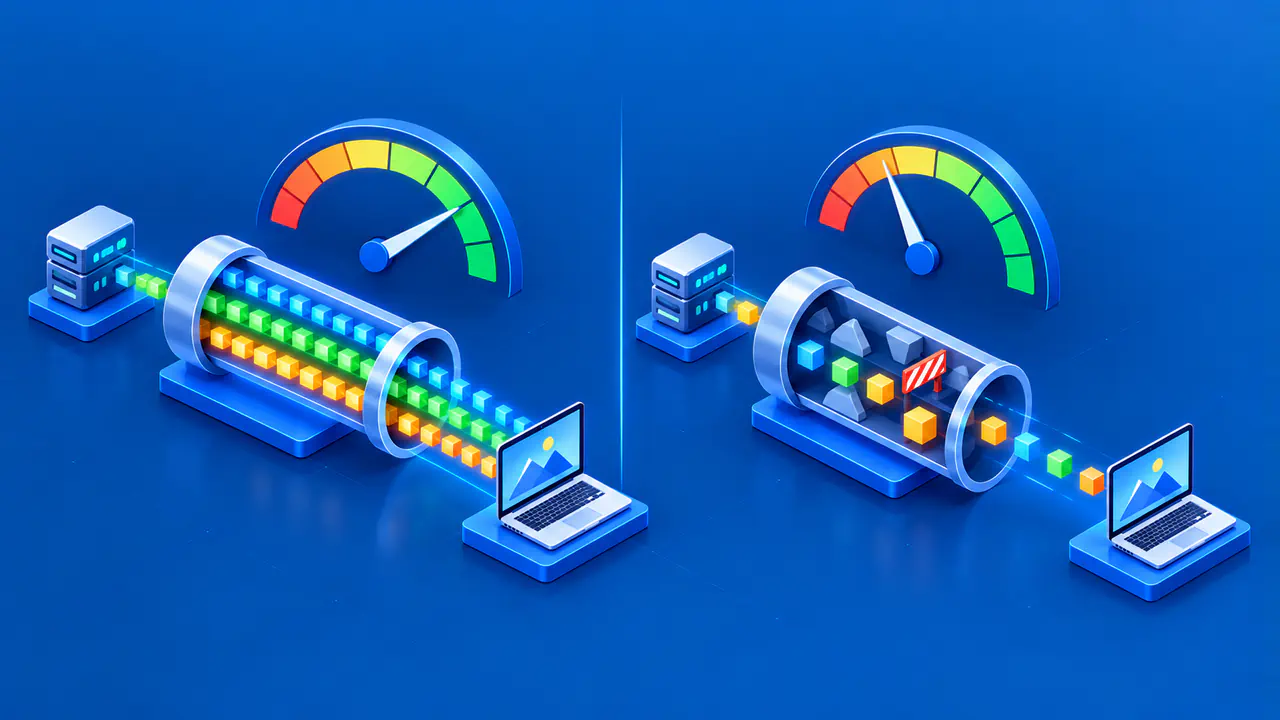
Mbps measures data transferred per second; latency measures the time data takes to travel between two points. Speed tests commonly show round-trip latency: the time for a message to reach the test server and a reply to return. A connection can have plenty of download capacity yet feel poor for voice, gaming, or remote control when latency rises or packets are lost.
Compare measurements when few devices are using the connection and when your usual calls, streams, or downloads are running together. Look for large changes in latency during uploads or downloads, not just a single low idle reading. A weak Wi-Fi link, congested local network, or distant test destination can affect the result. Test the device and connection path you actually use; a speed test on a wired desktop does not show how well Wi-Fi reaches a TV across the house.
Choose Spare Capacity and Check Performance
Choose spare capacity based on how much variation you see, how many tasks may overlap, and how important it is to avoid reduced quality. There is no universal Mbps figure or percentage that fits every home. A household with occasional background downloads can often schedule them; one that needs several calls and streams at once may need more consistent capacity in both directions.
Measure download, upload, and latency more than once at relevant times. A speed test measures performance to its test server, so its result does not directly represent every application. Compare tests with the service's own quality or connection checks and note the tested device, Wi-Fi or wired link, time, and concurrent traffic. If performance falls short during normal use, check the local network and the service you receive before assuming that upgrading your internet plan will fix the problem.
For large game downloads or work files, consider how long you can wait for a transfer to finish. More capacity can shorten the wait if your internet connection limits the transfer speed, but a slow source server or local device can still slow the transfer. A faster plan may be useful for these occasional transfers even when your existing plan already handles everyday calls and streams.