What Makes a TLS Certificate Self-Signed?

A self-signed TLS certificate has the same issuer and subject name and is signed with the private key corresponding to the public key it contains. It can support an encrypted TLS connection, but it does not automatically give a browser a reason to trust the identity of the server. Trust is a separate decision: the client must already accept that certificate or an appropriate trust anchor under its own policy.
Self-signed certificates are useful in controlled settings such as local development and isolated tests. A self-signed server certificate is usually a poor choice for a public website because visitors cannot be expected to install and verify a new trust anchor. Publicly trusted root certificates can also be self-signed, but browsers and operating systems accept those roots through their trust programs.
Read the Issuer, Subject, and Signature
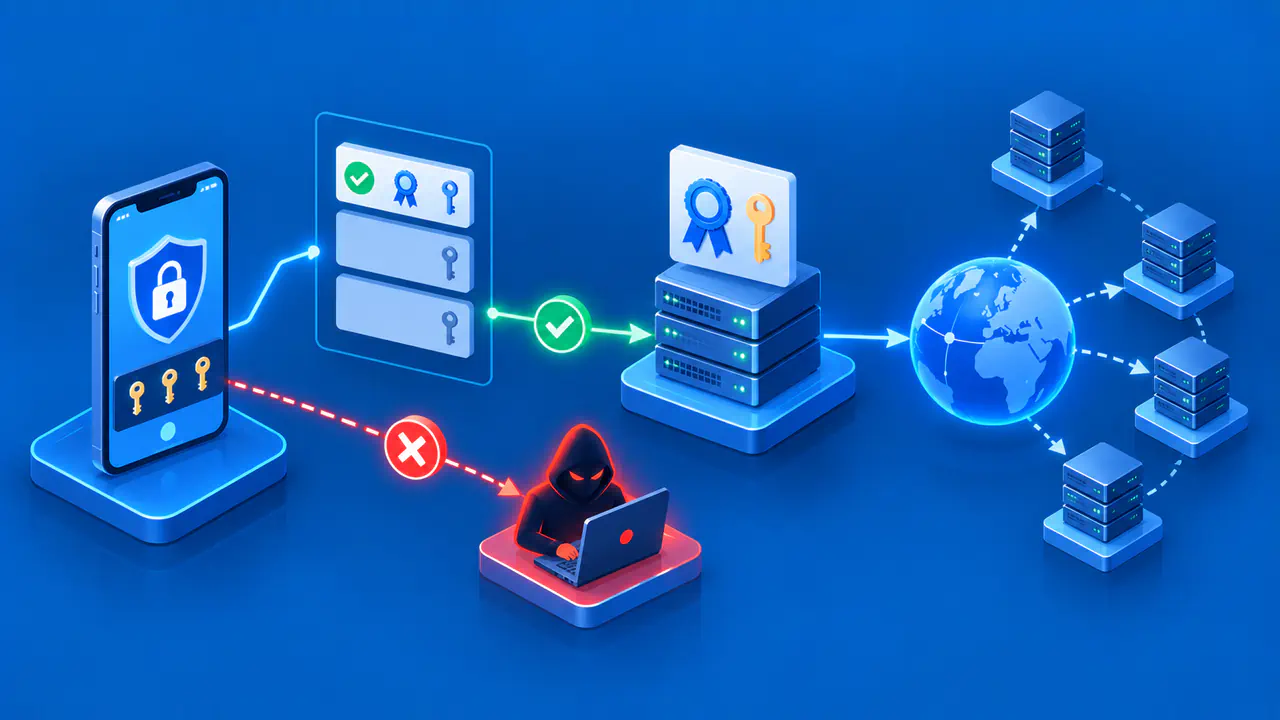
A website's leaf certificate identifies the server. If it is CA-signed, a certificate authority has signed it using the CA's private key. A client validates that signature using the issuer's public key and continues through any intermediates toward a trust anchor it already accepts. A self-signed certificate has no separate signing issuer in that path. Its signature can be verified with its own public key, but that mathematical check alone cannot establish that the holder is the service the client intended to reach.
A self-issued CA certificate has the same issuer and subject name. It is self-signed only if its signature also verifies with the public key in the certificate. During a key change, a CA can issue a certificate containing its new public key and sign that certificate with its old private key. The issuer and subject names can match even though the new public key cannot verify the signature made with the old key. Matching names alone therefore do not prove that a certificate is self-signed.
A self-signed certificate may act as a root certificate for a private CA, or it may serve directly as a server certificate trusted in a limited environment. If a local root signs separate server certificates, the server leaf is CA-signed by that local root, even though the root certificate itself is self-signed. The client must trust the local root for the chain to work.
Configure Trust for Local Tests
Local development often needs HTTPS to test browser features that behave differently over plain HTTP. You can create a self-signed server certificate or have a local CA issue a server certificate. Configure the development client to trust the chosen certificate or CA through a controlled administrative process. A device without that trust configuration will usually reject the certificate or display a warning.
Keep the trust scope as small as the test allows. A directly trusted test certificate is different from a root CA that can sign many certificates. Installing an additional root on a device used for everyday browsing expands the set of certificates that device may accept. An organization using a private CA should manage its root through controlled device policies and assign responsibility for key protection, certificate expiration, and removal. A public website should not ask visitors to install a root certificate just to access the site.
When creating a test certificate, include the identifiers the client will actually connect to, such as a local DNS name or loopback address when supported. Identity matching remains relevant even after trust is configured. A trusted certificate for the wrong name can still produce a warning. If you use a certificate signing request (CSR), remember that the request asks a CA to issue a certificate. The CSR is not the certificate that the server presents to clients.
Protect Private Keys and Remove Unneeded Trust
During certificate-based TLS authentication, the server proves that it holds the private key corresponding to the public key in its certificate. Keep the private key on the authorized server or in a controlled key store, restrict file access, and avoid placing it in a document, support ticket, repository, or distributable application. The certificate contains public information and can be shared for inspection; the private key must remain secret. A compromised self-signed root key is especially serious because it can be used to sign additional certificates that its trusting clients may accept.
Do not reuse one development private key everywhere for convenience. A shared key increases the impact of a single leak and makes later removal harder. If a private test root is no longer needed, remove its trust from participating clients as well as retiring its certificates. Replacing the server certificate alone does not remove the root from the clients' trust stores.
Understand Browser Warnings
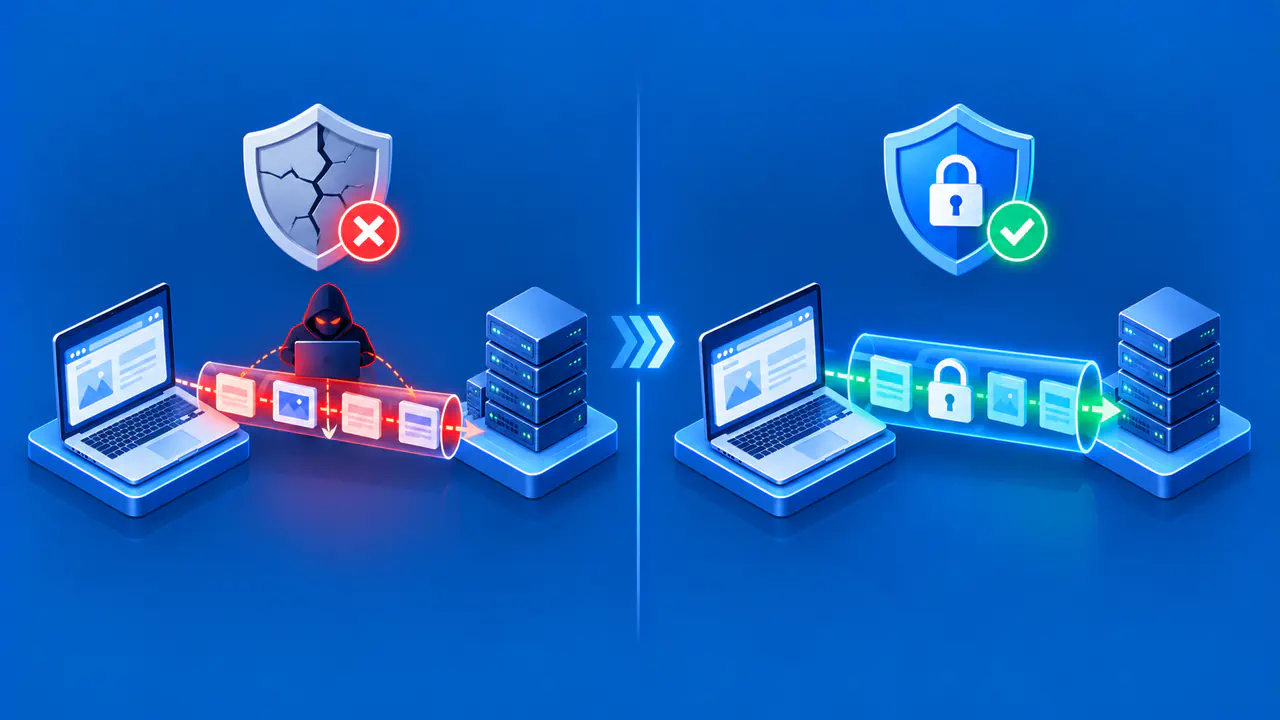
A browser that does not trust a self-signed server certificate will normally reject the connection or display a certificate warning. The browser cannot authenticate the server under its current trust policy. This is a trust failure, not evidence that TLS encryption is unavailable. An attacker can also generate a self-signed certificate, so the warning must not be dismissed merely because the connection appears encrypted.
Visitors should not bypass a certificate warning for a login, payment, or other sensitive public page. For a known local test, the administrator can verify the certificate fingerprint through a separate trusted channel and install trust only under an appropriate device policy. The precise warning may instead involve an expired certificate, a hostname mismatch, or an invalid chain, so inspect the presented certificate and error before diagnosing it as a self-signed case.
Use a Publicly Trusted CA for Public Websites
For a public website, use a certificate from a publicly trusted CA that supports your domain and service. This gives clients a path to an existing trust anchor, provided the name, chain, dates, and other checks also pass. It avoids asking every visitor to modify trust settings. The CA still needs to validate control of the domain, and you still need to protect the private key.
For local or private deployments, self-signed certificates and private CAs can be appropriate when the operator controls the clients and trust distribution. Document which clients trust which certificate or root, how the key is protected, and how trust will be removed.