Why ACME Validation Fails behind a CDN
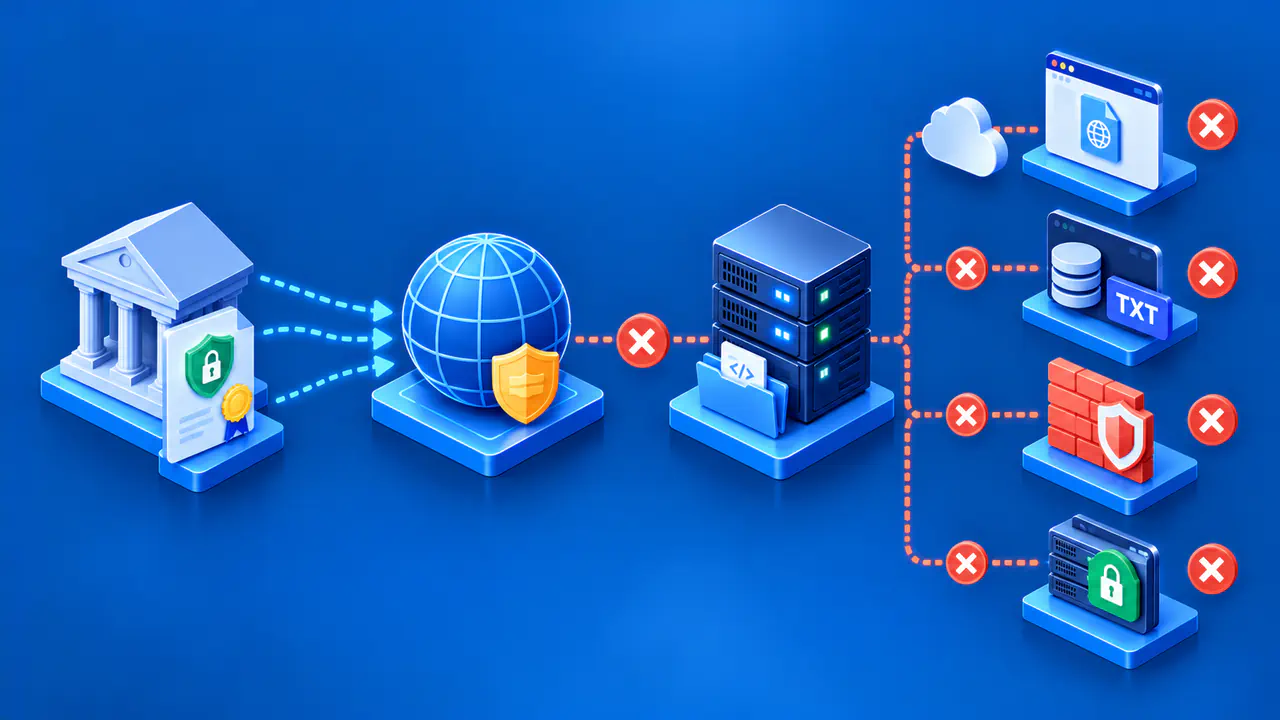
ACME automates certificate requests and renewals, but a content delivery network, or CDN, can keep the certificate authority, or CA, from reaching the required proof. The CDN is the public-facing service in front of the origin server that runs the website. It may answer HTTP requests itself, apply security rules, cache a previous response, route a challenge path to the wrong backend, or terminate a TLS connection before the origin ACME client sees it. Any of these changes can break validation while the main website still loads.
Find the challenge type and the authority's exact error before changing the CDN. HTTP-01, DNS-01, and TLS-ALPN-01 use different proof channels, so a fix for one may have no effect on another. Keep the change as narrow as the failed route requires, then confirm what a public request sees. Avoid exposing origin administration or turning off sitewide protection merely to complete validation.
Identify the Challenge and the Public Route
Start with the ACME client log and the failed authorization. Record the requested hostname, challenge type, expected proof location, response status, and any address or URL reported by the CA. For HTTP-01, Let's Encrypt begins on port 80 at a URL such as http://example.com/.well-known/acme-challenge/TOKEN; example.com stands for the requested domain, and TOKEN stands for the challenge token from the client. For DNS-01 on example.com, the proof is a TXT value at _acme-challenge.example.com; HTTP caching and a web application firewall do not handle that DNS lookup. TLS-ALPN-01 uses a special TLS handshake on port 443, so an HTTP path exception will not repair it.
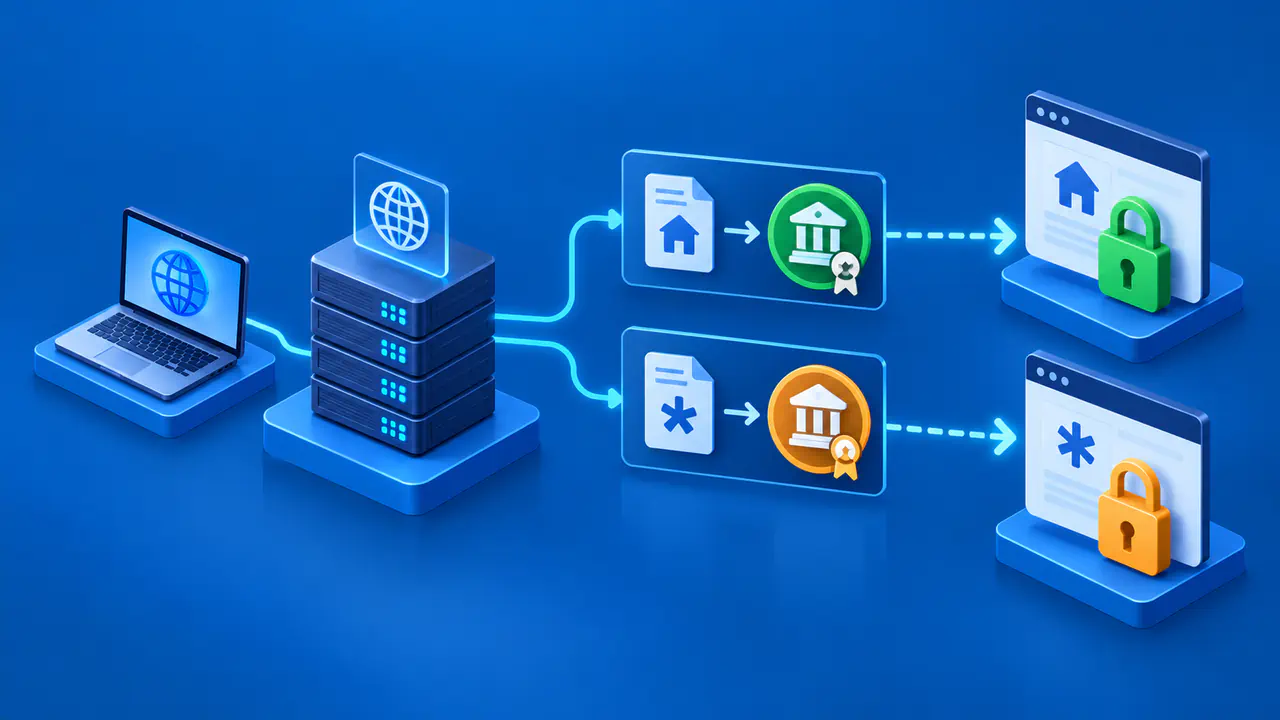
Check whether the CDN is presenting its own edge certificate while the operator is trying to renew a different certificate at the origin. These certificates serve different connections. A healthy browser connection to the CDN edge does not demonstrate that the origin client can answer an ACME challenge through that edge. Likewise, an origin certificate chain error after issuance is a separate deployment problem, not evidence that domain validation failed.
Compare Authoritative DNS with the Endpoint
For HTTP-01 or TLS-ALPN-01, first determine where the requested hostname resolves publicly. An A or AAAA record may point to a CDN edge, while the ACME client runs at the origin. In that case, each proxy must deliver the validation request to an endpoint that can answer it, or the edge must answer it directly. A stale address, an unexpected IPv6 route, or a hostname served by a different CDN configuration can explain why a local test succeeds and CA validation fails.
For DNS-01, follow the authoritative DNS delegation for the challenge name. Check the TXT value at the correct name and whether a CNAME or NS delegation sends that name to a separate zone. The value visible at a local resolver may differ temporarily from what the CA sees because of propagation, caching, or inconsistent authoritative servers. DNS validation can fail even if every web request through the CDN succeeds. Do not try to solve a DNS-01 error with an HTTP cache rule.
Check Token Delivery or TLS Termination
For HTTP-01, compare the complete response prepared by the ACME client with what the public URL actually returns. A login page, redirect loop, branded error, bot challenge, or stale cached response is a mismatch. The issue can be at the CDN edge, a worker, a rewrite, a proxy route, or an origin virtual host. Let's Encrypt follows allowed redirects, but its HTTP-01 request begins on port 80 and its redirect limits still apply. A successful request to the origin's private address alone does not prove the public validation path works.
On Cloudflare, a Worker matching the validation URL may intercept it before the request reaches the origin. A security rule can also block the request or replace the expected response with an interactive challenge. If a cache rule makes the challenge path eligible for caching, an old response can be served after the ACME client prepares a new one. The edge must return the complete response prepared for the current authorization, rather than merely an HTTP 200 status.
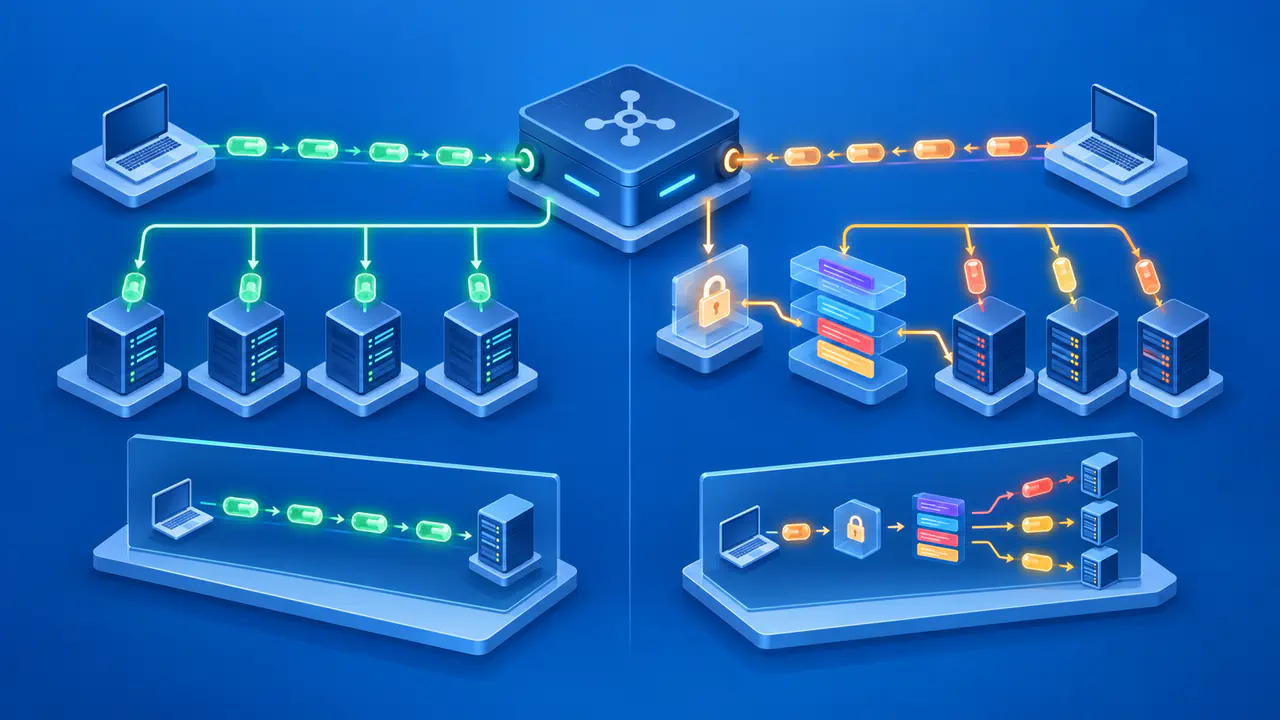
For TLS-ALPN-01, find the component that terminates the public port 443 TLS connection. The validating CA needs a handshake that selects the acme-tls/1 application protocol and presents the temporary validation certificate. If the CDN terminates TLS and opens a new connection to the origin, an origin client generally cannot present that handshake to the CA through the existing configuration. Confirm support at the edge or choose a different challenge that both the CA and client support.
Apply a Narrow Exception and Verify It
For an HTTP-01 failure caused by filtering or caching, scope a rule to the exact validation hostname and /.well-known/acme-challenge/ path. Let the expected response pass without an interactive challenge or stale cache, while retaining unrelated access controls. Route that path consistently to the client that prepared the response, including across multiple origins or edge locations.
Check the CDN's rule order and trace tools where available. With Cloudflare Cache Rules, the last matching rule wins when rules set conflicting values for the same setting. Cloudflare rules that block or redirect a request can end evaluation before a later exception runs. Check the rules that actually handled the validation request.
For DNS-01, repair the authoritative TXT publication or delegation and wait until the challenge value is visible through public DNS before the client signals readiness. Limit DNS API credentials to the necessary records where supported. For TLS-ALPN-01, use an edge or proxy configuration that explicitly supports the temporary handshake, or select another compatible challenge. Changing a certificate on the origin does not automatically alter the edge's validation response.
Check the Response and Retry within CA Limits
After a configuration change, make a fresh public check of the current challenge location and inspect the CA's next error. The validation request may come from more than one network vantage point, so a single local success is useful evidence but not a guarantee. Preserve a short record of hostname, challenge type, timestamp, relevant response, and the rule changed. Keep account private keys and DNS API credentials out of diagnostic logs.
Repeated production attempts can hit CA limits. Use Let's Encrypt's staging environment for repeated troubleshooting attempts so those tests do not consume production limits. Switch the client back to production once the proof path works. Successful authorization confirms that the proof was accepted; certificate issuance and installation still require their own checks.