Why Does My Device Have Multiple IP Addresses?
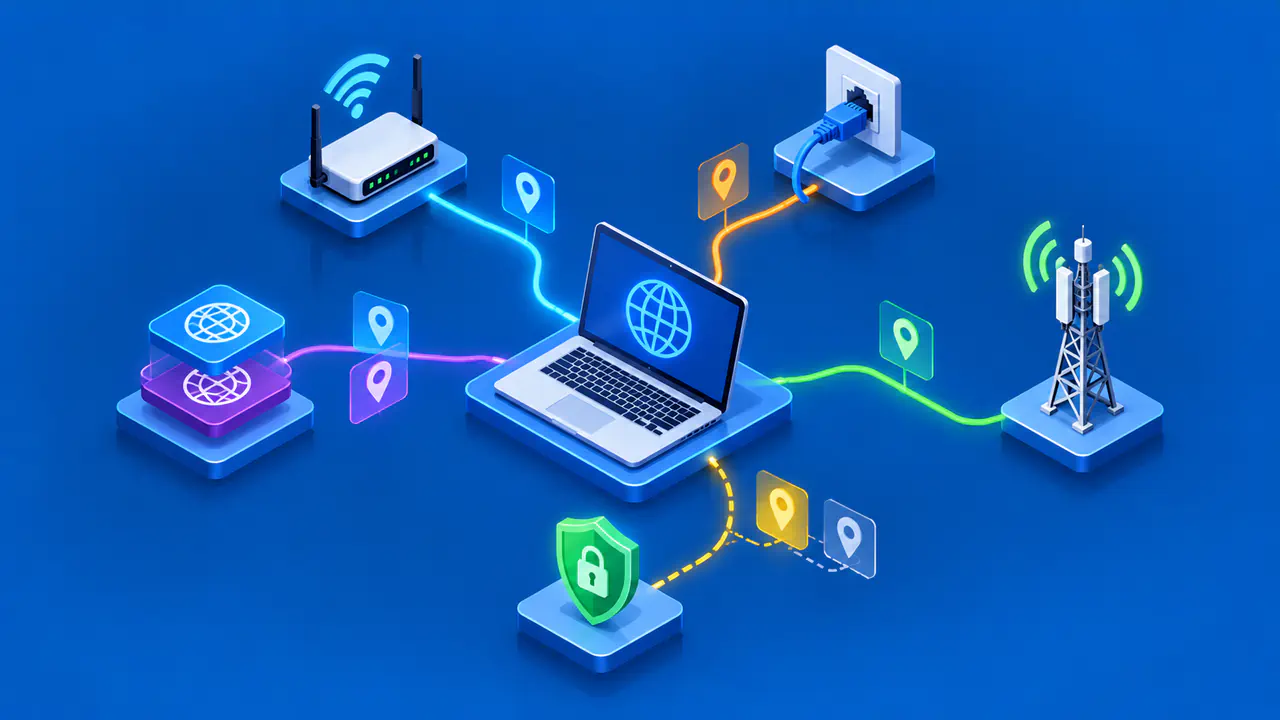
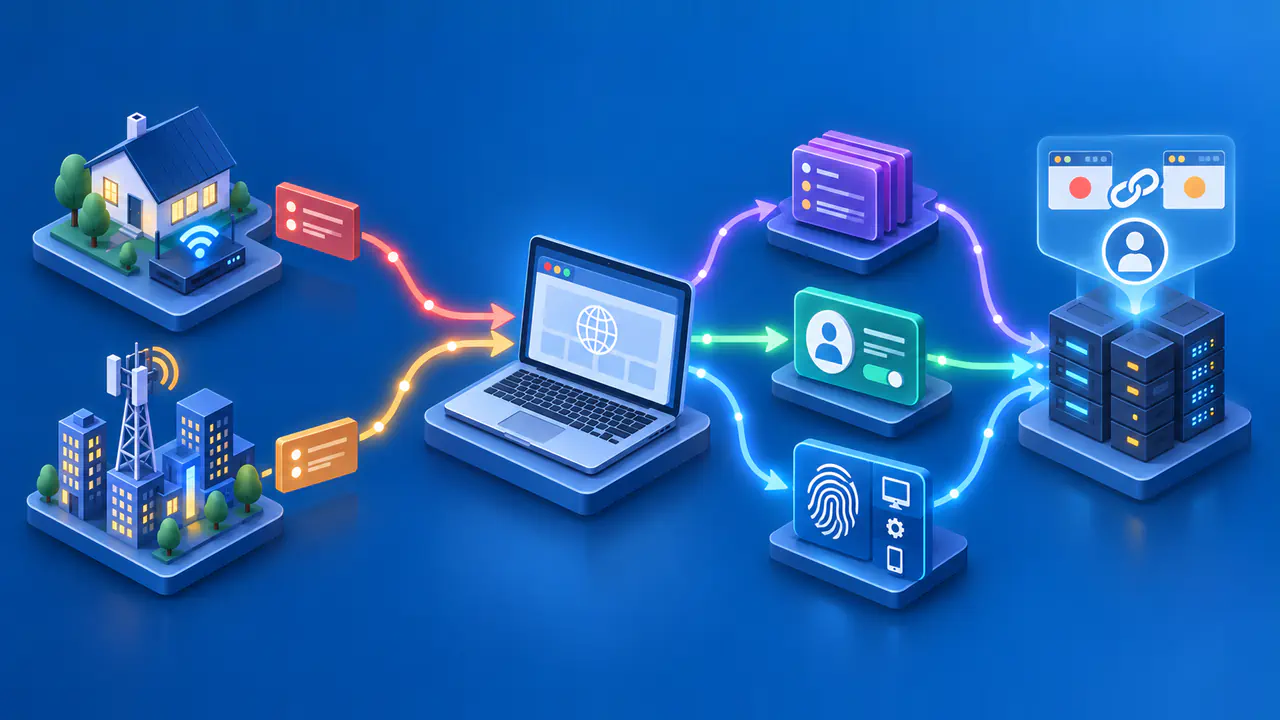
Seeing several IP addresses on one device is normal. A laptop can have an IPv4 address on Wi-Fi, IPv6 addresses on the same interface, a loopback address for local software, and another address on a VPN tunnel. These entries have different jobs and scopes. A website sees the source address used for its particular connection, which may be different from the first address shown in a device settings page.
To interpret the list, group addresses by interface, IP version, and role. Ask whether an address belongs to Wi-Fi, Ethernet, mobile data, a virtual adapter, or loopback; whether it is IPv4 or IPv6; and whether an IPv6 address is link-local, stable for that network, or temporary for outgoing sessions. The number of entries alone does not indicate a fault.
Separate Interfaces and Address Families
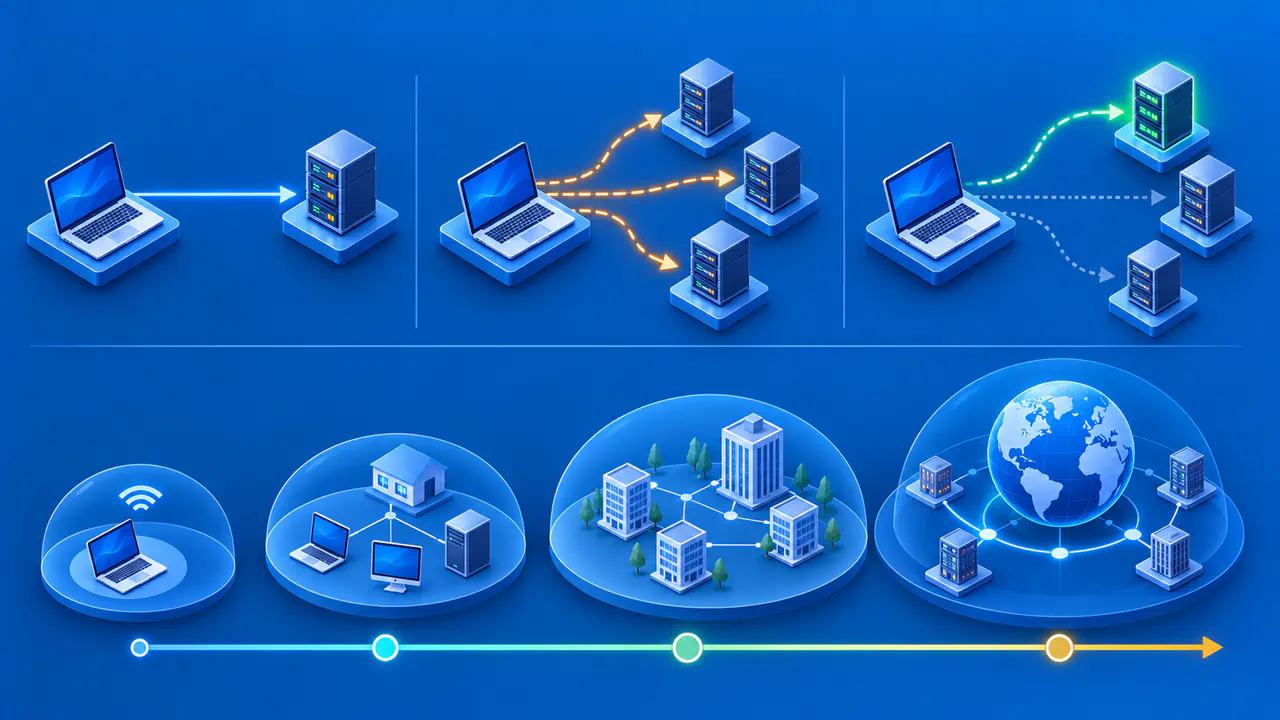
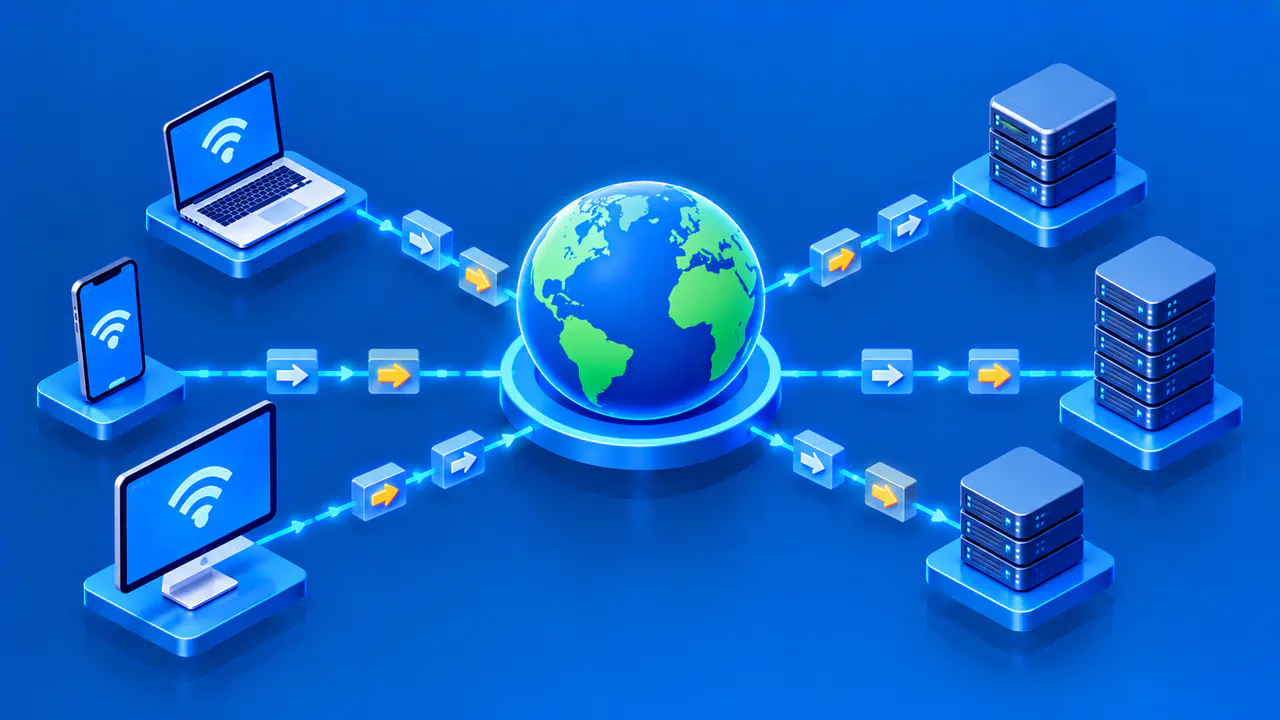
A network interface is a path through which the device communicates. Wi-Fi and Ethernet are separate interfaces, and a VPN can add a virtual one. Each may have its own addresses. The operating system chooses a route for each destination rather than sending every request from every listed address.
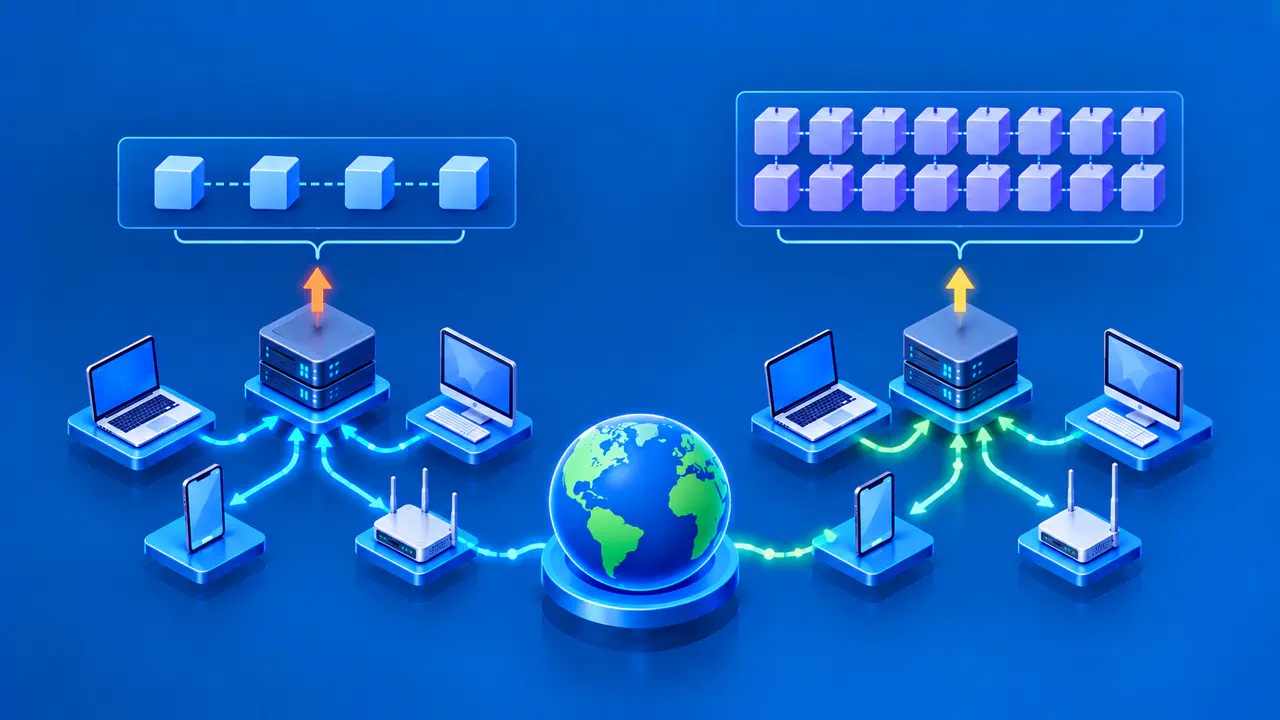
IPv4 and IPv6 are separate address families. An interface can carry both at once. An IPv4 value such as 192.168.1.20 is commonly local to a home network. The same IPv6 interface can have a link-local address, commonly beginning with fe80:, and one or more addresses with a wider scope. The link-local address works only on its local link. Wider scope does not always mean public internet access: unique local IPv6 addresses are intended for use within a site or between sites with agreed routes.
Loopback addresses belong to the device itself: 127.0.0.1 for IPv4 and ::1 for IPv6. They are useful for a local service but cannot describe the public source of a normal website request. A router may also translate a private IPv4 address to a public IPv4 value. That translated public address may not appear as an assigned address on the laptop interface at all.
Address displays generally group entries by interface and may show scope and status labels. The labels differ across operating systems, so read the interface name and flags around each entry. A bare list of addresses without that context can be misleading.
Temporary and Stable IPv6 Addresses
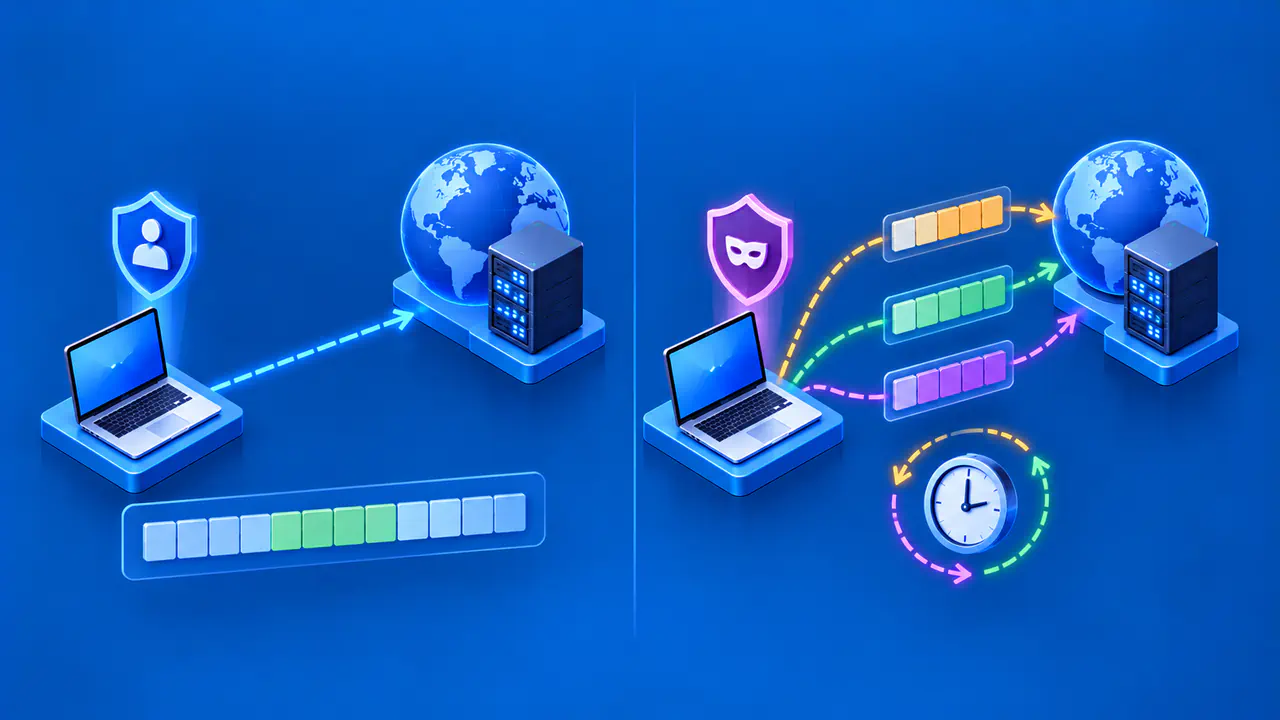
IPv6 hosts can use more than one address on one interface. One may be a link-local address needed for nearby communication, while others are available for broader traffic. A device can form IPv6 addresses using prefixes advertised by a router, receive addresses from DHCPv6, or use manually configured addresses. DHCPv6 can assign several addresses to a client, for example when the link has multiple prefixes. The device's address list can change when the network prefix changes.
Temporary IPv6 addresses are another common reason for multiple entries. Temporary addresses change over time to limit how long one address can link separate outgoing activities. Each has a limited lifetime, so a newer address can be preferred for fresh connections while an older one remains valid for an existing connection. A device may use temporary addresses with or without a separate stable address; there is no fixed pair that every device must have.
A stable-looking address is not a permanent personal identifier. It may remain similar on one network for a while but change after renumbering, configuration changes, or a move to another network. A temporary address is not a separate internet connection or a sign of compromise. Deleting valid IPv6 addresses to make a list shorter can break connectivity and does not explain why an app used a different connection.
If you are diagnosing a local service, focus on the address assigned to the interface and scope where that service listens. If you are diagnosing an outside website, focus on the source chosen for that specific request. Both can be legitimate values, but they answer different questions.
Why Different Requests Use Different Paths
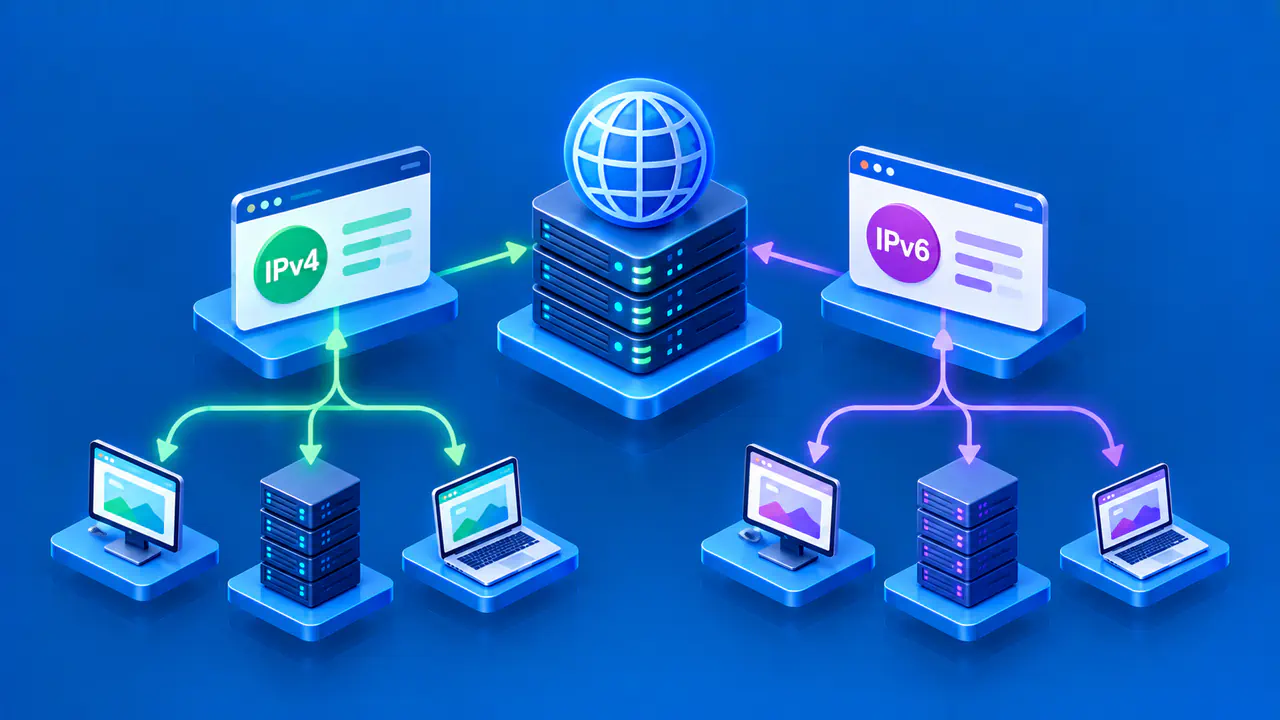
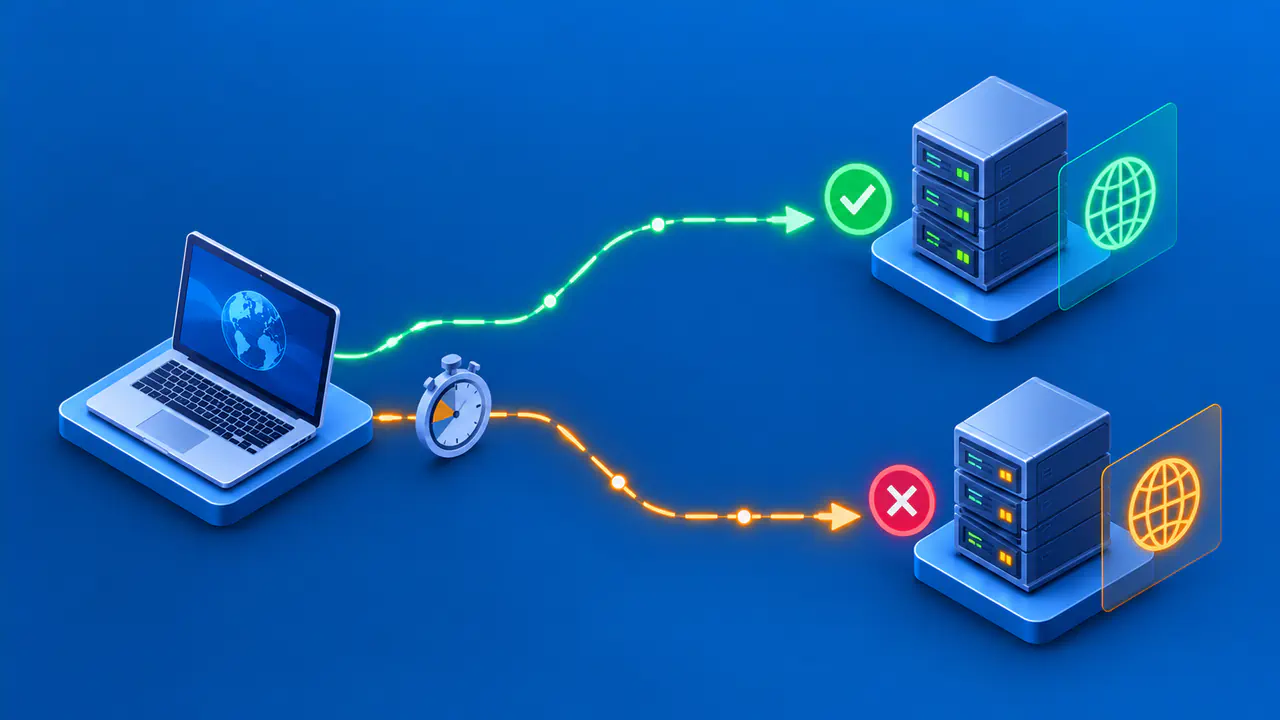
When a website name has IPv4 and IPv6 destinations, a client may try one family and fall back or choose the other according to its connection logic. A method called Happy Eyeballs tries available destinations with short delays between connection attempts, allowing another path to work if the first does not. Not every application implements it in the same way, and source-address selection also depends on the chosen destination and route. Thus two requests from one device need not expose the same IP family.
A website that you reach over IPv6 can see an IPv6 source even while a router screen prominently displays a public IPv4 address. Another website may offer only IPv4, so the same device reaches it through IPv4 and perhaps through NAT. The IPv4 and IPv6 values are not two spellings of one number; they are separate addresses used for separate network paths.
A VPN or corporate proxy can add another distinction. One app may send traffic through the tunnel while another uses the direct connection, depending on policy and configuration. A browser's request may therefore appear from a VPN exit, while a local interface panel still lists the device's Wi-Fi address. The mismatch calls for a path check, not removal of an address from the interface.
Cellular and Wi-Fi also have different network connections. A phone that switches between them can show a different public source even when it stays in one place. If a device uses both simultaneously for different apps, the observations can differ at the same moment. Record which app, connection, and address family were involved.
Why Public-IP Tools May Disagree
A public-IP tool reports the source it sees for that one request. Some tools accept only IPv4, others accept only IPv6, and some accept both families and report the one used for the connection. An IPv6-only request can fail on a network without IPv6. Two tools that use different endpoint families can show different-looking addresses while both are correct.
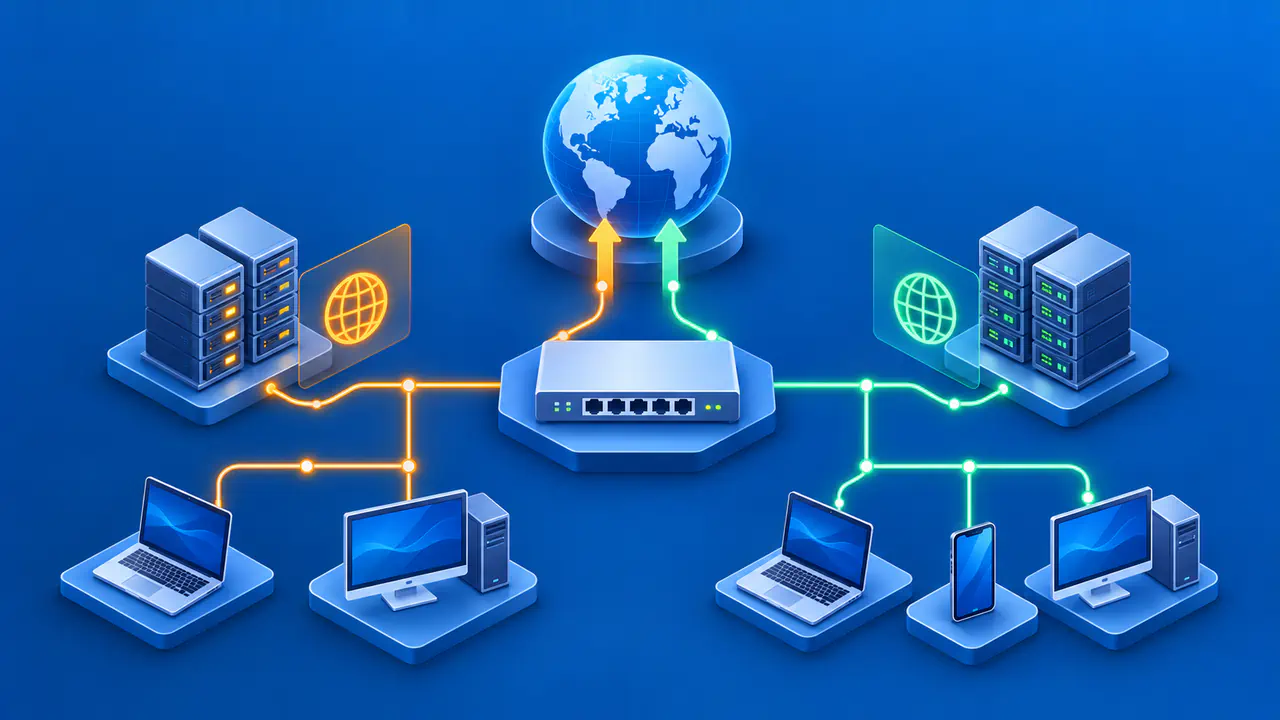
Compare results with a simple checklist: same device, same time, same Wi-Fi or cellular connection, same VPN or proxy state, and the same IP family. A change in any of these conditions can explain a different result. Two devices on one home router can have different IPv6 source addresses, while their IPv4 requests may share a translated public address.
If two tools still disagree under apparently identical conditions, check whether a service uses a proxy or relay, whether one result is cached, and whether the pages are using the same family. Treat each result as a dated observation from a particular remote endpoint. It does not list every address the device owns, and a local address list does not promise which source every website will see.