IPv4 vs IPv6
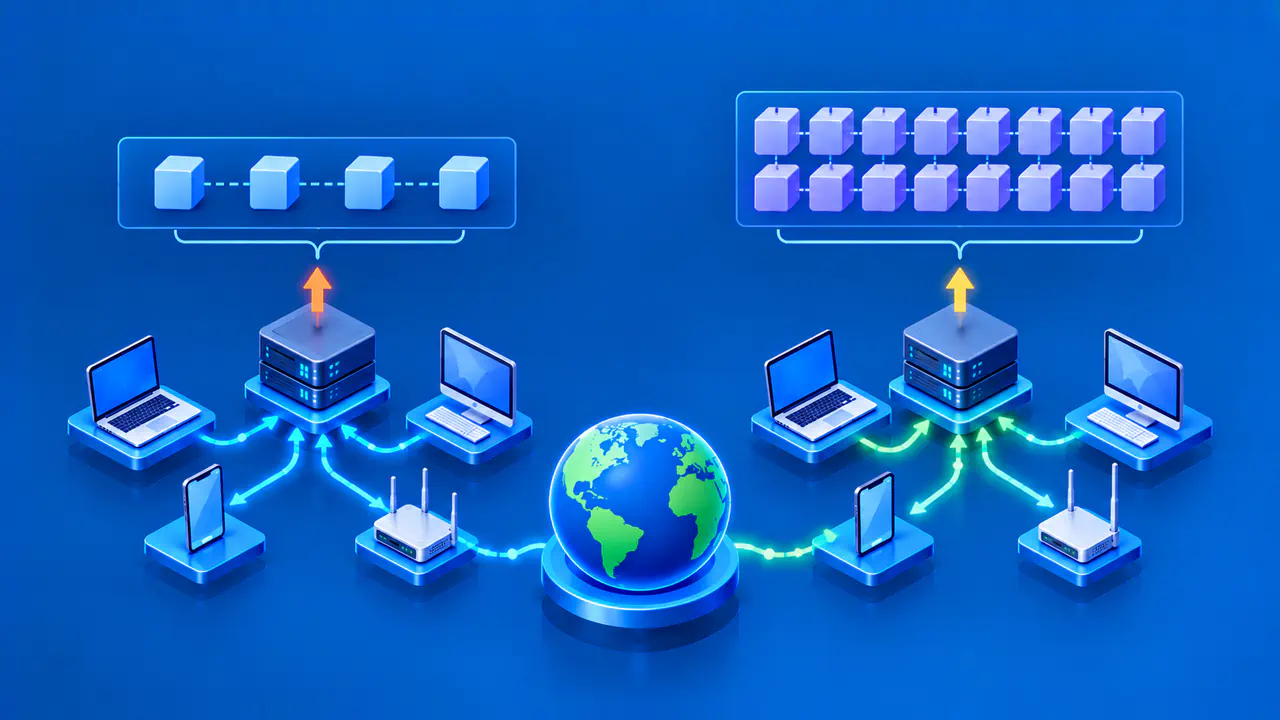
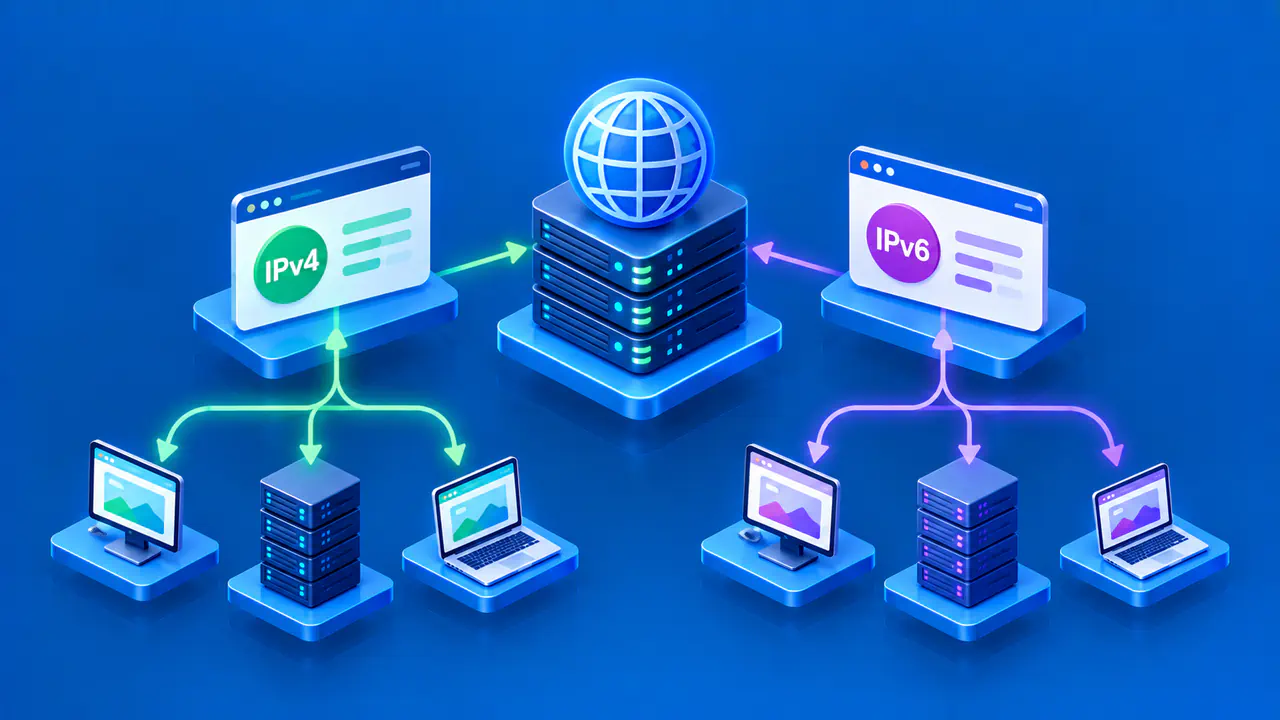
IPv4 and IPv6 are two versions of the Internet Protocol used to deliver packets between networks. They serve the same broad purpose, but they use different address sizes and packet formats. Seeing both on a device is normal: many networks run the versions together so they can reach services that support one or both.
The practical question is which version a connection actually uses and whether the path works. A device that has an IPv6 address is not automatically faster or more secure, and an IPv4 address is not automatically obsolete. Addressing, routing, application support, and network policy all affect the result.
Address Notation and Capacity
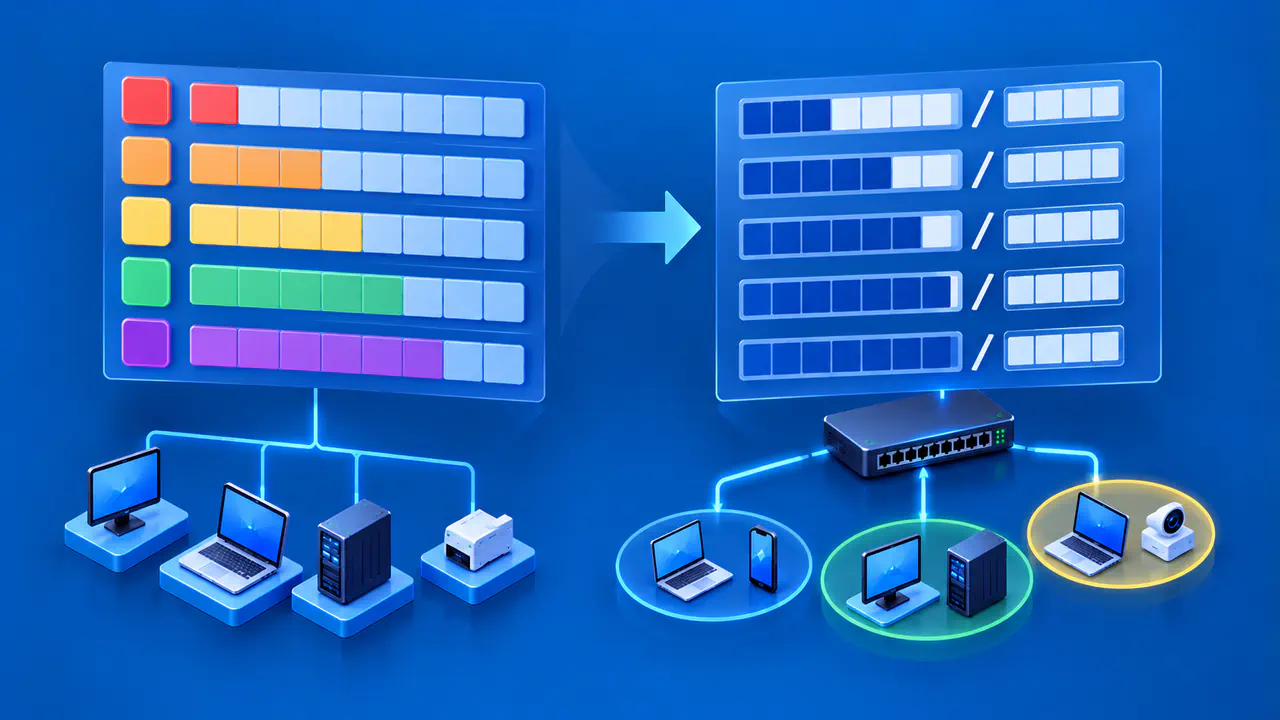
An IPv4 address is 32 bits long and is usually written as four decimal numbers separated by dots, such as 192.0.2.10. Each number represents an eight-bit part of the address. IPv4 has a finite pool of about 4.3 billion possible bit patterns, though many are reserved or assigned for special uses. The example is from a documentation range and is not intended as a live destination.
An IPv6 address is 128 bits long and is written as hexadecimal groups separated by colons, such as 2001:db8:0:1:0:0:0:10. A consecutive run of zero groups can be compressed once using ::, giving 2001:db8:0:1::10 for this example. The 2001:db8::/32 prefix is reserved for documentation. IPv6 offers far more possible addresses, but some are only usable on a local network, and a device's assigned address may change.
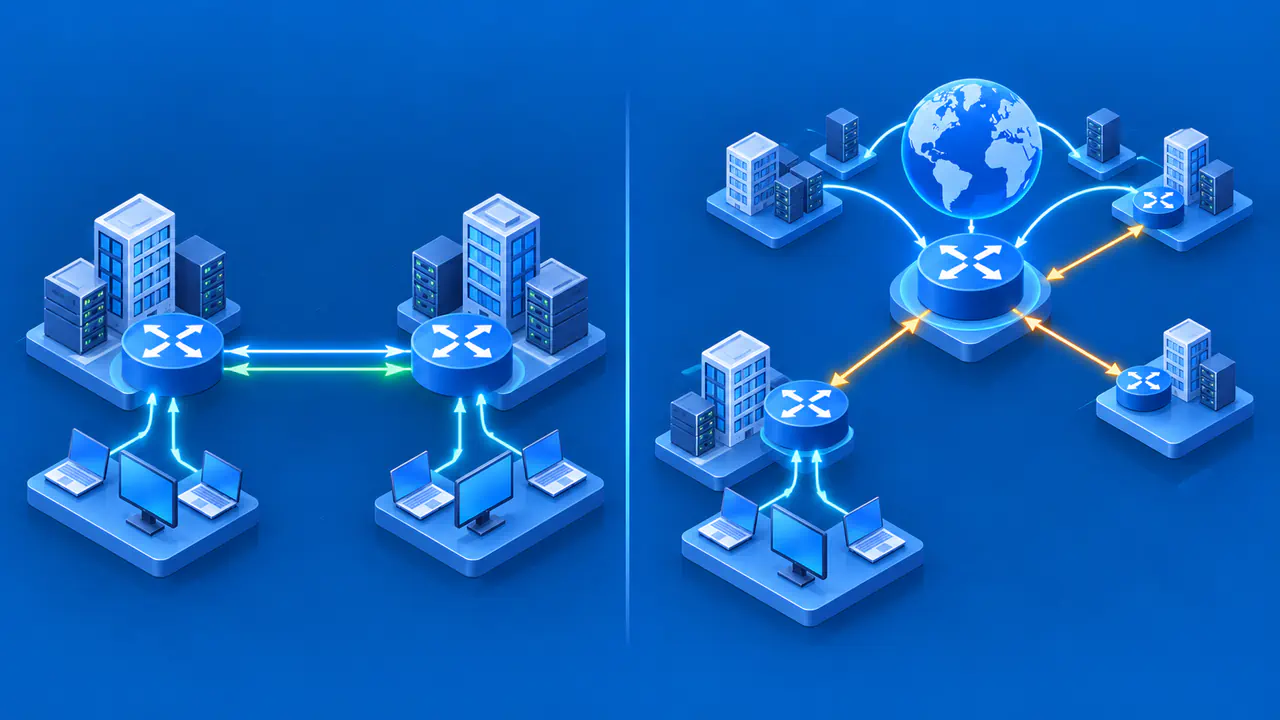
Both versions have addresses for local communication and addresses that can be routed across the internet. A private IPv4 address behind a home router is different from the public IPv4 address seen by a website. IPv6 has link-local addresses for communication on the same network link and global unicast addresses that can be routed more widely. Having an IPv6 address, especially a link-local one, does not prove that IPv6 internet access works.
Connectivity and Deployment Differences
IPv4 and IPv6 packets have different headers and rules, so support for one version does not automatically provide support for the other. Both endpoints and the network path must support the version used. A service with only an IPv4 endpoint cannot be reached by native IPv6 alone without a translation service or another transition mechanism.
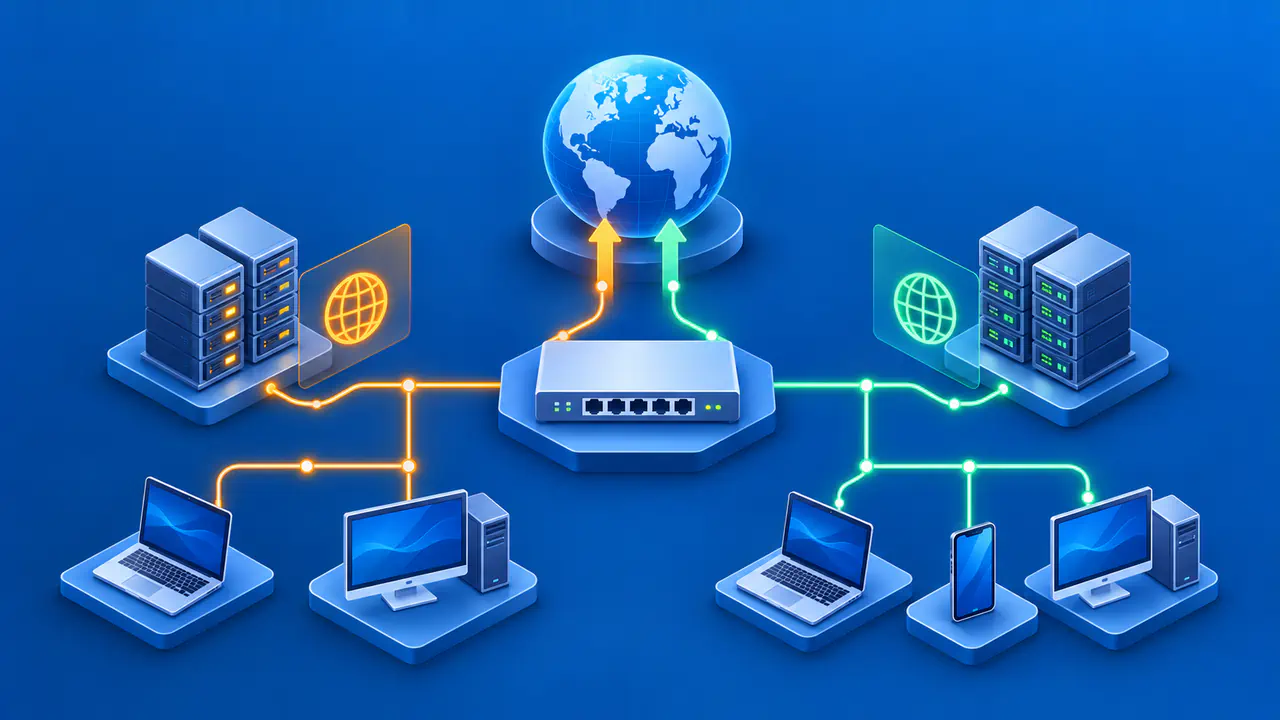
IPv4 networks commonly use address translation so several local devices can share a public IPv4 address. IPv6 has enough addresses for devices to use separate global addresses without sharing one to conserve the supply, but that does not make every IPv6 device publicly reachable. Firewalls and routing policy still control inbound connections. In either version, an IP address is not a promise that a server is listening or that traffic is allowed through.
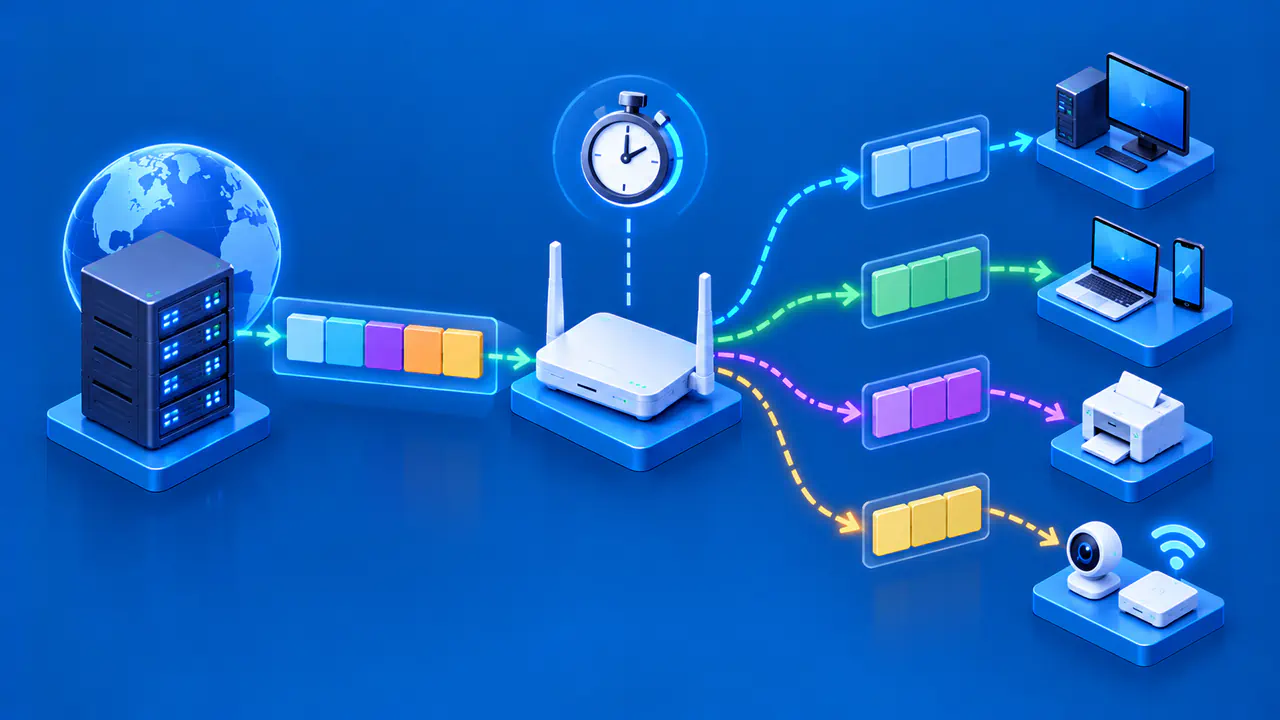
The network operator chooses how addresses and routes are provided. A device might obtain IPv4, IPv6, or both; a website might publish DNS A records for its IPv4 addresses and AAAA records for its IPv6 addresses. The browser or application then chooses a usable destination according to its own connection logic. If a site loads over one version but not the other, the issue may lie in name resolution, route availability, firewall rules, or the remote service rather than in address length itself.
Dual Stack and Translation
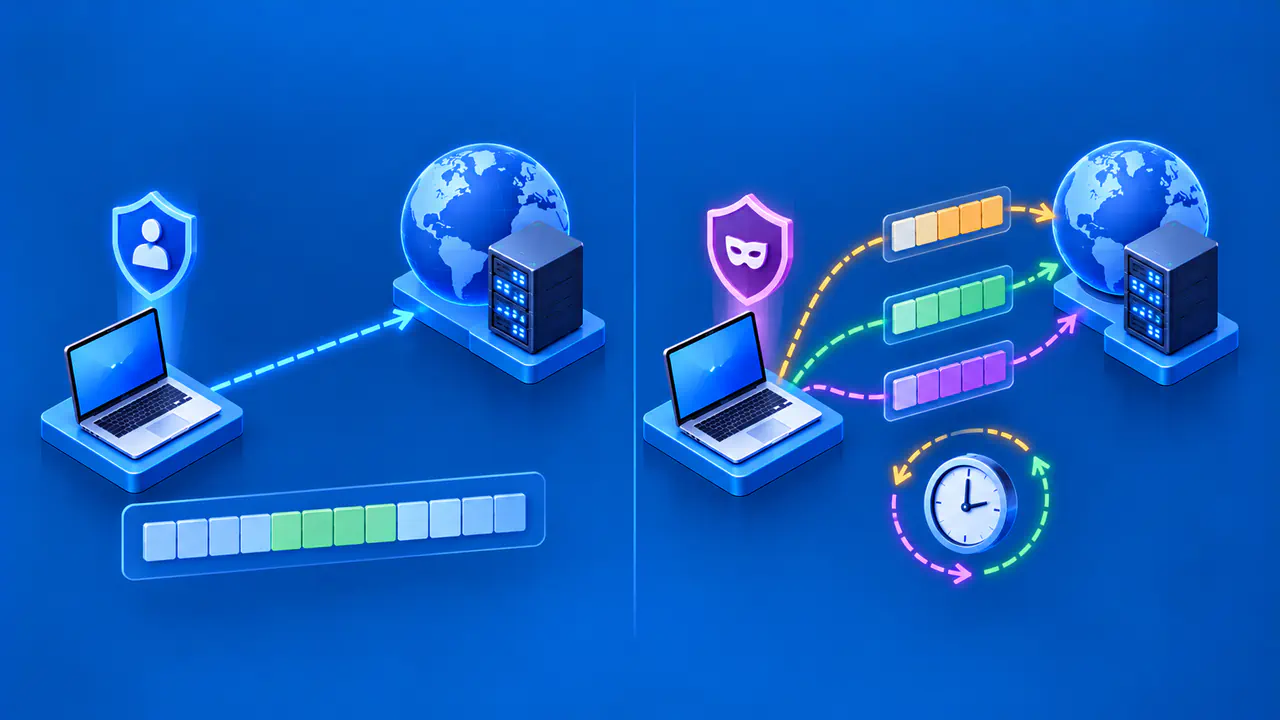
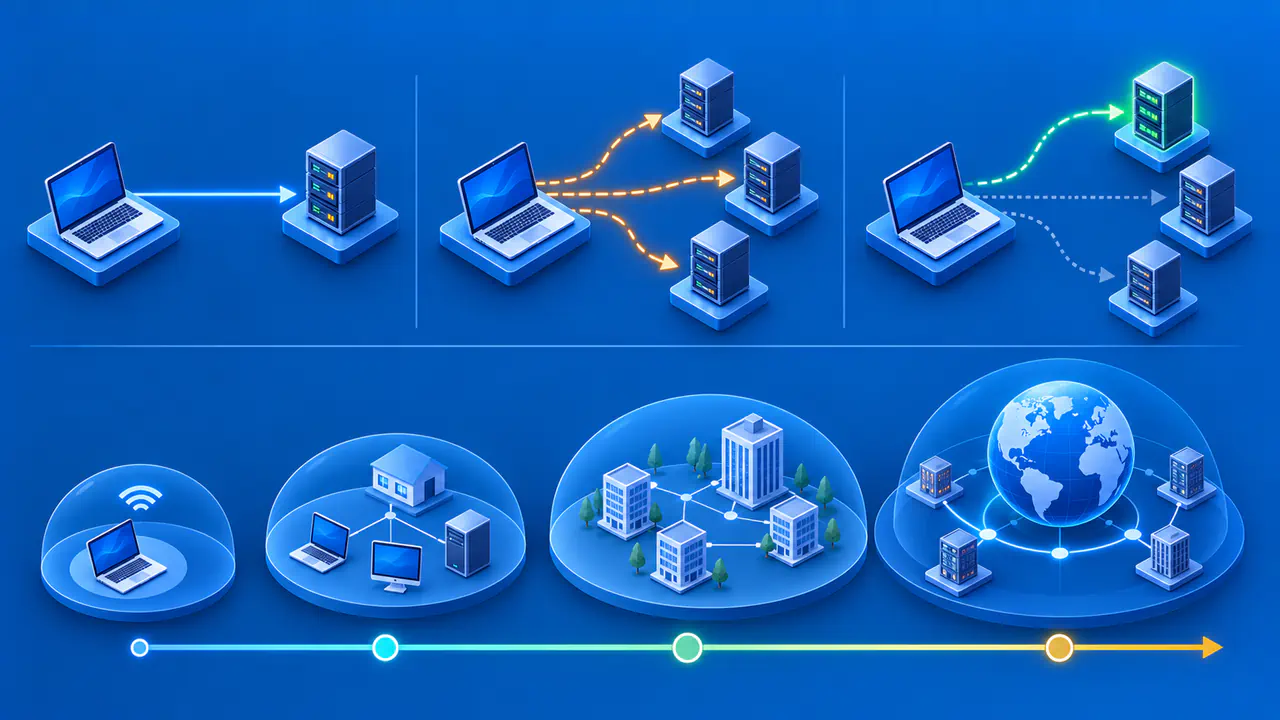
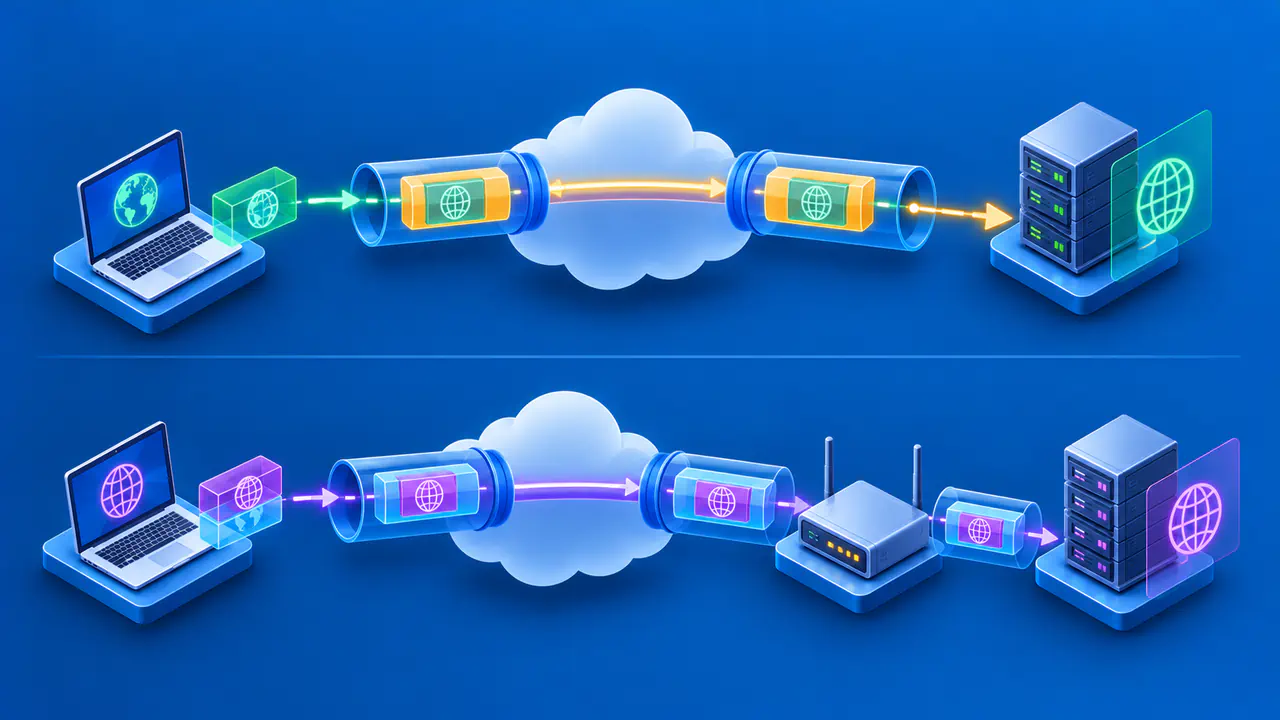
Dual stack means that a device or network supports IPv4 and IPv6 side by side. When both destination addresses are available, an application can try an appropriate path. An application using Happy Eyeballs can begin another connection attempt before an earlier one finishes, reducing the delay caused by an unavailable path. The version used for one website is therefore an observed connection choice, not simply a preference printed in device settings.
Translation is another way to bridge version differences. NAT64, for example, lets IPv6-only clients reach IPv4 servers through a translator on a network that provides this service. DNS64 can supply an IPv6 destination address that directs the connection to the translator.
The translated connection is not native end-to-end IPv6, and the translator does not make every application automatically compatible. Conversely, ordinary IPv4 address translation does not create IPv6 support.
When checking a connection, identify whether the client and destination use IPv4 or IPv6 and whether a translator connects them. An external IP-check service can report the version it sees, but a result for IPv4 does not establish what happened for IPv6. A VPN may also handle the two families differently. Keep the test tied to the service and route you actually need.
Why IPv6 Is Not an Automatic Speed Fix
IPv6 changes address and packet design, not the physical quality of your connection. Download speed and responsiveness depend on the ISP route, congestion, server capacity, Wi-Fi conditions, application behavior, and many other factors. IPv6 may take a different route from IPv4 and perform better or worse for a particular destination. There is no reliable universal speed ranking from the protocol version alone.
An application that tries an unavailable IPv6 path may take longer to connect if it waits before trying a working IPv4 alternative. A controlled comparison would test the same service over both supported versions under similar conditions, then look for a repeatable difference. Merely seeing a longer address in device settings is not a performance test.
For a connection that already works with both versions, a failure at one website needs to be checked against that destination's available addresses and routes. Changing the whole device to a single address family can remove access to services that need the other one. The useful comparison is whether each version can reach the required service under the network's actual configuration.