Does Changing Your IP Address Stop Online Tracking?

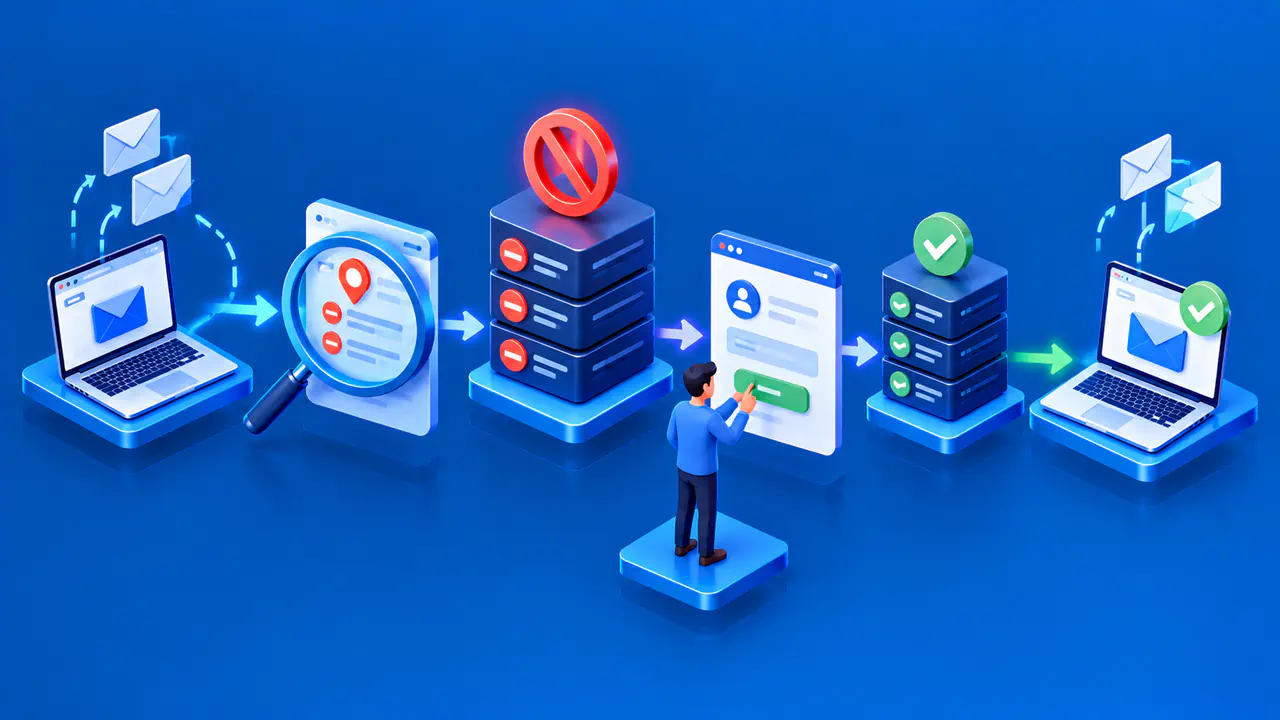
Changing your IP address does not automatically stop online tracking. It changes the network address a website can see, but it does not clear your browser's cookies or delete records held by a service. A website may still connect your visits through an account, an existing browser session, or details about your browser and device.
The effect depends on how the site recognizes returning visitors. A site that identifies visitors only by IP address may no longer link your new requests to your earlier visits. A site where you remain signed in can still link activity to your account.
What a New Public IP Changes
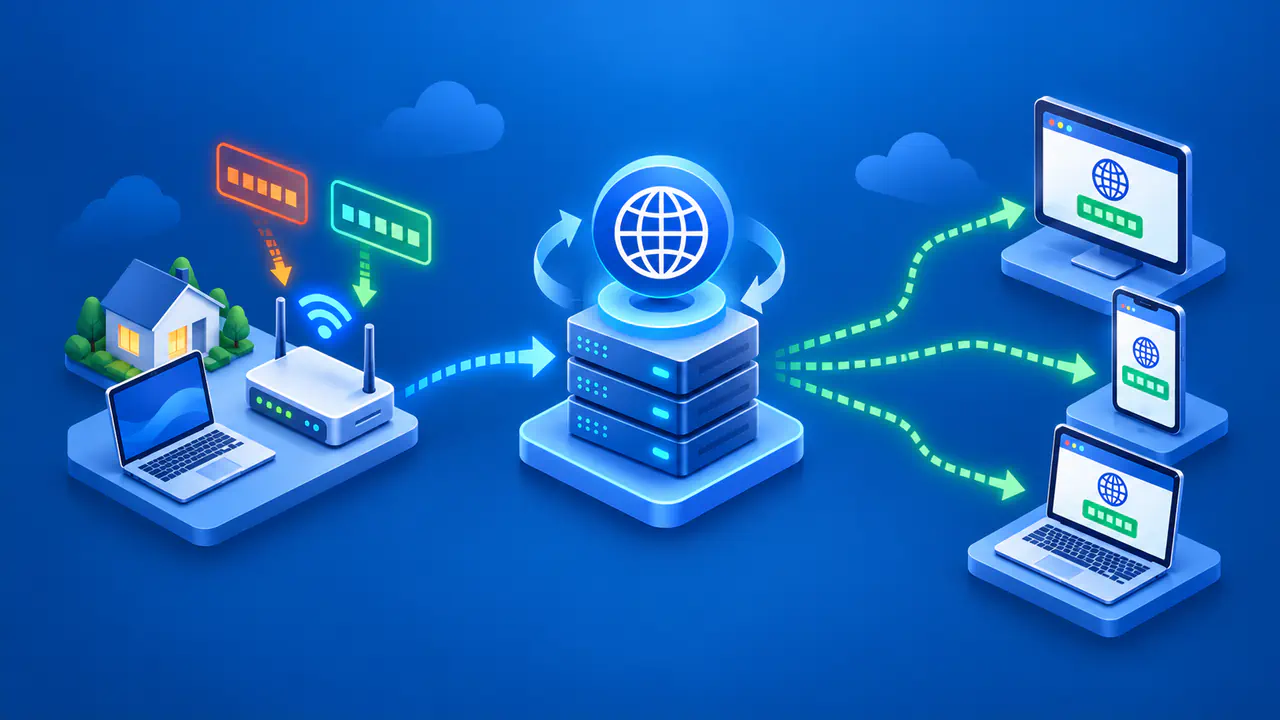
Switching from home WiFi to mobile data often changes the public IP used for your internet connection. Your internet provider may also assign a different address, and websites usually see a VPN server's public address for browsing traffic routed through that server. Connecting to a VPN does not change the address seen by a website if that website's traffic bypasses the tunnel.
A new public IP may change a site's estimate of your location or affect an address-based request limit. It can also prompt an account security check, including a request to sign in again. These changes do not prove that the site treats your visit as unrelated to earlier activity.
Public IPv4 addresses can be shared by people in one household or, through a provider's address translation, by several customers. The private IPv4 address your router assigns to a device, such as 192.168.1.23, has a different role. Changing that local address alone does not change the public address used by the router or provider to send traffic to a website.
Cookies and Accounts Can Link Visits
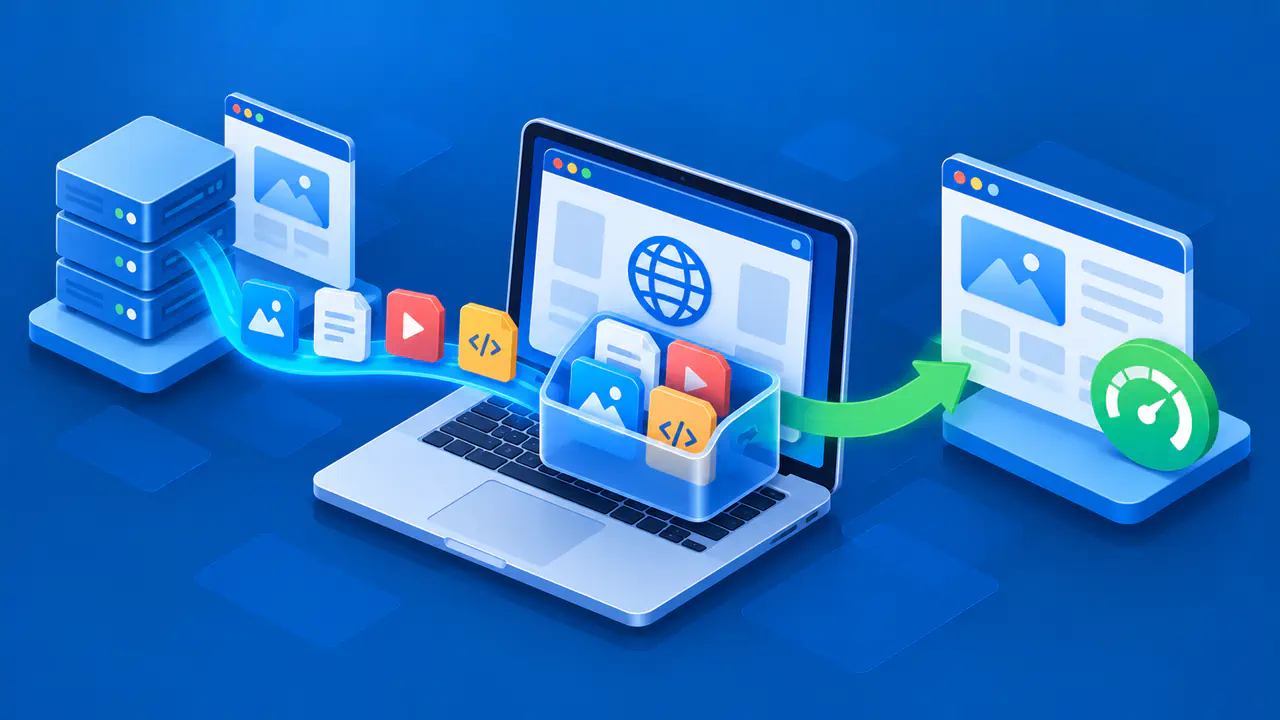
A cookie is a small piece of data a website can store in your browser and receive again on later requests, depending on the cookie's scope and your browser's settings. Cookies can hold preferences, maintain a shopping cart, or carry an identifier for a login session. Changing your IP does not remove those cookies.
If your browser sends a valid login identifier and the service still accepts it, your account session can continue after an address change. Signing into the same account again also gives the service a direct way to associate the new activity with that account. Recognizing an account or browser session is not, by itself, proof of who is using the device.
Clearing cookies and other site data can remove identifiers stored locally and may sign you out. It does not delete a website's own activity logs or account history, and signing out does not necessarily remove every cookie. A service's mobile or desktop app can also stay signed in when you clear data in your web browser.
How Tracking Works across Websites
Recognizing a returning visitor on one website is different from linking that visitor's activity across several sites. A page can load advertising or analytics resources from another company. If that company receives the same identifier when its resources load on different websites, it may be able to connect those visits even after the visitor's IP changes.
Browsers can block third-party cookies or keep a third party's cookies separate for each website you visit. Those restrictions make it harder for third parties to link visits across sites, but a website can still recognize an account you sign into.
Browser Characteristics Can Persist
Websites can receive or request details such as your browser version, language settings, and screen dimensions. Combining several observable details can sometimes help distinguish one browser from others, a technique known as browser fingerprinting. Changing your IP alone does not change these properties.
How well a fingerprint distinguishes your browser depends on which details a site can access, how common those characteristics are, and the browser's privacy protections. Browsers may limit exposed information or block known fingerprinting scripts. Even when details match, they do not necessarily identify a particular person. A website might recognize you after an IP change because you are still signed in or the browser sends a stored cookie. Recognition alone does not prove that the site used fingerprinting.
What Private Browsing Changes
Private browsing starts a temporary session that does not use cookies or site data from your regular windows. In Firefox, cookies created during that session are stored separately and discarded when the private session ends.
A private window does not hide your public IP from websites or stop a site from collecting information during the visit. If you sign into an account there, the service can associate activity with that account. Private browsing also leaves downloaded files on your device, even after the session ends.
Ways to Reduce Tracking
Choose privacy settings based on whether you want to limit what the browser saves on a shared computer, reduce tracking across websites, or manage data held by a service. Each task involves different controls:
- Sign out of the website if you do not want later activity linked through that account session. Cookies and other identifiers may still let the site connect later visits.
- Review which cookies and site data your browser will clear, including any selected time range. Deleting cookies and site data can reset preferences or sign you out, so select only the sites and data types you intend to clear.
- Check your browser's tracking protection and third-party cookie settings. Review exceptions for individual sites, since those exceptions may allow content or cookies that would otherwise be blocked.
- Use separate browser profiles when you need separate local sessions, such as keeping work and personal accounts apart. Signing into the same website account in both profiles still links activity to that account.
- Check the service's privacy settings to see what account data you can review or delete. Deleting data from your browser and requesting deletion from a service are separate actions.