Can an IP Address Have a TLS Certificate?
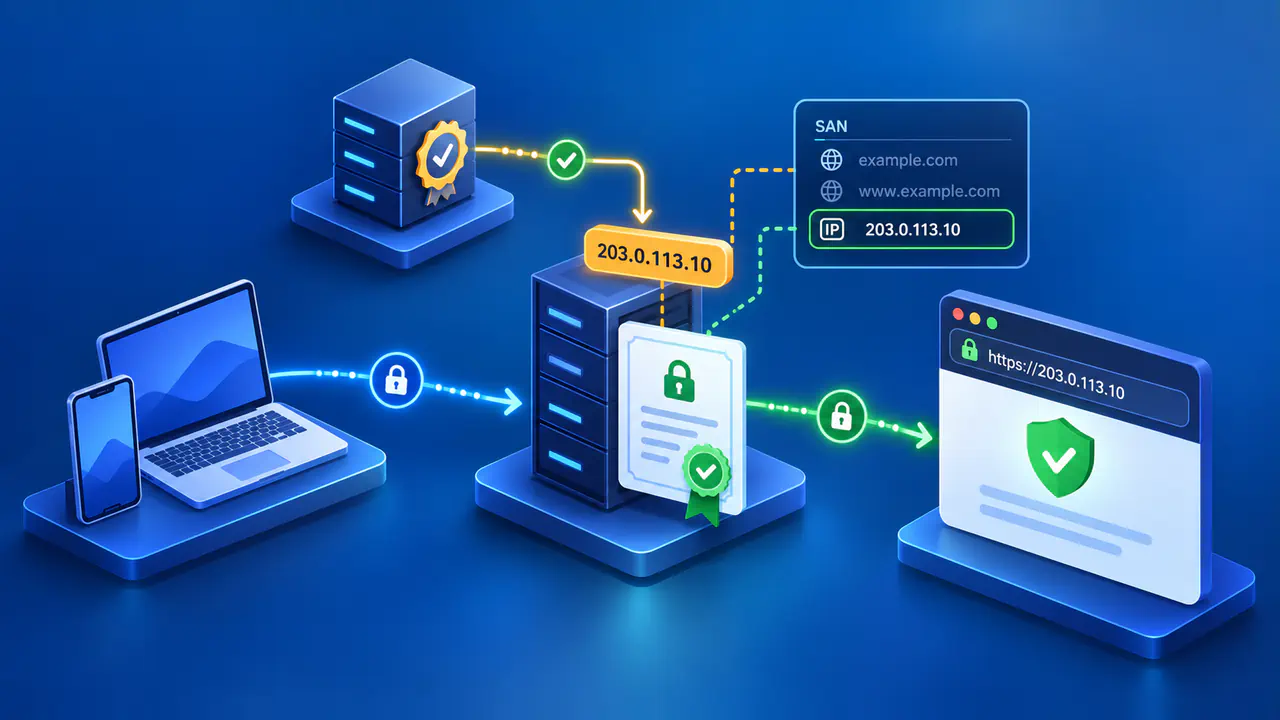
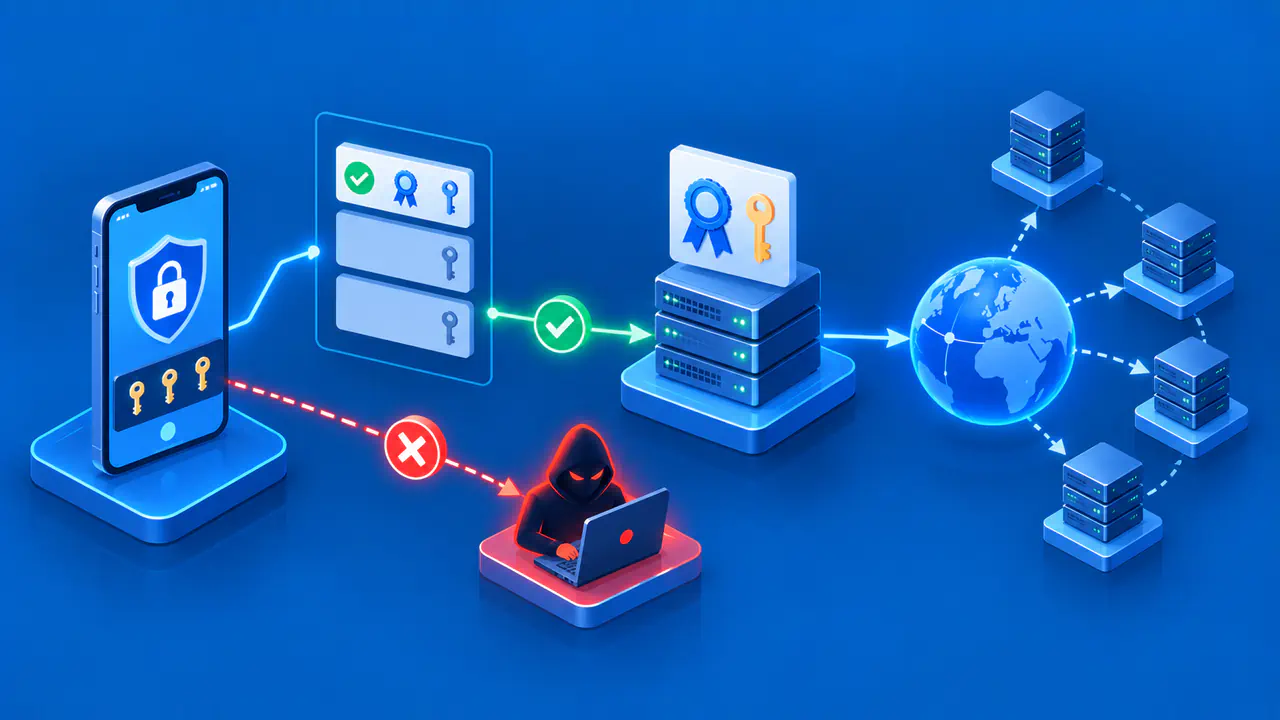
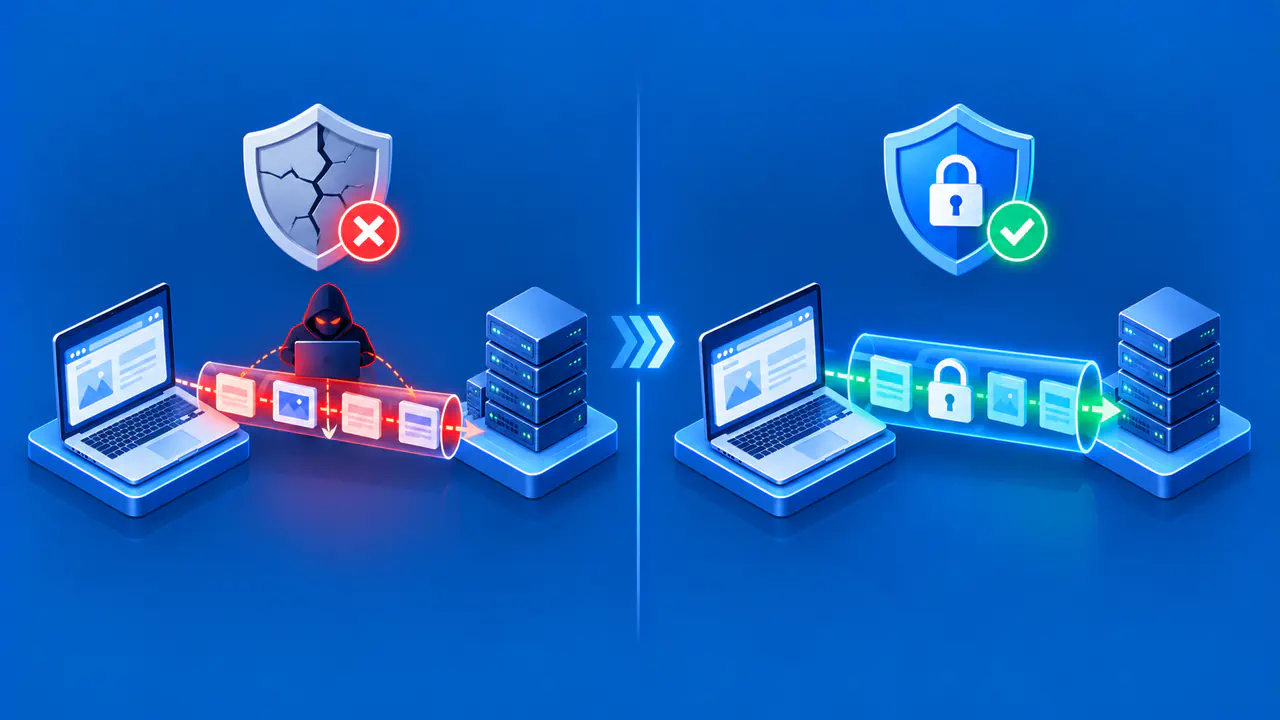
Yes. An IP address can appear as a certificate identity, and a client connecting directly to that address can verify it. The certificate must represent the address in the correct Subject Alternative Name form. For a publicly trusted certificate, the issuing certificate authority must first validate control of an eligible public address. The rules differ from simply requesting a certificate for a domain name.
Let's Encrypt made short-lived IPv4 and IPv6 certificates generally available in January 2026. Its public IP certificates require an eligible address and a supported validation method. Availability from one issuer does not make every CA, certificate client, or validation method interchangeable.
How Certificates Identify IP Addresses
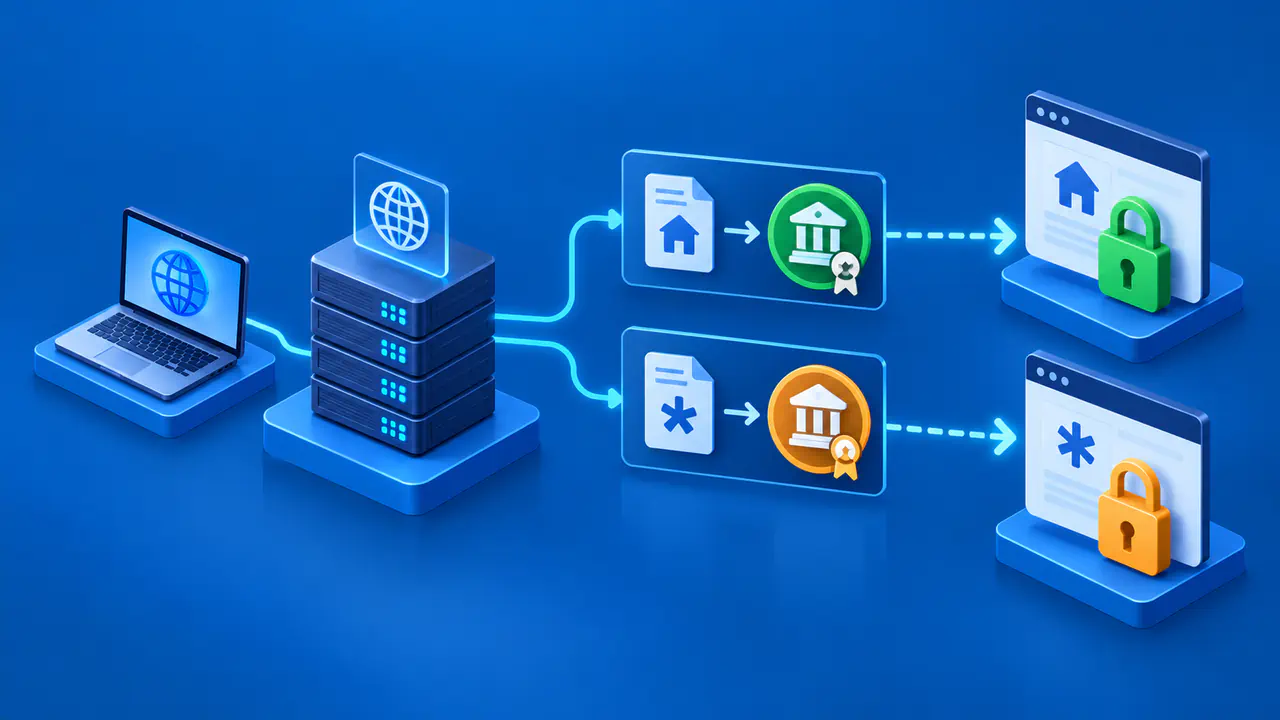
A certificate can list several identities in its Subject Alternative Name, or SAN, extension. A DNS hostname is represented as a DNS identity. A literal IP address is represented as an IP address identity, using the iPAddress SAN form. The two types should not be confused. Writing the digits of an address as if they were a DNS name is not the same as listing an IP identity.
The client checks the identity it actually used. If a browser visits https://192.0.2.1/ as a conceptual example, it expects an IP identity matching that exact address; the example address is reserved for documentation and is not an issuance target. If the browser visits https://site.example/, it expects a name covering that hostname even if DNS resolves it to the same server address. An IP certificate alone does not automatically authenticate every domain pointing there.
IP identity verification compares the address bytes exactly with the certificate's iPAddress SAN entry. A certificate for one address does not cover an entire subnet or a neighboring address. The legacy Common Name field cannot replace the required SAN entry.
Public and Reserved Addresses
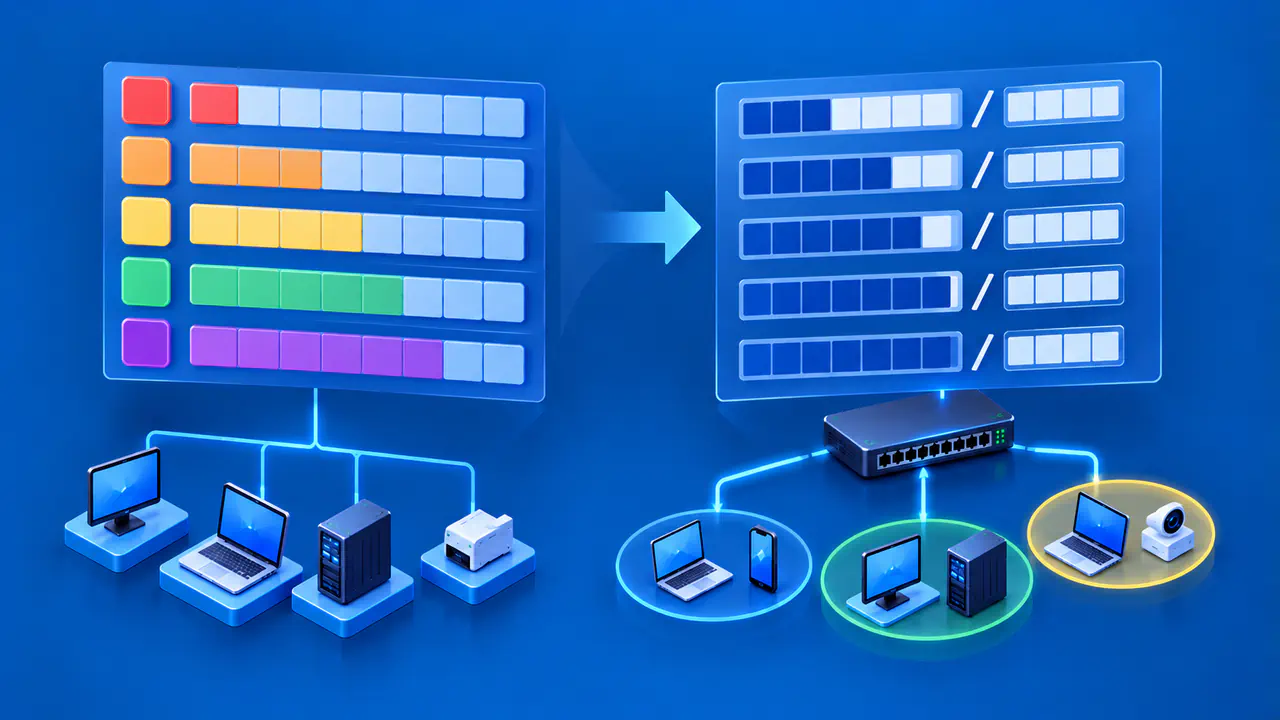
A globally reachable public IP address can be eligible for a publicly trusted certificate if an issuing CA supports IP identities and completes the required control validation. Publicly trusted CAs cannot issue certificates containing private, loopback, or other reserved IP addresses, or internal names.
For a private network, an organization can use a private certificate authority and install its trust anchor on managed clients, or use another appropriate internal trust arrangement. Such a certificate may secure traffic for those clients, but an arbitrary public browser will not trust it automatically. A self-signed certificate also needs explicit trust configuration. This is a trust distribution issue, not evidence that IP identities are technically impossible.
Addresses can be reassigned before a certificate expires. An unexpired certificate does not prove that its holder still controls the listed address. Operators need to track address assignments and stop using certificates for addresses they no longer control. Short validity and repeated validation reduce the time during which an old certificate could still be accepted.
Issuance and Proof of Control
A public CA needs evidence that the applicant controls the requested identity. Domain certificates typically use domain control methods, such as publishing a DNS token or serving a challenge under the domain. An IP certificate instead uses an IP address validation method accepted by the CA and applicable requirements. A domain pointing to an address does not, by itself, prove control of that address.
For Let's Encrypt, HTTP-01 and TLS-ALPN-01 can validate IP addresses. HTTP-01 requires the validation service to reach the requested address on port 80. TLS-ALPN-01 uses a special TLS exchange on port 443 and requires suitable client and endpoint support. DNS-01 cannot validate an IP address for this purpose. Proxies, firewalls, multiple servers, and network routing can affect whether the correct challenge response is reachable.
Support varies by CA and ACME client. An issuer's general support for IP certificates does not prove that a particular client version, plugin, proxy, or hosting panel can complete the request. A hosting panel that only accepts domain names in its certificate form cannot request an IP certificate through that form, even when the issuer supports IP identities.
Short Validity and Renewal
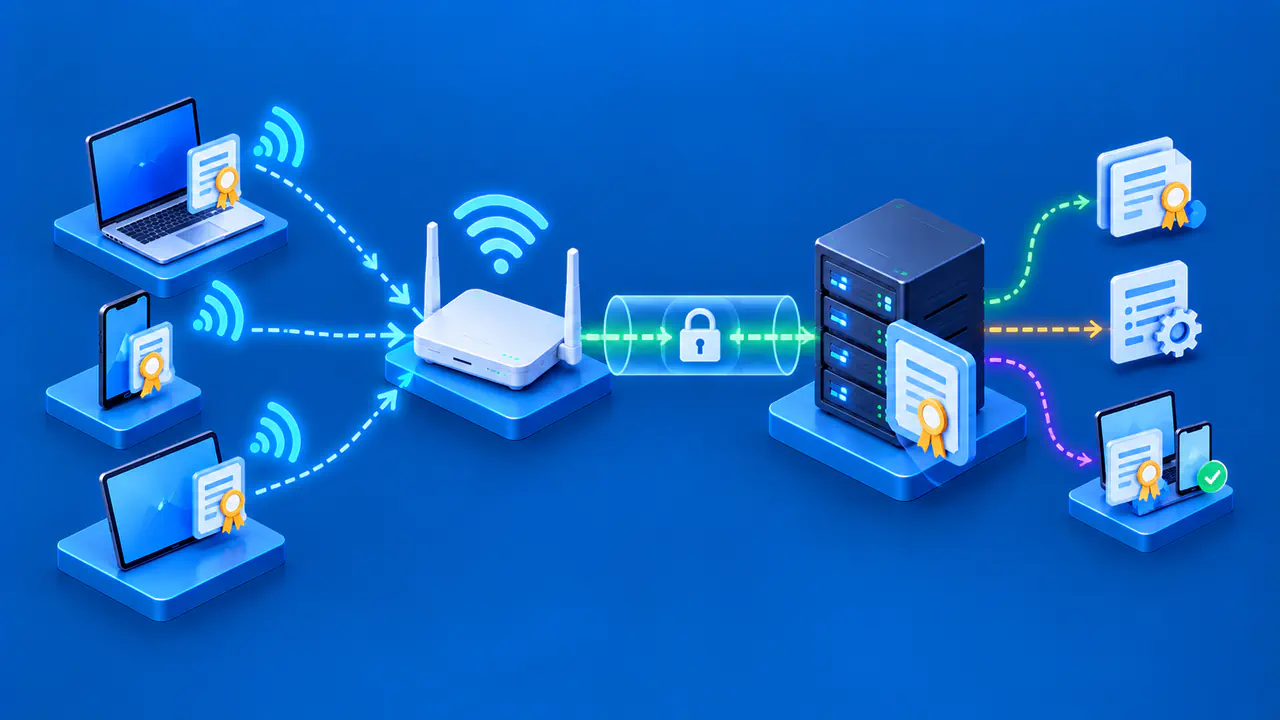
Let's Encrypt's current public IP certificates are short-lived, valid for 160 hours, a little over six days. Compared with certificates valid for several months, this shorter lifetime leaves less time to resolve a renewal failure. An operator needs automated renewal, reliable challenge access, installation of the replacement certificate, and monitoring that detects failure before expiry.
Certificate lifetimes and renewal procedures vary by issuer and platform. Renewal must include deploying the replacement to the TLS service; obtaining a new certificate does not by itself change the certificate presented to clients. If the service needs a reload to use the replacement, that step belongs in the automation. Monitoring must catch both renewal failures and a service that continues presenting an expired certificate.
An address change can require a replacement before the certificate expires. A certificate that lists only the old address will not match a connection to the new address. A domain certificate continues to identify the domain name even when DNS directs visitors to a new IP address.
Check the IP Address in the Certificate
When a direct-IP HTTPS connection reports a name mismatch, inspect the address in the URL and the certificate's SAN entries. Confirm that an iPAddress entry exactly matches the address used. Also check certificate validity, chain trust, and whether a proxy or default TLS service presented a different certificate. A correct DNS name entry does not resolve an IP identity mismatch.
Test both address families if the service offers IPv4 and IPv6 direct access. A certificate containing only the IPv4 address does not authenticate a different IPv6 address. Check the endpoint that actually terminates TLS; the origin server's certificate may not be what a client sees behind a proxy or load balancer.