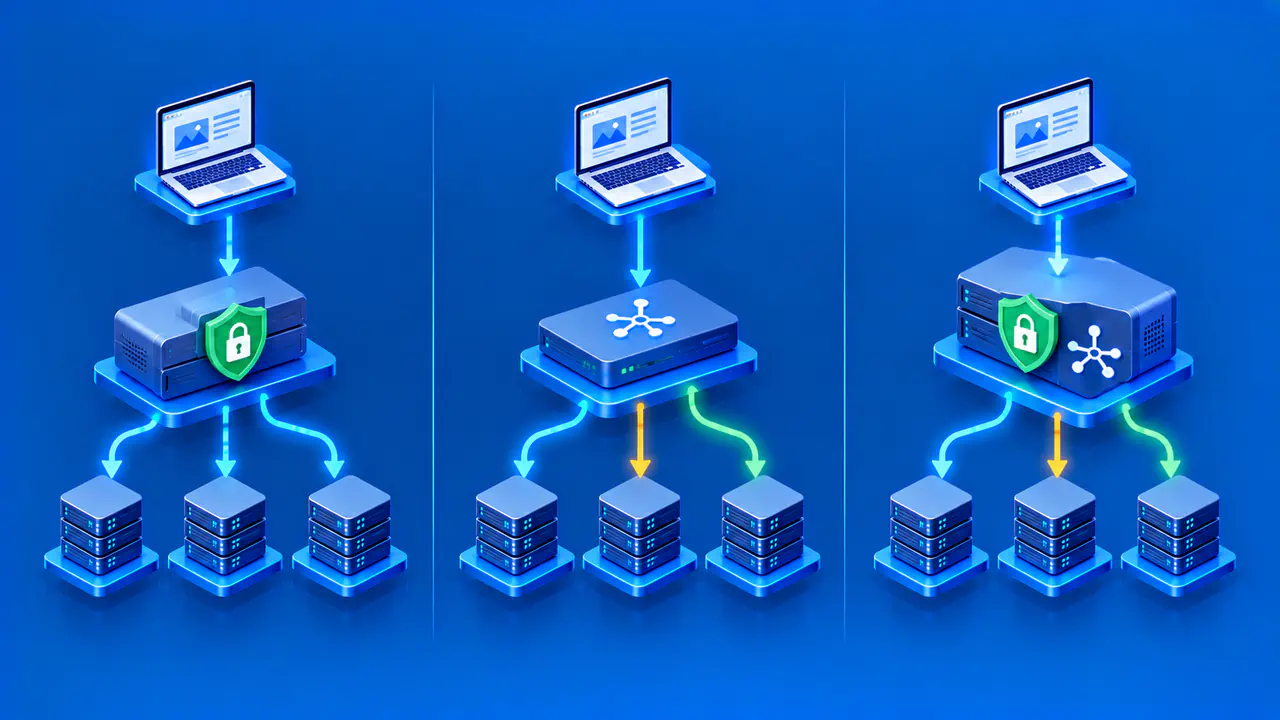
How Load Balancer Health Checks Work
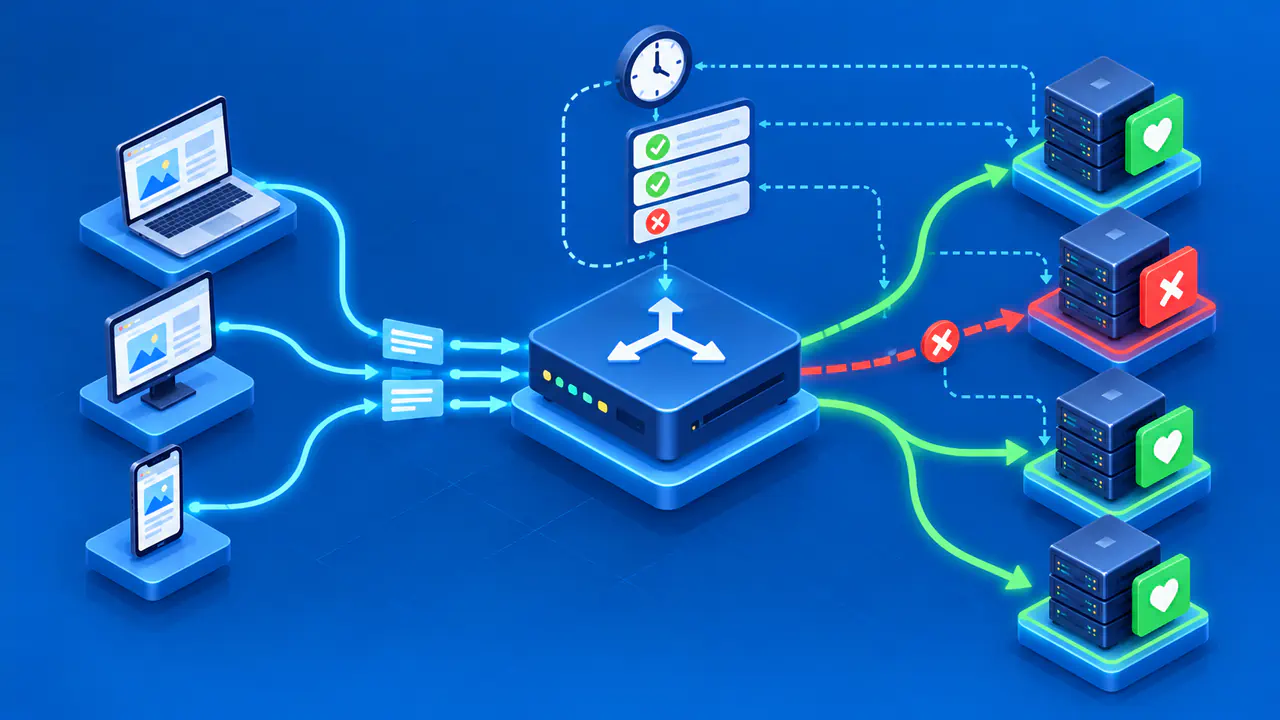
A load balancer health check is a periodic test of whether a registered target should receive traffic. For web targets behind an AWS Application Load Balancer (ALB), the check sends an HTTP or HTTPS request to a configured path and compares the response with the accepted status codes. Repeated failures can take a target out of normal service, while successful checks allow it to join or return. Passing the check does not prove that every operation on the website works.
Readiness means that a target can accept the work the balancer sends it. Decide which application functions and dependencies must be available before the target receives requests, and keep the check lightweight. Then choose timing settings that detect persistent faults without repeatedly removing and restoring a target because of brief delays.
Choose a Meaningful Readiness Endpoint
A 200 response for a static file shows that the web server can serve that file. The response does not establish whether the application has loaded its configuration, reached essential dependencies, or become ready to handle its main requests. A readiness endpoint should test the minimum conditions needed for the target to accept ordinary traffic. The endpoint should not create test orders, change customer data, expose secrets, or consume substantial resources each time it is called.
Separate readiness from a deeper end-to-end service test. If every request needs a database, the readiness endpoint may need a small check that the target can reach and use that database. An optional analytics service may fail without justifying removal of the application target. If all targets share a dependency, a failure of that dependency may cause every target to fail its check. Plan how traffic should be handled in that case, including what the application can still serve.
Return a clear success or failure status on the exact path the balancer uses. Avoid login redirects or an HTML error page that happens to return a success code. Check that the endpoint works on the target protocol and port and does not rely on a host header value the balancer will not send. Keep diagnostic detail in protected logs rather than a public health response.
Set the Interval, Timeout, and Thresholds
ALB health check settings belong to a target group, the collection of registered backends that receives matching traffic. The settings include the protocol, port, path, interval, timeout, accepted response codes, and failure and recovery thresholds. The interval controls roughly how often checks begin; the timeout limits how long a check waits for a response. These settings are separate from the timeout for ordinary application requests.
The unhealthy threshold is the number of consecutive failures required to mark a target unhealthy. The healthy threshold applies when an unhealthy target recovers: the target must pass the configured number of consecutive checks. A newly registered target is different and needs only one successful initial check. Do not assume a high recovery threshold will delay that first admission to service.
With a short interval and a low failure threshold, the balancer can detect failures quickly but may remove a target during a brief network delay. A long interval or high threshold can leave a failing target in service longer. Base the settings on how long the service normally takes to respond and recover. Keep the health endpoint fast enough to respond well within the timeout, and avoid having thousands of targets perform heavy database work at once.
Review which response codes count as a success. For HTTP checks, ALB accepts configurable codes from 200 through 499, with 200 as the default. Accepting all 4xx responses can hide authentication or routing failures, even though the configuration permits those codes. If another code is intentional, document why and verify that it cannot also represent a failed application state.
Interpret Target States and Fail-Open Behavior
ALB reports initial while registration or the first checks are in progress, healthy after the required checks pass, and unhealthy when the failure threshold is reached. Other states describe different situations: unused can mean the target is not configured to receive traffic, draining means deregistration is underway, and unavailable indicates that health checks are disabled. Read the accompanying reason code to distinguish a status-code mismatch, a timeout, and a registration or configuration problem.
ALB can continue sending traffic to unhealthy targets through fail-open routing. In particular, when every registered target in a group fails its checks across all enabled Availability Zones, the balancer routes to those targets despite their status. A configured minimum healthy count or percentage can also trigger unhealthy-state routing before every target fails. Check the target group health settings and the cross-zone setting, which affects which targets are counted. Other load balancer products may handle the same failure differently.
A shared dependency failure can cause every target to fail its readiness check at once. Under ALB fail-open, traffic may continue to those targets and users may still see errors. Compare client responses with target status and dependency errors to determine whether requests are still being served. A healthy-target count alone cannot show whether the service remains usable.
Test Failures before Deployment
Use a non-production environment to test a target that returns an unexpected status and one that times out. For each target, measure the time from the first failed check to the unhealthy state. Check whether the balancer avoids that target while enough healthy targets remain to satisfy the routing policy, then observe how the target returns after recovery. Record the observed transition times rather than treating interval multiplied by threshold as an exact detection guarantee.
Test the all-target failure case in isolation. Confirm the product's actual behavior and how application error responses appear to a client. Also deregister a target during a controlled deployment. Confirm that the balancer stops assigning new requests to that target and gives active requests time to finish within the configured deregistration delay. The precise outcome can depend on target group, listener, and rollout settings, so record the configuration used.
Also test that the readiness endpoint does not expose sensitive diagnostics and that it remains stable under expected check volume. If repeated checks exceed a dependency's rate limit, targets may fail the checks even while they can still serve ordinary requests. Review logs for why a check failed rather than relying only on a green or red icon.
Alert on Health and User Impact
Monitor the count and proportion of healthy targets, target health reason codes, load balancer error responses, application errors, and latency. Set the alert threshold above the point where the remaining targets can no longer handle expected traffic. Pair infrastructure alerts with a separate external test of a meaningful user flow; the health endpoint cannot cover every operation.
Before a deployment, decide how to roll back or move traffic if the new version causes targets to fail checks. Determine whether to restore the previous application version, revert an endpoint configuration, or repair a shared dependency. Changing thresholds to hide persistent failure can send more requests to broken targets. Document the environment, check path, settings, date, expected transition, and observed state.