What Is DHCP and How Does It Work?

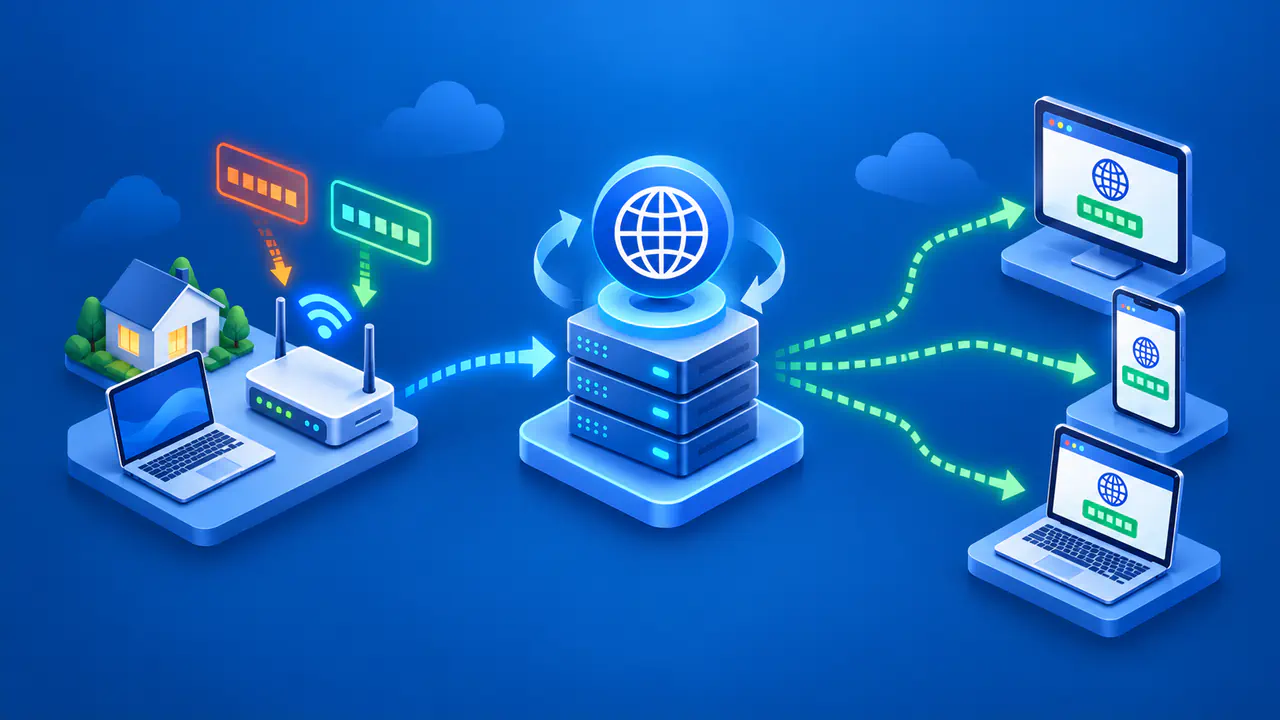
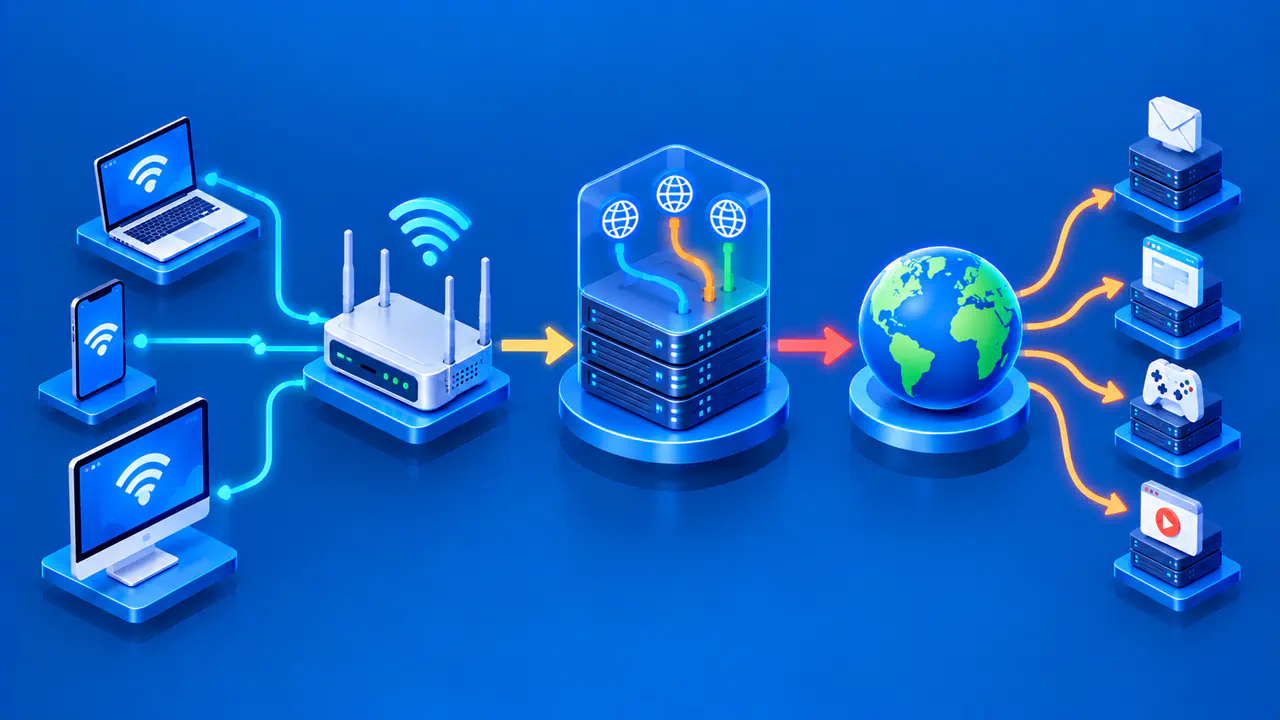
Dynamic Host Configuration Protocol, or DHCP, lets a device receive network settings from a server instead of requiring someone to enter each value manually. On a typical home IPv4 network, the router acts as the DHCP server. A phone or laptop requests configuration, and the server supplies an address and other settings for that network. With dynamic allocation, the address is leased for a limited period.
Receiving a DHCP address does not establish the entire internet connection. The device still needs a working network link, a route to its destination, and a reachable service. DHCPv4 supplies IPv4 configuration, while DHCPv6 handles IPv6 addresses, network prefixes, and other settings. IPv6 can also use stateless address autoconfiguration, or SLAAC, so a device does not necessarily need a DHCPv6 lease to obtain an IPv6 address.
The DHCPv4 Lease Exchange
When an IPv4 client joins a network without a usable configuration, it can broadcast a DHCPDISCOVER message to find available servers. A server can respond with a DHCPOFFER containing a proposed address and configuration. The client chooses an offer and sends DHCPREQUEST to identify the selected server and request that configuration. If the server accepts the request, it confirms the lease with DHCPACK.
This sequence is often called DORA, after discover, offer, request, and acknowledgment. The offer is a proposal, so receiving one is not the same as completing the lease exchange. After receiving the acknowledgment, the client checks the supplied configuration before using the address. A device returning to a network may instead request its previous address without repeating the full discovery sequence.
More than one server can respond, and the client selects an offer according to its implementation. The selected address depends on the server's available address pool and allocation policy. On a network with several segments, a DHCP relay forwards messages between clients and a server on another link. This lets one centrally managed DHCP service support clients on multiple networks.
The server records active leases to avoid assigning the same leased address to another client. An administrator can also reserve a chosen address for a particular client and deliver it through DHCP. A reservation differs from entering a static address directly on the device because the client still requests its configuration from the server. Both arrangements can produce a stable address, but they are managed differently.
Settings Supplied with the Address
DHCPv4 options can supply a subnet mask, default router, DNS server addresses, lease duration, and other settings chosen by the network operator. The subnet mask helps the device determine which destinations are on its local IPv4 network. The default router forwards traffic toward other networks. The supplied DNS server addresses tell the device where it can look up names.
A device can receive an address and still fail to reach a service if another setting is missing or incorrect. Without a suitable route, traffic cannot reach the intended destination outside the local network. If DNS resolution fails, a connection using an IP address may work while a connection using a name fails. These symptoms have different causes, and changing the leased address alone may not resolve them.
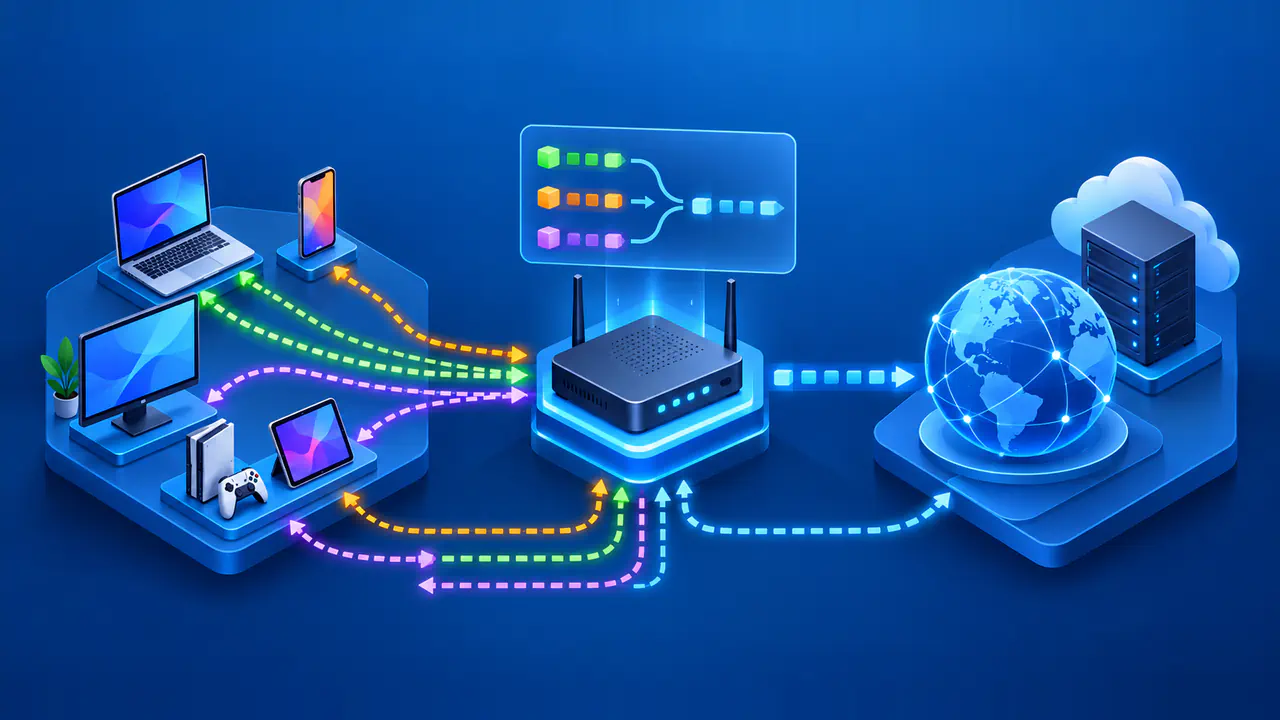
A home router often gives private IPv4 addresses to local clients while using a separate connection and address toward the internet provider. DHCP on the home network does not give every device a unique public IPv4 address. The router may translate outgoing connections so several devices share the same public address. The local DHCP lease and the public address seen by a website describe different parts of the connection.
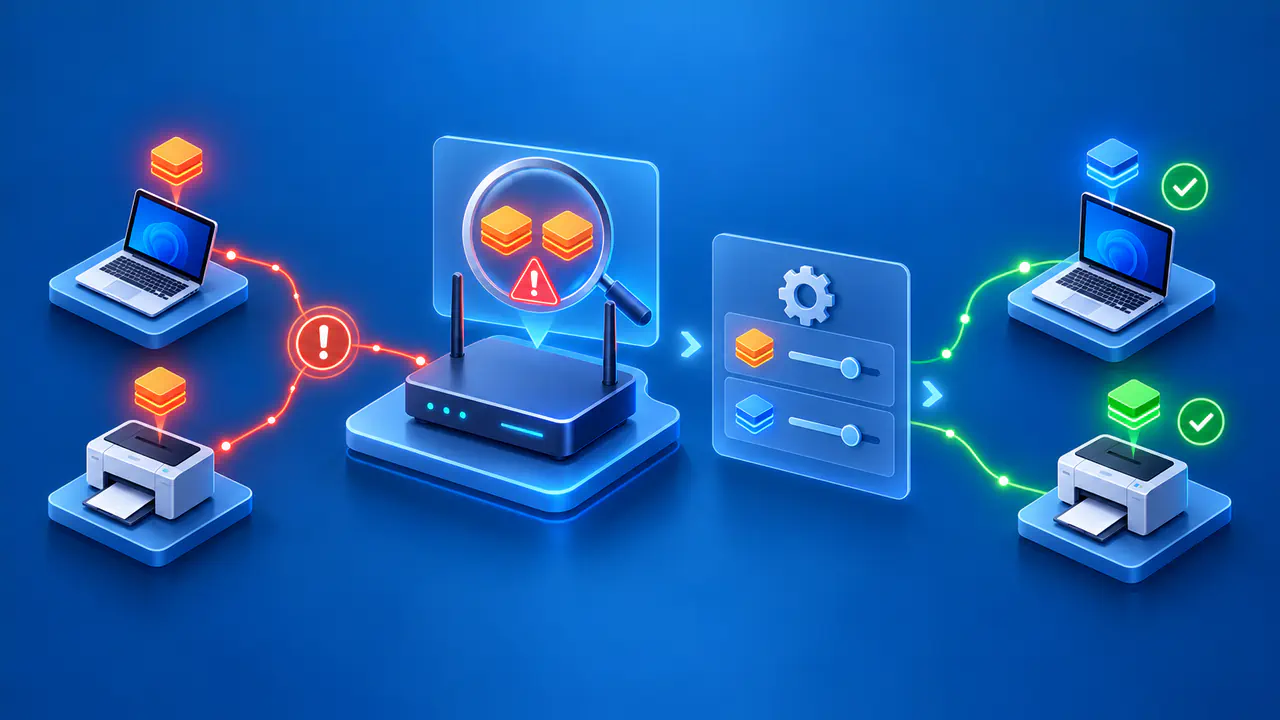
The DHCP service should be controlled by the network's administrator. A misconfigured or unauthorized server can distribute the wrong gateway or DNS settings and disrupt connections. On a managed network, report unexpected configuration to the administrator rather than adding another DHCP server as a test. A familiar-looking address alone does not show that the configuration is trustworthy.
Lease Renewal and Expiration
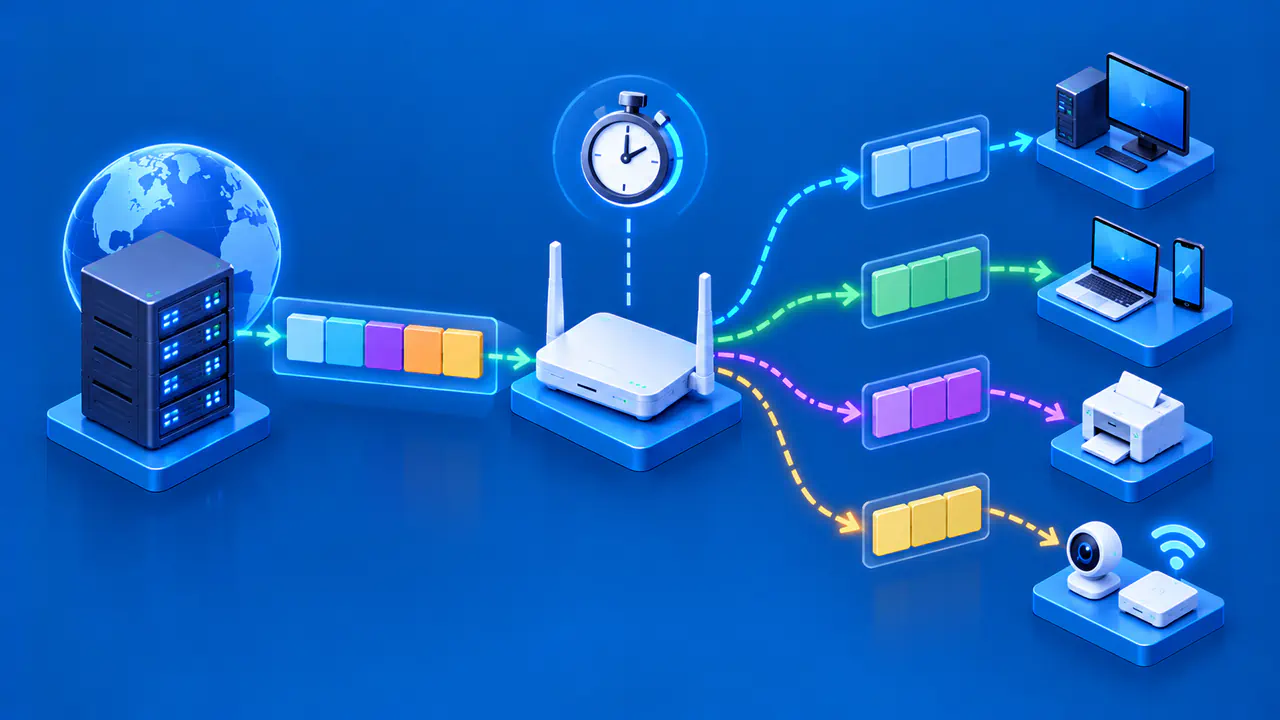
A dynamic lease has a lifetime, and the client normally requests an extension before that lifetime ends. During renewal, the client first contacts the server that issued the lease. If renewal remains unsuccessful, the client enters the rebinding stage and broadcasts a request so another server can respond. A successful acknowledgment supplies the renewed lease information.
The first unanswered renewal request does not immediately invalidate the address. The client can continue using the address for the remaining valid lease period while trying again. If the lease expires without an extension, the client must stop using the expired address and restart configuration. This prevents the device from continuing to use an address that the server may allocate elsewhere.
Successful renewal often keeps the same address, but repeated renewals do not make a dynamic lease permanent. After reconnecting, the client may receive its previous address or a different one, depending on availability and server policy. A changed address can interrupt connections or affect software configured to reach the device by its old address. The useful checks are the current address, the lease status, and whether the client can still contact the DHCP service.
How DHCPv6 Differs
DHCPv6 uses different messages and packet formats from DHCPv4. Its usual four-message exchange is Solicit, Advertise, Request, and Reply: the client locates servers, chooses one, and requests configuration. DHCPv6 can assign addresses to a host or delegate an IPv6 prefix to a router. A delegated prefix gives the router address space to use for its own networks, rather than just one address for the router itself.
DHCPv6 can also provide settings such as DNS server addresses without assigning an address. This is called stateless DHCPv6 and is distinct from SLAAC, which lets a device form an address using a prefix advertised by a router. A device also forms a link-local IPv6 address for communication on its local link. Depending on the network and device, SLAAC and DHCPv6 may be used together.
IPv6 hosts normally learn their default routers from router advertisements, not from an equivalent of DHCPv4's default-router option. Those advertisements can also indicate that DHCPv6 is available for addresses or other configuration. As a result, an IPv6 address, DNS settings, and a default route may come from different mechanisms. An IPv6 connection should not be diagnosed by assuming that one DHCP reply supplied every setting.
Check Which Configuration Step Failed
If a device cannot obtain a DHCPv4 lease, first confirm that its Ethernet or Wi-Fi connection is active. A missing response can result from a blocked exchange, a relay problem, an unavailable server, or an exhausted address pool. The symptom alone does not identify which component failed. An administrator can compare the client's request with server records and the pool's available addresses.
If the device has a valid lease, inspect the rest of its configuration before requesting a different address. Compare the subnet, default route, and DNS settings with those intended for that network. On an IPv6 connection, also distinguish DHCPv6 information from router advertisements and locally generated addresses. This separates an address-allocation failure from a routing or name-resolution problem.