What Is a DDoS Attack?
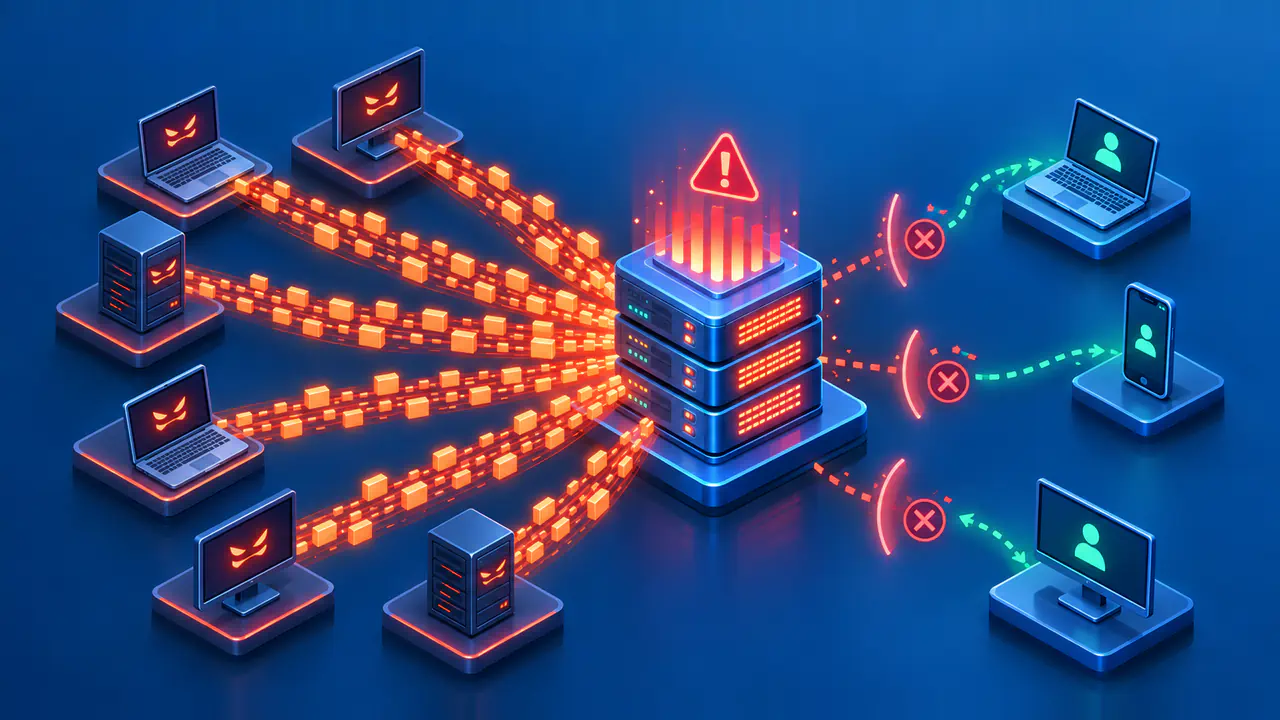
A distributed denial of service, or DDoS, attack attempts to make a service unavailable by sending disruptive traffic from multiple sources. The traffic can exhaust network capacity or computing resources, leaving the service unable to handle legitimate users reliably.
For a visitor, the effect may look like a slow website, a failed connection, or an unavailable online service. Those symptoms also occur during ordinary faults and periods of heavy legitimate demand. They describe an access problem, not a confirmed attack.
What Makes the Attack Distributed
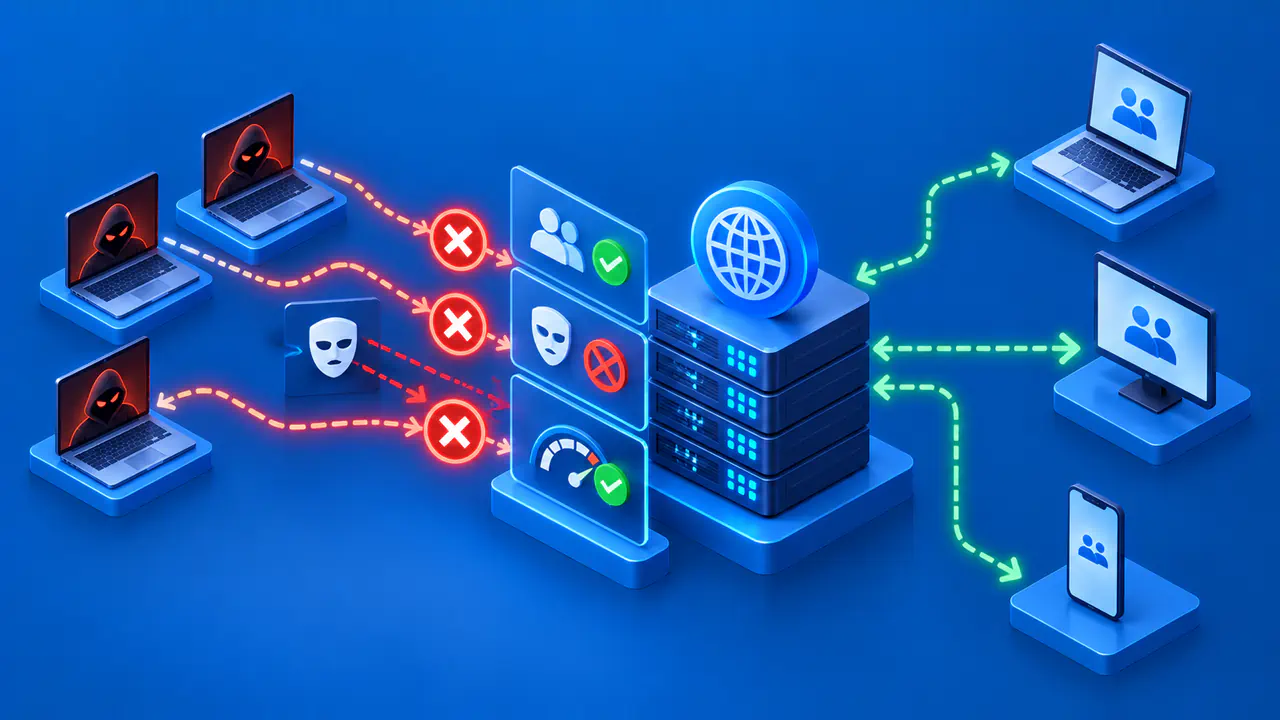
A denial of service attack targets availability: whether intended users can reach and use a system. In a DDoS attack, traffic comes from multiple distributed sources rather than one source alone. A website, network link, or other publicly reachable service can be affected.
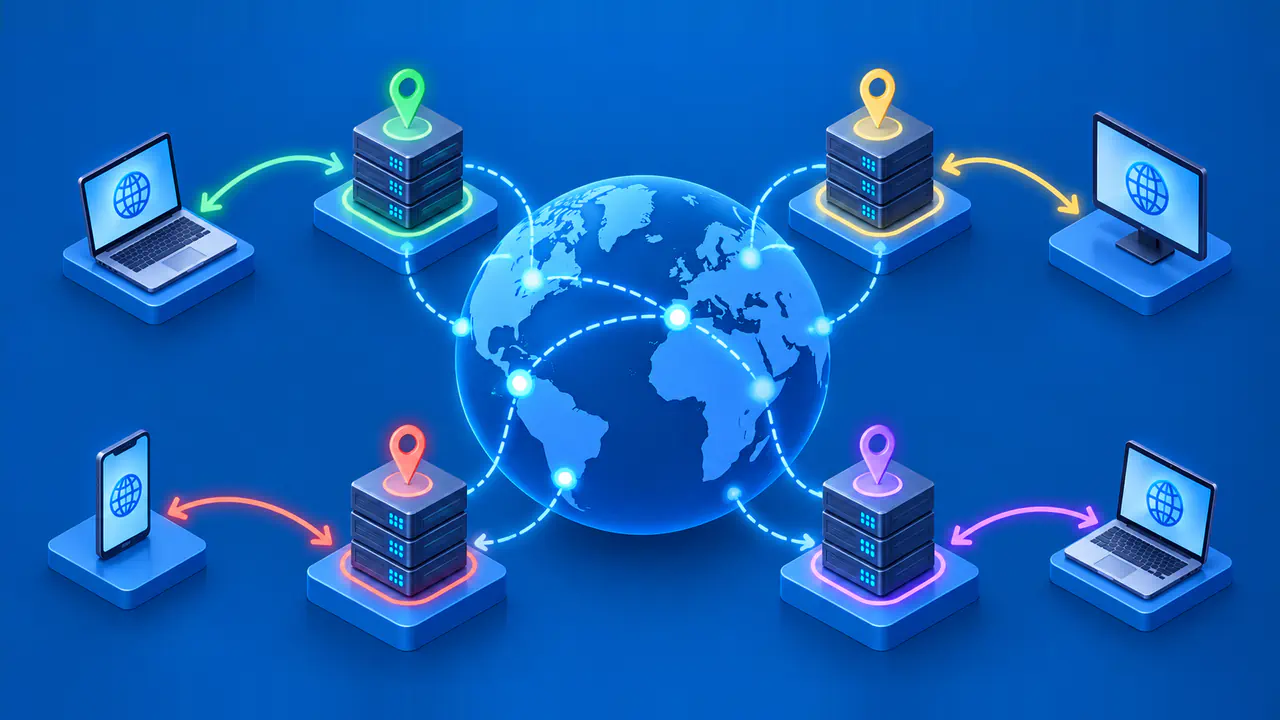
A botnet is one way to generate that traffic. It is a group of devices that an attacker has taken control of, often without the owners’ knowledge. The devices can belong to unrelated people or organizations, yet send traffic to the same target.
An IP address in a traffic log does not necessarily identify the attacker. Some attacks use forged source addresses, while others cause intermediary services to send traffic to the target. An address in those records may therefore belong to a device or service whose owner did not knowingly take part in the attack.
Which Resources Can Be Exhausted
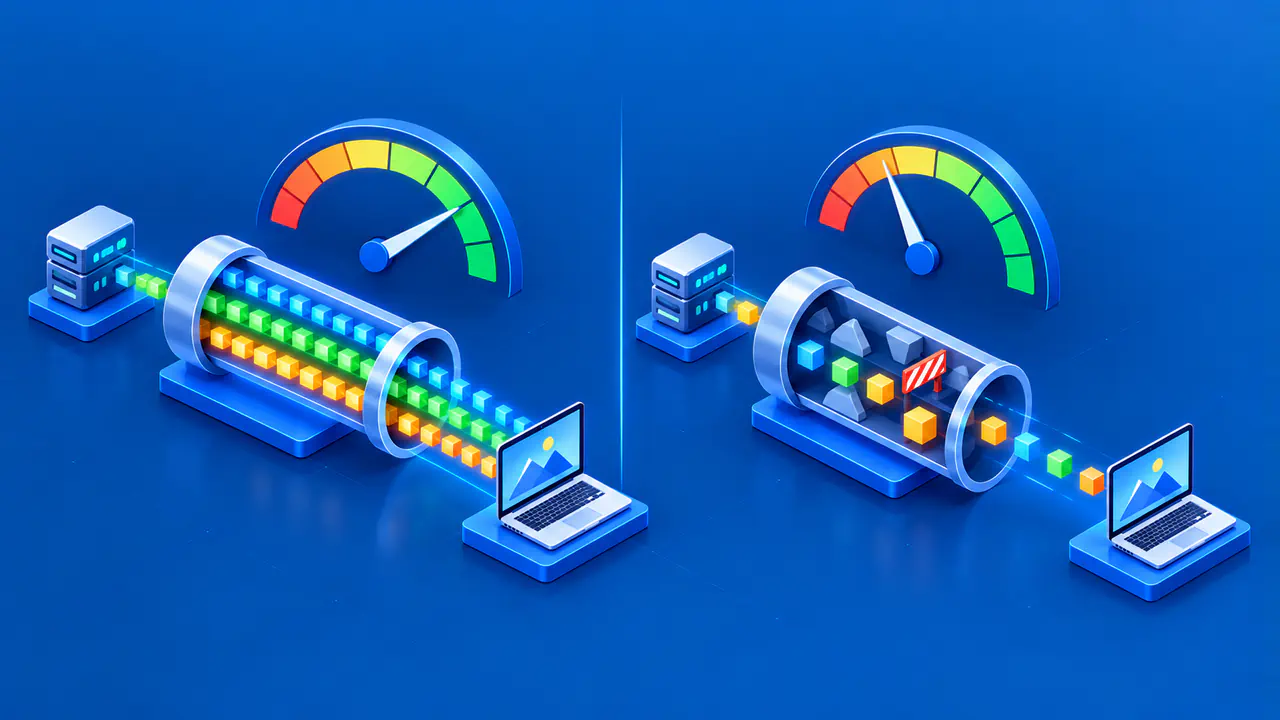
DDoS attacks can exhaust bandwidth, connection capacity, or the resources an application uses to process requests. The main categories describe which resources the attack tries to overwhelm:
- Volumetric attacks try to consume available network bandwidth, preventing ordinary traffic from getting through.
- Protocol attacks consume resources involved in handling network communication, including resources on servers and network equipment.
- Application attacks overload the software that handles requests, such as a web application generating pages.
The web server may not be the component that runs out of capacity. The website may depend on a database, a shared internet connection, or internal network equipment that cannot handle the load. Systems used to manage the service can also be affected, making recovery harder. If several services share the affected infrastructure, the disruption can spread beyond the attacker’s intended target.
For example, a website may use a database to look up product details. If the database cannot keep up with requests, adding more web servers will not necessarily help. The operator needs to find the component that is overloaded before choosing how to restore the service.
An Attack and an Ordinary Outage Can Look Similar
A popular announcement can bring more visitors than a website can handle. A configuration mistake can overload network equipment, and a software bug can generate too much database activity. Each of these problems can slow or interrupt a service without an attack taking place.
A blocked connection means that an access rule prevented that connection. One blocked IP address does not prove that a distributed attack is underway. A timeout means that an operation did not finish within the allowed time, but it does not explain why.
Finding the cause takes more than noticing which page failed. An unavailable checkout page tells the operator where users encountered a problem, while traffic measurements might show that the network connection is full. The operator still needs to examine the traffic and service logs to determine whether the overload was caused by an attack.
Operators compare current traffic, errors, and resource use with what is normal for the service. They also check whether users can still reach it and complete tasks. A recent software update or an expected rise in visitors may explain a change that initially looks suspicious.
What You Can Report When a Service Is Unavailable
If you cannot reach a service you do not operate, check its official status page or support announcements. A confirmed notice from the service provider carries more weight than guesses posted by other users. If the cause is still unknown, tell support what failed without assuming that DDoS is responsible.
A useful report can include:
- The affected service and the action that failed.
- The time of the failure, with a time zone.
- The exact error message or a screenshot without personal information.
- Whether other services remain accessible.
- The device, app, and connection type involved.
Support staff can compare the time and error message with the service’s logs. You do not need to diagnose the cause or inspect the provider’s network to report a problem.
Changing a browser setting cannot stop attack traffic from reaching a remote service’s internet connection. If your own internet access is affected, contact your internet provider and describe the problem. For a workplace connection, contact your organization’s support team.
How Service Operators Respond
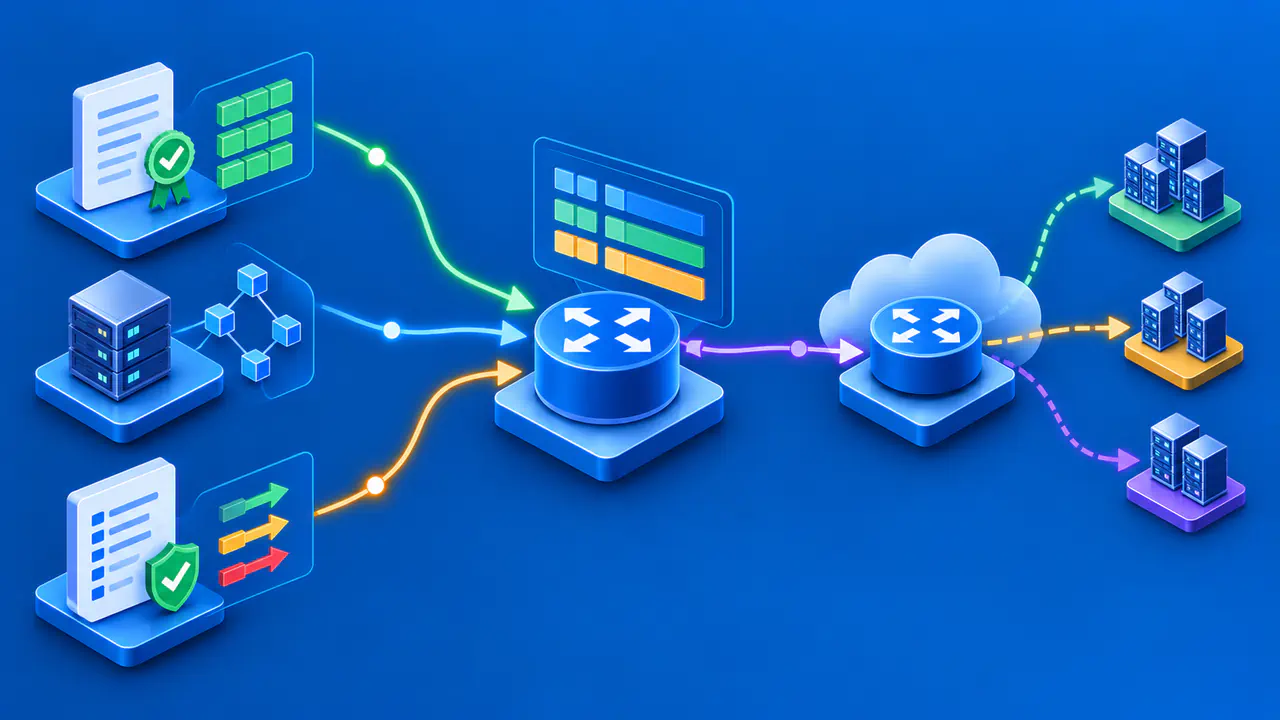
Service operators first investigate the likely cause and contact any hosting or network provider whose help is needed. Depending on the affected component, they may filter traffic, limit requests, or reduce the work an overloaded application has to do. A provider may also be able to filter attack traffic before it reaches the service’s network.
Operators need to check whether each change actually helps users regain access. A drop in traffic does not mean the service has recovered if customers still cannot log in or complete a purchase. A filter that blocks too many legitimate requests may need to be adjusted.
A record of the incident helps the team review what worked. For each change, note when it began, which resource it was meant to protect, and whether legitimate users could get through afterward. Recording unsuccessful changes is useful too, because another responder may otherwise repeat them.
Filtering at the affected server may be too late if the incoming network link is already full. Equipment behind that link cannot free up the capacity consumed before traffic reaches it. In that case, the operator needs help from an upstream network or protection provider that can filter traffic earlier.
Keep users informed with confirmed facts while checking whether the service has recovered. Review temporary restrictions as conditions change so that they do not remain in place longer than needed. After the incident, update the response plan to address any gaps in monitoring, contact details, or responsibilities.
What DDoS Protection Can and Cannot Do
Limiting which resources are reachable from the internet gives attackers fewer ways to target a service. Operators should expose only the resources, ports, and protocols that users need. Blocking whole address ranges during an outage is a different decision and may prevent legitimate users from connecting.
Protection also needs to cover the part of the service being attacked. For example, Azure DDoS Protection handles attacks at network layers 3 and 4, while protection for web applications at layer 7 requires an additional control such as a web application firewall (WAF). Enabling one protection service does not automatically cover every kind of attack.
Before an incident, check which resources your protection provider covers and whether you need to activate any defenses yourself. Find out how to reach support during an attack and whether the provider may restrict access to protect other customers. Keep the provider’s contact details and any activation instructions in the response plan.
Extra capacity can help a service handle more traffic, but capacity is finite. A response plan should name the people responsible for monitoring the service, adjusting application defenses, and contacting upstream providers. No single setting can guarantee that the service will remain reachable during every attack.