What Is a VPN and How Does It Work?
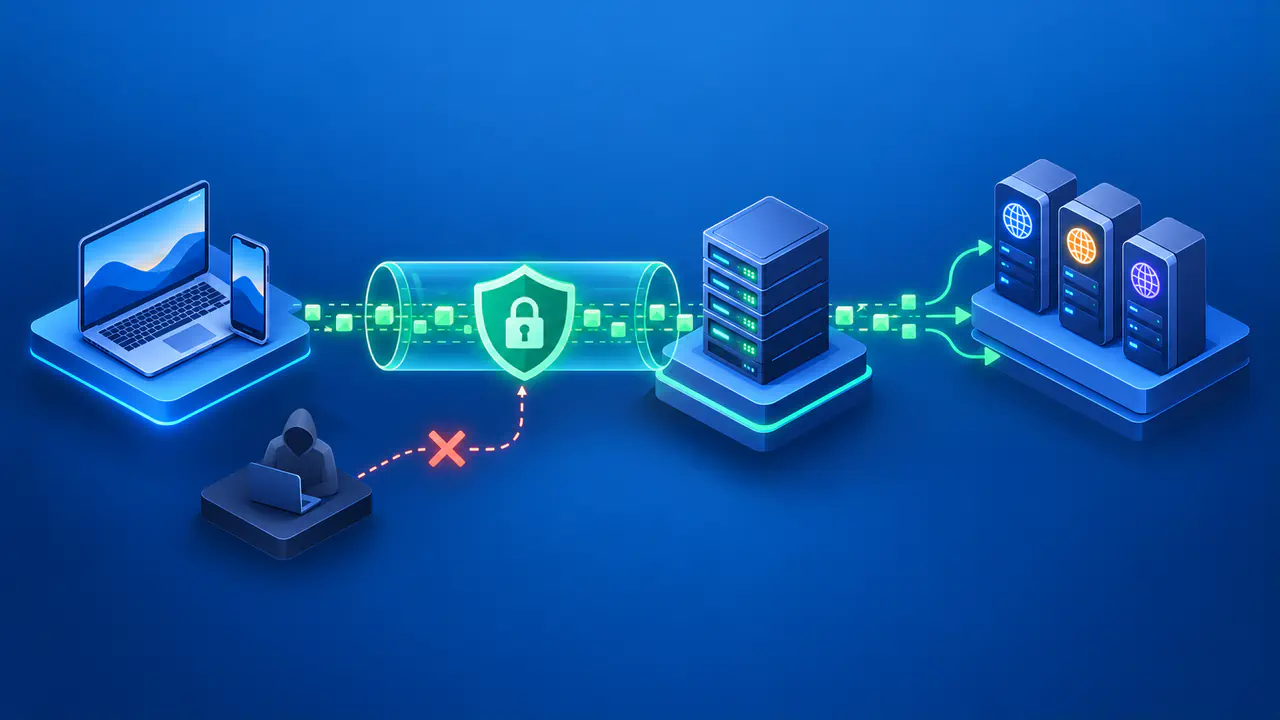
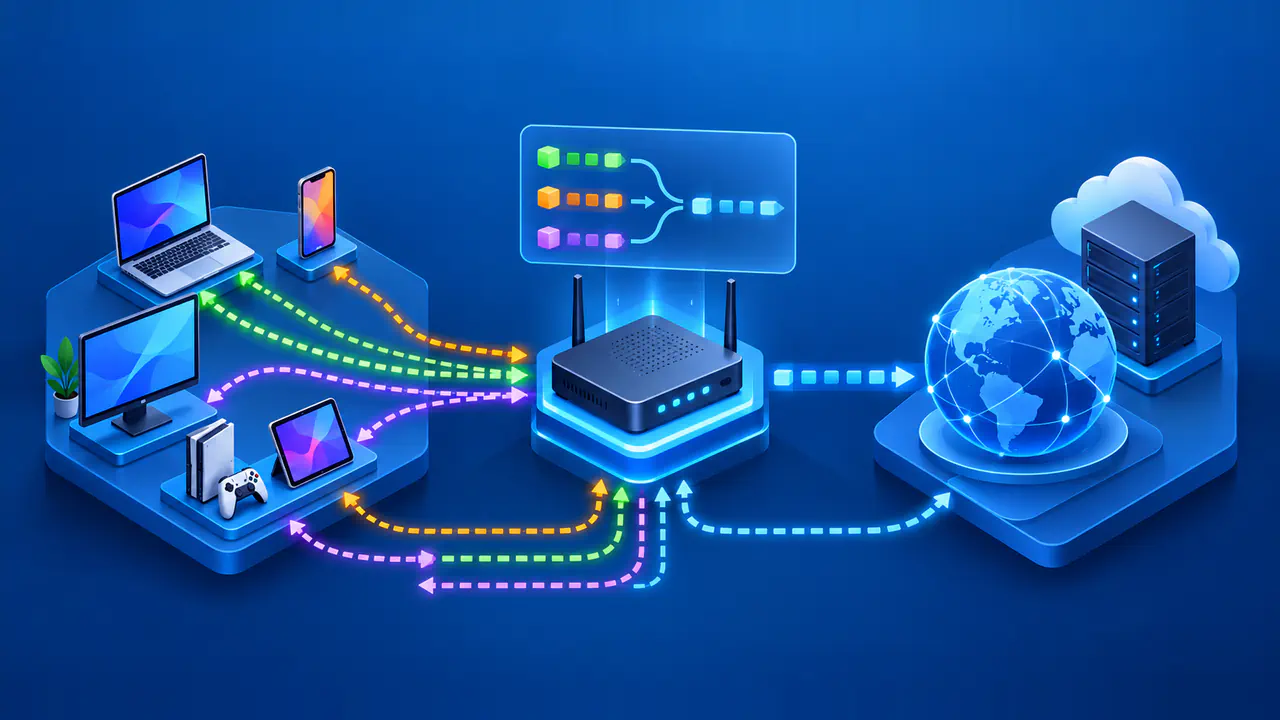
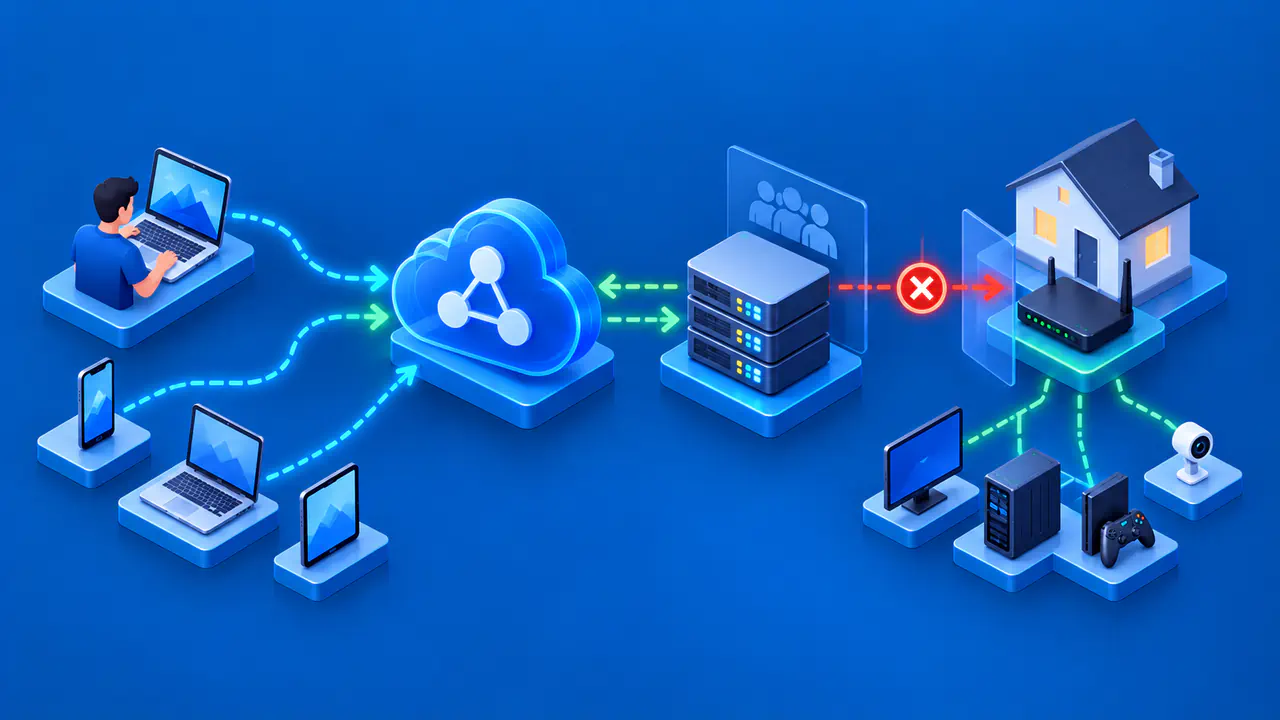
A virtual private network, or VPN, creates a protected connection between your device and a VPN server. A consumer VPN sends the traffic selected by its settings through an encrypted tunnel to the server. The server then forwards it toward the destination and sends responses back through the tunnel. A website normally sees the VPN service's exit IP address for that request rather than your internet connection's public IP address.
The VPN software on your device is called the client, and the tunnel connects that client to the remote server. The tunnel's encryption ends at that server, while HTTPS provides separate protection between your browser and a website. HTTPS works whether or not you use a VPN.
How the Tunnel Carries Your Traffic
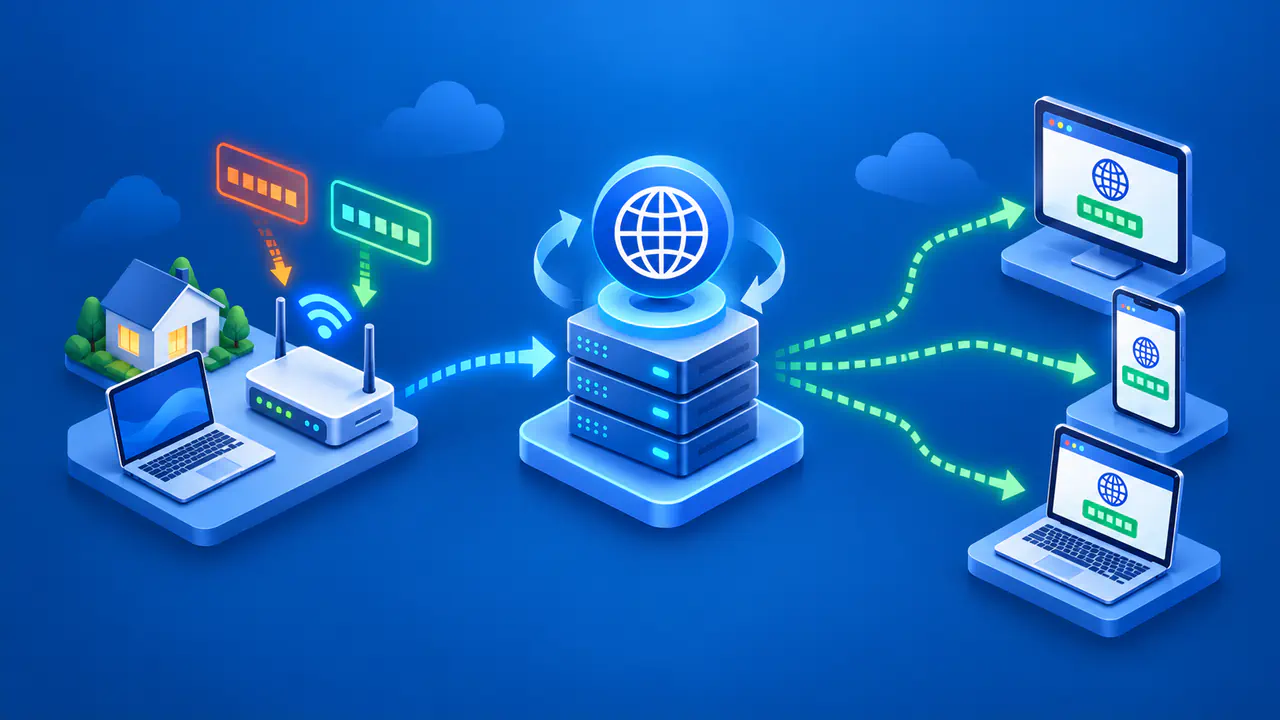
Your device sends data in small units called packets. For traffic routed through the VPN, the client encrypts those packets and carries them inside other packets addressed to the VPN server. Your internet service provider, or ISP, delivers these outer packets without needing to read what is inside. The tunnel still uses your existing internet connection; it does not create a separate physical line.
The client and server use a VPN protocol to establish the connection and protect the data they exchange. Encryption keys let them decrypt the traffic they receive from each other. At the server, the VPN software removes the tunnel's encryption and forwards the enclosed packets to their destinations. Responses travel back to your device through the encrypted connection.
The outer packets must reveal enough addressing information to reach the VPN server. Your ISP can see the VPN server's address, when you connect, and how much data you transfer, but cannot directly read the packets inside the tunnel. The VPN operator handles the traffic after it leaves the tunnel and can see destination IP addresses. Whether the VPN operator can read the data also depends on any additional encryption used by your apps.
Which IP Address Websites See
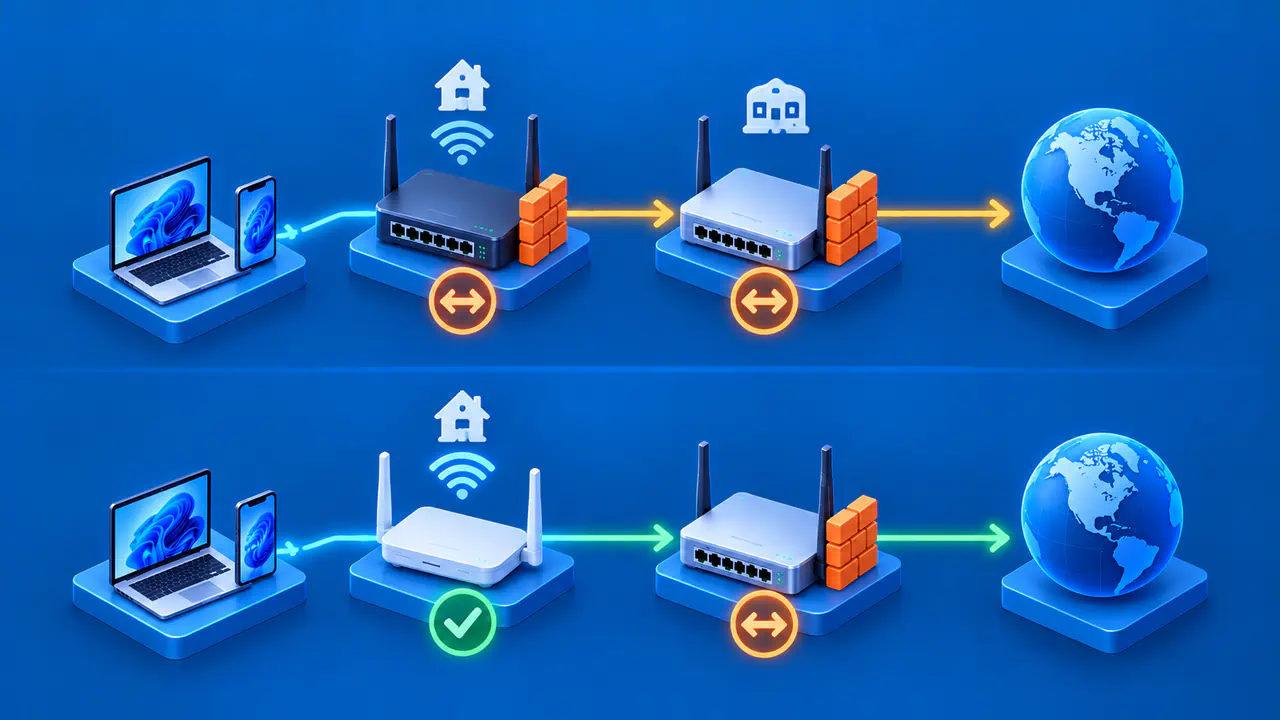
A consumer VPN commonly uses network address translation to send customers' traffic through a public exit IP address. The service keeps track of the connections so that replies reach the correct customer. Several people can share that public address at the same time, and a VPN provider can have many exit addresses.
A website may use the exit address to estimate your location, apply access rules, or check for suspicious activity. An IP lookup gives a location estimate for the exit address, so the result may differ from your device's location. The site may also recognize an address as part of a VPN service or hosting network. Some sites restrict those connections, so choosing a VPN server does not guarantee access.
The website still receives information you send directly to it, including account logins and form entries. For example, signing in to an email account through a VPN still identifies that account to the email service. Changing the network address does not remove information the service already has.
VPN Encryption and HTTPS
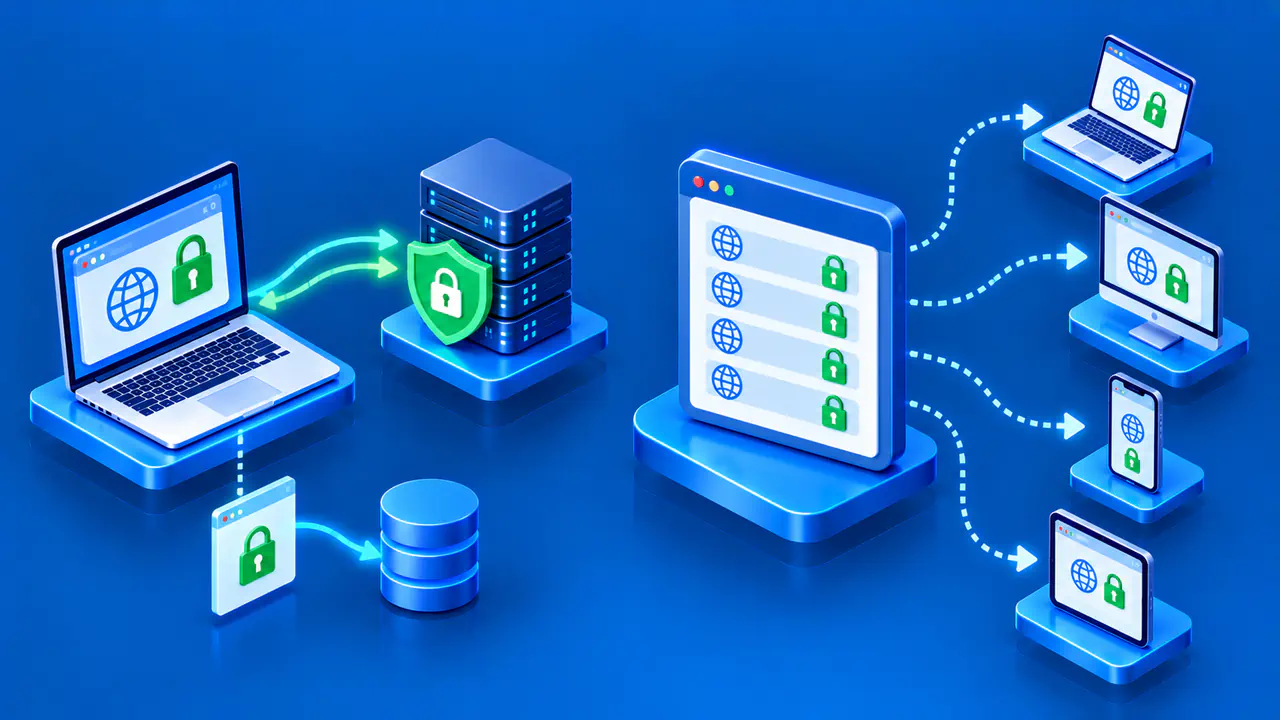
When you visit an HTTPS website through a VPN, the browser encrypts its communication with the site using TLS. That encrypted communication then travels inside the VPN tunnel. Removing the VPN layer at the server does not remove the browser's TLS encryption. In a normal HTTPS connection between your browser and the site, the VPN operator can forward the traffic without being able to read the page contents or submitted passwords.
If an app sends unencrypted data, the tunnel protects that data only as far as the VPN server. The VPN operator and intermediaries beyond the exit may then be able to read it. A VPN does not turn an HTTP connection into HTTPS or add encryption between the VPN server and the destination.
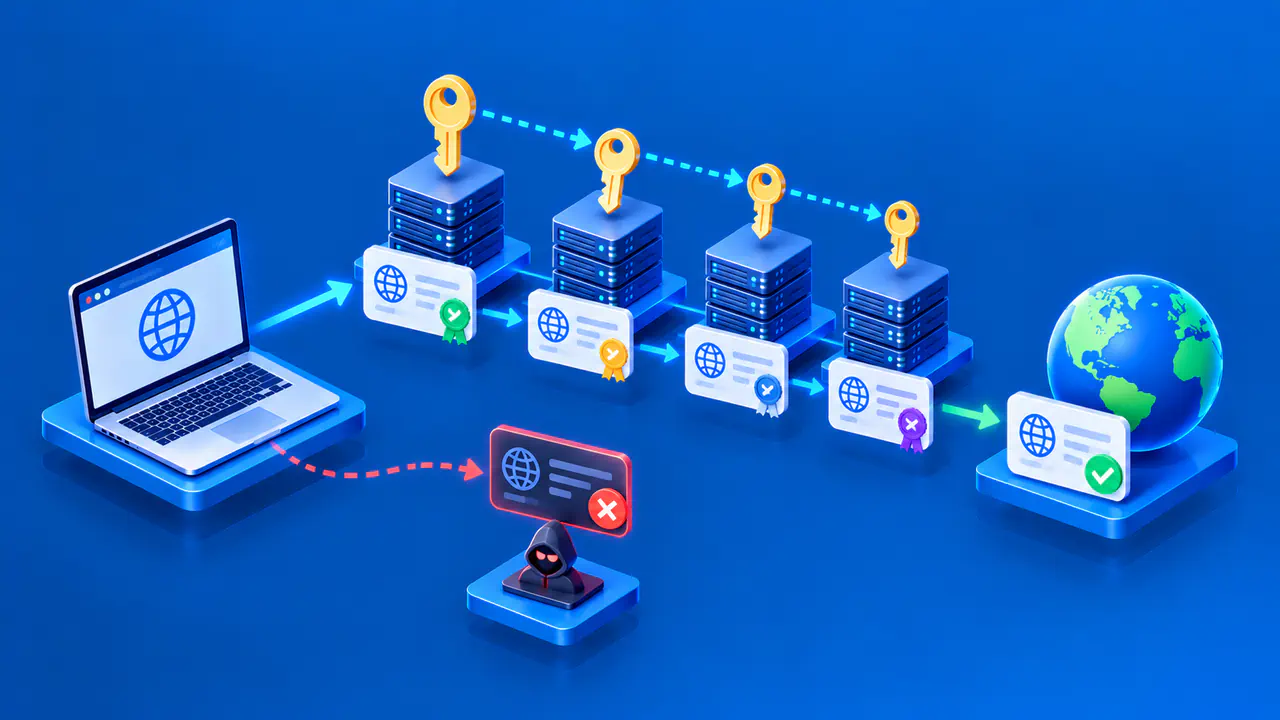
HTTPS also protects browser traffic on public WiFi when no VPN is running. It does not, however, prove that a website is honest: a fraudulent site can use HTTPS and receive whatever you submit. The site is an intended recipient of that encrypted communication, so encryption cannot prevent its operator from misusing the information.
Which Apps Use the Tunnel
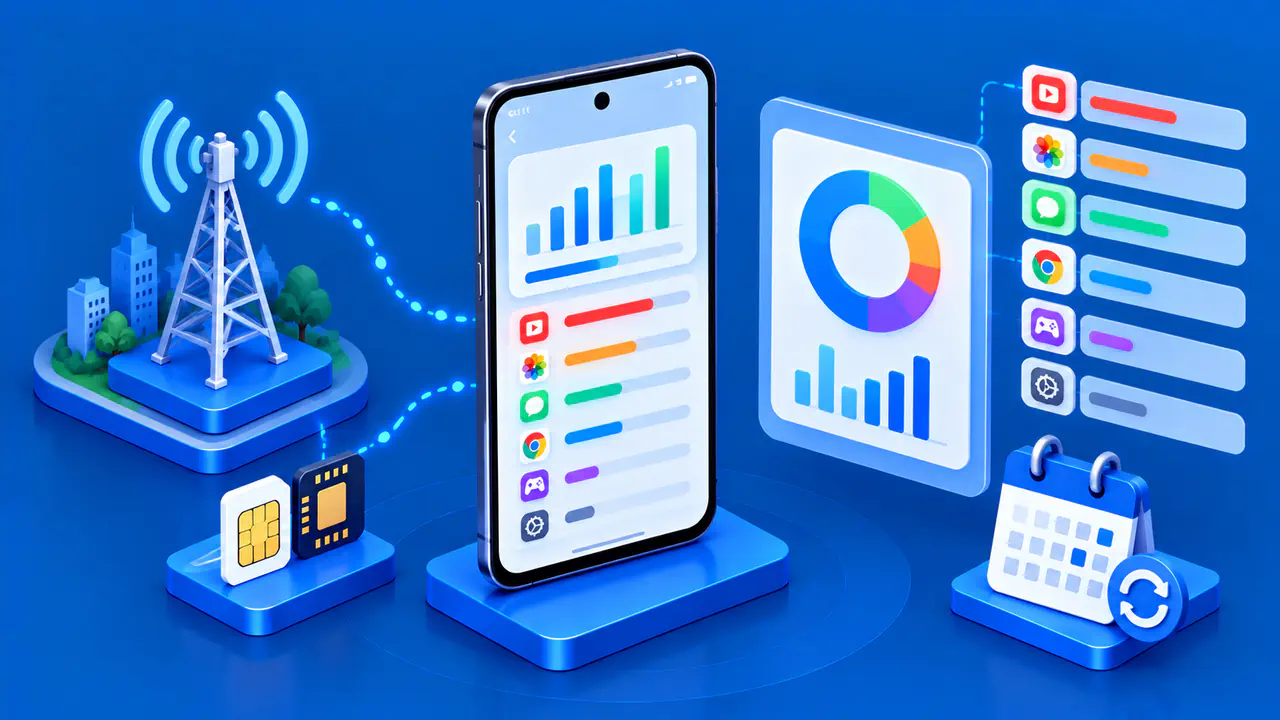
A VPN connection applies to the traffic selected by the device's routing rules and VPN configuration. A full-tunnel setup directs internet traffic through the VPN by default, while split tunneling allows some traffic to use the ordinary connection. Routing can depend on the destination or, if the VPN app supports the option, on which application sends the traffic.
For example, a split-tunnel configuration could send browser traffic through the VPN while leaving a game's traffic outside it. The website would then see the VPN's exit address, while the game's servers would receive connections through the usual internet connection. A VPN app can show that it is connected even when some apps are sending traffic outside the tunnel.
If the tunnel disconnects, the VPN app or operating system may block affected traffic or allow it to use the ordinary connection, depending on the configuration. A kill switch is designed to stop traffic from bypassing the VPN when the tunnel is unavailable. Kill switch availability and behavior vary by app and operating system.
Consumer VPNs and Workplace Access
A consumer VPN can keep your ISP or a public WiFi operator from directly seeing the destination IP addresses inside the tunnel. It can also provide an exit address associated with another country, which may affect the language or regional version a website offers.
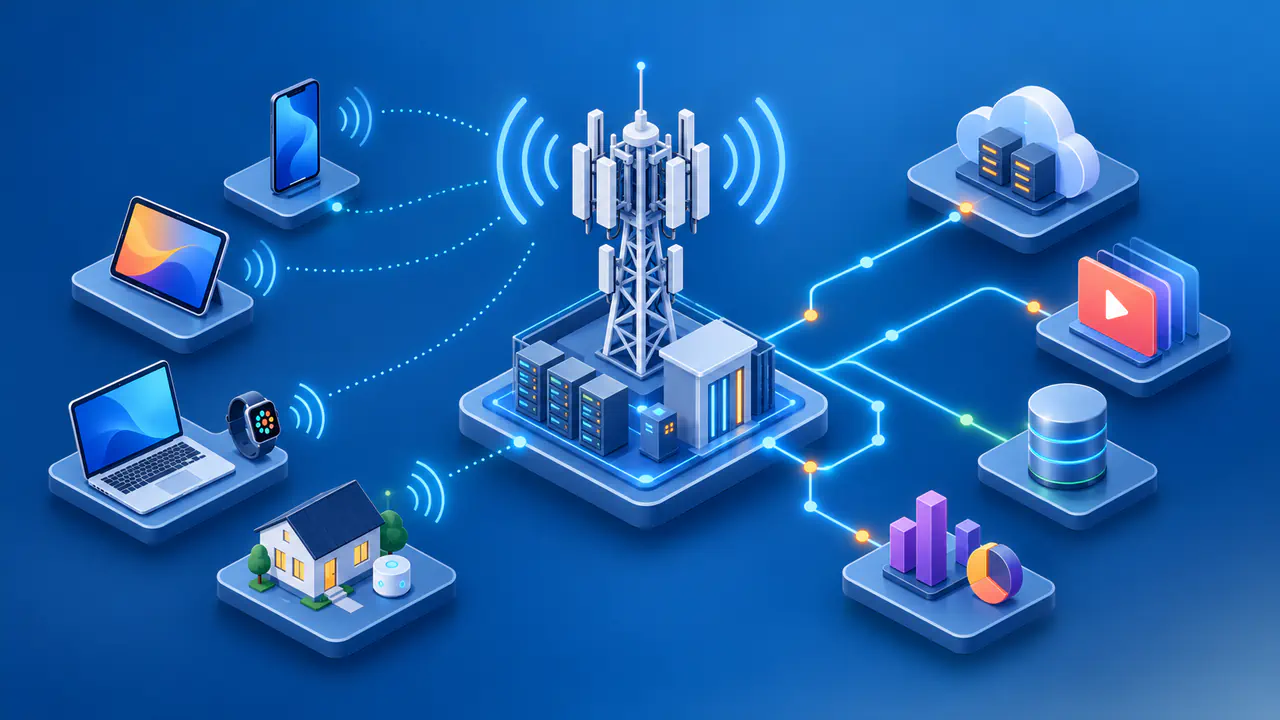
Businesses also use VPNs to give employees remote access to a private company network. The VPN server may be a gateway operated by the employer, allowing access to internal file servers or applications. An unrelated consumer VPN subscription does not provide that access. Employees need their company's VPN settings and authorization, and internal services may still require a separate sign-in.
VPNs and Device Security
A VPN connection does not remove malware from your device. Malicious software running on a device may read data before the VPN encrypts it or after it is decrypted. Encrypting network traffic also does not encrypt files saved on the device. Keeping software updated and securing access to the device remain necessary even when the connection uses a VPN.