What Is a Web Application Firewall?

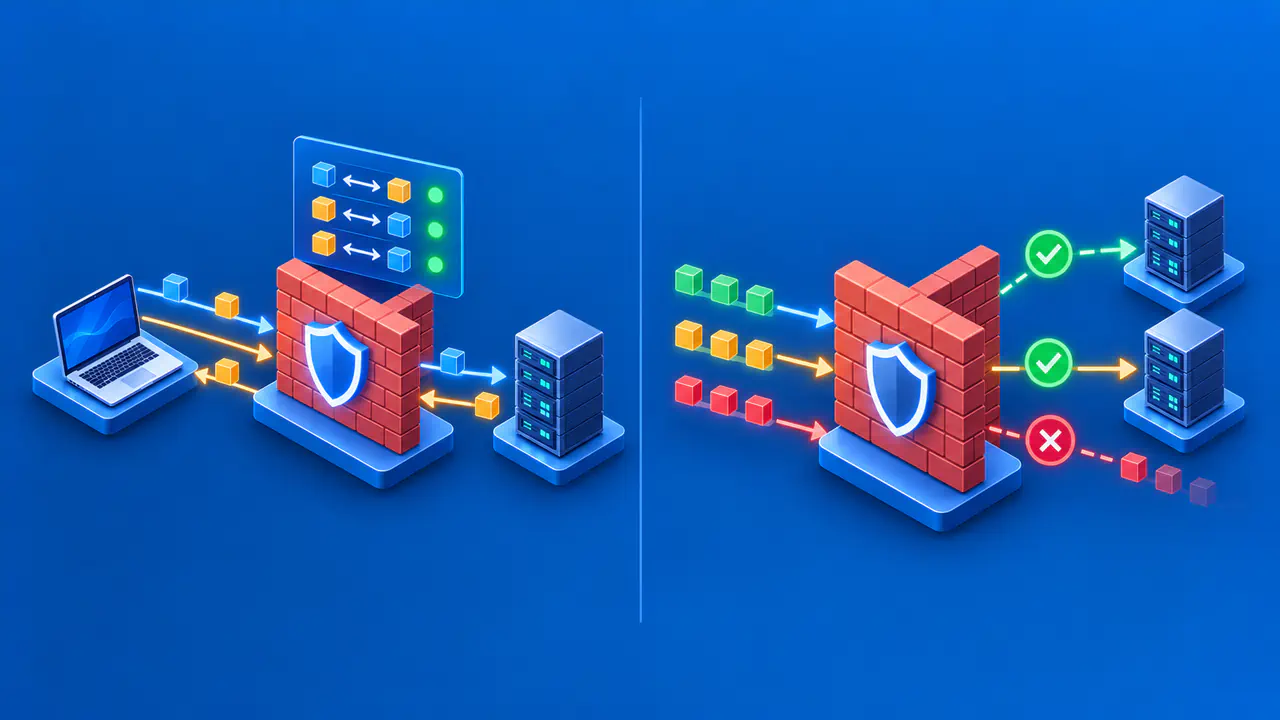
A web application firewall, or WAF, examines HTTP traffic reaching a web application and applies rules to decide what to allow, challenge, log, or block. Rules may detect SQL injection attempts, which try to alter database queries through application input, or cross-site scripting attempts, which try to make a browser run attacker-supplied scripts. The WAF acts at the application request layer; it is not the same as a network firewall controlling ports and protocols.
A WAF is one protective layer. Developers still need to fix vulnerable code, and the application must check user identities and permissions. The WAF's effectiveness depends on whether requests pass through the WAF, how its rules are configured, and whether operators review both blocked attacks and legitimate requests that were interrupted.
Inspect HTTP Requests in Context
A WAF may inspect the URL path, HTTP method, headers, query parameters, and request body. These fields identify the requested resource, describe the request, and carry submitted data. The WAF checks those details against rules for known attack patterns, unusual behavior, or the application's expected inputs.
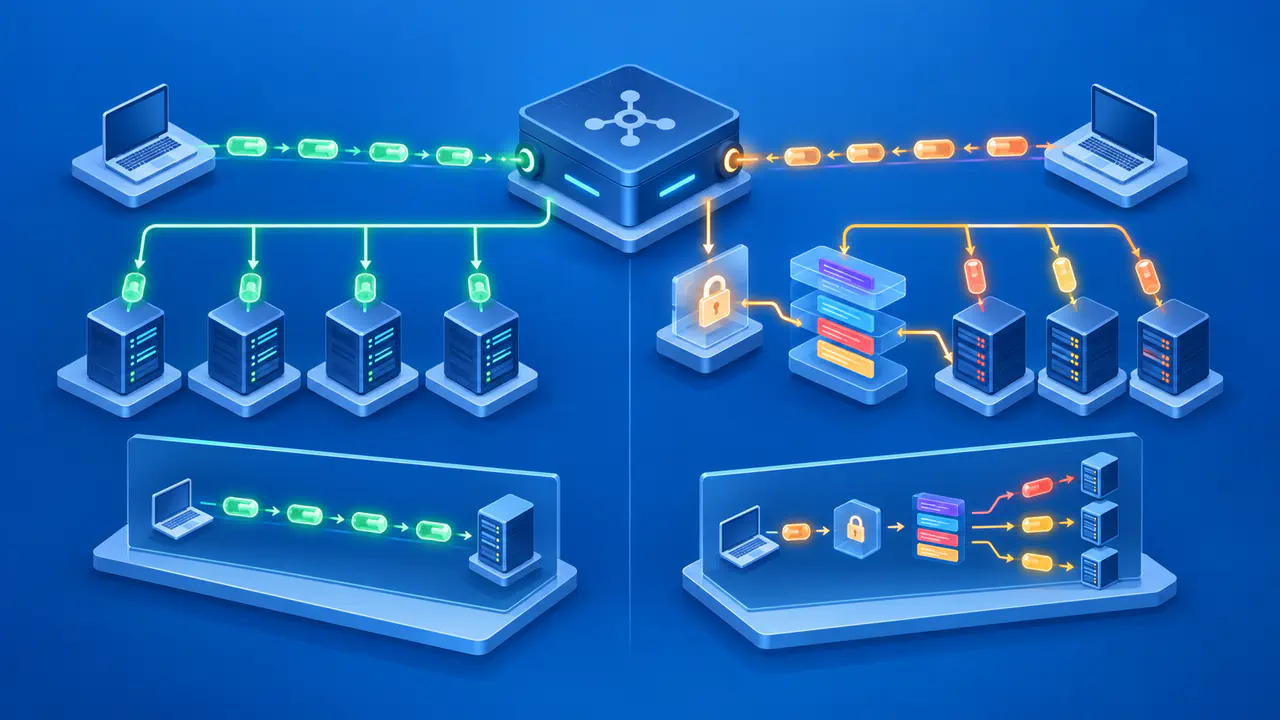
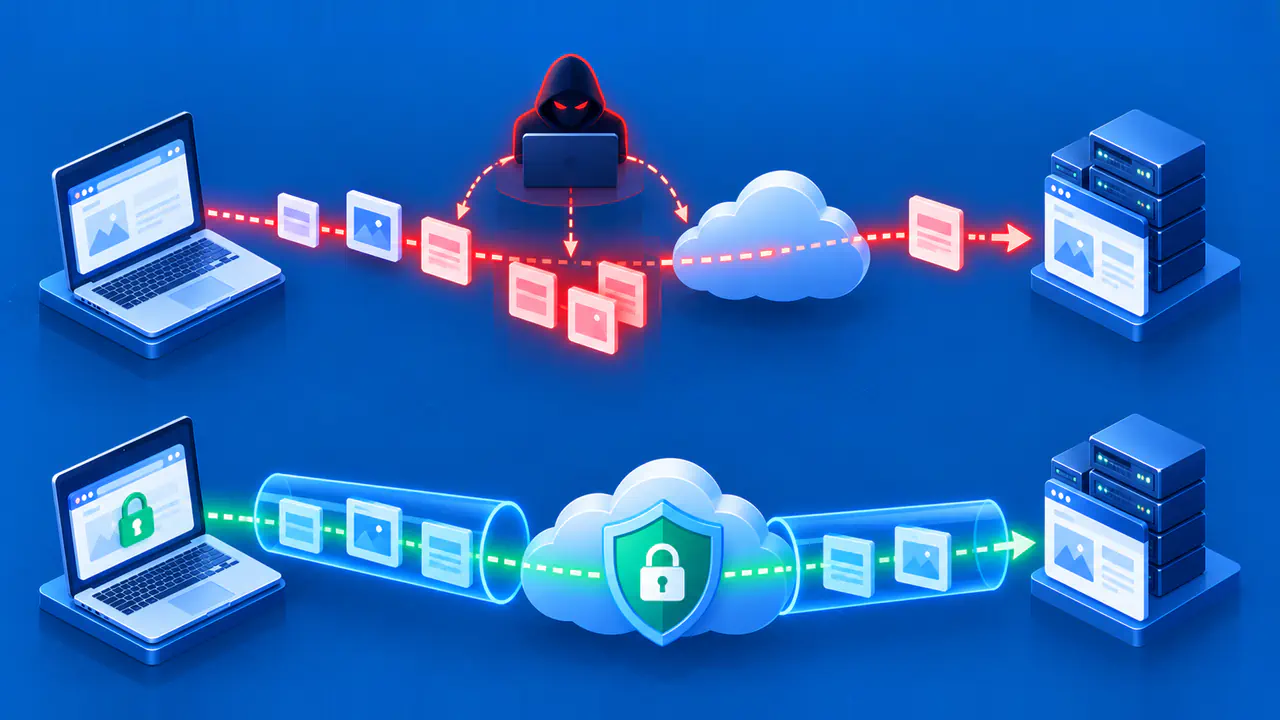
To inspect HTTPS content, the WAF must have access to the request after TLS decryption. Depending on the setup, the WAF may handle that decryption itself or receive the request from a trusted component that does. The WAF cannot inspect the content of a request that remains encrypted.
Inspection also has size and format limits. A WAF may examine only the first part of a large request body, even if the full request is later sent to the application. Check how the product handles oversized bodies, headers, and cookies so an uninspected remainder is not mistaken for checked content.
For example, a rule might flag an unusual SQL expression in a parameter or a script-like payload submitted to a text field. The same text can also be legitimate in a support ticket, code editor, or documentation search. A match is evidence for investigation, not proof that a particular visitor intended harm. A rule can block immediately, record a match for later review, or contribute to a score used by another rule to make the blocking decision.
The WAF can inspect only traffic routed through it. If a client can reach the origin server directly through another hostname or IP address, that request may avoid the WAF. Identify every public entry point and restrict direct origin access when the site is meant to accept requests only through the WAF.
Choose Rules and Enforcement Modes
Managed rule sets are maintained by a vendor or security project and provide a starting point for common attack patterns. Custom rules can target a known vulnerable route, an unexpected request format, or an application-specific condition. An allowlist model can admit only expected traffic for a narrow endpoint; a blocklist model rejects matching patterns. A practical deployment may combine both with exceptions for known legitimate requests.
Available actions vary by product but often include logging, allowing, challenging, rate limiting, or blocking. Logging without blocking can help an operator observe how a new rule would affect real traffic. A challenge may ask the browser to run a check or show an interactive task before allowing a request to continue. Clients that expect an API response instead of a web page may be unable to complete that check. An enforced request block prevents the request from reaching the application, even if the request was legitimate.
Check the order in which rules run and the requests each rule covers. A broad exception may skip later checks, while a broad blocking rule can prevent sign-ins, payments, or form submissions. Record the rule's purpose, matching conditions, action, owner, and planned removal date when it is a temporary response to a specific incident. Test the configured rules against the application's actual URLs and request formats before relying on them to protect those requests.
Investigate False Positives
A false positive is a legitimate request that a WAF marks as hostile or blocks. Start by finding the affected route, timestamp, rule identifier, action, and a safely redacted request sample. Reproduce the legitimate operation with a test account. Identify the field and value that triggered the rule, then check whether that input is necessary for the legitimate operation. Do not disable the entire WAF just because one rule needs adjustment.
Prefer a narrow exception tied to the verified route, method, and rule when the WAF supports that scope. If the rule must temporarily run in logging mode, limit the change to the affected requests and record when it will be reviewed. Lowering sensitivity or disabling a rule across the whole site can also let attacks through. Test the legitimate request and controlled attack examples that the remaining protections should still detect. Also look for attacks that reached the application without a WAF alert, which are false negatives. An empty alert list does not prove that the application is secure.
Protect privacy in investigation records. Request bodies may contain passwords, tokens, personal data, or uploaded content. Limit log access and retention, and avoid copying complete sensitive payloads into tickets. Keep enough information to identify the matching field and rule without exposing unrelated sensitive values.
Understand Placement and Traffic Flow
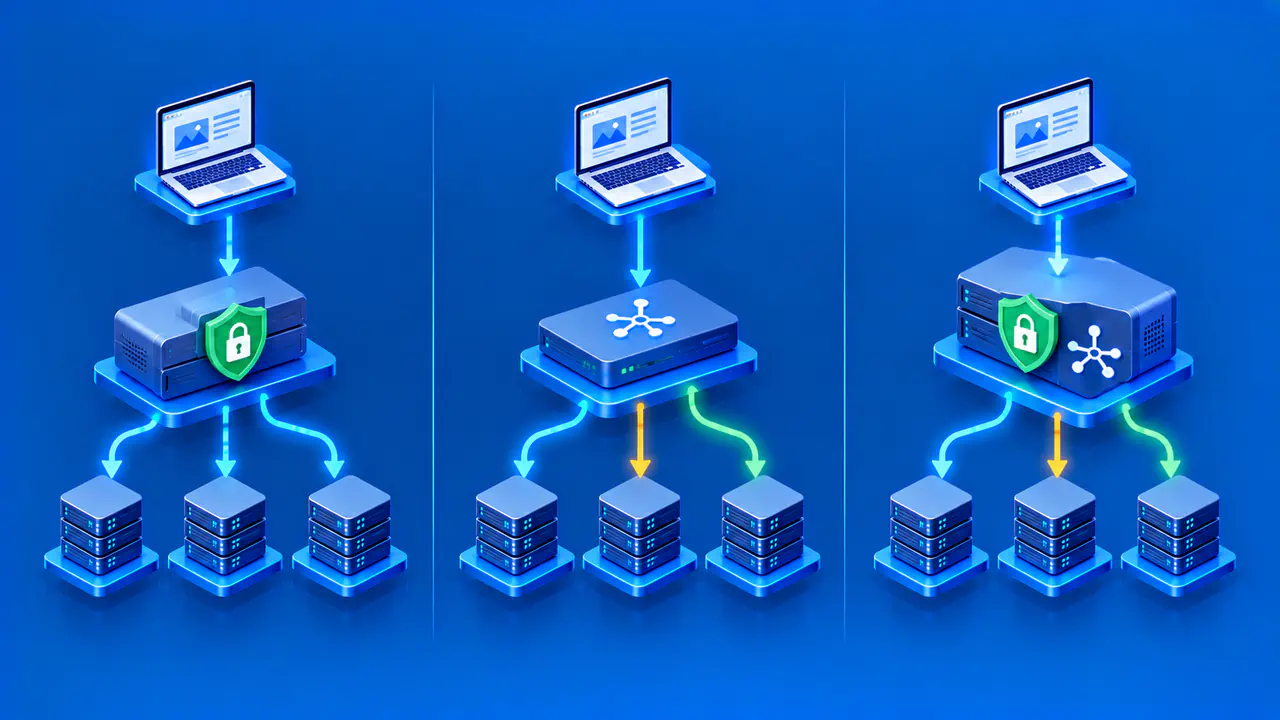
A WAF can run at a CDN or cloud edge, in a reverse proxy, or as a module on the application server. An edge WAF filters requests before they reach the origin, while a server module uses resources on the host where it runs. Choose the placement according to the request path, capacity, and who will maintain the configuration. Check protection for each hostname and API route instead of assuming that enabling a WAF for one application covers every service.
Inspect the behavior of the full chain during a test: client, WAF, load balancer, and application. Confirm where TLS terminates, how the client IP address is forwarded, and which component generates a block page or status. Accept forwarded client IP information only from the proxies configured as trusted. A forged forwarding header should not let a requester evade a rule or impersonate an allowed network.
Distinguish WAF blocks from application responses. A browser-visible access-denied page could be generated by the edge, the application, or an upstream service. Rule event logs and a request identifier can show where the decision occurred.
Maintain the WAF alongside Application Security
Review rules when the application adds endpoints or changes request formats. New legitimate inputs can trigger old signatures, and new attack paths can fall outside existing coverage. Keep software patches, input validation, output encoding, session controls, and authorization in place. A WAF may stop a known exploit request while a code fix is being prepared, but the underlying vulnerability remains until it is corrected.
Track blocked and challenged requests alongside false positives and application errors. After a rule update, test important operations such as signing in, submitting forms, and completing payments. A WAF may contribute to application-layer abuse control, but large network-layer floods and capacity issues require separate defenses. Keep the previous rule configuration available so an update that disrupts legitimate traffic can be investigated and, when necessary, reversed.