Data Center vs Cloud Hosting vs Colocation
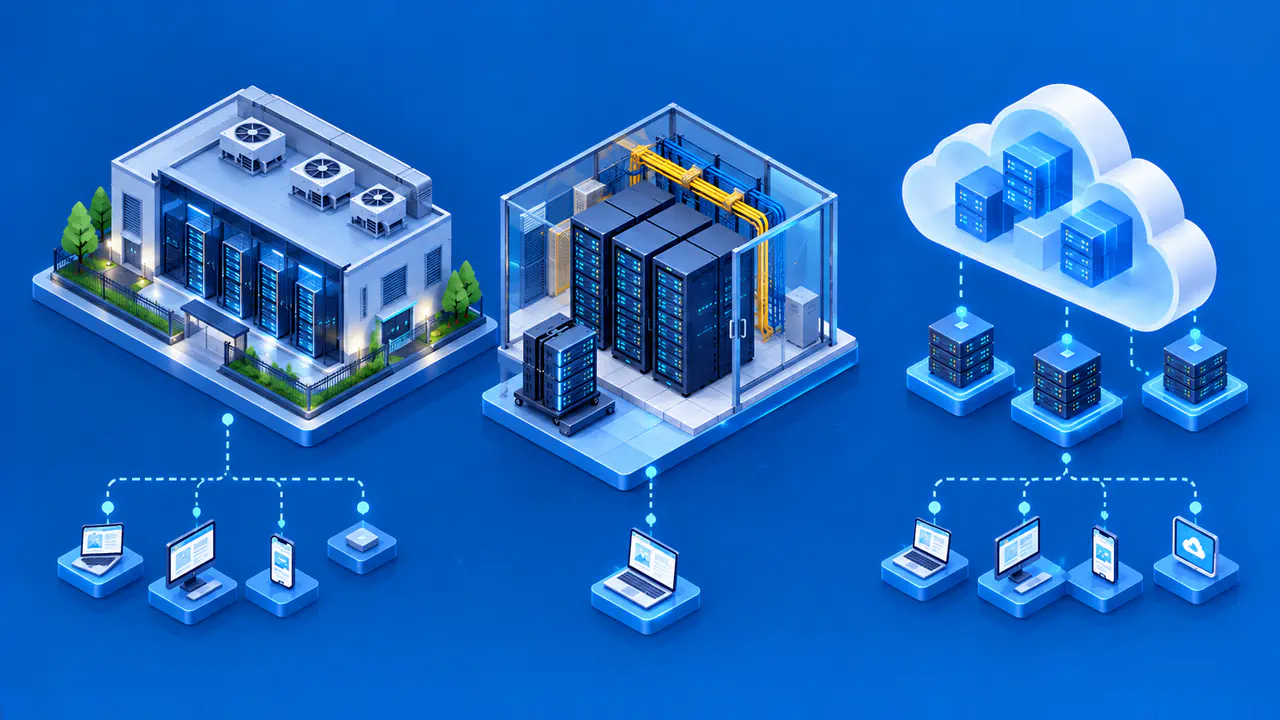
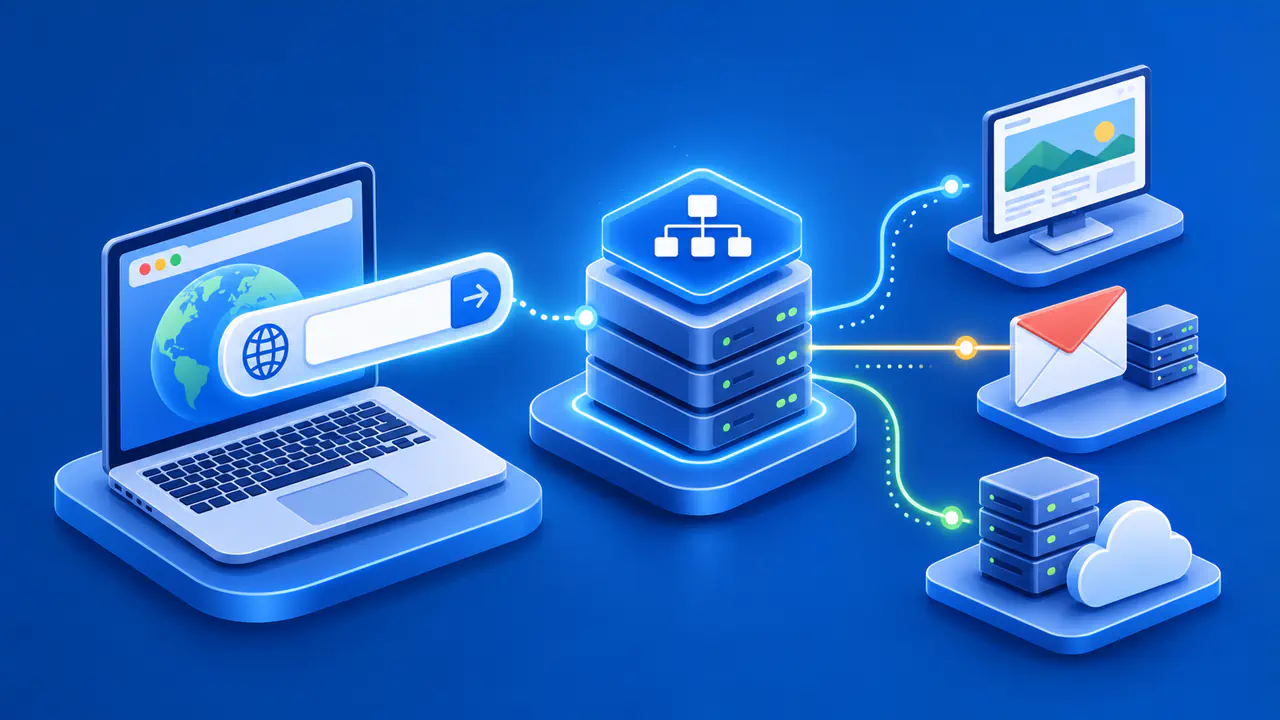
A data center is a physical facility for computing equipment. Colocation is a service in which a customer places its own servers in space operated by another organization. Public cloud hosting supplies computing resources on infrastructure managed by a cloud provider. The terms describe different things: the facility, the arrangement for housing equipment, and the service used to run applications. Both a colocated server and a cloud virtual machine can run inside a data center.
The main difference for a website owner is how much infrastructure the owner's team must operate. In colocation, the customer arranges hardware maintenance, while the cloud provider maintains the physical equipment used for rented cloud resources. Software management and recovery still depend on the service purchased. Neither arrangement is automatically cheaper, safer, or more reliable for every application.
What a Data Center Provides
A data center provides a controlled physical environment for servers, storage, and network equipment. Typical facility services include power distribution, cooling, physical access controls, connectivity, and environmental monitoring. The facility can be owned by the same organization that runs the applications, operated by a colocation provider, or used by a cloud provider. The same kind of facility can therefore support servers owned by one organization or services rented by many customers.
Backup power and network connections can help a facility withstand failures, but those measures do not keep every application running. The website may depend on one server, one network path, or a remote database. Conversely, an application may span several facilities. Ask how power, network, and equipment failures are handled, and what the service agreement actually covers.
Physical location can matter for latency, legal requirements, or on-site maintenance. Check where the application and its backups are stored, rather than relying on the location of the server that delivers a page to visitors. A content delivery network (CDN) can serve pages from a different location than the application's main server. Looking up the public IP address therefore does not prove where the application data is stored.
Hardware Control in Colocation
In colocation, the customer supplies servers and related equipment for installation in rented data center space. The provider typically supplies facility services such as space, power, cooling, physical security, and connectivity options. The customer normally chooses and maintains the equipment. Additional management services can transfer specific maintenance tasks to another company, but renting space alone does not include those services.
Owning servers gives control over the hardware model, storage layout, and replacement plan. The customer also has to plan equipment purchases and repairs. If a drive fails, the responsible team must diagnose the problem, obtain a replacement, and arrange installation. Remote hands is an on-site assistance service that can perform agreed tasks when the customer's staff cannot visit. The support agreement determines which tasks are available and whether spare parts are kept at the facility.
Colocation can suit an organization with specialized equipment or strict hardware control requirements. It can also require up-front purchases and planning for capacity that may not be used immediately. Compare total costs over the expected life of the installation, including rack space, power, bandwidth, equipment replacement, support, travel, and staff time.
What the Cloud Provider Manages
With cloud hosting, the provider operates the physical servers while the customer requests computing, storage, and network resources through a control panel or API. A website may run on virtual machines, containers, managed application services, or a combination. The customer chooses resources from the provider's supported options instead of selecting and installing individual physical components.
The customer can often create a virtual server or change its capacity without buying hardware. That flexibility does not guarantee instant scaling of the application. The application still needs a way to use the added capacity. A database bottleneck can limit how much extra capacity the application can use. Software licenses, account quotas, and deployment processes can also delay expansion. A quota limits how much of a resource the account can allocate. Costs can also change with usage and data transfer, so estimate normal demand, busy periods, and the expected duration of use.
Responsibility changes by service type. For an unmanaged virtual machine, the customer is normally responsible for operating system patches, firewall configuration, backups, and application maintenance. A managed database or application platform shifts more maintenance work to the provider. The customer still needs to configure access, decide which data to store, and manage the application's use of that service. Read the service's shared-responsibility documentation and support terms.
Who Handles Failures and Recovery
A failed power feed, a damaged disk, and a broken application require different responses. In an organization's own data center, its team or contractors must cover all three. A colocation provider handles the contracted facility services, while the customer arranges equipment and software repairs. With cloud resources, the provider repairs the underlying hardware, but the application team may still need to restore data or restart services.
Security also depends on configuration and maintenance after the equipment is installed or the cloud resources are created. A colocated server can be misconfigured, and a cloud instance can be exposed through permissive network rules. Assign responsibility for access policies, patching, encryption, backup tests, and incident response. A provider's physical security controls do not correct an application's overly broad permissions.
For an outage outside business hours, the response plan should identify who can inspect the facility, administer the operating system, and restore the application. A contract may cover power but exclude operating system administration. Record the contacts and recovery steps in a runbook that the responding team can access.
Compare Costs and Operational Requirements
List the workload's compute, storage, network, compliance, and recovery requirements. Decide whether specialized hardware or physical control is essential. Estimate steady and peak demand, expected growth, data-transfer patterns, and the staff available to operate equipment. Compare the price of a complete colocation setup with the price of a cloud setup that meets the same requirements. Include the same recovery capability and support hours in both estimates, so a rack rental is not compared with a fully managed service.
Ask which components share a power source, network connection, or physical site. A failure affecting shared infrastructure can interrupt several servers at once. Check how long hardware replacement or capacity changes take and what monitoring is included. Test recovery from a failed server and a corrupted data set in the selected model. Include the website's DNS, TLS certificates, email service, CDN, and software deployment process in the recovery plan. A failure in any of those dependencies can interrupt the website even when its server and facility are functioning.
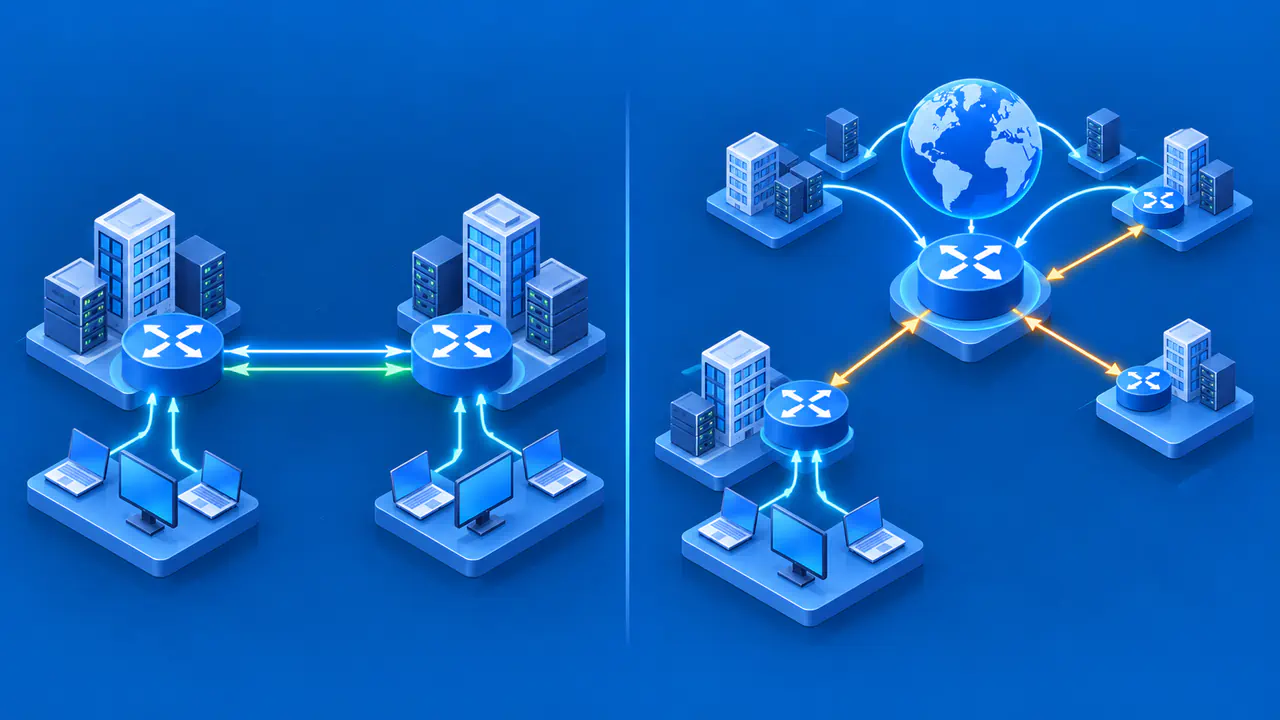
Hybrid arrangements are possible: an organization can keep owned hardware in colocation while using cloud services for backups or burst capacity. For a hybrid setup, plan how the two environments will exchange data and what the application will do if that connection fails. Copying backups to the cloud or adding cloud servers is useful only when the recovery or scaling procedure can actually use them.