What Is an Internet Service Provider?
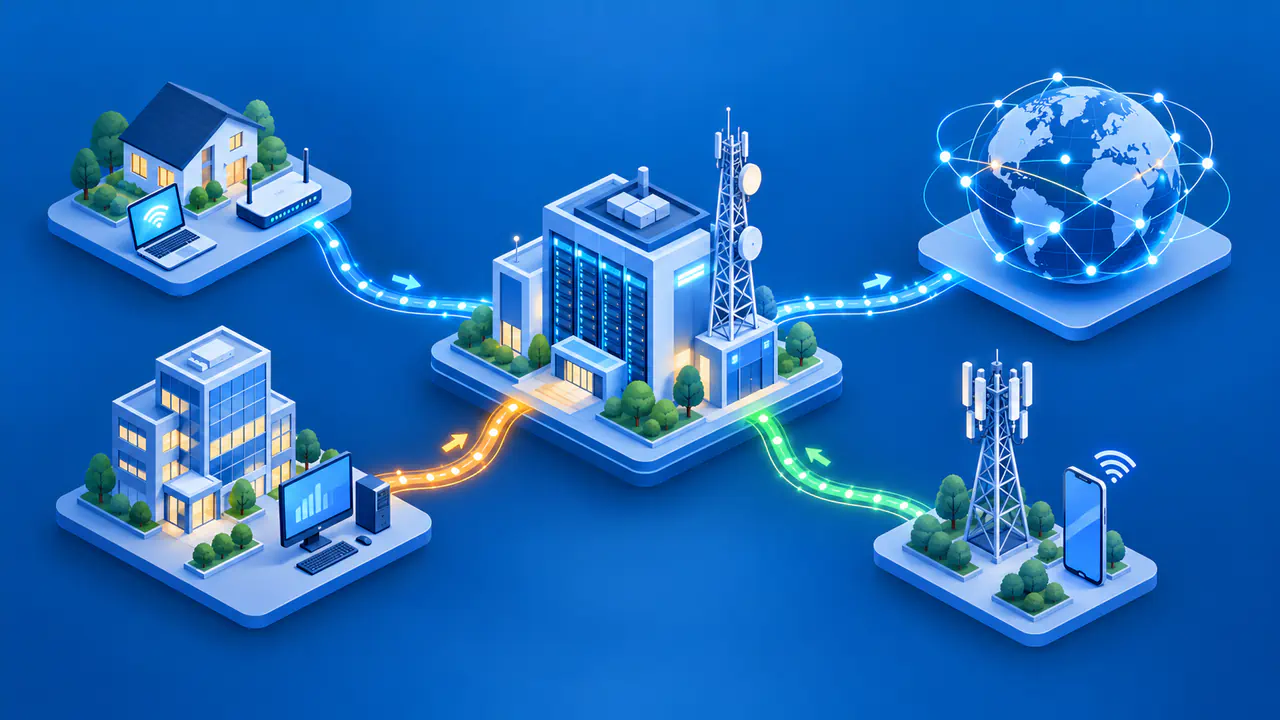
An internet service provider, or ISP, is a company or organization that supplies internet access. The ISP connects your home, business, or mobile device to a network that can carry your traffic to other networks on the internet. It also manages your subscription and provides support for the connection.
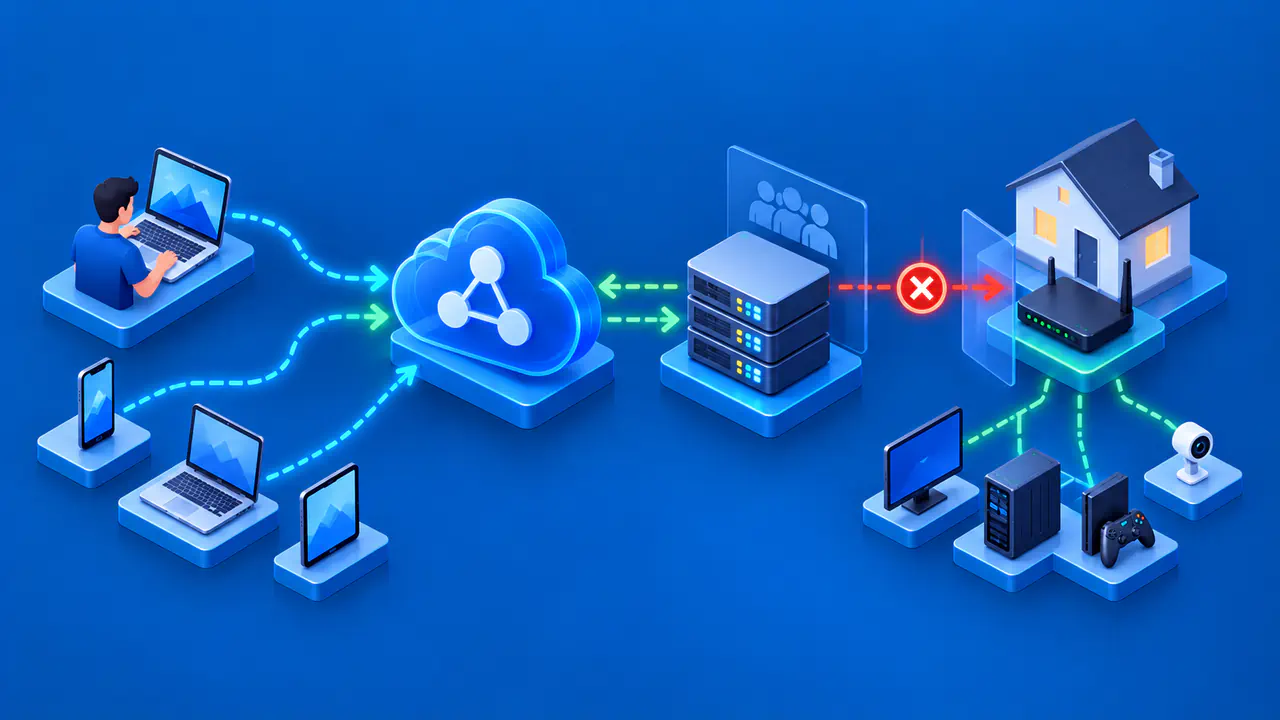
An ISP, a home router, a web host, and a VPN provider each have a different role. You may buy the equipment and services from one company, but the jobs they perform are separate. For example, your laptop may still connect to your home Wi-Fi during an ISP outage because the local wireless network can keep working without internet access.
What the ISP Provides
The ISP provides a way for your devices to reach destinations outside your local network. When you open a website, your request travels through the access network and may cross several other networks before reaching the site. The ISP does not own every network on that route or every website you visit.
Internet access also needs IP addresses so networks can deliver traffic to the right destination. A home router commonly gives local devices private IPv4 addresses, while the ISP manages addressing for the internet connection. The public IPv4 address that a website sees may represent several devices in your home, or even several customers if the ISP shares addresses between subscriptions. With IPv6, a provider may assign your network a block of addresses for its devices.
An assigned address is not necessarily permanent. Whether your connection uses a changing address, a fixed address, or a shared public IPv4 address depends on the service. Buying internet access does not by itself guarantee a separate, fixed public address for every device.
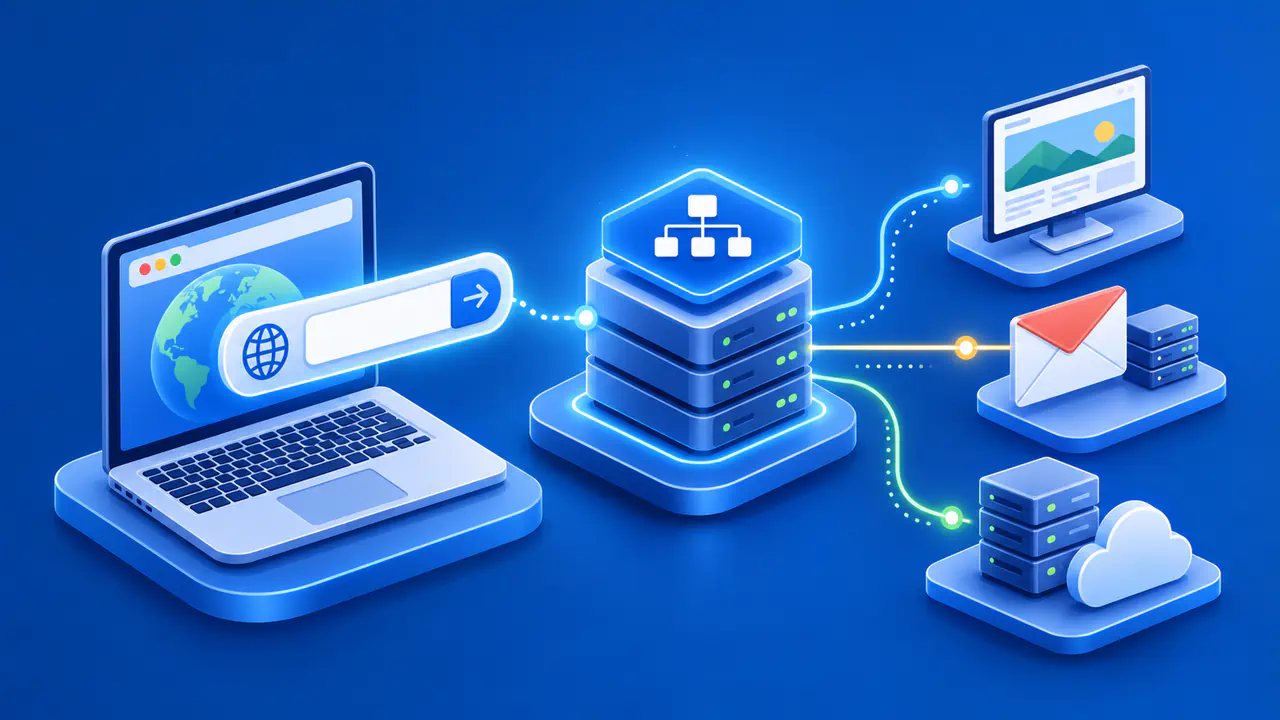
The ISP may also supply DNS resolvers, which look up the addresses associated with website names. Other possible extras include email accounts, security filters, and equipment rental. These features vary by plan; using a separate email service or, where the network permits it, a different DNS resolver does not require changing the ISP that carries your traffic.
How the Connection Reaches Your Home or Business
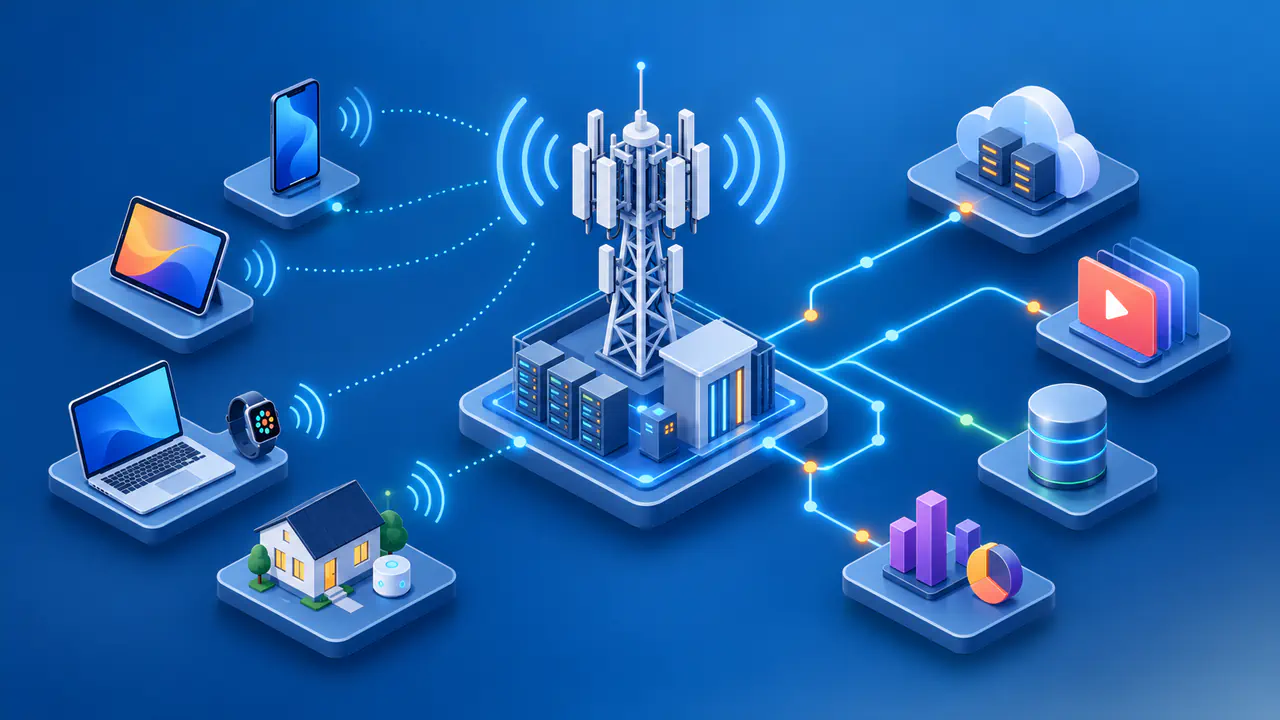
Wired internet access can arrive over fiber, cable, or a telephone line using DSL. Fixed wireless and satellite services use radio links to serve a location, while mobile carriers provide internet access over cellular networks. The type of access determines which equipment connects your local network to the provider.
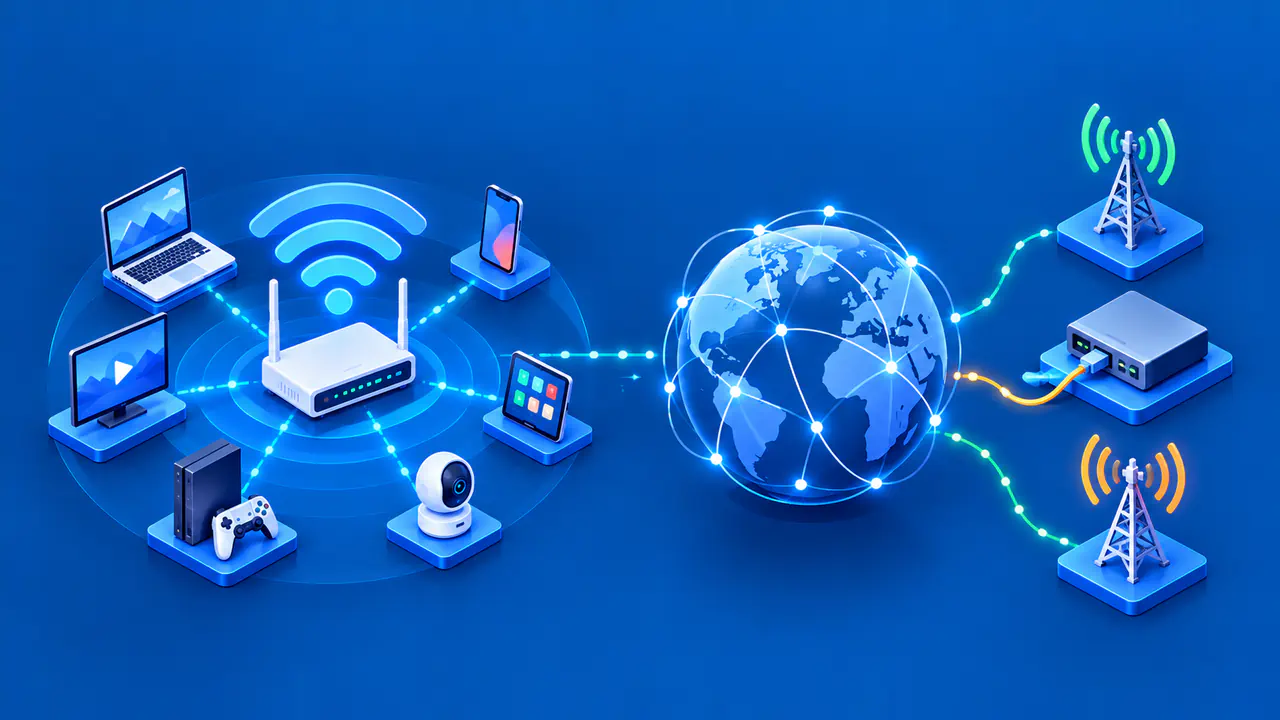
A fiber connection may use an optical network terminal, or ONT, to convert signals between the fiber and equipment inside the building. Cable and DSL connections use a compatible modem. A router then forwards traffic between your local network and the internet connection; many home routers also include Wi-Fi and Ethernet ports. Providers sometimes supply a single device that combines several of these functions.
The router's Wi-Fi signal and the ISP connection are separate parts of that setup. A strong wireless signal only describes the radio link between your device and the access point. Your device can have that strong signal while the modem has lost its connection to the ISP, so signal bars alone do not confirm internet access.
The company selling the subscription does not always own the cable or fiber leading to the building. Some providers use another operator's network to deliver the service. Your service agreement identifies the company responsible for customer support, and that provider can coordinate repairs with the network operator.
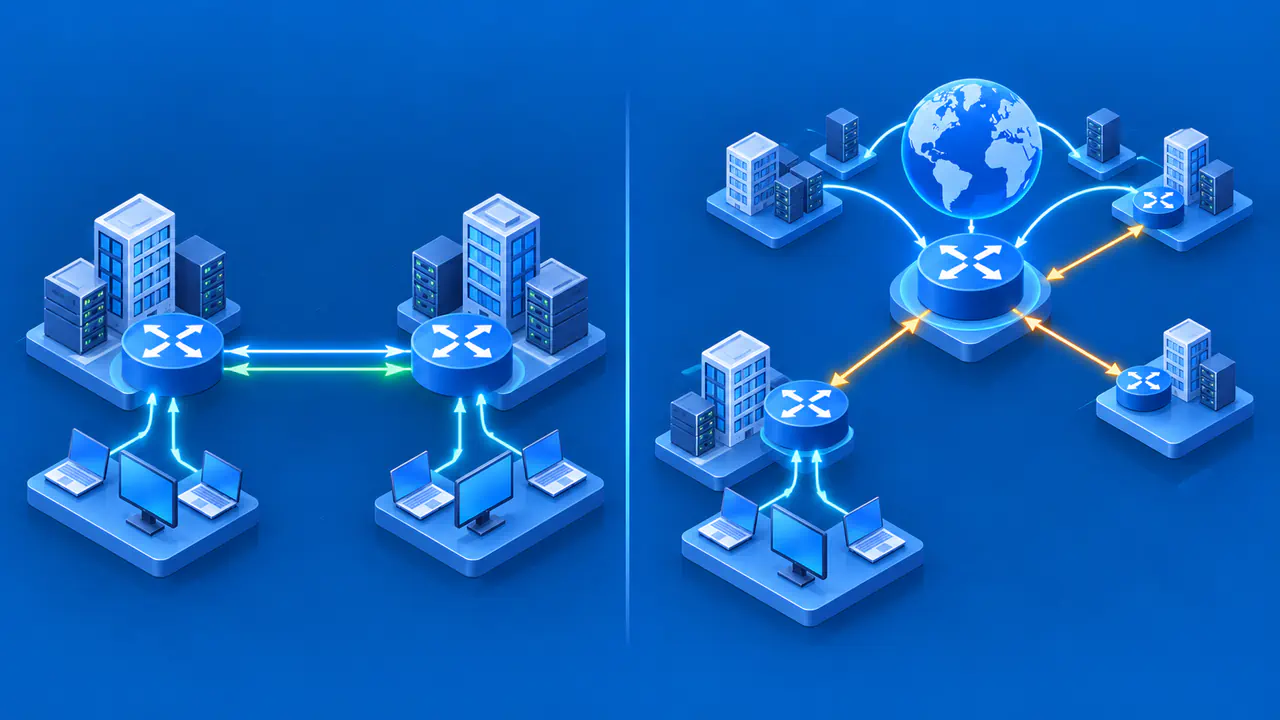
Beyond the access connection, the ISP exchanges traffic with other networks. It may connect directly to another operator through peering or pay a transit provider to carry traffic to more destinations. These arrangements let independently operated networks communicate; there is no single company running the entire internet.
ISPs, Routers, Web Hosts, and VPNs
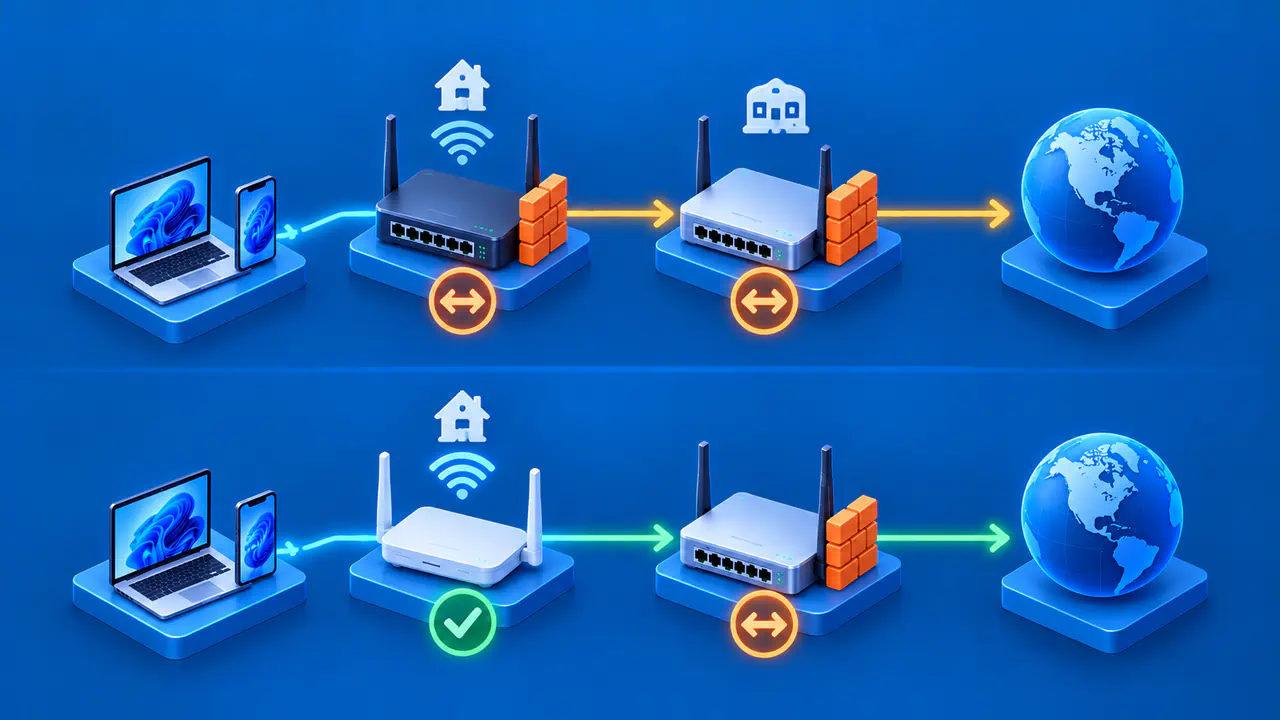
A router handles traffic between networks. A typical home router also shares the internet connection, assigns local addresses, and includes a firewall. Owning that router does not give you an internet subscription, even if the router can provide Wi-Fi without one. When an ISP supplies a router, the equipment and the access service still perform different jobs.
A web host supplies the servers and software that store or run a website. Your ISP carries your request toward the website, while the hosting service delivers the requested content. A website may also use a content delivery network to serve some content from other servers. Trouble at the host can make that website unavailable even when your internet connection works.
A consumer VPN service creates a tunnel from your device to a VPN server over an existing connection. Traffic sent through that tunnel reaches websites through the VPN server, which can change the public IP address those websites see. The ISP still carries the traffic between your connection and the VPN server. A VPN subscription therefore cannot restore internet access when the underlying connection is down.
One company can sell more than one of these services. An ISP might rent you a router and offer web hosting, for example. When reporting a problem, describe the service that failed rather than relying on the company name to explain what is wrong.
When to Contact Your ISP
Contact your ISP if several devices lose internet access, the modem or ONT reports a connection fault, or you suspect an outage in your area. The provider also handles account activation and connection settings that it requires. Equipment faults inside your home can produce similar symptoms, so a loss of access across devices is a reason to investigate, not proof of a fault in the ISP's network.
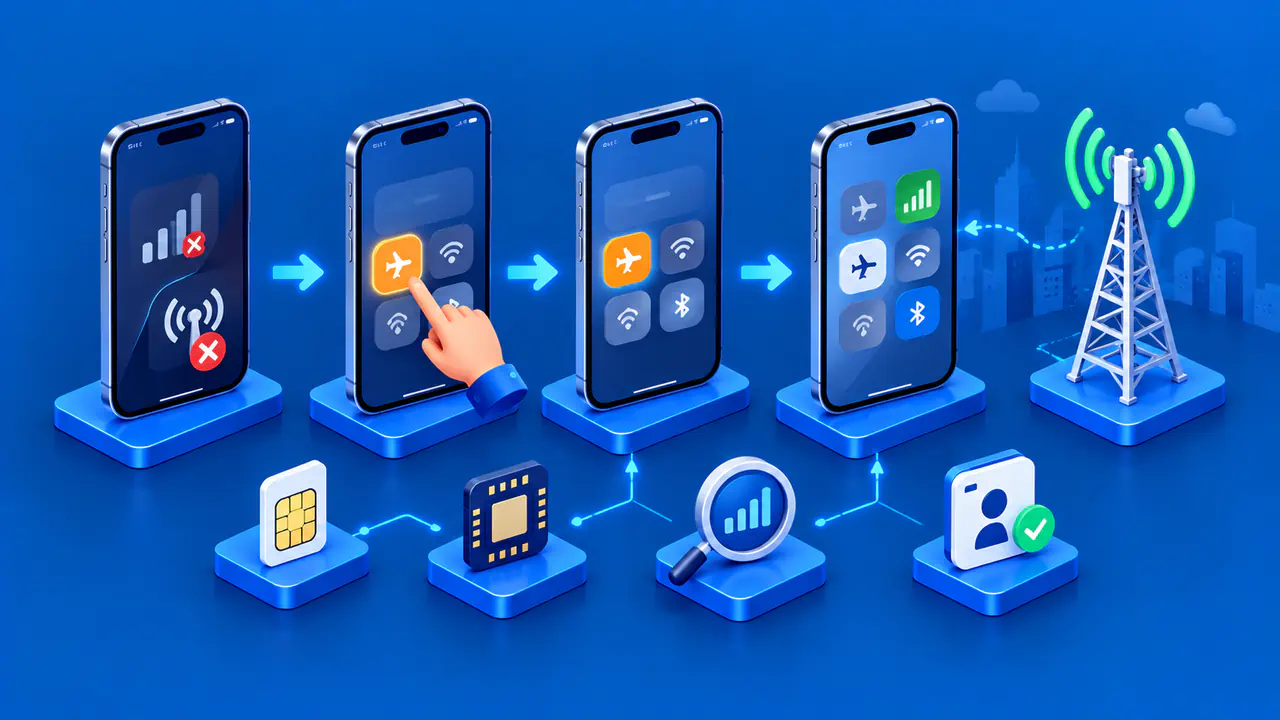
If another connection is available, check the provider's official outage page or support channel. Follow the equipment instructions when checking cables, reading status lights, or restarting a modem or router. A normal restart and a factory reset are different actions: a reset can erase settings needed for the connection.
The scope of the failure helps narrow the investigation. When only one device cannot join Wi-Fi, start with that device and the local wireless network. When several devices connect to Wi-Fi but cannot reach any websites, check the router's internet status. If most websites work and only one fails, the problem may involve that site's servers, DNS, or a route used to reach the site.
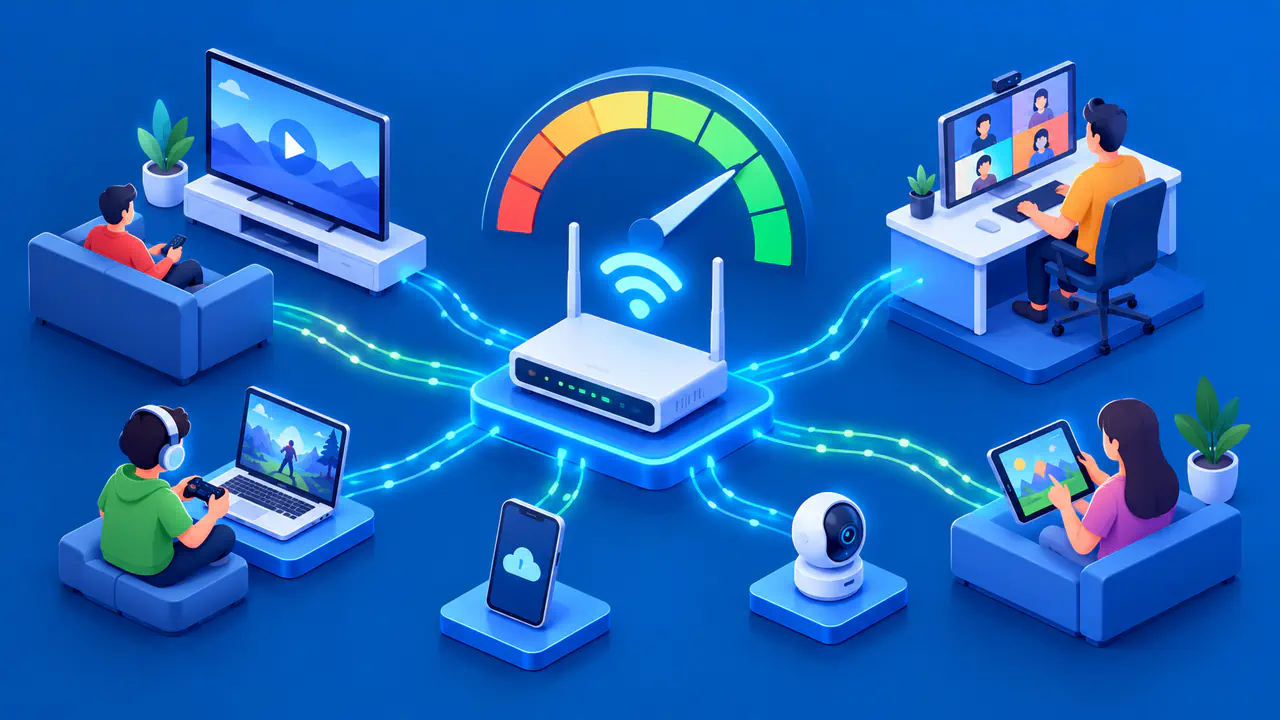
For slow service, note which devices and rooms are affected and whether large downloads or uploads are running. If possible, compare Wi-Fi performance with a device connected by Ethernet to the router. A wired comparison removes the Wi-Fi radio link from the test, but it does not identify every possible cause of a slowdown.
Give support the time the problem started, the affected devices or services, the equipment's status lights, and the checks you have already tried. If a VPN connection alone fails while ordinary browsing works, contact the VPN provider with that distinction. Share account details through the provider's private support channel rather than posting them publicly.