How to Remove Your IP Address from an Email Blocklist

To request removal from an email blocklist, identify the IP address being blocked and the exact list named in the rejection. Check why the address is listed, fix the cause where necessary, and follow the list operator's removal instructions. Some lists flag abusive traffic; others identify addresses that should not send mail directly to recipient servers. The list's rules determine which action is appropriate and who can request removal.
If you use an email app with a provider's outgoing server, a policy listing for your home or office IP may not call for delisting. Check that the app uses the provider's documented submission settings and authentication, and contact the provider if you need help with those settings. If you run the outbound mail server yourself, investigate that server's actual public sending IP.
Identify the Blocked IP Address and Blocklist
Start with the non-delivery report or the sending service's delivery log for one failed message. Record the recipient domain, time, SMTP response, IP address identified as blocked, and the blocklist's name or the link provided in the rejection. Mask personal addresses and message content if sharing the case. A message saying only that mail was refused does not prove that an IP blocklist caused the rejection. Authentication failures, message content, and other policies can also lead to rejection.
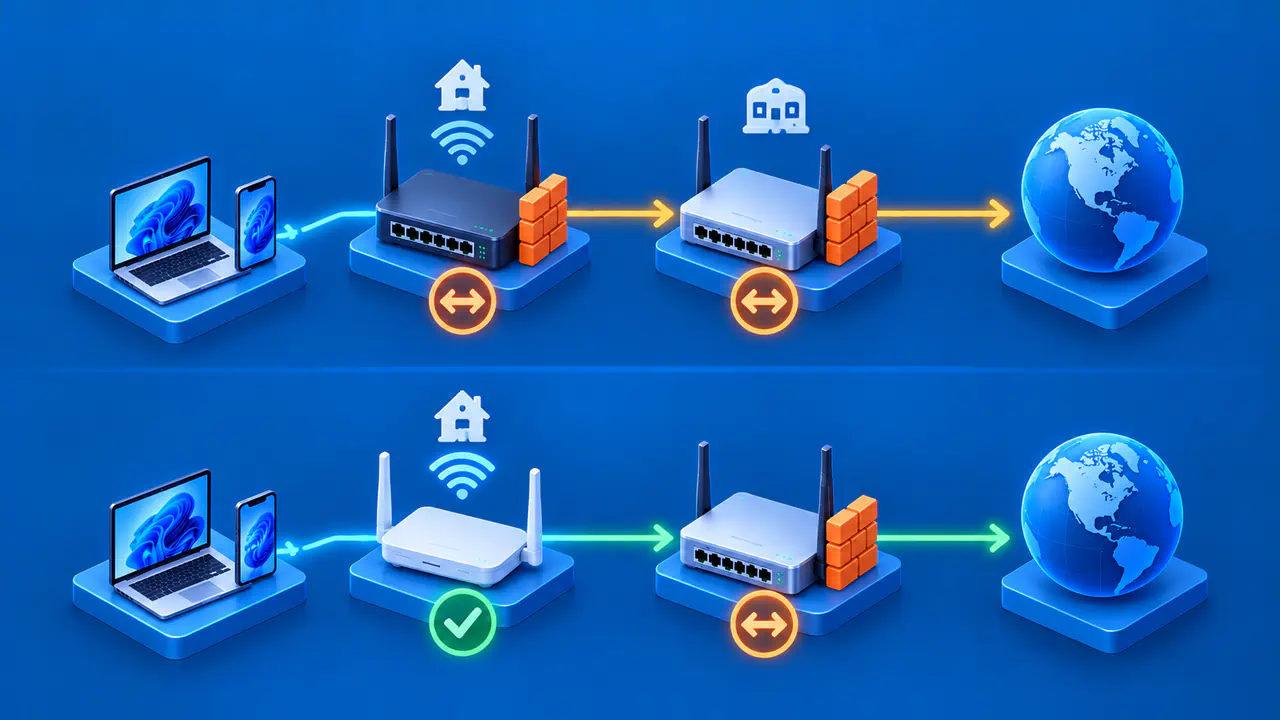
Identify the system using the address named in the rejection. For direct delivery to another domain, the rejected address is normally the sending server's public IP. If a mail app fails to authenticate during submission, the rejection may instead name the user's access IP. Do not replace the reported address with one from your website, inbound mail server, or an unrelated header line.
An email service provider may send through a shared pool, so the address used for a particular attempt may differ from an address you expected. Ask the provider to confirm the sending address if you cannot identify it in the delivery log. If the rejection names a domain list rather than an IP list, follow that list's separate process instead.
Check the identified IP in the operator's official lookup, such as Spamhaus' IP and Domain Reputation Checker when a Spamhaus list is named. Read the record itself, its scope, and its removal instructions. A site that checks several blocklists can help you investigate, but it cannot replace the list operator's current record. Check which list is named: SBL, XBL, and PBL have different criteria, and ZEN combines several lists.
Distinguish Policy Listings from Abuse Listings
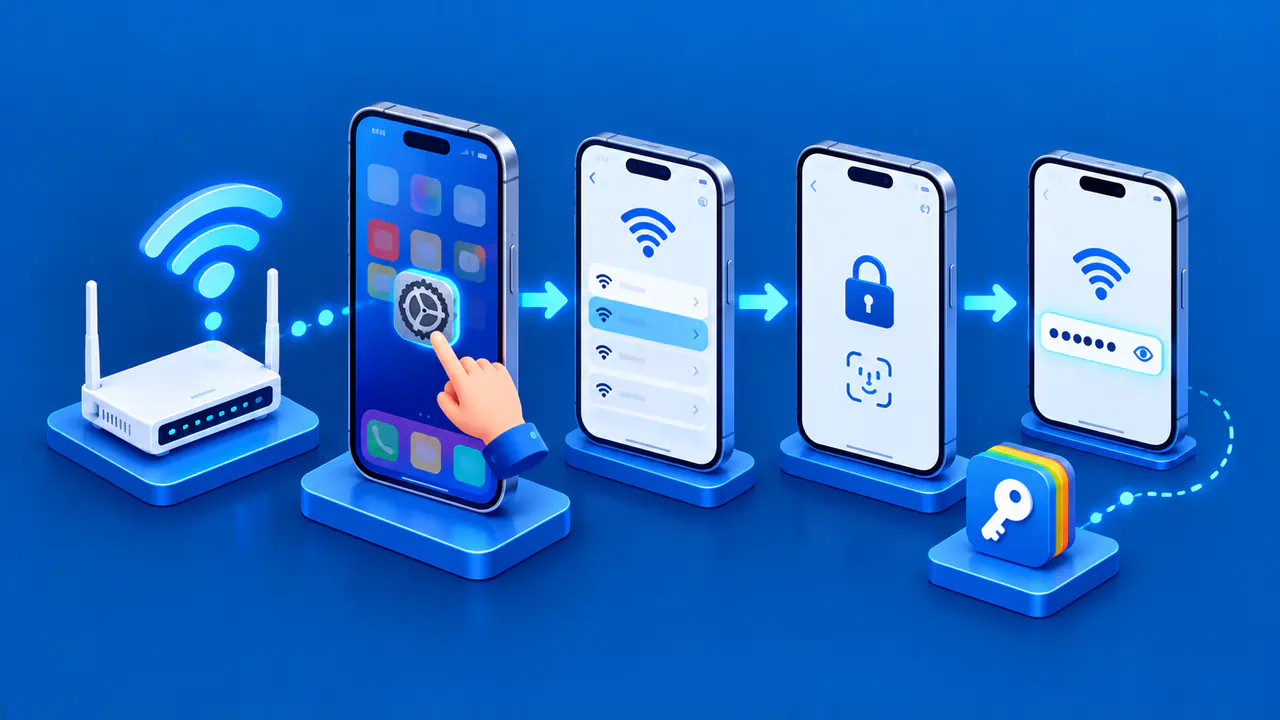
The Spamhaus Policy Blocklist, or PBL, covers ranges where devices should send mail through a relay instead of delivering directly to recipient mail servers. It often includes consumer access ranges. A PBL result alone does not mean the listed computer is infected or sending spam. An email app normally submits mail through the email provider's outgoing server using authentication. Confirm the documented server name, credentials, and submission port with that provider. Do not put passwords in a delisting form or try to bypass the provider by sending directly to recipients' mail servers.
Other lists reflect different findings. SBL covers spam sources and supporting infrastructure, while XBL records addresses used by compromised devices. A listed address can also be part of a shared provider pool, so the person reading the bounce may not control the network. Read the specific record before assuming the cause or applying a generic cleanup script. The receiving administrator decides whether a match causes rejection or whether the message is accepted and marked for further filtering. A listing therefore does not prove every recipient is rejecting your mail.
Correct the Cause before Requesting Removal
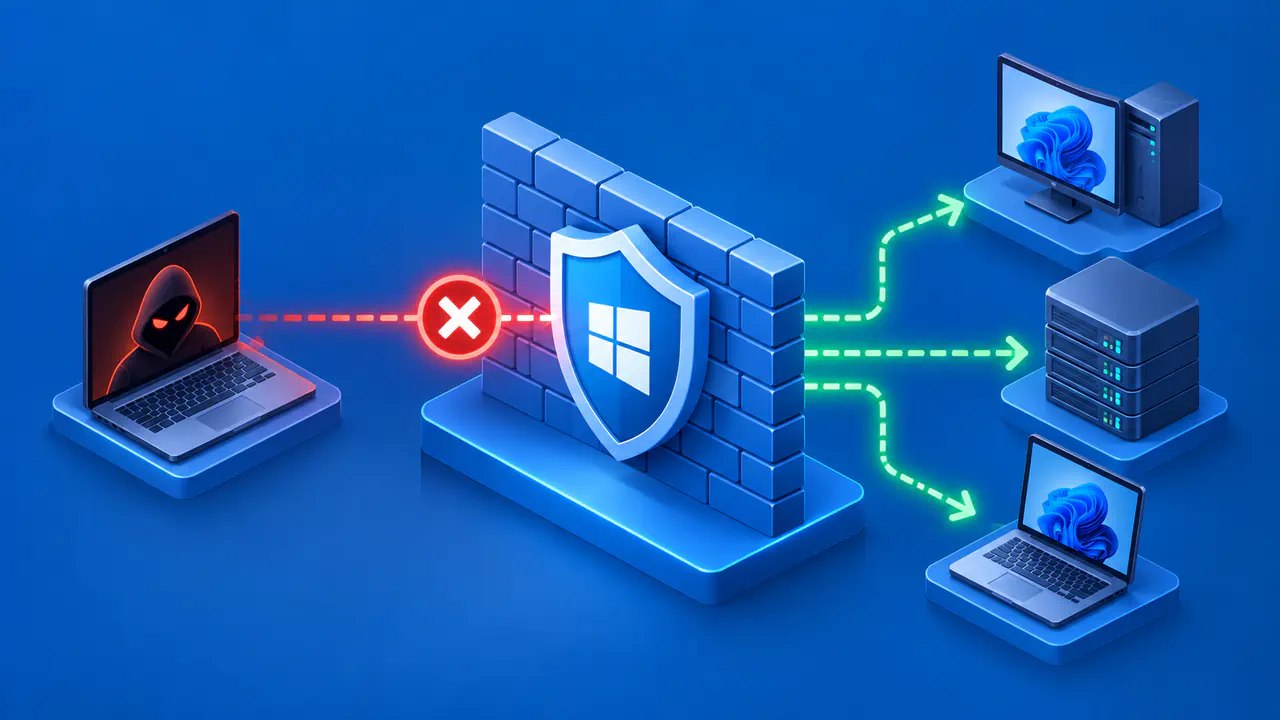
For an abuse-related listing, the administrator should review the mail server's sending logs and the list operator's evidence. Look for unexpected mail volume, compromised credentials, an open relay or application sending without permission, and any abused accounts or hosts within the affected infrastructure. Stop the unauthorized traffic, secure the affected accounts and devices, and fix the configuration that allowed the abuse. Preserve enough evidence to explain what happened and what changed. Do not claim a cause merely because a list category sounds alarming; document what the record and your investigation actually show.
For a PBL listing, determine whether an outbound mail server should operate at that address. A single-IP exclusion may be appropriate for a static address assigned to you or your organization and used by a real outbound server. The server needs suitable forward DNS, which maps its hostname to an address, and reverse DNS, which maps the address back to a hostname. Outbound port 25 access should be limited to that mail server. Removing a dynamic access IP or workstation address from PBL does not make it suitable for direct mail delivery.
If the sending IP belongs to a hosting provider or email platform, coordinate with its abuse or deliverability team. The team may have access to the logs and the authority to change an IP pool or submit a removal request. If the sending problem continues after you switch IP addresses, the new address may also be listed, potentially affecting other customers who share it.
Follow the List Operator's Removal Process
Follow the operator's current instructions for the exact entry. For Spamhaus SBL, an end user is directed to the system administrator, ISP, or email service provider. The ISP responsible for an SBL-listed IP must submit the removal request after the abuse has been resolved. Give its abuse team the listing reference, the cause you found, the corrective steps, and when those steps were completed. The decision belongs to Spamhaus. Use the specified removal channel, avoid duplicate requests, and do not assume a fixed response time.
For Spamhaus PBL, the administrator of an eligible server can look up its IP in the official checker, choose Show details, and follow the single-IP exclusion steps. Changes covering several addresses or a range should go through the ISP responsible for that range. The individual exclusion form is not a substitute for the ISP's range management process.
Spamhaus does not charge for removing a listing, and a third party cannot buy priority or control the decision. Treat a guaranteed paid delisting offer with skepticism. Other operators have their own rules; use the official site for the list actually involved and share only the information it legitimately requires.
Check the Listing and Retry Delivery
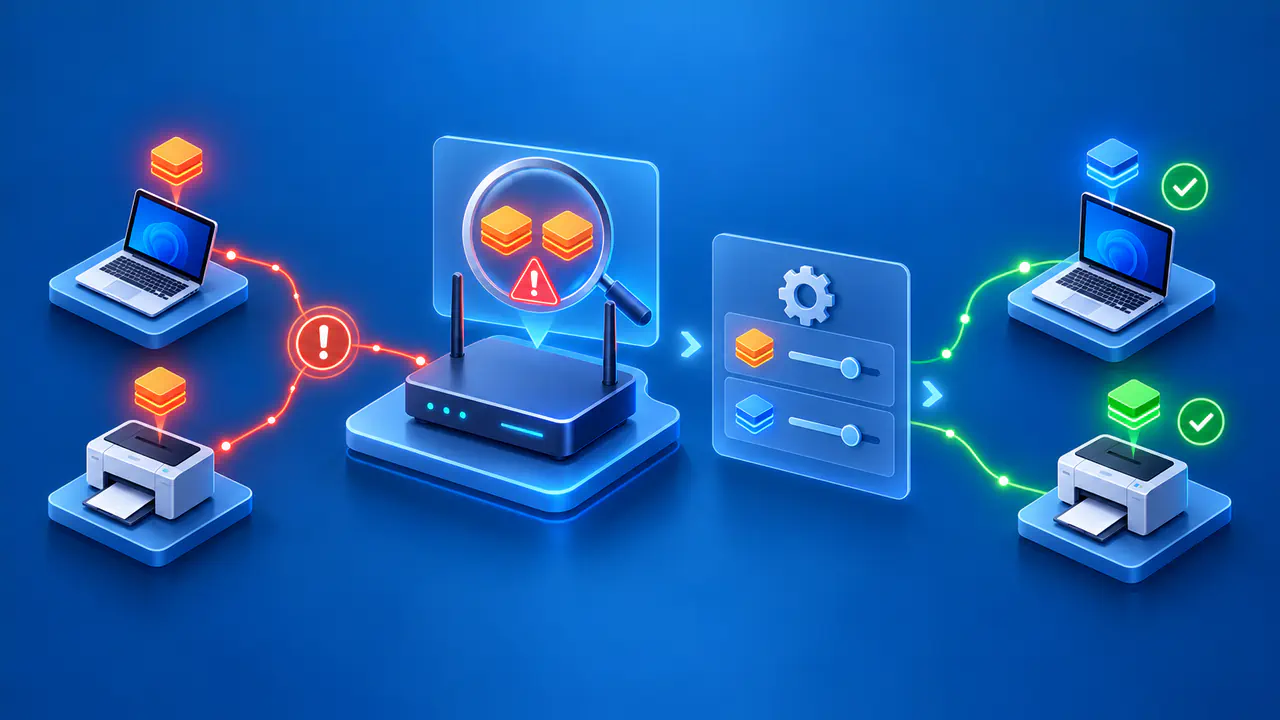
After the operator reports a change, recheck the same IP with the operator's official lookup tool and allow for any stated propagation period. Send a new test message to the affected recipient, then inspect the new SMTP response or delivery log. A new attempt may still fail because a different outbound IP is listed or because of another check or recipient policy. Record the list status and the new delivery result separately.
Keep checking the sending activity and settings that led to the listing. A blocklist entry can return if the unwanted sending resumes, and a provider may have several IPs to assess. Keep the old rejection, the remediation record, and the result of the new attempt together so you can distinguish a recurrence from a different delivery problem.