How to Fix IPv6 Connectivity Problems
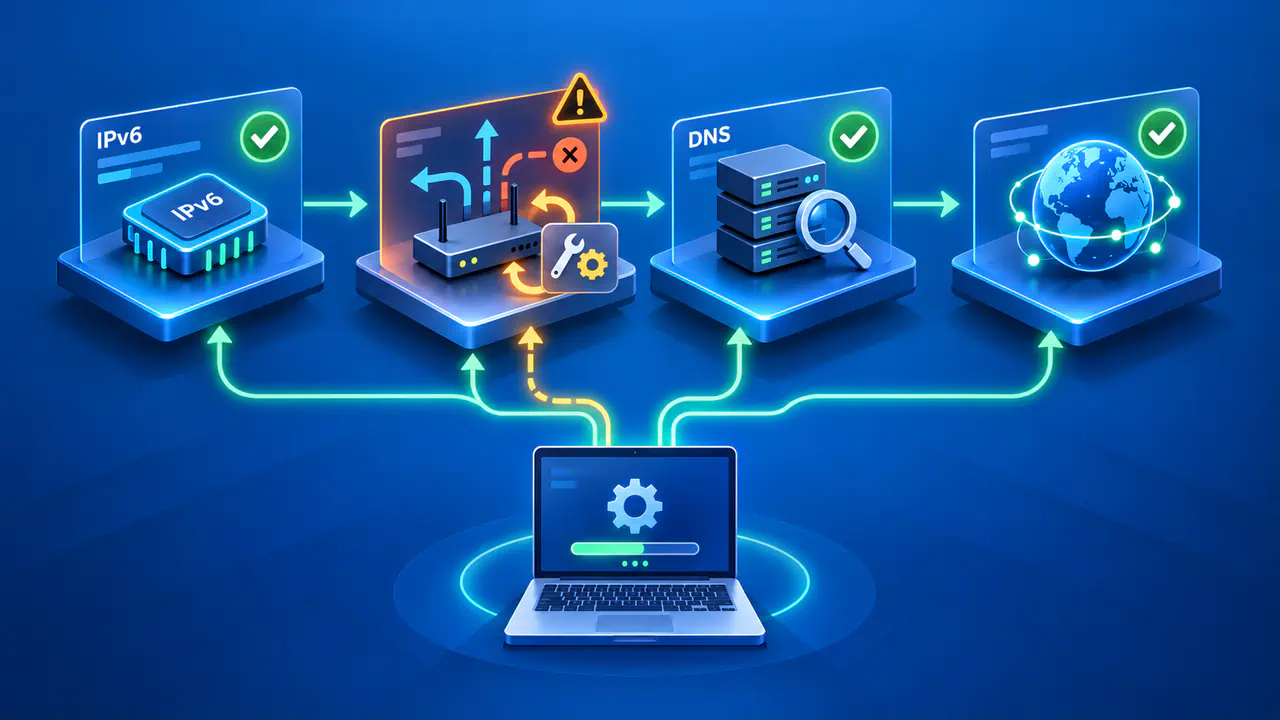
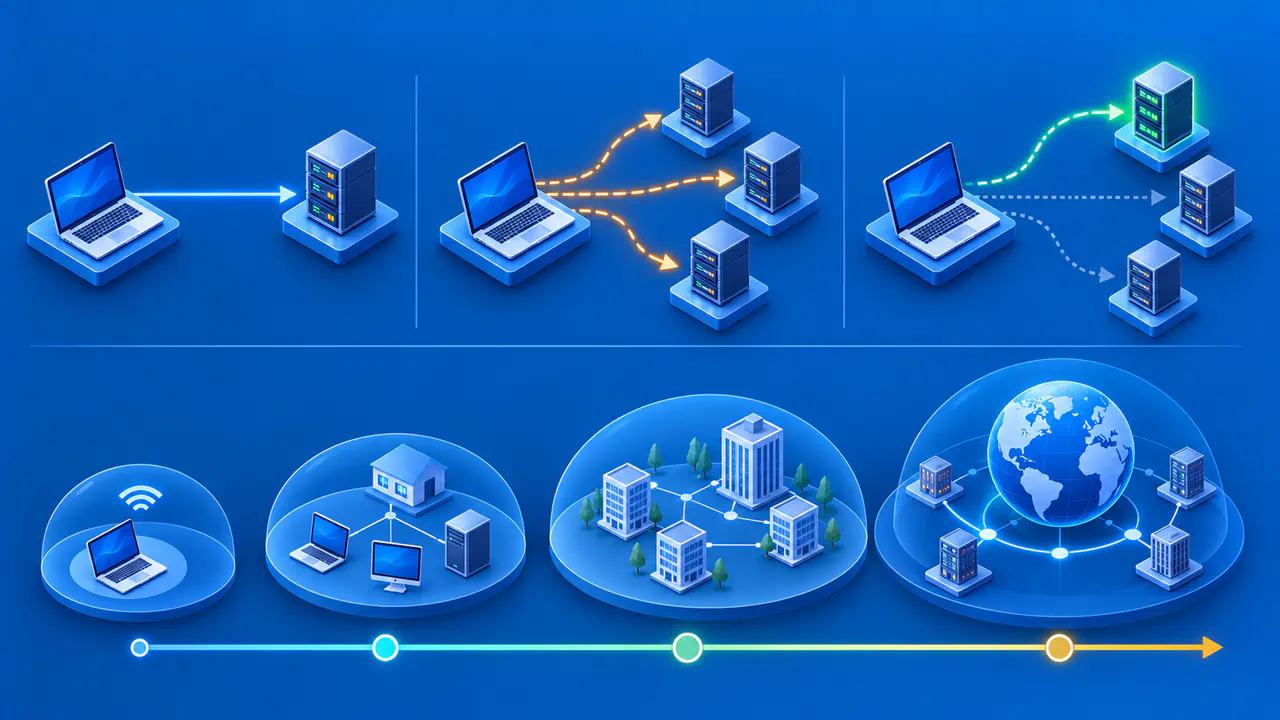
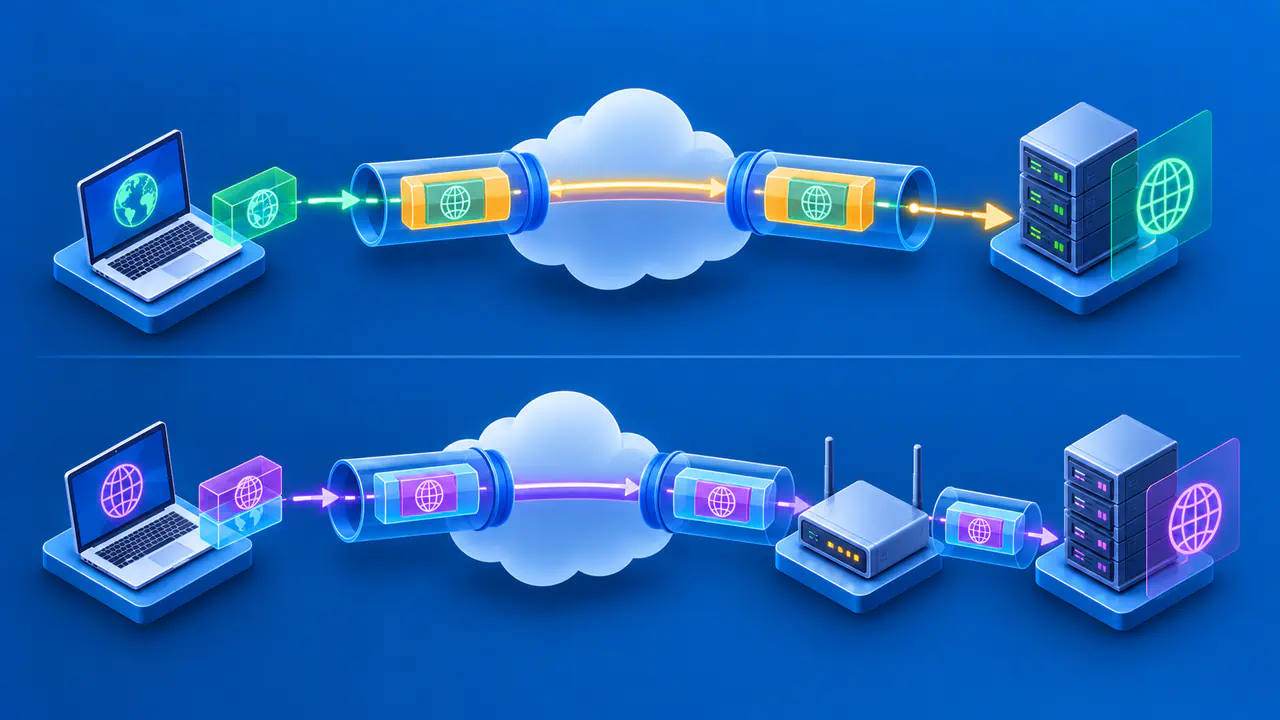
When an IPv6-capable site fails, locate the broken stage before changing network settings. A device needs a suitable IPv6 address, a route to the destination, and a service that accepts the connection. If you connect by name, name resolution must also supply the destination's address. IPv4 can continue working even if one of these stages fails for IPv6.
Start on a network and service you are authorized to test. Note the device, connection type, time, and exact symptom. Avoid disabling IPv6 as an opening step. On Windows, disabling or unbinding IPv6 can affect operating system components.
Check IPv6 Address Assignment
Inspect the active network interface, not a disconnected adapter or an old VPN profile. Look for an IPv6 address and classify its scope. ::1 is loopback and tests only the device itself. An address beginning with fe80: is link-local and can work on the immediate link, but does not by itself show that the device has an IPv6 path to the wider internet.
A unique local address in fc00::/7 is intended for communication within private networks, including configured links between sites. It is not normally routed on the public internet. A global unicast address, if present, is a stronger sign that wider IPv6 service was configured, though it still does not prove connectivity.
If only a link-local address is present on a network that should provide global IPv6, check the router and internet provider's IPv6 service status. IPv6 hosts often learn network information from router advertisements. A missing or filtered advertisement, an expired configuration, or a network that offers IPv4 only can explain the absence. Do not assign an arbitrary IPv6 address to compensate; it must match the network's routing plan.
A device can have several IPv6 addresses at once, including temporary addresses. Record the interface and scope of the address used for the affected route. A single address copied from Settings without its interface context may not identify the path taken by the failing application.
Inspect the IPv6 Default Route
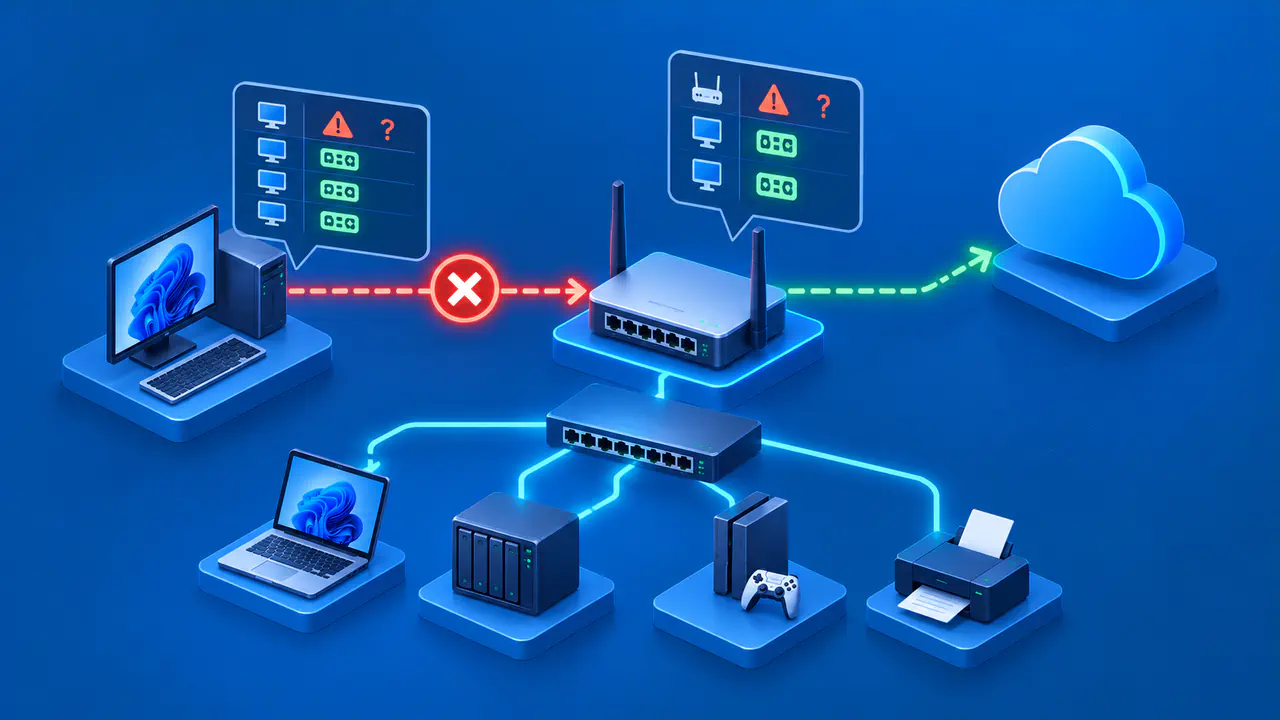
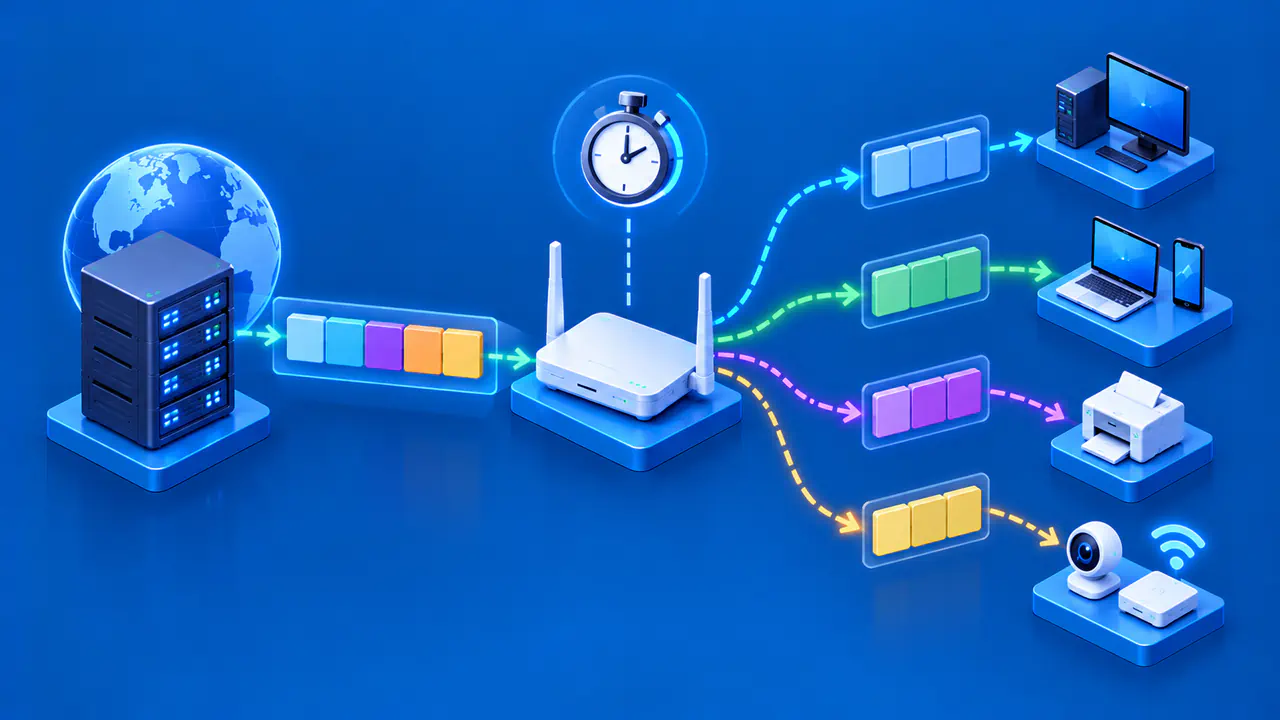
Next, inspect whether the active interface has a route for destinations beyond its local link. IPv6 Neighbor Discovery includes router discovery, and a default router is often identified by its link-local address on that interface. The router's next-hop address can look local even though it forwards traffic toward a remote IPv6 destination. A link-local router entry is therefore not a sign of a broken route by itself.
If the selected routing table has neither a specific IPv6 route to the remote destination nor a usable default route, the device has no route for that traffic. Ask the network operator whether the router is advertising IPv6 and whether an upstream route exists. If a route exists but the path still fails, the router or internet provider may not have working onward connectivity, or a firewall may block the traffic. A route entry alone cannot prove end-to-end reachability.
If the router is reachable but remote IPv6 fails, preserve that distinction when reporting the issue. It helps the network operator investigate the upstream path without changing a local address that was already assigned correctly.
Keep IPv4 and IPv6 routes separate in your notes. An IPv4 default route does not substitute for a native IPv6 route. A VPN may also install or change routes for one address family but not the other. Review the active path before applying any fix.
Separate DNS from Connection Failure
A named service may publish an AAAA record for IPv6 and an A record for IPv4. Check whether the name resolves to the expected address family. If the lookup supplies no IPv6 address, that lookup does not provide a destination for an IPv6-only connection. If an AAAA result exists, name resolution succeeded for that part; the connection can still fail later.
When the service supports address-based connections, a connection to its IPv6 literal can help separate DNS from the network path. If a connection to the address succeeds while the same service by name fails, examine both name resolution and behavior that depends on the hostname. For HTTPS, a certificate or virtual-host error from a raw-address request does not prove an IPv6 routing failure. Preserve the hostname when a service needs it, and distinguish failure to open the connection from a TLS or application error after it opens.
Do not change DNS servers simply because an IPv6 connection failed. First establish whether the relevant name returned an IPv6 address and whether packets can travel to a known IPv6 endpoint. DNS and routing are separate stages.
Compare IPv4 and IPv6 Tests Safely
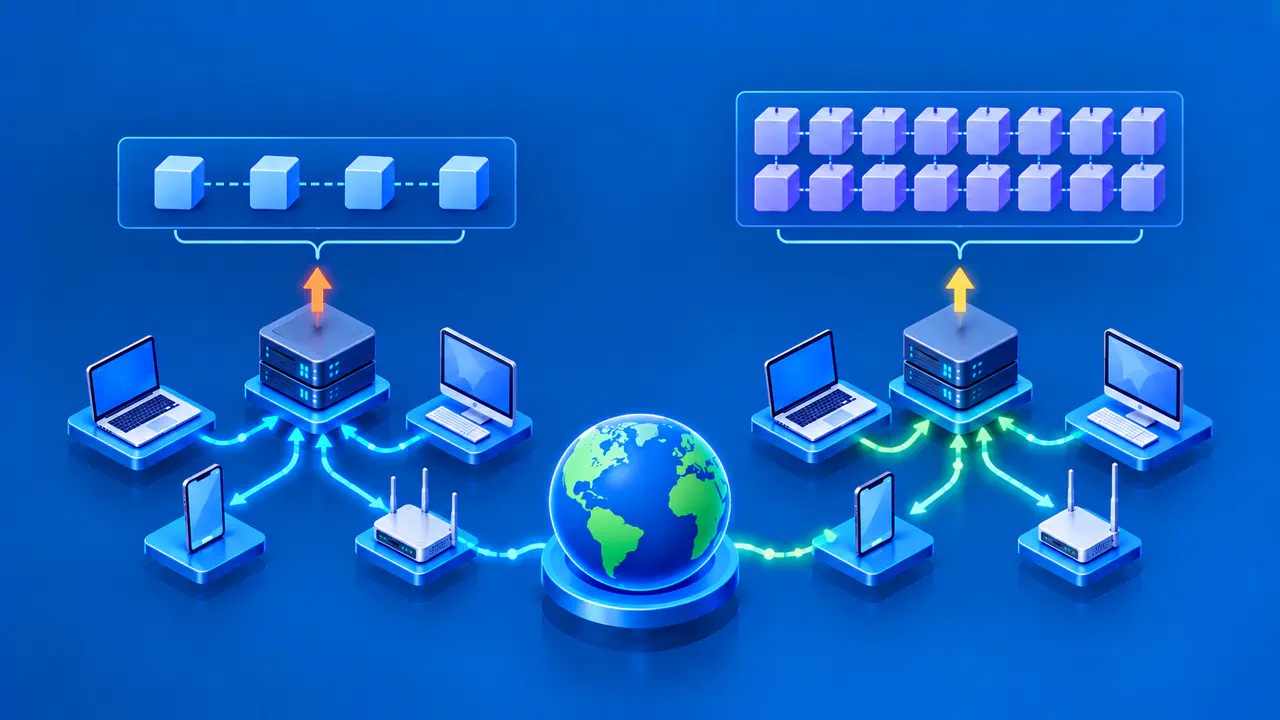
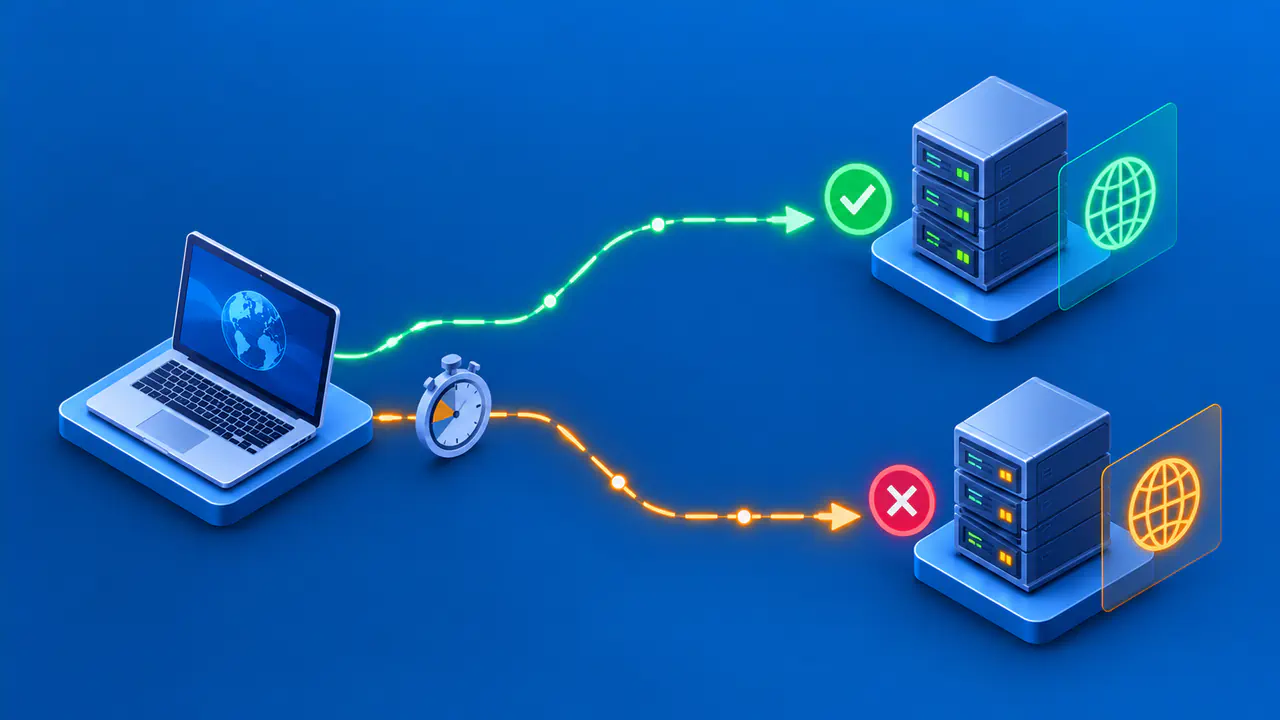
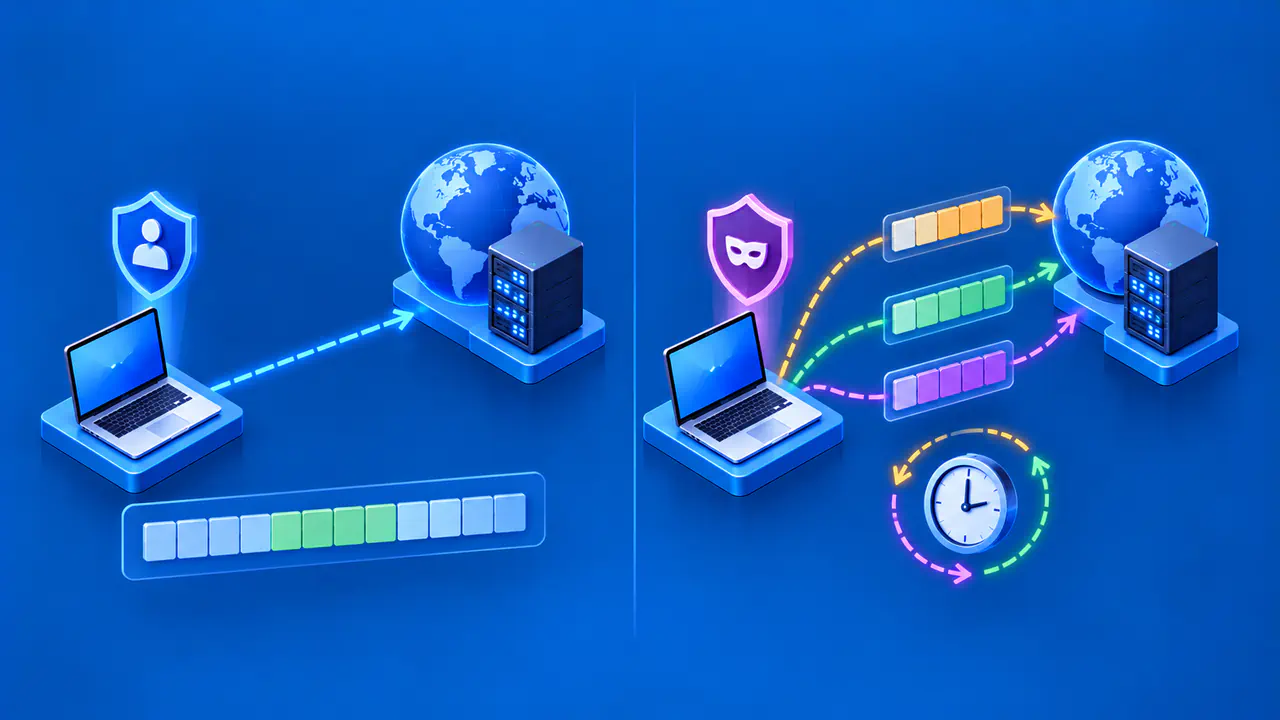
Use the same trusted service and similar conditions when comparing address families. For a direct request with curl, use --ipv6 or --ipv4 in separate requests to the same hostname to select the address family. On Windows, ping /6 selects IPv6, but it tests ICMP Echo responses rather than an HTTPS connection.
A successful IPv4 result with a failed IPv6 result narrows the problem to the IPv6 path or its endpoint behavior. A failed ping alone is not decisive because ICMP traffic may be filtered while an application connection succeeds. If a proxy is configured, record it because the connection may be to the proxy rather than directly to the destination.
Record the exact hostname, selected address family, resolved address, route, and application error. Test an authorized destination rather than sweeping unrelated hosts. If the connection works over IPv6 on another network but not on the current one, the current router or provider becomes a stronger lead. If it fails on only one site while other IPv6 sites work, investigate that service's IPv6 endpoint.
After changing one relevant configuration or asking the operator to fix it, repeat the same test. Confirm that IPv6 works for the intended service and that IPv4 still behaves as expected.