HTTP Status Code Classes Explained

An HTTP status code is a three-digit number in a server's response to an HTTP request. Its first digit places it in one of five classes: 1xx informational, 2xx successful, 3xx redirection-related, 4xx client error, and 5xx server error. The class gives a starting point for diagnosis. The exact code, response headers, request method, and application context explain what the response means.
Do not use the first digit as a complete fault report. A 404 can result from a mistyped URL, a missing server route, or a decision not to reveal that a resource exists. A 502 may come from a gateway that forwards requests to another server, called the upstream server. A browser may also fail before receiving any HTTP response at all. Inspect the full exchange before assigning cause.
The Five HTTP Status Classes
The 1xx class carries information before a request is complete. A 100 Continue can signal that a client may proceed with a request body. A 103 Early Hints can identify resources worth fetching while a server prepares the final response. These interim responses do not replace a final status, such as 200 or 404. A 101 Switching Protocols response is different: in HTTP/1.1, it switches the connection to another protocol instead of leading to an ordinary final HTTP response.
The 2xx class reports success, but the exact code determines what has succeeded. For a GET request, 200 OK normally returns the requested content. A 201 Created means that the request created one or more resources, while 204 No Content confirms success without a response body. A 202 Accepted only confirms acceptance for processing; the work may still fail later. Check the headers and any response body when the page or API behaves incorrectly, even if the status belongs to this class.
The 3xx class covers responses that require further action to complete the request, often by using a different URL. Codes such as 301, 302, 307, and 308 can move a request to another URL. A 304 Not Modified answers a conditional request: the server has checked a condition, such as the saved content's version identifier, and the corresponding cached content can be reused. The 304 does not supply that content again or direct the client to a different URL. Use the exact code and response headers to distinguish these cases.
4xx responses indicate that the server perceived a problem with the request or cannot provide the resource under the applicable rules. Examples include 400 Bad Request, 401 Unauthorized for an authentication challenge, 403 Forbidden, 404 Not Found, and 429 Too Many Requests. The class does not prove that the end user caused the problem; server routing, policy, or application design can contribute.
5xx responses indicate that the server or an intermediary could not fulfill an apparently valid request. 500 Internal Server Error is generic. 502 Bad Gateway points to an invalid response received by a gateway or proxy from an upstream server. 503 Service Unavailable can reflect overload or maintenance. Determine whether the response came from the application server or an intermediary before deciding what to repair.
Checks for Each Status Class
After a 100 or 103 response, look for the final response. If none arrives, inspect the connection for an interruption rather than counting the informational response as completed work. For a 101, check whether the agreed protocol switch succeeded. After a 2xx response, check the application result and any content returned; a missing body is expected for 204 and for responses to HEAD requests. For 202, use the application's documented way to check progress, such as a status URL.
For a redirecting 3xx, inspect the destination in the Location response header and follow the whole redirect chain. Verify that the destination, scheme, and method behavior are intended. A 307 or 308 preserves the request method, which matters for non-GET operations. For 304, check the version identifier or modification date sent in the request and the cached content to which the condition applies.
For 4xx, compare the failing request with the server's requirements for the URL, method, headers, credentials, and body. If you need to reproduce the failure, use an authorized test account with the relevant permissions and an environment where the test will not create unwanted changes. A 401 and a 403 call for different checks. For 5xx, match the request to server or gateway logs and note which component returned the status. Investigate upstream reachability, timeouts, and application errors without assuming that every 5xx originates in the application itself.
HTTP Responses and Connection Failures
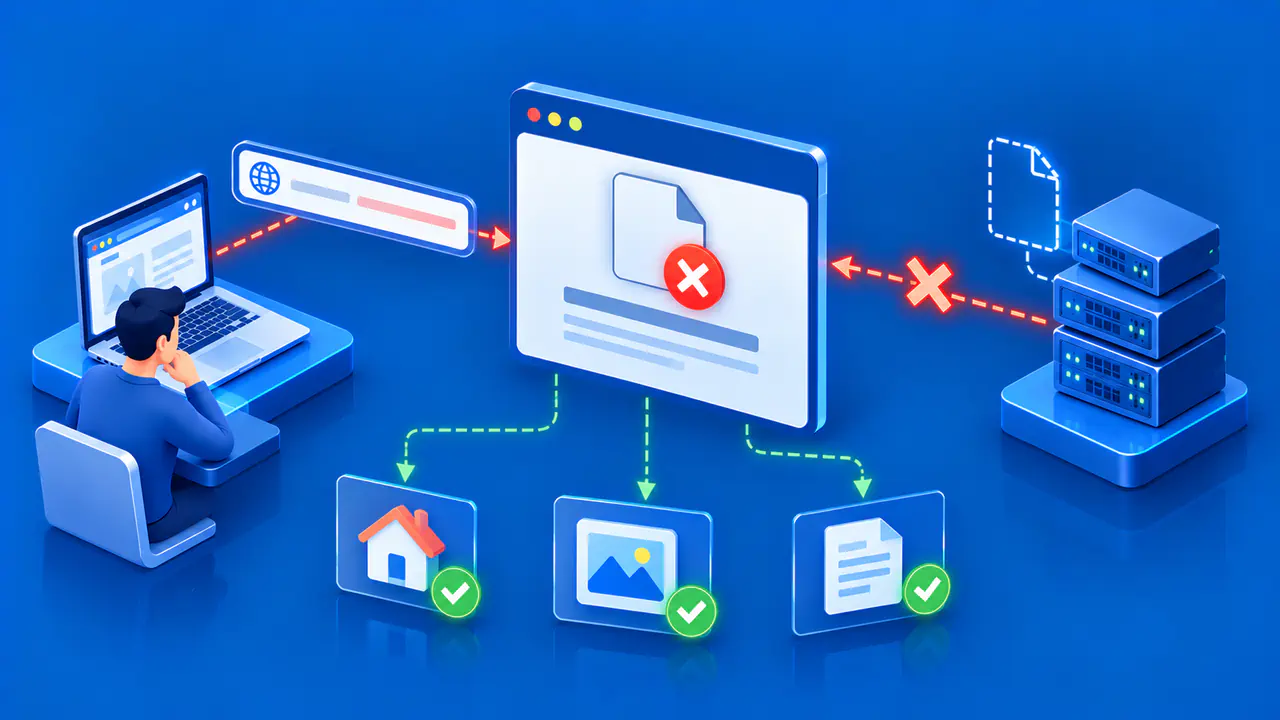
If no HTTP response reaches the client, there is no received HTTP status to inspect. A DNS lookup failure, rejected TCP connection, TLS certificate error, or network timeout may stop the exchange earlier. Browsers often display these as network errors without a status code. Do not record such a failure as 500 merely because the page did not load.
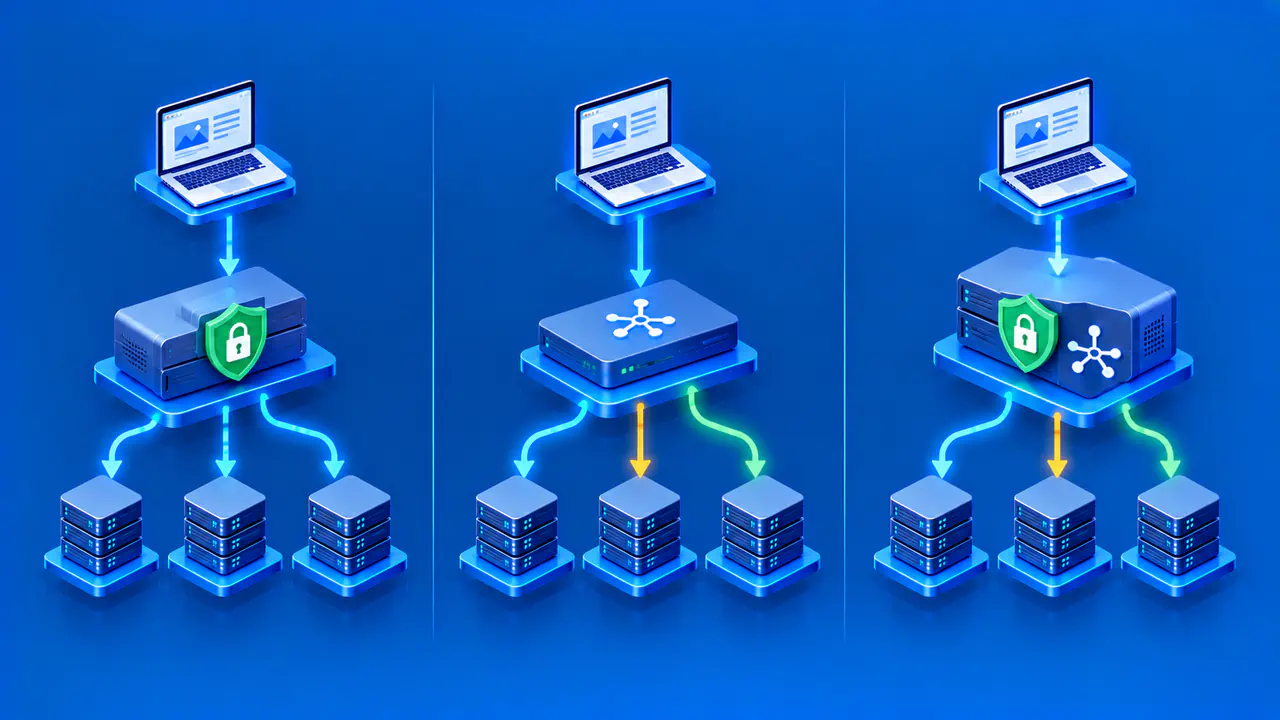
Developer tools can show both the failed request and whether a response arrived. A proxy may sometimes generate its own HTTP error in response to an upstream transport failure. In that case, the browser received the proxy's HTTP status even though the proxy's upstream connection failed. Record both the response received by the browser and the failure between the proxy and the origin server that hosts the content.
Some applications display an error message inside a 200 response. The server reported HTTP success, but the application operation may have failed. Conversely, a 404 response can contain a valid HTML page explaining the missing resource. Inspect both the status and the content returned.
Check the Exact Code before Acting
The class narrows the possible outcomes; the exact code identifies the particular result reported by the server. Consult the current HTTP status reference for the code seen in the response and note any method-specific behavior. Then inspect relevant headers: Location for redirects, authentication challenges for 401, caching validators for 304, and Retry-After where the response provides it. Do not apply a generic repair to every response in a family.
Capture the request URL, method, timestamp, response status, headers, redirect chain, and component that emitted the response. For an API, include a safe sample of the body with secrets removed. This evidence lets a developer distinguish a bad request from a routing or upstream problem. Remove credentials and other sensitive values from the recorded headers as well as from the body before sharing the request details.