How to Fix Cloudflare Error 520

Cloudflare error 520 means Cloudflare could not use the response from the website's origin server, the server that hosts the site behind Cloudflare. The response may be empty or invalid. Fixing the error starts with matching a failed request to server logs, then correcting the response or connection setting responsible.
A visitor can report the failure, but the site owner or hosting provider usually needs to make the repair. The 520 code alone does not identify a faulty application, firewall rule, or protocol setting. Changing several settings at once makes it harder to tell which component caused the problem.
Capture a Failing Request and Its Ray ID
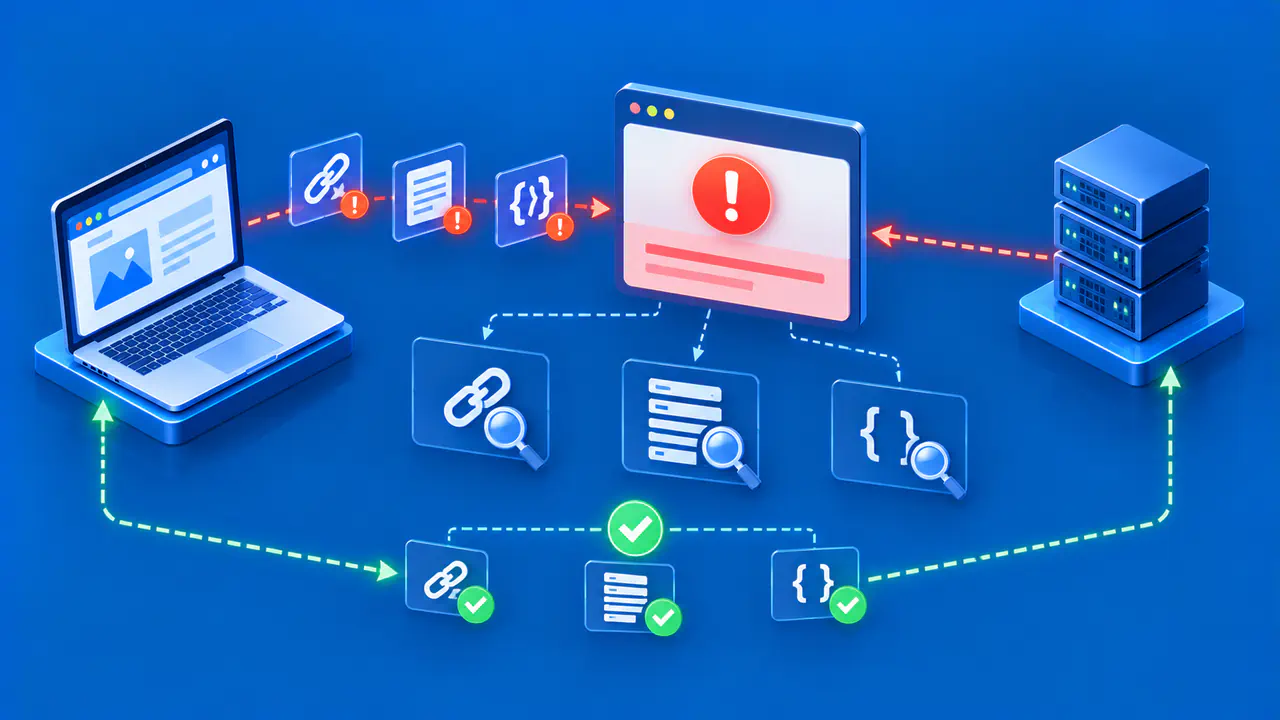
Record the full resource URL, request method, time with time zone, and Cloudflare Ray ID shown with the error. The Ray ID is a request identifier that helps locate related records. If an image or API request fails while the surrounding page loads, record that resource's address rather than only the address in the browser bar.
Check the origin's access, error, and application logs for the same interval. Look for a crash, a connection closed before the response finished, or a protocol error. If several backend servers handle the site, identify which one received the request. A working response from another server does not establish that the failing instance is healthy.
When using Cloudflare request logs, interpret OriginResponseStatus together with the cache result and other request details. A value of 0 is not an HTTP status sent by the origin and does not by itself prove that the server crashed. For example, a cached response may not require an origin request. Logpush calls the cache outcome field CacheCacheStatus.
Inspect Crashes and HTTP Response Headers
If the application stopped before completing its response, inspect the associated exception, process exit, or resource failure. Compare the first failures with recent deployments and configuration changes. Repair a confirmed code defect or restore a compatible working release; restarting a process may restore access temporarily without removing the underlying cause.
Check the response for the affected URL at the origin and at any intermediary, such as a load balancer. For a useful comparison, send the test request with the same hostname, method, and authentication as the failing request. A successful request to the server's default page does not test a failing signed-in account page.
Response headers exceeding 128 KB can trigger a 520. Check the total header output, including repeated Set-Cookie fields, rather than measuring only the page's HTML. If a plugin or application repeatedly adds unnecessary headers, correct that behavior and confirm the new header size. Preserve cookies that are required for authentication or session handling.
Malformed response formatting can also cause trouble. For HTTP/1.1, inspect the status line and headers; HTTP/2 uses a different message format, so it should be checked with a tool that understands that protocol. An application error should still produce a valid HTTP error response where possible. A valid 500 response and a connection that ends without usable HTTP are different findings.
Check HTTP/2 between Cloudflare and the Origin
If HTTP/2 to Origin is enabled, confirm that the origin correctly supports the protocol it advertises. During a TLS connection, ALPN lets the two endpoints agree on an application protocol such as HTTP/2. A server that agrees to use HTTP/2 but mishandles it can cause a 520. The browser's connection to Cloudflare and Cloudflare's connection to the origin are separate.
Inspect the HTTP/2 settings on the server or load balancer that accepts Cloudflare's connections. That endpoint must handle multiple request streams sharing a connection correctly. Compare protocol errors with the failing request times before treating HTTP/2 as the cause.
To test a suspected compatibility problem, select the site in the Cloudflare dashboard, open Speed, then Settings, and find Protocol Optimization. Record the existing HTTP/2 to Origin setting before temporarily turning it off. Retest the affected request through Cloudflare and compare the result with the logs. If the test isolates an HTTP/2 defect, correct the origin configuration and verify it before restoring the setting.
Review Origin Security and Authentication Settings
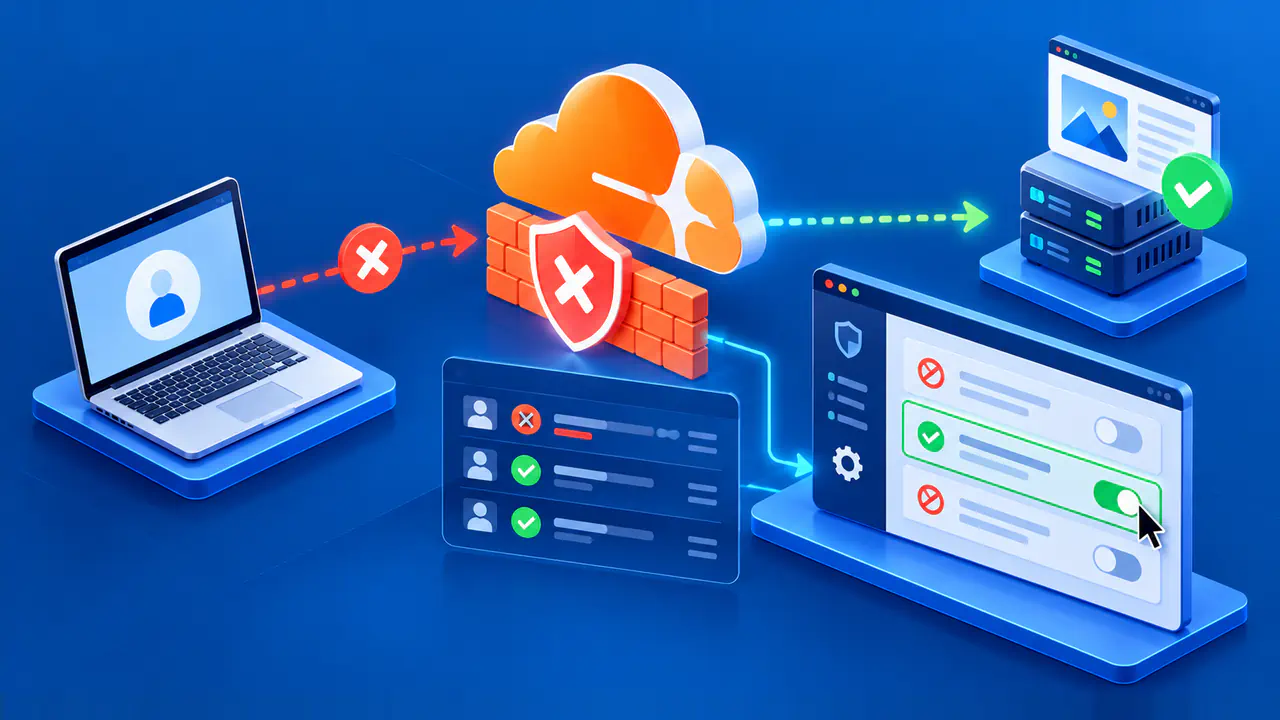
An origin firewall or security plugin may block Cloudflare's connections. Inspect deny events and the source addresses involved. If a rule incorrectly rejects legitimate Cloudflare traffic, correct the relevant allowlist using Cloudflare's current IP ranges. Keep restrictions on unrelated traffic instead of disabling the firewall across the server.
Authenticated Origin Pulls uses a client certificate so the origin can authenticate connections from Cloudflare. If this feature is enabled, verify that the origin trusts the client certificate Cloudflare presents. Check that the settings apply to the affected hostname. Correct a demonstrated mismatch while retaining the intended authentication and encrypted connection.
Keep the exact error code in the investigation. A refused connection is associated with error 521, which calls for checking whether the origin service accepts connections. A 520 instead directs attention to an unusable response or an origin connection problem that produced it. If a change replaces 520 with another error, investigate the new result before calling the repair complete.
Retest the Corrected Request
Apply one correction supported by the logs, and keep a record of its previous value or release. Repeat the affected request through Cloudflare and confirm both the expected status and the page or API content. For a submission that changes data, first establish whether the original operation completed, and use controlled test records for further checks.
For an intermittent failure, compare the results of several requests under the conditions that previously triggered the error. Include each relevant backend instance and watch for new 520 events after deployment. Also check a previously working protected page to catch unintended effects on access.
If the cause remains unclear, send the hosting provider or support team the affected URL, time, Ray ID, relevant server log entries, and changes already tested. A HAR file records the browser's HTTP requests and responses and can provide more detail. Review any archive or log extract for passwords, tokens, cookies, and personal data before sharing it through the authorized support channel.