Public vs Private IP Addresses
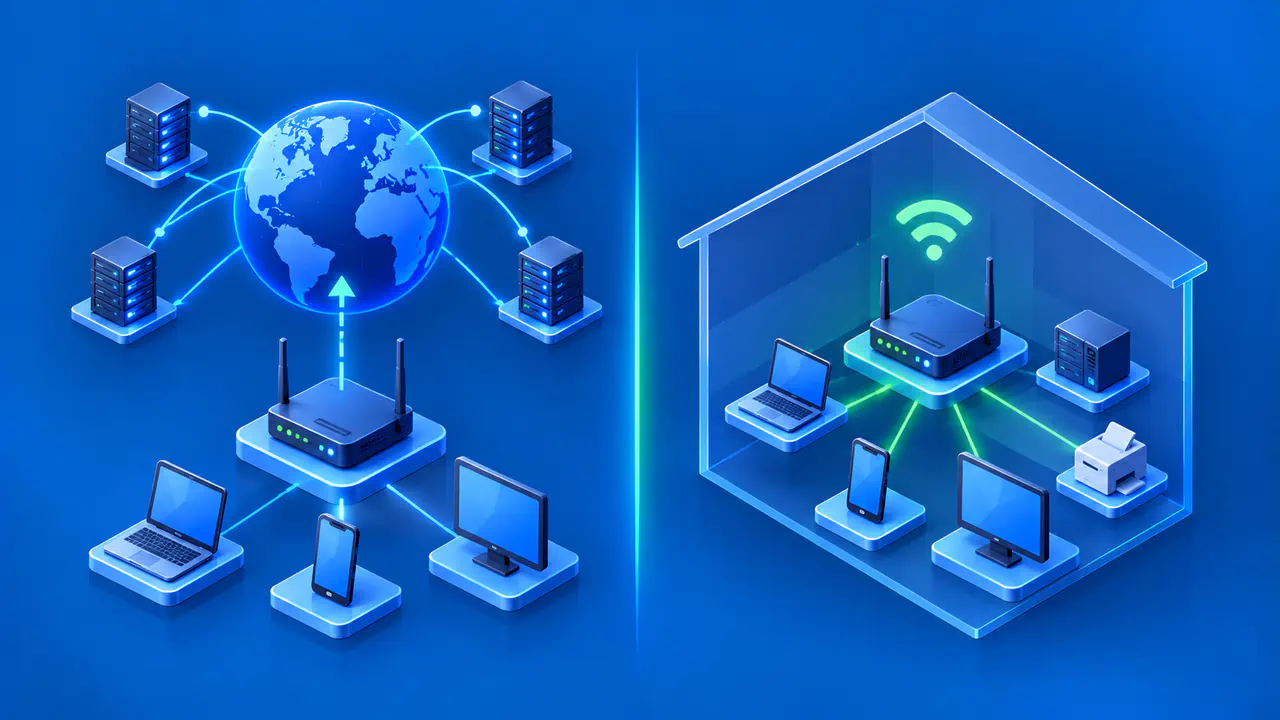
A public IP address can be used for routing across the internet. A private IPv4 address belongs to one of three reserved ranges used within homes, offices, and other private networks. Your phone might use a private address on your home Wi-Fi while a website sees the public address used by your router. Both addresses can be part of the same connection.
Public and private describe where an address can be used. The labels do not tell you whether traffic is encrypted or whether a device accepts connections from outside its network. The distinction also depends on the address type: the three private ranges described here apply to IPv4, while IPv6 has separate categories.
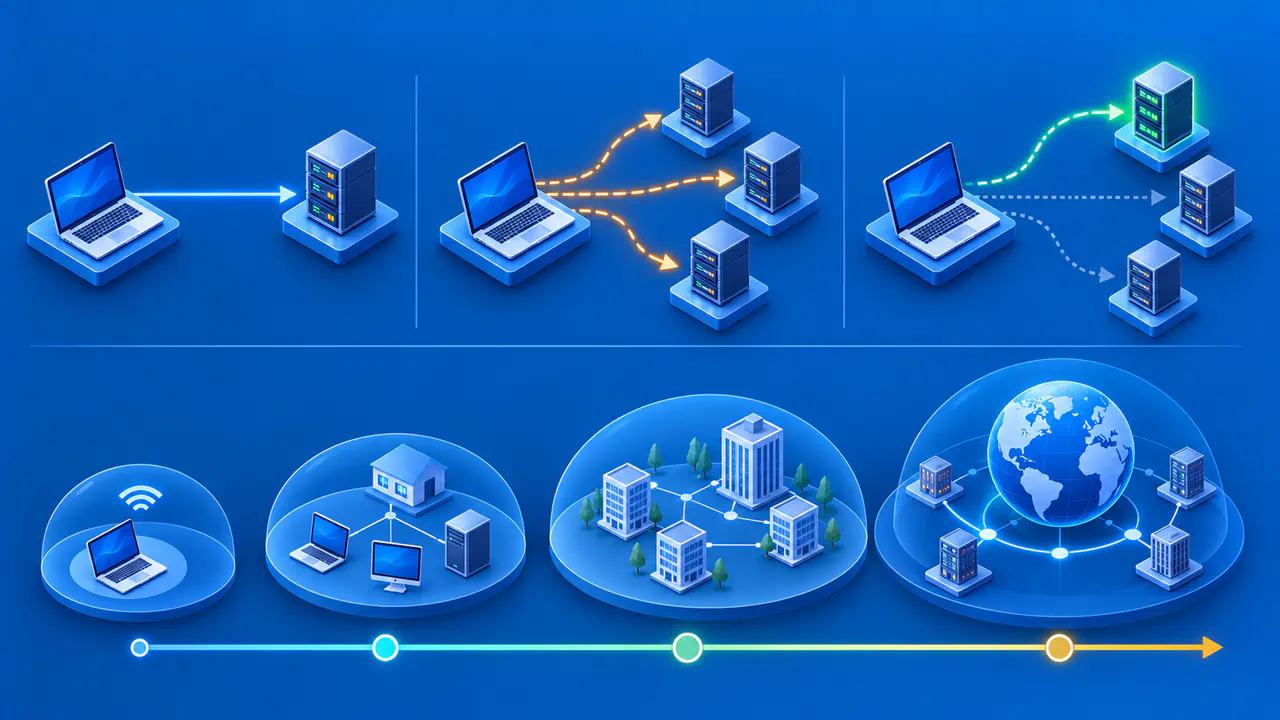
Where Public and Private Addresses Are Used
Public addresses come from globally allocated address space. Internet service providers (ISPs) assign public addresses from the ranges they manage so that other networks can route traffic toward their customers. Routers use routes to decide where to forward packets, the small units of data sent across a network. Having a public address does not by itself ensure that a route is available or that a destination will accept a connection.
Private IPv4 ranges can be reused in separate networks. A laptop in one home and a printer in another might both use 192.168.1.10 without conflict. A connection to that address therefore needs the right network context: typing 192.168.1.10 on your home network does not identify a printer in someone else's home.
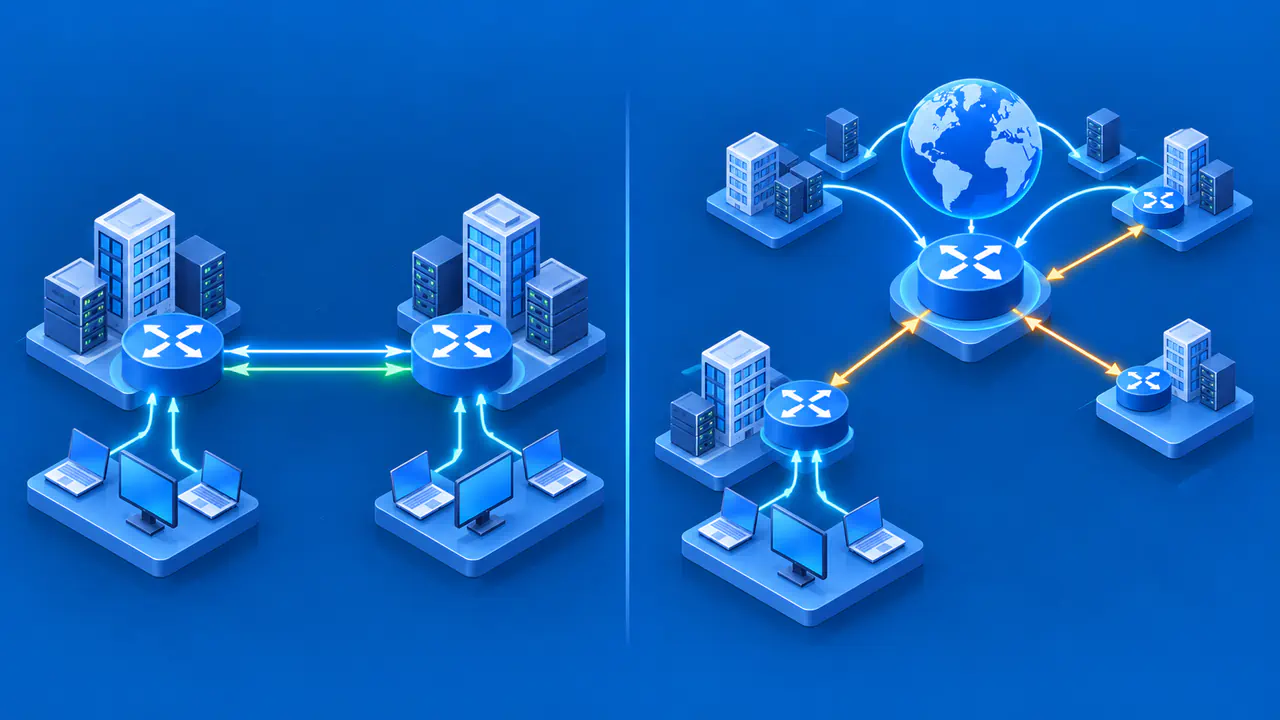
Private addresses can be routed between parts of an organization's network, such as its offices. They are not limited to one room or one Wi-Fi network, but they do not provide ordinary destinations for routing across the public internet. Connecting private networks through a tunnel does not make their internal addresses public.
The Three Private IPv4 Ranges
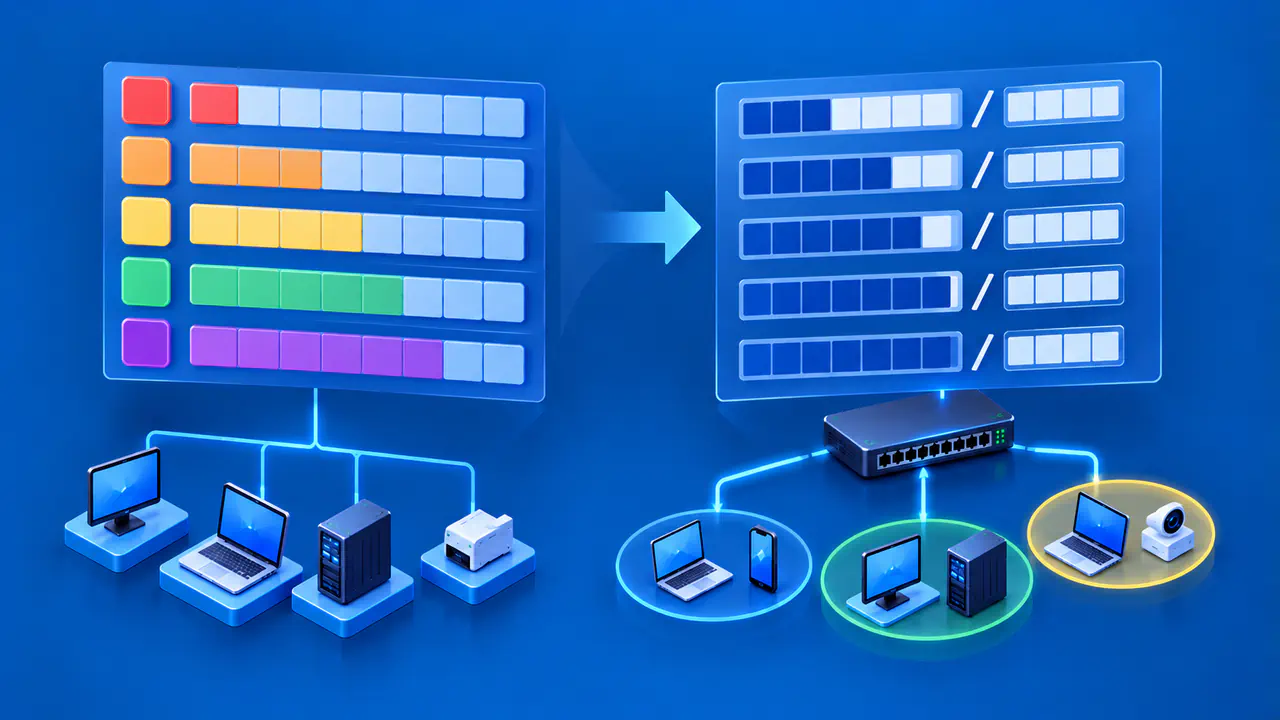
The RFC 1918 private ranges are defined by their complete prefixes. The number after the slash tells you how many leading address bits define the block. Each entry below gives a reserved prefix and the first and last addresses it covers:
- 10.0.0.0/8 covers 10.0.0.0 through 10.255.255.255.
- 172.16.0.0/12 covers 172.16.0.0 through 172.31.255.255.
- 192.168.0.0/16 covers 192.168.0.0 through 192.168.255.255.
An address beginning with 172 is not necessarily private. The address 172.20.4.5 is inside the reserved block, but 172.15.4.5 and 172.32.4.5 are outside it. Likewise, 192.168.5.4 is private, while the first number 192 alone is not enough to classify an address. Being outside these three blocks also does not prove that an address is public, because other special-purpose ranges exist.
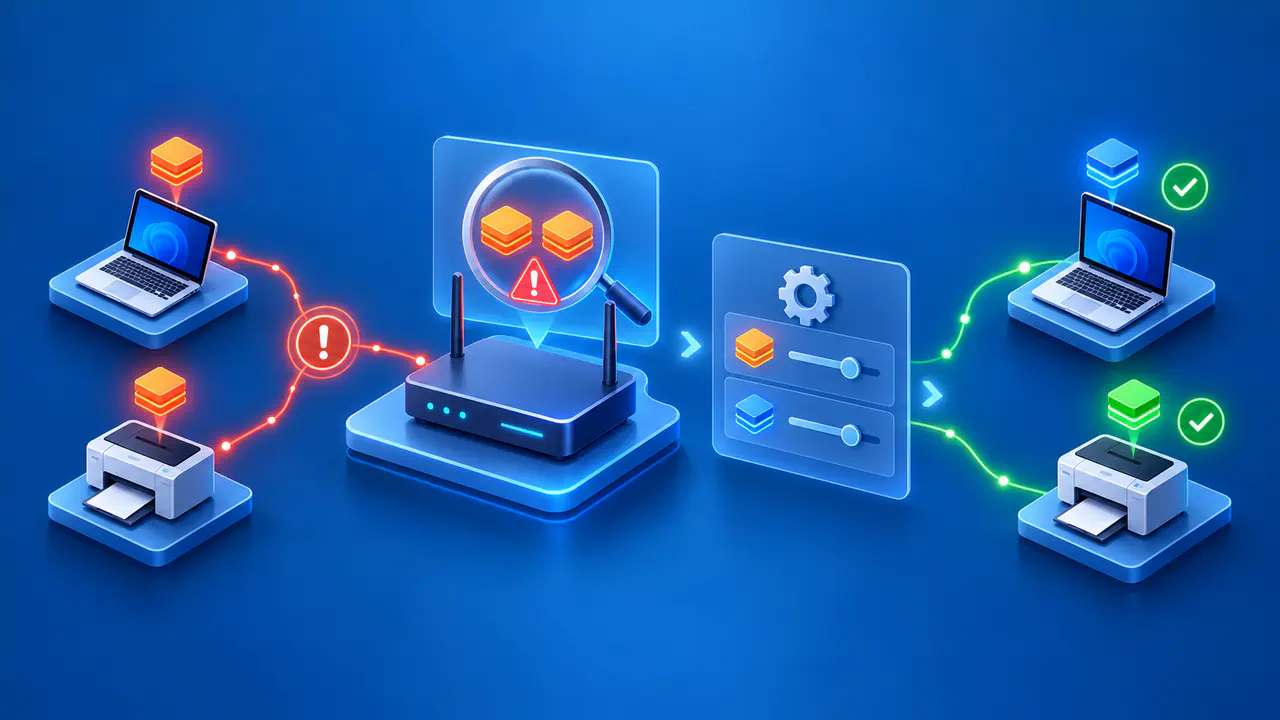
You can use these private ranges without requesting a globally unique allocation for each internal device. However, two networks using overlapping ranges can have trouble communicating when joined by a VPN or another private link. If both networks use 10.1.2.3 for different devices, a route to that number is ambiguous. The network administrators need to resolve the overlap, for example by changing one network's addressing plan.
How Local Devices Share a Public Address
A common home setup uses network address translation (NAT) to let devices with private IPv4 addresses reach internet services. Suppose a laptop uses 192.168.1.24 and its router has a public IPv4 address on the internet connection. When the laptop sends a web request through the router, the router replaces the private source address in the outgoing packets with the public one. The laptop keeps its private address on the local network.
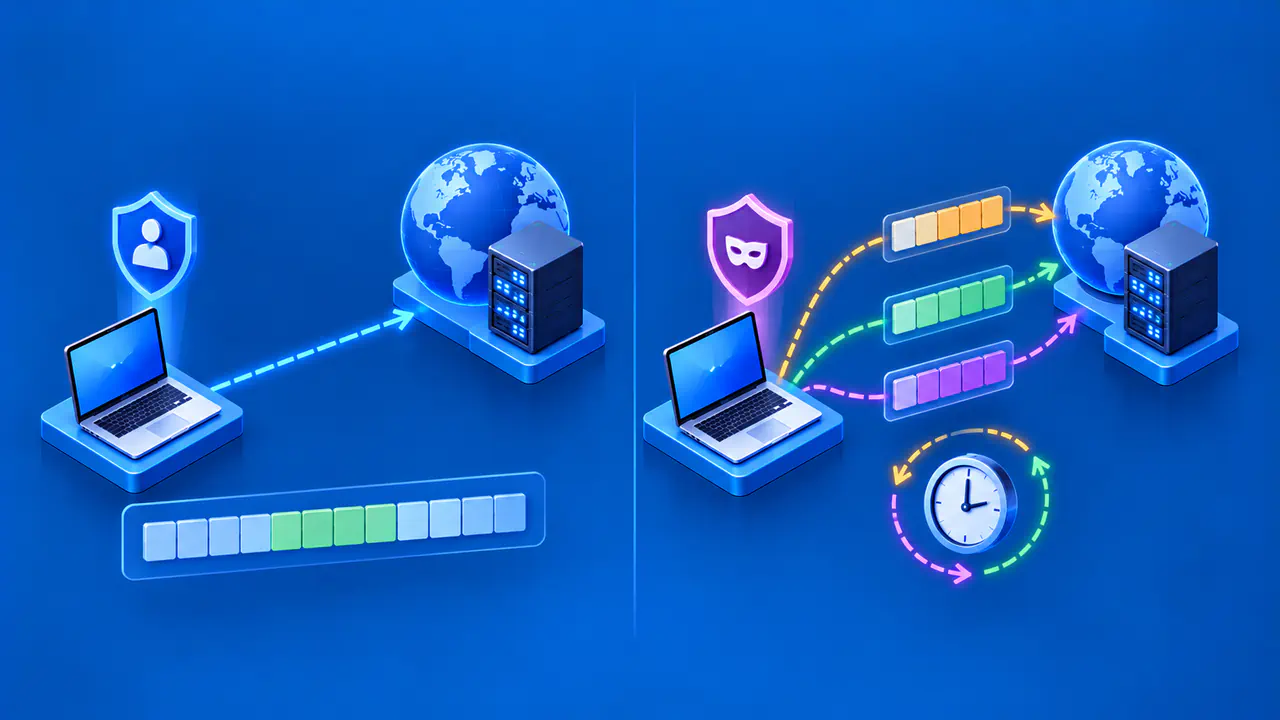
To share one public address among several devices, the router also tracks transport ports, which help distinguish connections. For TCP and UDP traffic, address and port translation lets the router match returning packets to the correct local device and port. A reply arriving for the laptop's connection is translated back and sent to 192.168.1.24. Another device can use the same public address without receiving that reply.
This explains why your Wi-Fi settings and an IP lookup website can show different addresses. The settings describe the device's local connection, while the website reports the source address it sees. For traffic sent through a VPN, the website may instead see the VPN server's address. Compare addresses from the same connection before deciding that one of the displays is wrong.
NAT at a home router is one possible arrangement. Some devices use public addresses directly, and some connections pass through translation at both the home router and the ISP. A router's internet-facing address is therefore not necessarily a public address. Check the actual range rather than assuming that every address labeled WAN or Internet is globally routable.
Address Types outside the Private IPv4 Ranges
The range 100.64.0.0/10 is shared address space used in provider networks for carrier-grade NAT. It runs from 100.64.0.0 through 100.127.255.255 and is separate from RFC 1918 space. An address in this range on your router's internet connection can indicate translation within your ISP's network. The public address seen by a website can then be shared by multiple customers.
IPv4 link-local addresses in 169.254.0.0/16 are for communication on the same link, rather than normal routing between networks. Loopback addresses in 127.0.0.0/8 refer back to the device itself. Neither block is one of the three private IPv4 ranges. Grouping every address that is not globally reachable under RFC 1918 would hide these differences.
IPv6 has globally routable addresses and categories with more limited use. Unique local IPv6 addresses are intended for communication within sites or between privately connected sites, rather than across the public internet. IPv4 range checks cannot classify an IPv6 address. Check which address family a device or website is showing before comparing results.
Why a Private Address Does Not Guarantee Security
A private address does not encrypt traffic or protect a device from every other device on its network. Local services may still accept connections, and an application can send data outside through a gateway. Device updates, authentication, firewall rules, and network configuration remain relevant. The word private is not a substitute for checking who can use a service.
A public address does not automatically expose every application either. An unsolicited connection may be blocked by a device firewall, router rule, or ISP policy, and the requested service may not be running. When checking access, distinguish the address's routing role from the rules and services that determine whether a connection succeeds.