What Is a MAC Address?
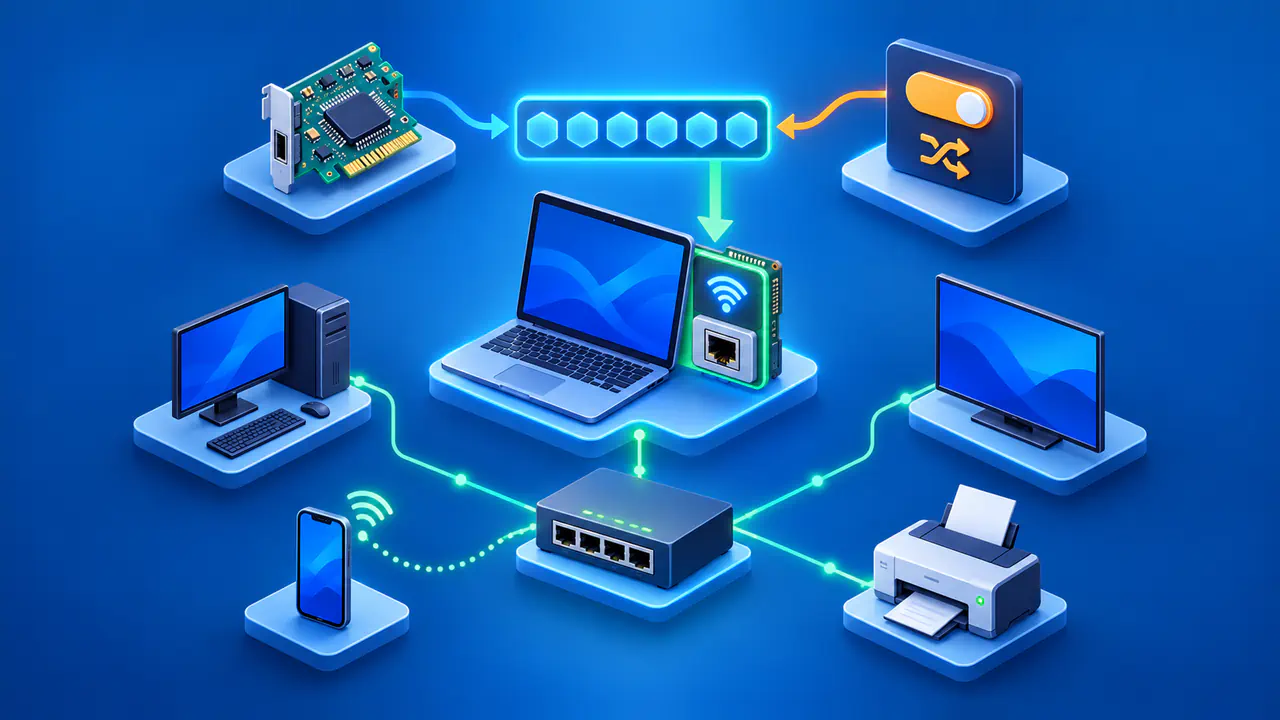
A MAC address identifies a network interface, such as a Wi-Fi or Ethernet adapter, on a local network. MAC stands for Media Access Control. Network equipment uses these addresses to deliver frames, the units of data sent over a local link, to the intended interfaces.
The address in use is not always the one printed on a device. A phone or computer may use a private Wi-Fi address for a particular network instead of its factory-assigned address. That can explain why a router's client list shows a different value from the device label, even though you are checking the same device.
MAC Address Format
A typical Ethernet or Wi-Fi MAC address contains 48 bits, usually displayed as six pairs of hexadecimal digits. Each digit is a number from 0 through 9 or a letter from A through F. For example, 00:00:5E:00:53:2A is an address reserved for use in documentation; the colons separate its six bytes.
You may also see pairs separated by hyphens or groups separated by periods. Compare the digits in order, including any leading zeros, rather than treating punctuation as part of the address. A laptop's Wi-Fi and Ethernet adapters normally have separate addresses, so first check which interface a displayed value belongs to.
How MAC Addresses Work on a Local Network
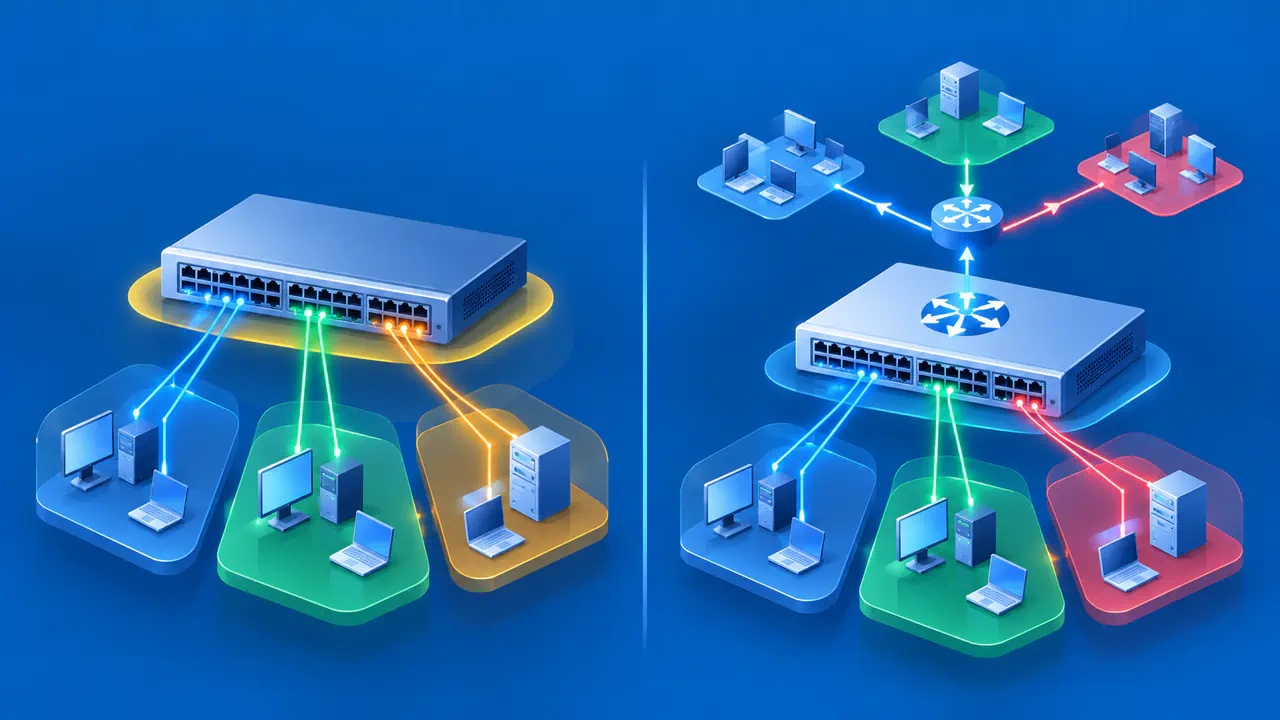
MAC addresses belong to the link layer, which handles communication over a local network link. An Ethernet frame carries both a source and a destination MAC address. A switch learns where a source address is reachable and uses its address table to forward frames toward a known destination.
For IPv4 over Ethernet, Address Resolution Protocol, or ARP, finds the MAC address associated with the next device's IP address on that link. If the destination is on the same local network, that next device can be the destination itself. If the destination is outside the local network, the next device is usually a router.
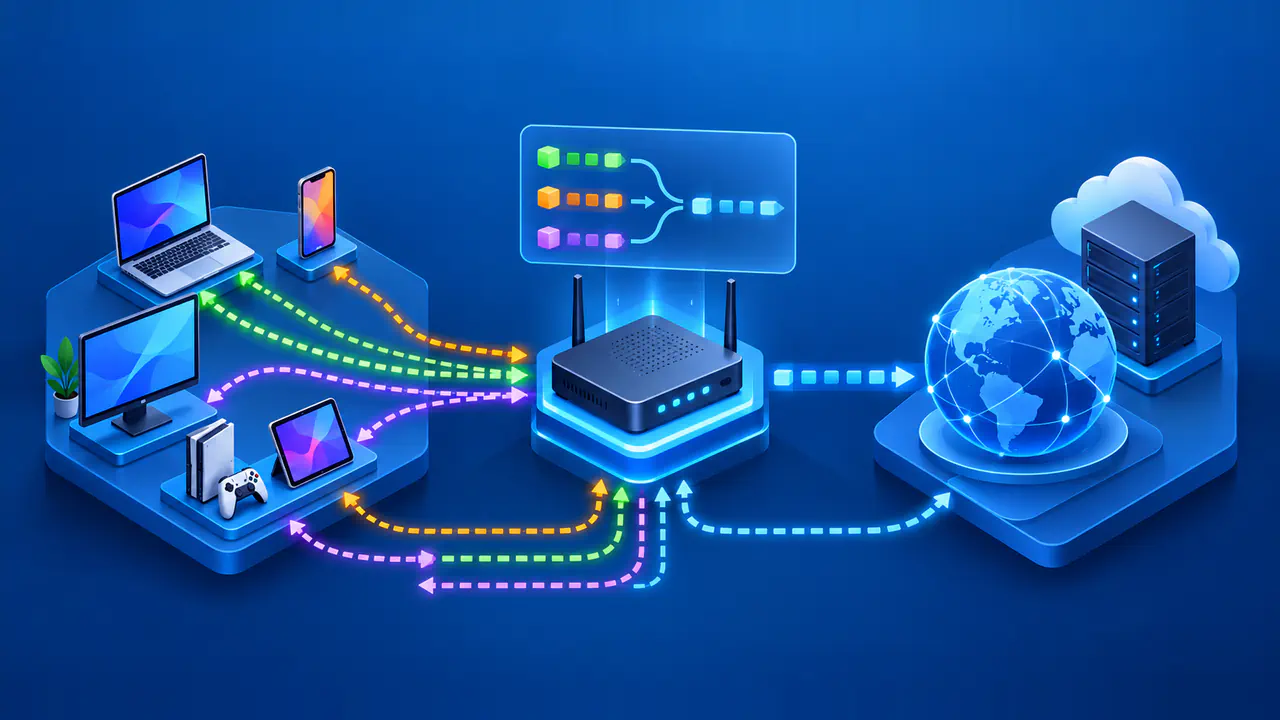
This is why your computer does not need a distant website's MAC address. Your router forwards the IP packet toward the remote network using a new frame for the next link. The computer's original Ethernet frame does not travel unchanged through every router to the website.
A remote website normally sees a public source IP address, not your Wi-Fi adapter's MAC address, in an ordinary internet connection. Your local router can still see the MAC address used on its network. Local device identification and internet addressing serve different purposes; changing one does not automatically change the other.
Hardware and Locally Administered Addresses
A network adapter commonly has a factory-assigned hardware MAC address. The operating system can use that address or present a locally administered address instead. A designated bit in the first byte distinguishes locally administered addresses from universally administered ones.
That bit describes how an address is assigned; it does not reveal who changed the setting or why. A locally administered address may come from a built-in privacy feature or an administrator's configuration. Seeing one in a router's client list is therefore not, by itself, evidence of an intruder.
The MAC address alone is also not a password or proof of a person's identity. Software can replace the address an interface presents, so a local access rule based only on that value is not strong authentication. A familiar address can help you identify a device, but it should not be the only evidence you use when deciding whether a connection is trusted.
Why Devices Use Private Wi-Fi Addresses
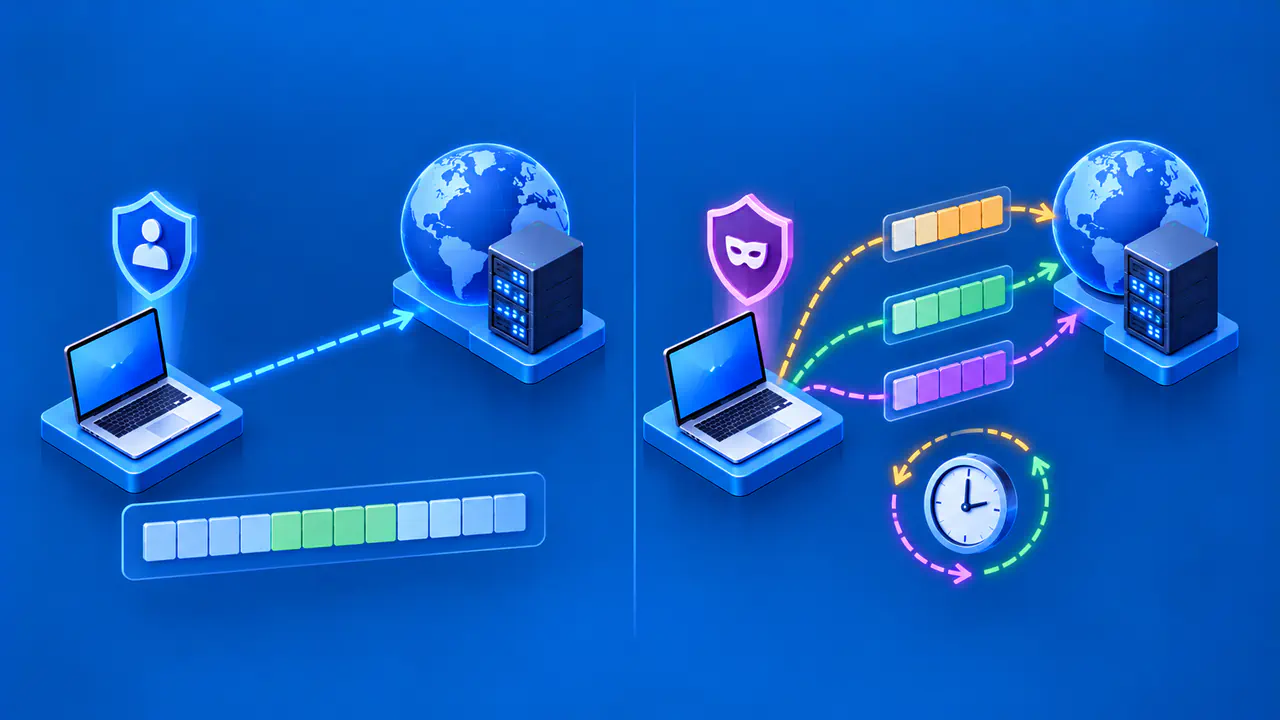
Using the same hardware address on unrelated Wi-Fi networks gives network operators a consistent identifier to recognize. Private addressing reduces that form of tracking by using a different MAC address for each network. The device still supplies an address so that the local network can deliver traffic.
A private Wi-Fi address does not hide account sign-ins, browser identifiers, the public IP used for internet access, or information you share with a service. It changes the local identifier used by the Wi-Fi interface. The word private does not mean that the device becomes anonymous everywhere it connects.
When a Private Address Changes
The timing depends on the device, software version, and network settings. On iOS 18, iPadOS 18, macOS 15, watchOS 11, and visionOS 2 or later, the Private Wi-Fi Address setting offers three modes:
- Off uses the hardware MAC address.
- Fixed uses a private address that does not rotate for that network.
- Rotating replaces the private address every two weeks.
On those versions, a newly joined network with WPA2 or stronger security uses Fixed by default; a network with weak or no security uses Rotating. Earlier supported Apple systems have different controls and timing, so those three modes should not be assumed to appear on every device.
Android uses a randomized address by default for Wi-Fi connections on Android 10 and later, with persistent randomization as the normal behavior. A persistent address stays associated with the network profile. Android 12 and later can also use non-persistent randomization under specific conditions, including requests from a network suggestion app.
Non-persistent does not necessarily mean a new address at every connection. Android considers conditions such as the age of the address and the time since disconnection, and it changes the address when starting a connection rather than disconnecting an active session just to rotate it. Device manufacturers can also affect which controls appear in settings.
Check the Address Your Device Is Using
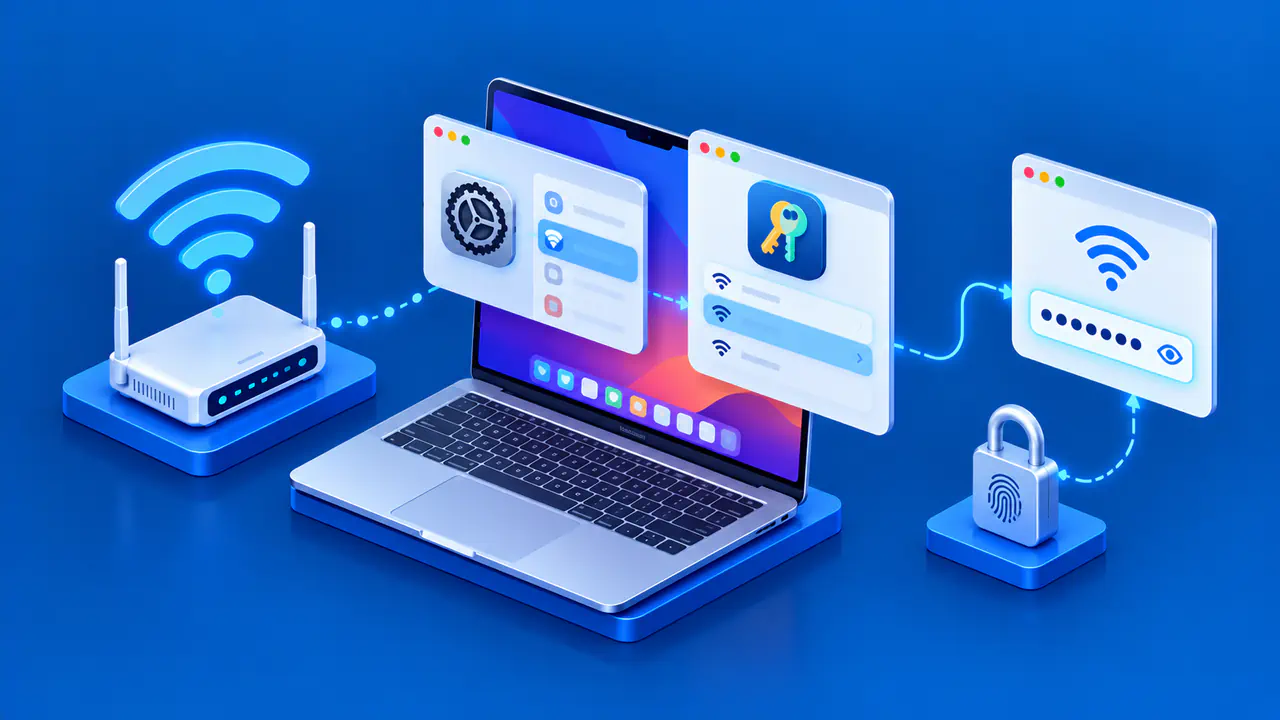
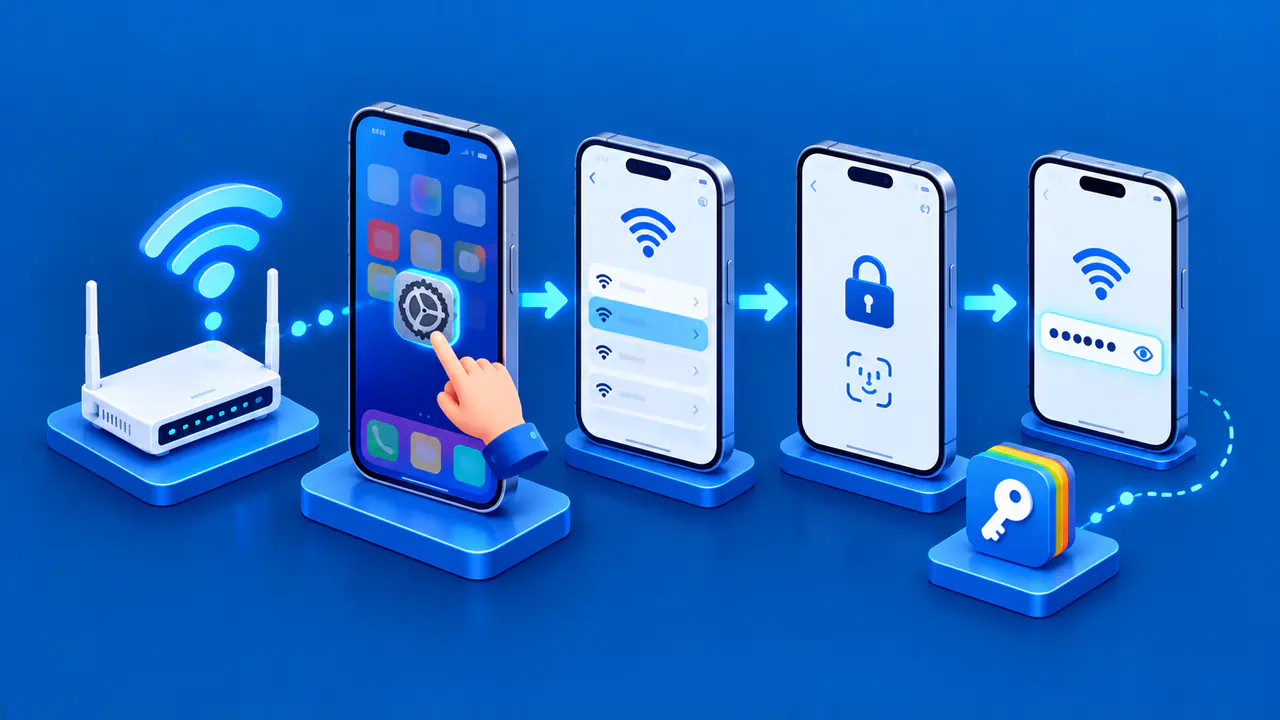
Start with the active connection in the device's network settings. Open the details for the connected Wi-Fi network or Ethernet adapter and look for a field such as MAC address, Wi-Fi address, or physical address. For Wi-Fi, also check whether private or randomized addressing is enabled for that network.
Use the address shown for the current connection, not an unrelated adapter or a saved network that is disconnected. A hardware label remains useful for identifying the factory address, but it may not match the address currently sent over Wi-Fi. On a managed network, give the administrator the active address and mention whether private addressing is enabled.
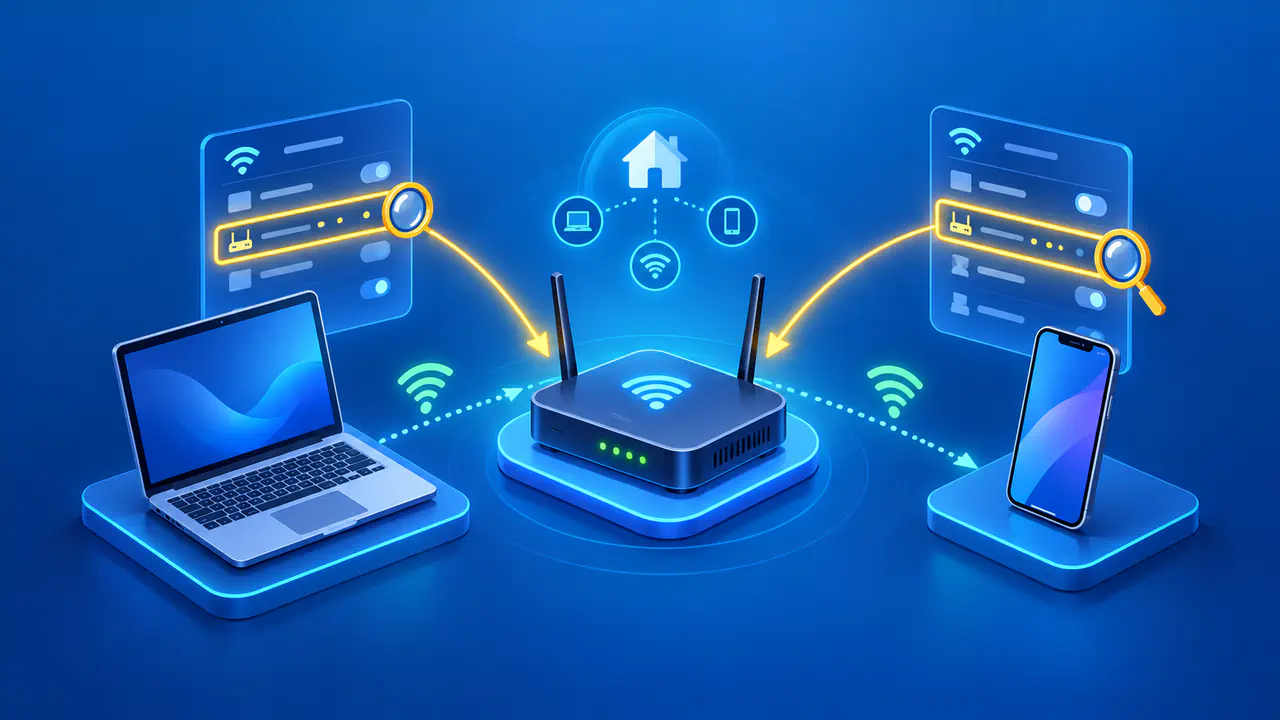
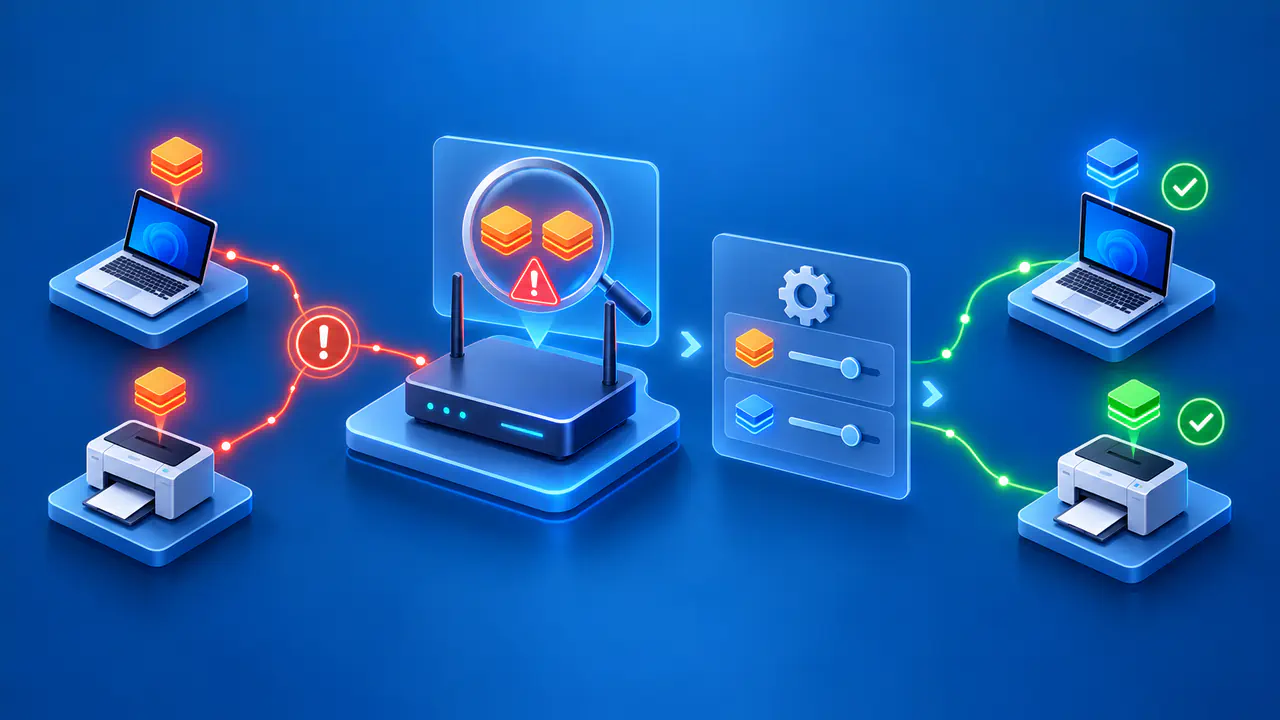
When checking a router, compare its current client entry with the device's connected-network details. A router may retain older entries after a private address changes, so two entries do not necessarily represent two devices. Check which entry is currently connected before blocking a client or deleting a local rule.
Changing from a private address to the hardware address, or switching between private-address modes, can make the network recognize the interface as a new device. You may need to sign in to a guest portal again or ask the administrator to update any access rule or fixed IP assignment tied to the previous MAC address. Keep private addressing enabled where it works, and coordinate any required change with the administrator of a managed network.