Static vs Dynamic IP Addresses
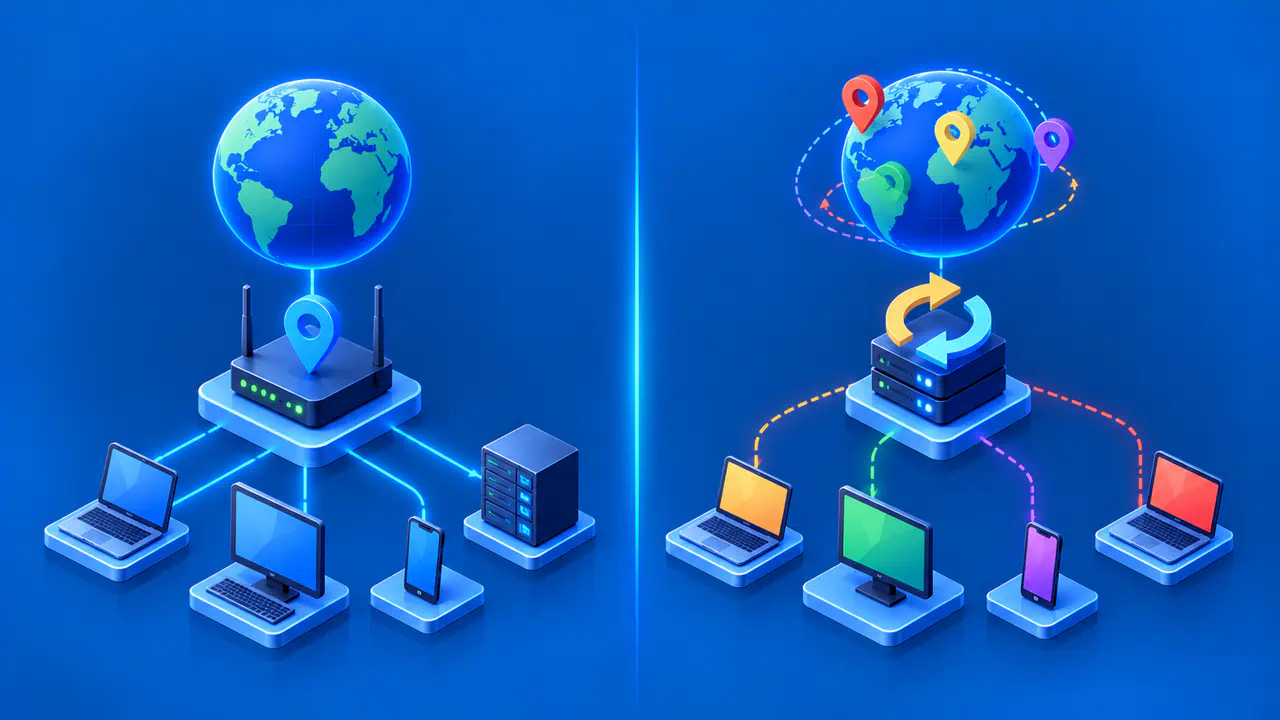
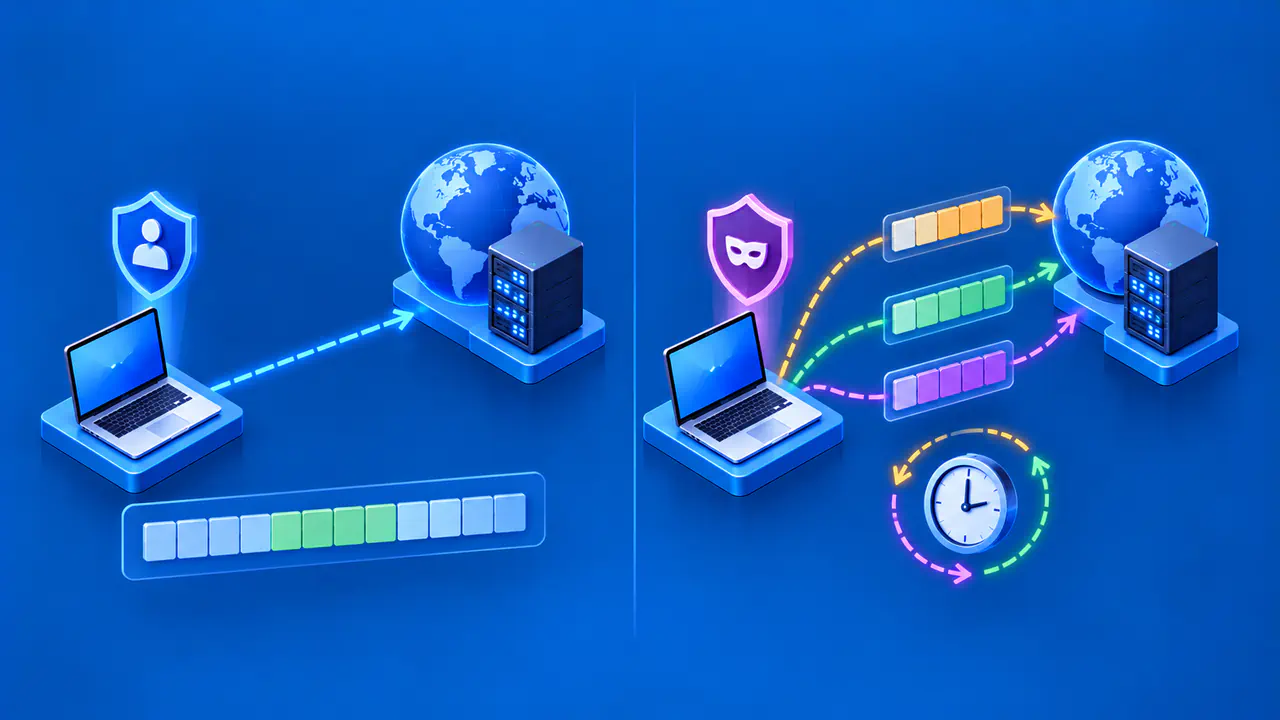
A dynamic IP address is assigned through a process that can change it over time. A static address is intended to stay the same within the network where it is configured. For a local IPv4 network, the main choices are an ordinary DHCP lease, a DHCP reservation, or an address entered manually on the device. Whether your internet service provider (ISP) supplies a fixed public address is a separate choice.
The choice depends on what needs a predictable address. Phones and laptops usually work well with automatic assignment. A printer or local service may benefit from a stable local address. For a service reached over the internet, also consider the public address, any DNS records used to find it, and the rules that permit access.
How Dynamic IP Addresses Are Assigned
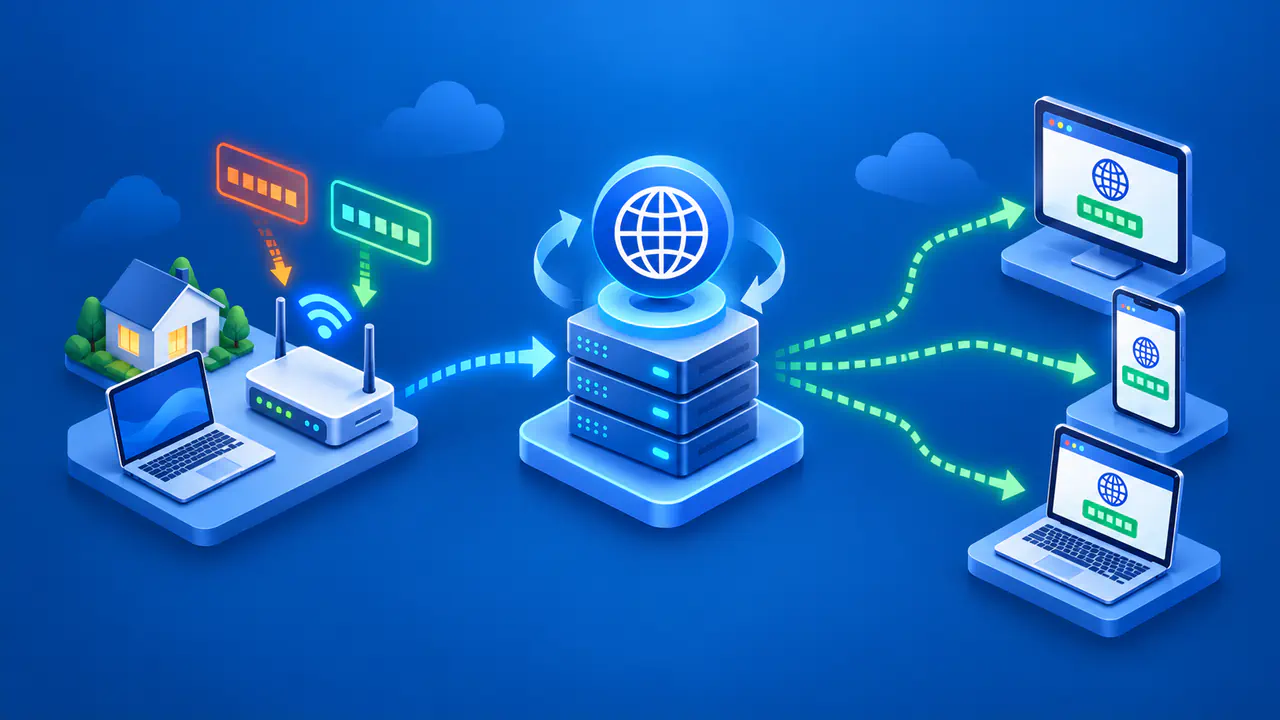
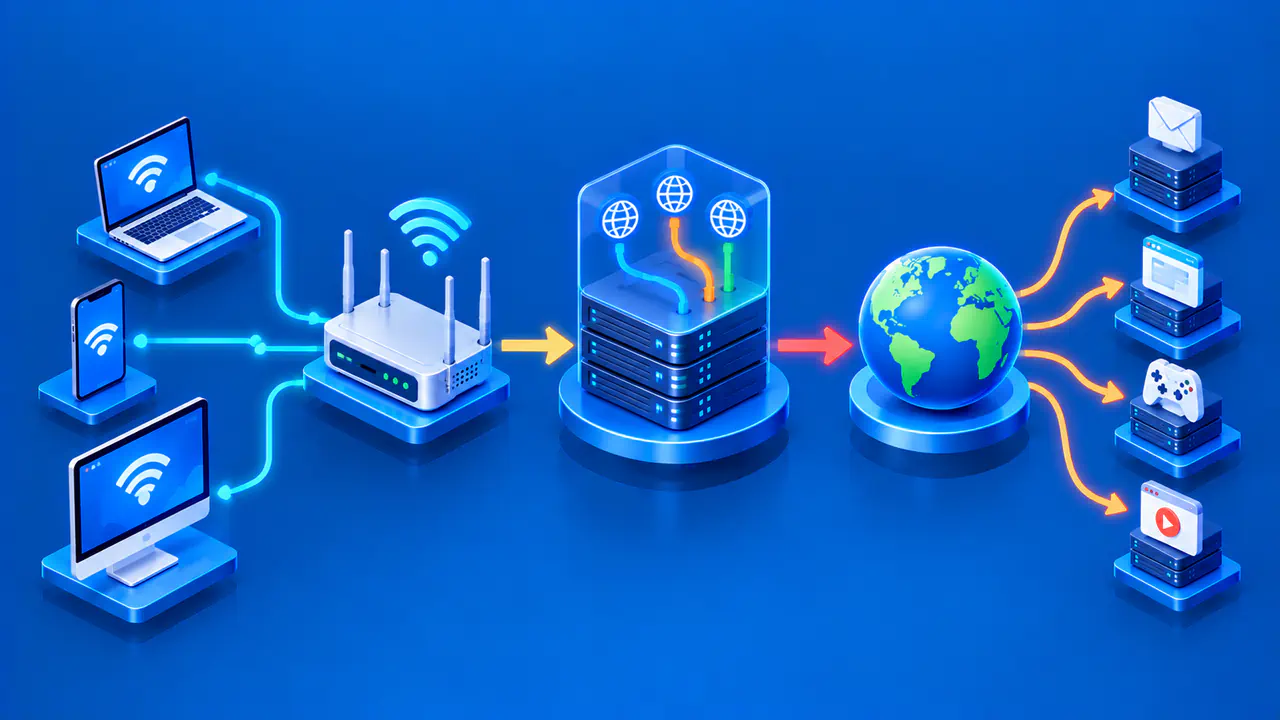
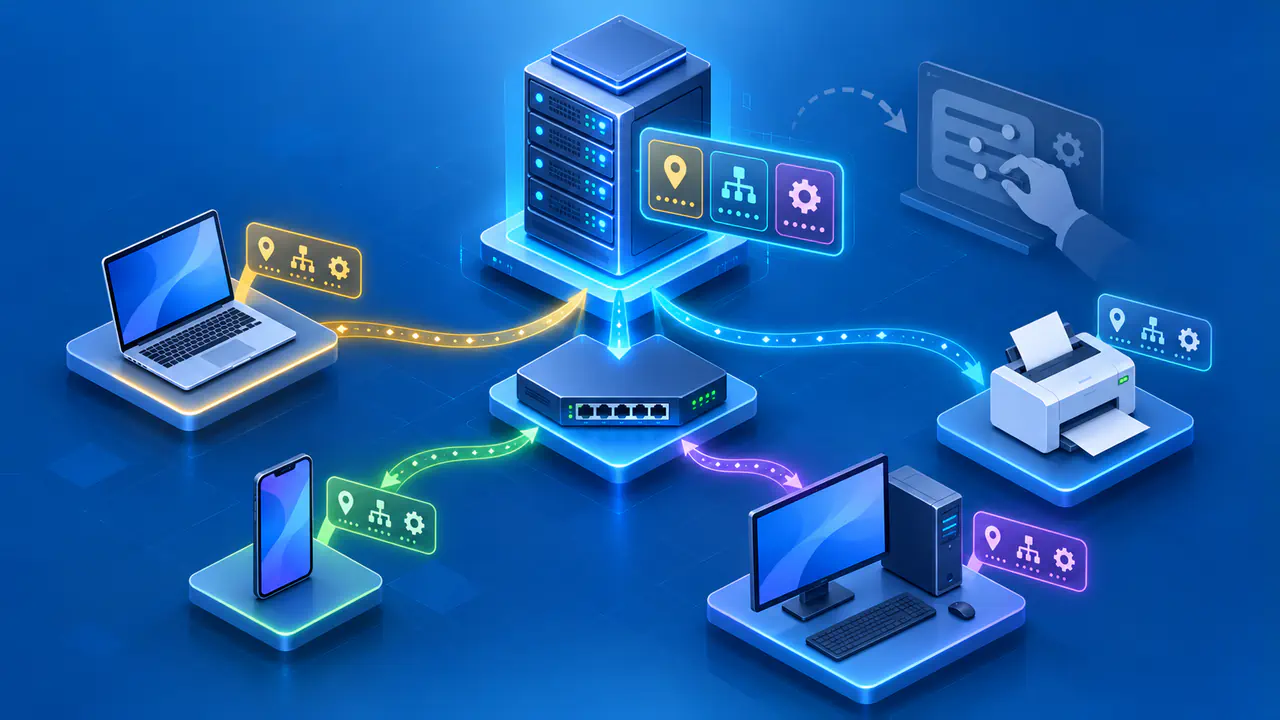
With the Dynamic Host Configuration Protocol (DHCP), a device asks a server, often the home router, for network configuration. The server provides an IPv4 address for a lease period along with settings such as the network gateway and DNS servers. The client can renew the lease, often keeping the same address. Dynamic assignment therefore does not mean that the address changes every time the device connects.
A device may receive a different address after its previous lease expires, the router is reset or reconfigured, or the available address pool changes. A DHCP pool is the set of addresses the server can assign to clients. A laptop using 192.168.1.42 today might keep that address tomorrow, but a script that connects to the laptop cannot rely on that address indefinitely. An ordinary lease does not promise the laptop a permanent assignment.
Public addresses can also be dynamic. An ISP may keep assigning the same public IPv4 address to your internet connection for a long time and then replace it. An address that has remained unchanged for months is not necessarily part of a fixed-address service. Check the ISP's service terms if remote systems need to use the same public address consistently.
DHCP Reservations and Manual Settings
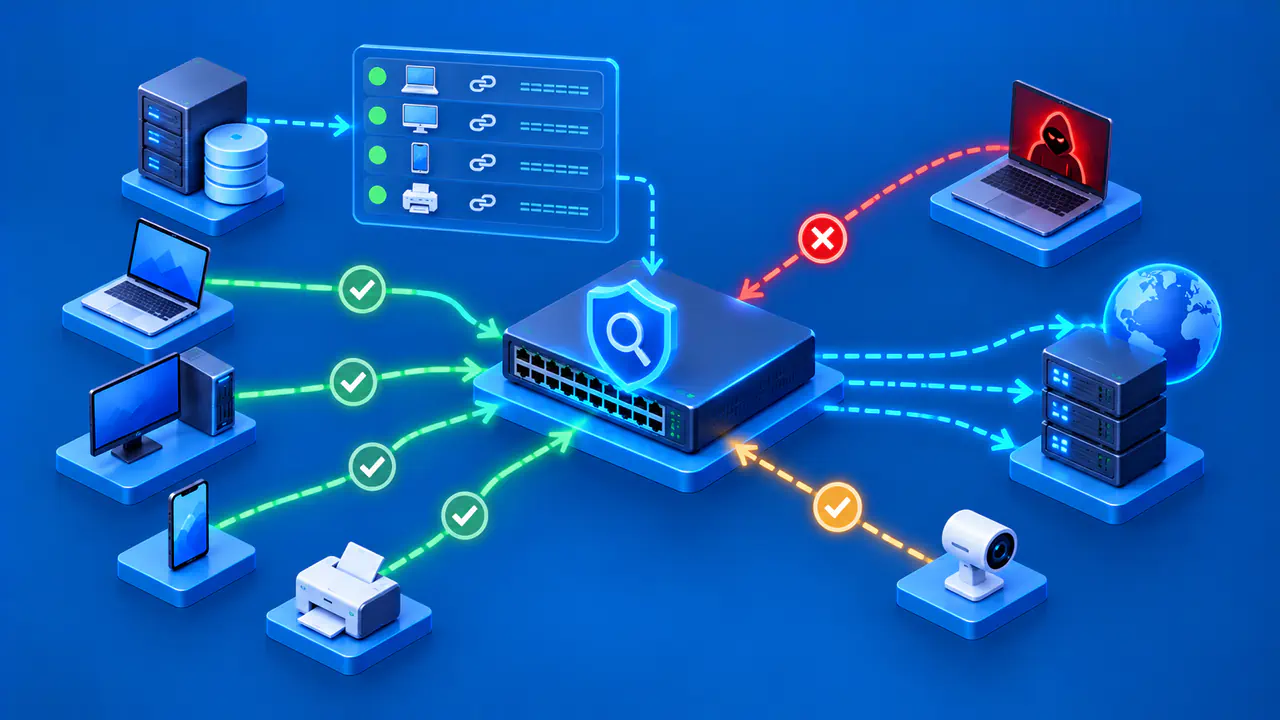
A DHCP reservation is configured on the network's DHCP server. It associates a device identifier, commonly a network interface's MAC address, with a chosen local address. The device remains configured for automatic assignment and receives the address and other settings from the server. You can manage the assignment at the router without entering gateway and DNS details on the device.
A manually configured address is entered on the device or its network interface. The device uses that address instead of obtaining one through DHCP. The address, subnet mask, gateway, and DNS settings must fit the network. If the router's local subnet changes, a device with old manual settings may lose connectivity until those settings are updated.
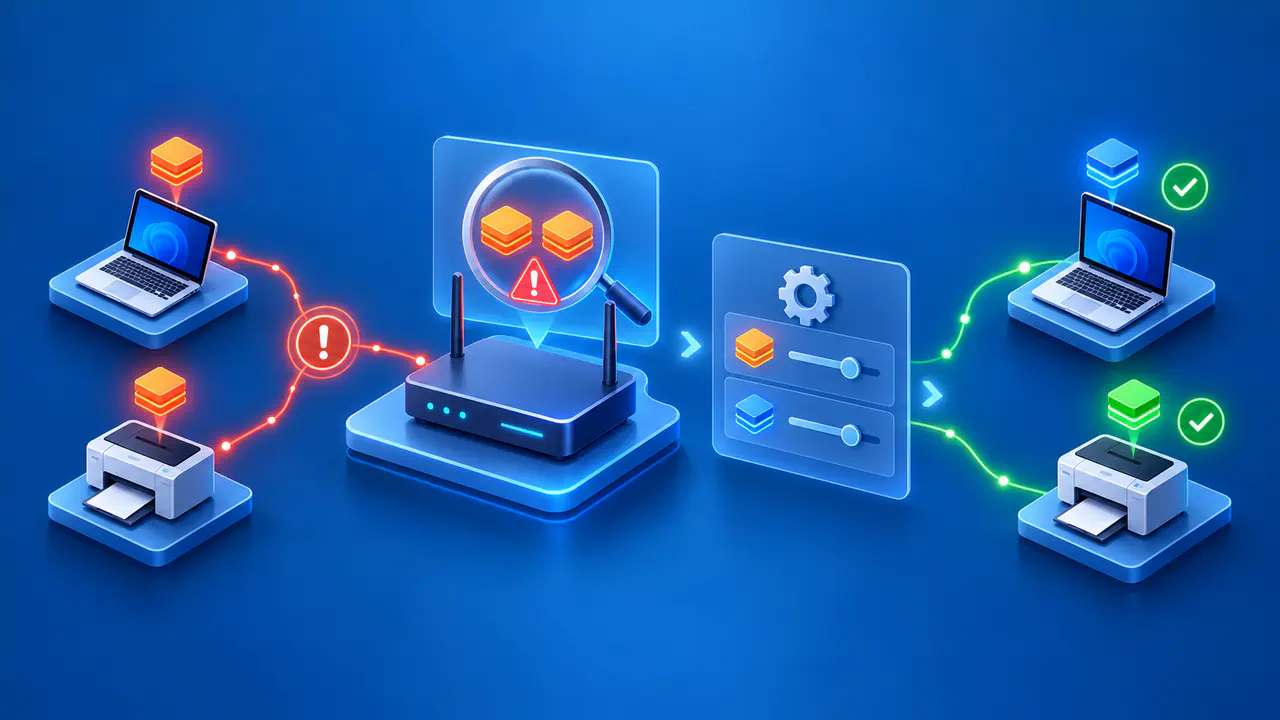
Manual assignments must be coordinated with the DHCP pool. If the server gives a manually chosen address to another device, the duplicate addresses can disrupt communication. Keep manual addresses outside the dynamic pool or exclude them from it, while still choosing valid addresses in the correct subnet. A reservation also cannot stop someone from manually assigning the same address to another device.
Check how your DHCP server handles fixed mappings. Some implementations treat a mapping as a preferred address and can assign a different address if the requested one is already in use. The router's documentation should explain where mappings may be placed relative to the pool. A label such as static mapping does not by itself guarantee that every product handles conflicts in the same way.
Choosing an Address Setup for Your Devices
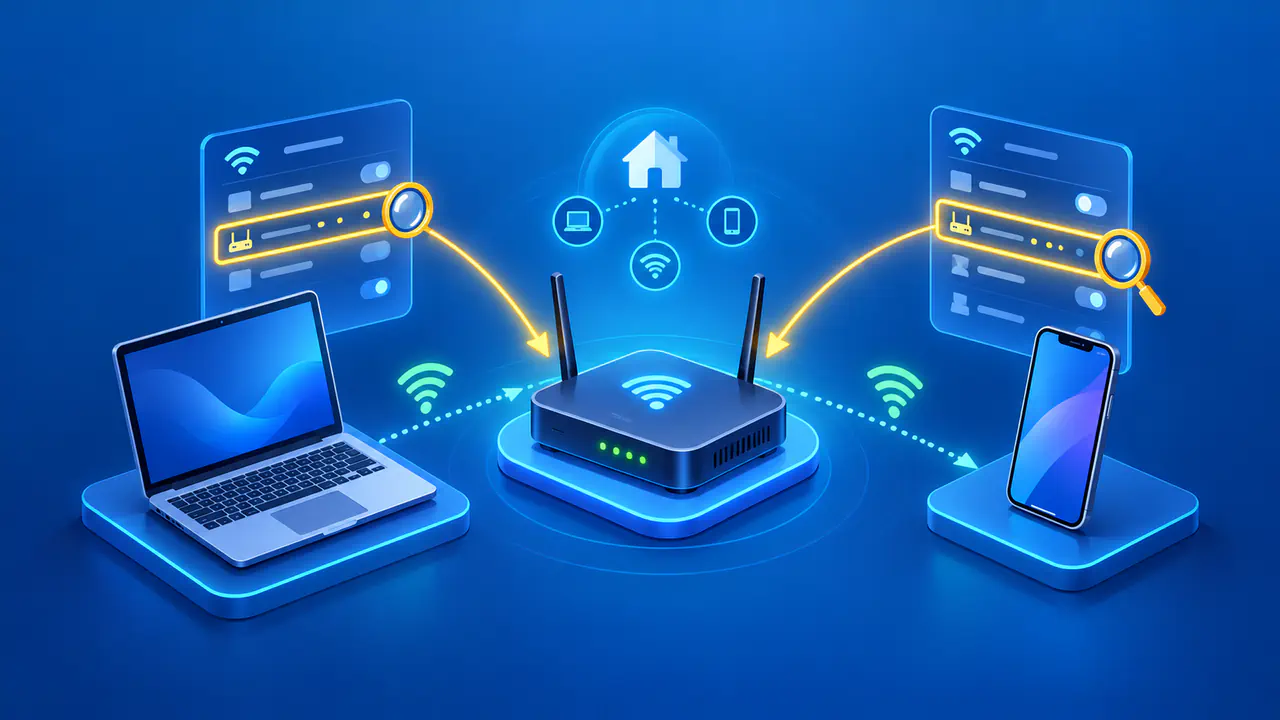
For phones, tablets, and most laptops, automatic DHCP usually minimizes work. They can join networks with different subnets and receive suitable local settings. A printer, network storage device, or local media server is easier to find when its local address remains predictable. A router-side reservation is often convenient because changes stay in one place while the device continues to use DHCP.
A manually assigned local address can make sense when a device must operate without a DHCP server or the network follows a documented addressing plan. The administrator must then avoid duplicate assignments and keep the subnet mask, gateway, and DNS settings correct. A manually set local address does not cause an ISP to assign a fixed public address. A fixed local address alone also does not make a service reachable from outside or secure it against unauthorized access.
For an internet-facing service, distinguish the local device's address from the connection's public address. A stable local address can help a router forward permitted inbound traffic to the correct device. If the public address changes, remote clients using the old address or a stale DNS record may fail to reach the service. Dynamic DNS can update a hostname's address record when the public address changes, provided a compatible updater is configured. Some ISPs offer fixed public addresses as an additional service or as part of a different plan.
Effects of Changing Addresses
When a local address changes, shortcuts, saved printer targets, or local firewall rules that refer to the old address can stop working. Using a device name that resolves correctly or maintaining a reservation can reduce that problem. When the public address changes, remote systems that allow only that address may need their access rules updated. Direct connections and DNS records using the previous address also need attention.
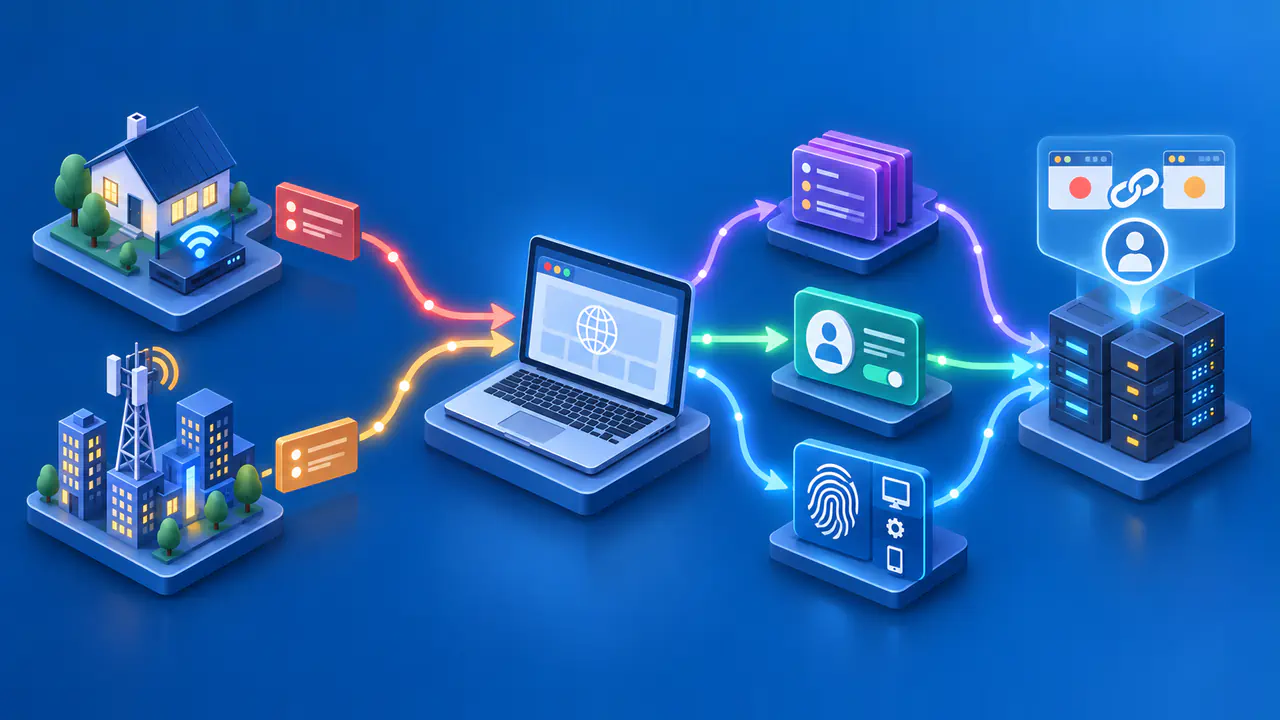
Not every interruption is caused by an address change. Check which address changed: the device's local address, the router's internet-facing address, or the source address a website sees through a VPN. A local reservation affects only the network where it was configured. It cannot keep your mobile carrier's assigned address or a VPN server's address fixed.
Before changing an assignment, record the device's current address, subnet mask, gateway, and DNS settings. For a reservation, also check the identifier that the DHCP server uses for that device. After the change, confirm the actual address on the device and check the printer, share, or service that depended on it. If you lose access, the saved settings give you a way to restore the previous configuration.