What Is a Firewall and How Does It Work?

A firewall allows or blocks network traffic according to rules. It can run on an individual device or filter traffic at a network boundary, such as a router or office gateway. A rule may consider where traffic comes from, where it is going, which port or application it uses, and whether it belongs to an allowed connection. These checks help limit who can reach a service and what a device can contact.
A firewall can reduce unwanted connections, but it cannot guarantee that everything allowed through is safe. Its protection depends on the traffic it can see and the rules it applies. When you evaluate a firewall, check which connections its policy permits rather than assuming that an enabled status means every unwanted connection is blocked.
How Traffic Filtering Works
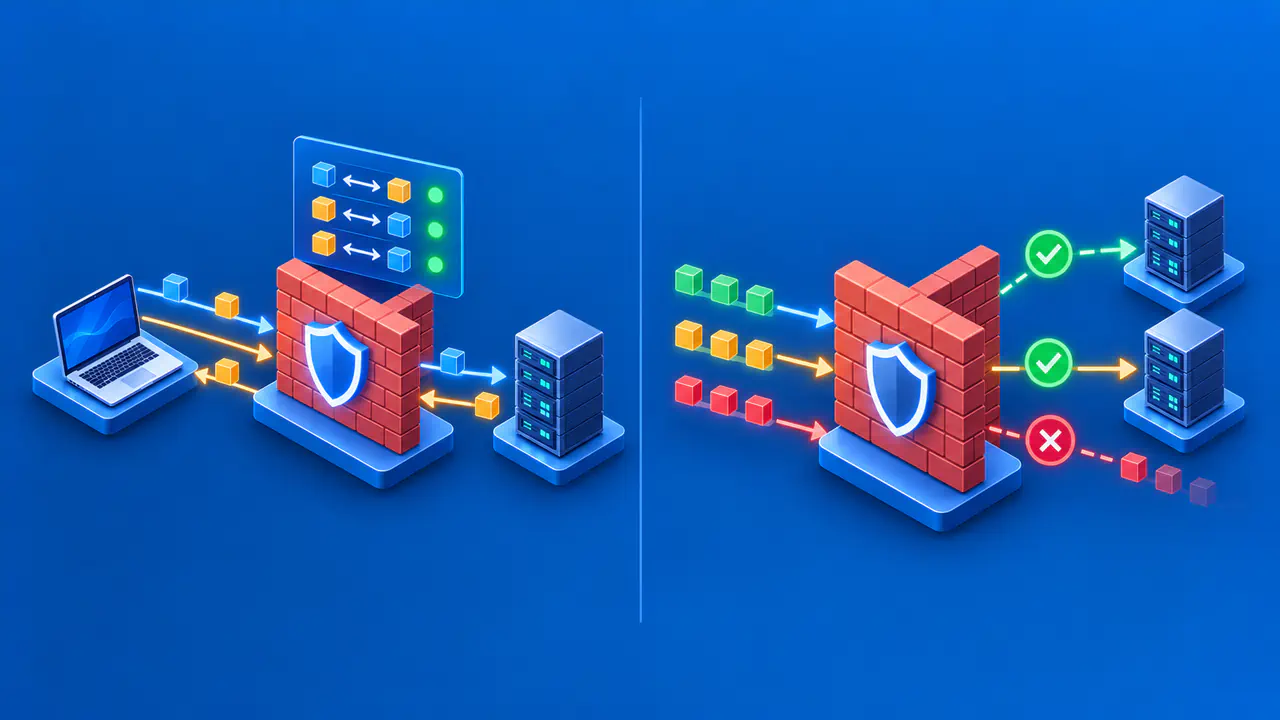
Network communication travels in packets, each carrying information that helps it reach its destination. A firewall compares packets with its rules to decide whether to allow or block them. Logging is a separate function: depending on its settings, the firewall can record allowed connections, blocked traffic, or both. The recorded addresses, ports, and decisions can help you investigate why a connection succeeded or failed.
Many firewalls also track connection state. When your browser starts an allowed connection to a website, a stateful firewall can recognize the website's responses as part of that exchange. The return traffic can pass without allowing unrelated devices to start new incoming connections. This distinction lets you browse the web while keeping unsolicited access to your computer restricted.
A firewall's default policy determines what happens when no applicable rule permits or blocks the traffic. Windows Firewall, for example, normally blocks unsolicited incoming traffic unless an exception allows it, while allowing outgoing traffic unless a rule blocks it. Those defaults can be changed by policy. Other products may use different defaults, so an enabled firewall does not necessarily enforce the restrictions you expect.
Some firewalls inspect application behavior as well as addresses and ports. That deeper inspection may detect traffic that a simple port rule would allow, but the available information still matters. A network firewall cannot read encrypted application content unless a suitable decryption or inspection arrangement gives it access. The outcome also depends on how the product resolves overlapping rules; an allow rule alone does not prove that a connection will pass.
Inbound and Outbound Rules
An inbound rule governs traffic arriving at the protected device or network. A laptop that does not offer a network service can usually restrict unsolicited incoming connections. A server that intentionally offers a service may need an inbound allowance for that service and its authorized clients. Allowing access from every address when only one office network needs the service exposes it to more connection attempts.
An outbound rule governs traffic leaving the protected device or network. The rule can prevent a program from contacting a particular destination or restrict a managed computer to approved services. Blocking unsolicited inbound connections does not, by itself, prevent the computer from making an outbound request. Likewise, permission to send a request does not give unrelated remote devices permission to initiate their own connections.
A rule's scope determines which traffic it matches. Depending on the product, the conditions can include an application, a service, a protocol, a port, or a source or destination address. A host firewall may also apply different rules on public and private networks. For example, a file-sharing allowance intended for your home network should be limited to that network rather than also allowing access on public WiFi.
Host and Network Firewalls
A host firewall runs on the device it protects. Because the firewall works locally, it may associate traffic with particular programs and apply rules appropriate to the current network. It can also restrict connections from other devices on the same local network. Those connections may never pass through the internet-facing firewall in a router, so the router's protection does not make the host firewall redundant.
A network firewall filters traffic crossing a boundary between networks or network segments. An office gateway may protect many computers, while another firewall separates a server network from staff devices. Each firewall controls only the traffic routed through it. When a laptop uses a hotel's internet connection directly, its traffic does not cross your home gateway. The laptop's host firewall can still apply local rules.
Using host and network firewalls together lets administrators control access at both locations. Network address translation, or NAT, may run on the same router, but translating addresses is a different function from enforcing firewall rules. A VPN can provide a protected connection between endpoints, while a firewall controls which traffic is permitted. A product can combine these features without making them interchangeable.
What a Firewall Does Not Protect
A permitted connection can still carry harmful content. If you enter a password on a fraudulent website through an allowed web connection, basic traffic filtering may not identify the deception. Antivirus software examines files or behavior for malicious activity, while firewall rules control network access. Software updates, account authentication, and browser warnings remain necessary, and filtering alone does not encrypt the traffic it permits.
A rule can also block a legitimate application because its conditions are wrong or too restrictive. Before changing the policy, identify the connection's source, destination, protocol, port, and direction, then check the rule or default responsible for the block. On a managed device, involve the administrator. Disabling the entire firewall removes protection from unrelated connections and may still leave the original problem unresolved.
Rules need review when applications or network requirements change. An exception added for a temporary test can remain active after the test ends, and a retired service may leave an unnecessary allowance behind. Remove obsolete exceptions through the normal administration process and keep the firewall software updated. A rule that was appropriate when created should not remain indefinitely without a continuing reason for access.