What Is a Web Server?

A web server is software that receives web requests and returns HTTP responses. The term can also refer to the computer running that software, so context matters. When a browser asks for a page, web server software helps decide which site and resource the request names, obtains or generates the content, and sends a response.
This is one part of a website's delivery path. DNS helps the client locate the service; hosting supplies the infrastructure; the web server handles the incoming web request.
How a Request Arrives
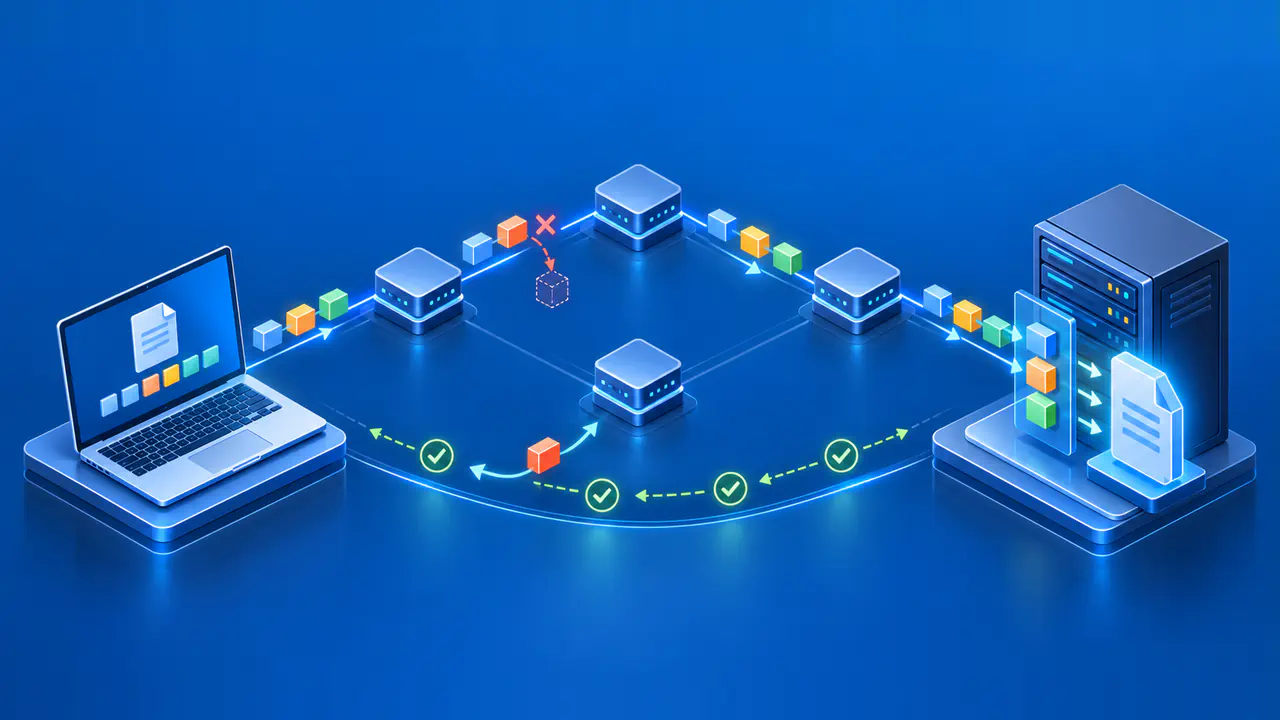
A browser starts from a URL containing a scheme, hostname, and path. After name resolution and a network connection, it sends an HTTP request toward the destination service. For HTTPS, the client and service also establish a secure connection before the HTTP exchange. The request includes a method such as GET, a target path, and headers that provide context. Some methods also carry a request body.
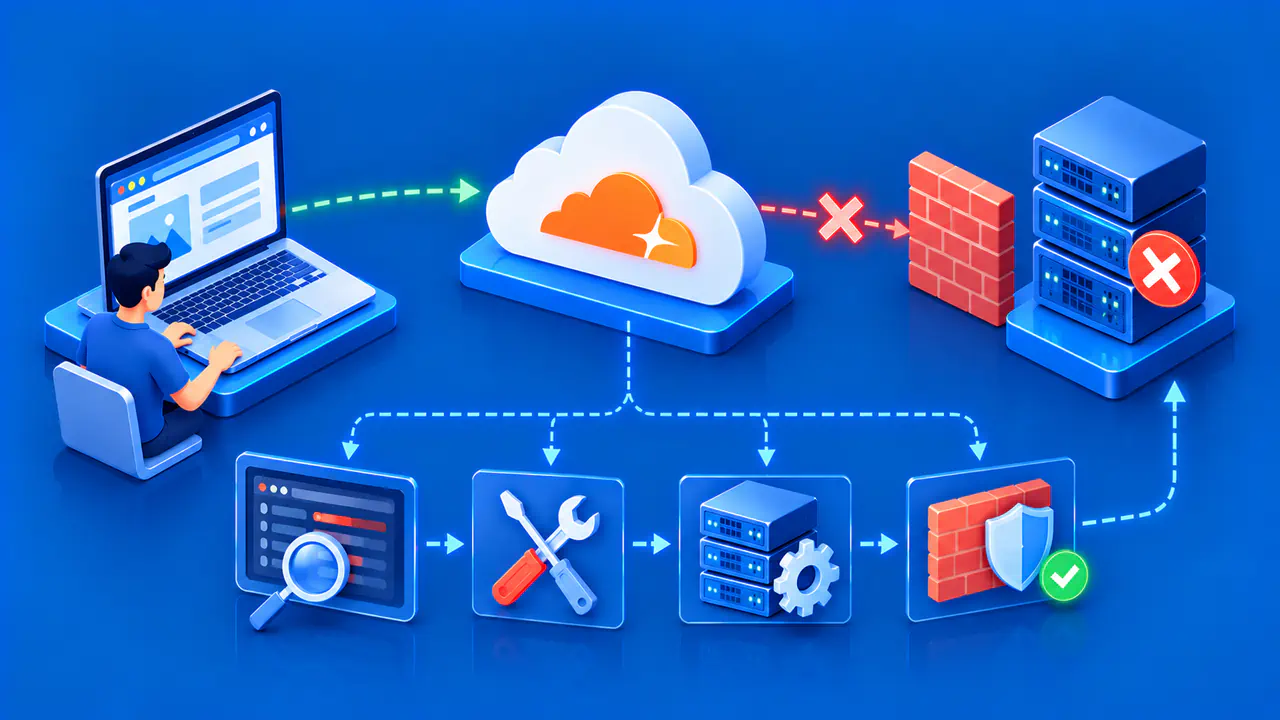
The service may be a web server directly or a proxy that forwards requests to one. In either case, a server process must accept a connection on a configured address and port. It parses the request and applies routing rules. A working DNS answer does not prove this stage succeeds; a firewall, stopped process, certificate problem, or unreachable network can prevent the request from reaching the application.
A single machine or endpoint may serve more than one hostname. The request's hostname helps the server select the intended site configuration. The destination address and port also matter. If no configured site matches, a default configuration may answer instead, potentially showing a generic page or an error. This is why pointing a new domain at a server is not sufficient by itself to publish the intended site.
How the Server Selects Content
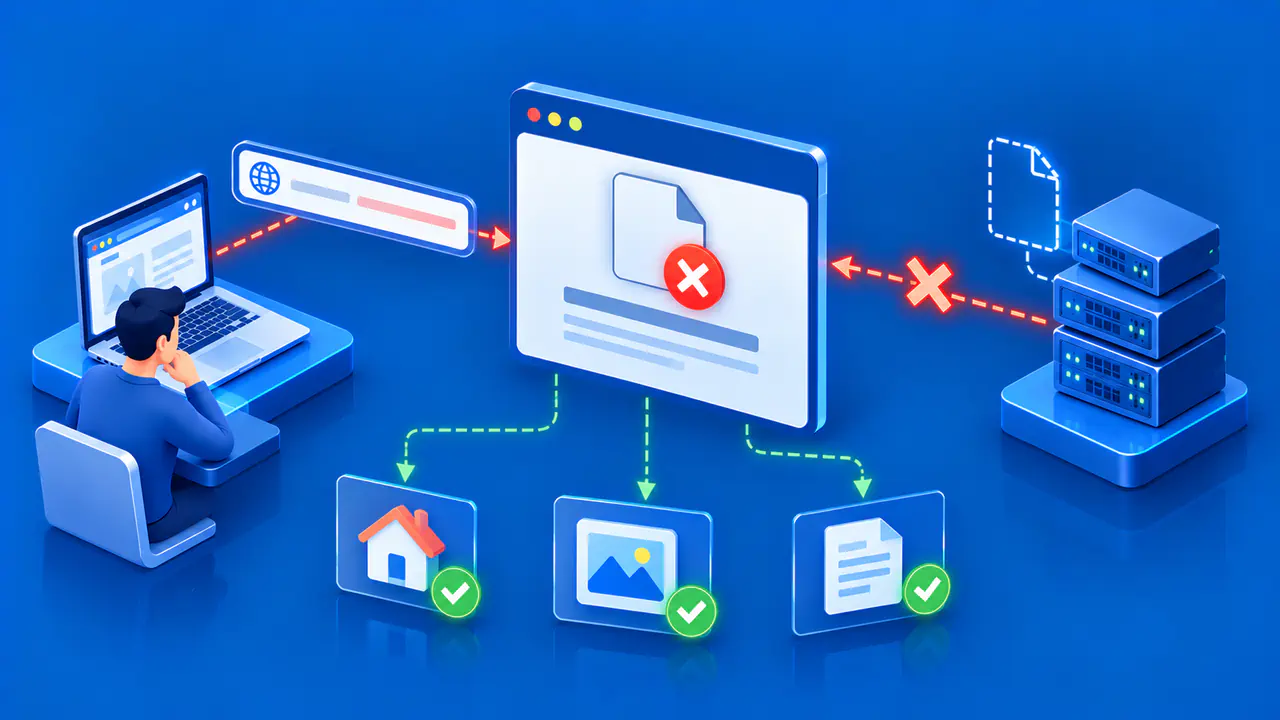
After selecting a site, the server uses the requested path and its configuration to decide what to do. It may map the path to a file, send the request to an application process, apply a redirect, or reject it. Different paths can follow different rules on the same hostname. The exact matching behavior depends on the server product and configuration.
For example, an image path may be served from a directory, while an application path is passed to another program. A missing path might produce a 404 response or be handled by an application that generates its own page. A server can also apply access controls or rewrite rules before choosing a response. These decisions occur after the client has reached the web endpoint.
Configuration mistakes can cause a request to select the wrong site, wrong directory, or wrong application. When troubleshooting, inspect the exact hostname, scheme, port, and path used by the client. A test of one address does not automatically cover another hostname or an HTTPS request.
Static and Dynamic Responses
For static content, the server can return a stored file such as HTML, an image, or a stylesheet. It still needs to identify the file, check permissions and routing rules, and attach appropriate response information. The file can be cached or compressed depending on configuration, but its main content need not be generated for each request.
For dynamic content, the server may pass work to an application runtime. That application can read a database, check permissions, and build a response for the current request. The web server then forwards or returns the result to the client. A dynamic page may still include static assets handled separately. The distinction is about how the response is produced, not whether the page looks interactive in the browser.
The application and web server can run on the same machine or separate services. A proxy can distribute requests among several application instances. If the application or database fails, the web server may still accept connections but return an error. A server process being up is therefore a narrower claim than a full website functioning correctly.
Status Codes and Headers
The first digit of an HTTP status code identifies its response class. A 1xx response gives interim information; 2xx indicates success; 3xx calls for further action, often a redirect; 4xx identifies a problem with the request or access to the resource; and 5xx indicates a failure on the server side. The complete code gives a more specific meaning.
A 404 response can indicate that no current content was found for the requested resource. The server can also use 404 to conceal that a resource exists. A 503 response means the service is temporarily unable to handle the request, such as during overload or maintenance.
Headers carry metadata or instructions alongside the status. Content-Type tells the client what kind of representation is being delivered. Cache-related headers guide storage and reuse. A redirect response can include Location to name the next URL. Many responses also contain a body, such as HTML, JSON, an image, or an error explanation. Whether a body is allowed depends on the request method and response status.
A useful diagnosis records the status, relevant headers, and body for the exact request. A browser may follow redirects automatically, hiding intermediate responses unless its network view is inspected. A successful status at one path does not show that every application route works. Match the test to the visitor action that is failing.
Dependencies beyond the Server Process
The web server relies on infrastructure and configuration around it: DNS, networking, valid certificates for HTTPS, storage, application processes, databases, and sometimes a reverse proxy or content delivery service. These parts can fail independently. If DNS points to an old endpoint, the correct server may never see the request. If the database is unavailable, the server may answer but fail to produce the expected page.
To narrow a failure, follow the path in order: confirm the intended hostname resolves, check that a connection reaches the service, inspect the selected site and route, then inspect the HTTP response and any application dependency. If the request never reaches the service, changing the page file will not fix the connection problem. If the server returns the wrong content, inspect the routing and application behavior for that request.
A web server acting as a proxy can return 502 when it receives an invalid response from a service it contacts, or 504 when that service does not respond in time. These codes distinguish an invalid reply from a timeout, but neither code alone identifies the underlying cause.