What Is an API and How Does It Work?
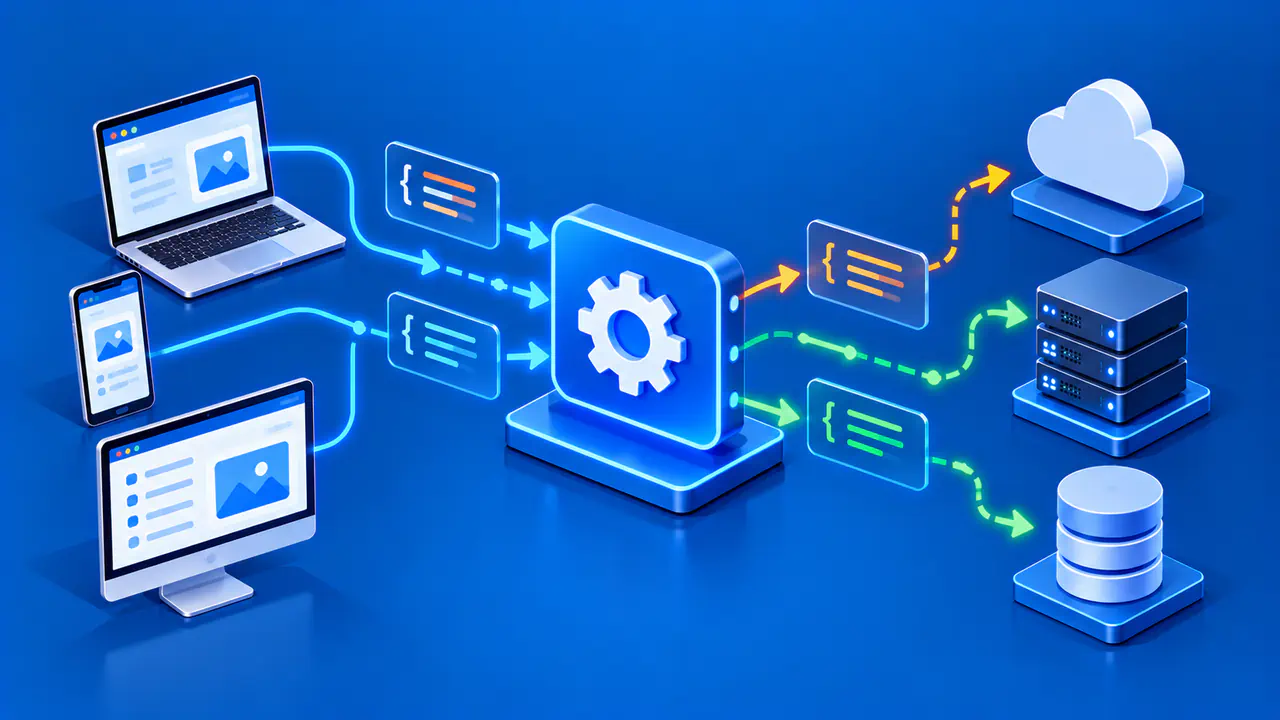
An API, or application programming interface, is a defined way for one piece of software to interact with another. It describes the operations available, the inputs they accept, and the outputs or errors they return. An HTTP API for a remote service is one familiar kind, but an API can also be a set of functions in a local software library or capabilities provided by a browser.
Think of the interface as a contract for software. A program does not need to know every internal implementation detail to ask for a supported operation. It does need to follow the API's documented requirements and handle the result. That distinction is useful when deciding whether you need a website, a remote endpoint, or a local library.
APIs as Defined Interfaces
Suppose a program needs to validate the written form of an IP address. A local library may expose a function that accepts text and returns a parsed address or an error. The caller supplies an input in the documented format and receives a result with defined meaning. The library can change its internal code without requiring every caller to reimplement address parsing, provided the public interface remains compatible.
A browser also offers APIs to web applications, such as methods for working with page elements or requesting device location with permission. These are not necessarily remote network services. Depending on the interface, code may interact through methods, properties, or events rather than sending an HTTP request.
An API is not inherently public, free, or available without approval. Its documentation may limit who can call it, how often, and what data can be used. Those access rules are part of the interface's practical contract. A program must also be prepared for errors, changed responses, and versioned behavior rather than assuming every call will succeed.
Requests, Responses, and Endpoints
For a remote HTTP API, the client sends an HTTP request to a URL and receives an HTTP response. The HTTP method, such as GET, helps identify the operation. The URL identifies the target, and headers, query parameters, or a body can supply additional information. The response includes a status code and may contain structured data such as JSON. The exact meaning comes from the API's own documentation and the HTTP rules it uses.
For a remote HTTP API, an endpoint is an address where a client requests a documented operation. For example, a fictional service might document a GET request to https://api.example.com/v1/addresses/192.0.2.25 and return a small JSON object describing that address. The URL illustrates the request format rather than a working service. The 192.0.2.25 value is from a documentation address range.
In this example, api.example.com identifies the service receiving the request, while the address in the path identifies the value being queried. The client is asking the API for information about that value, not opening a connection to 192.0.2.25. The fictional server would match the path to its supported operation, check the supplied input, and prepare a result in the documented format.
One possible fictional response could be {"address":"192.0.2.25","version":4}. If the input were invalid or the service unavailable, the response might instead have an error status and an error object. A client should inspect the status and documented fields before using the data. Do not infer from this illustrative object that a real provider uses these keys or guarantees that result.
The endpoint is not the same as an entire website. A website presents pages for people to read and navigate, while an HTTP API exposes documented operations for software clients. One organization can offer both, sometimes on related domains. Opening an API URL in a browser may show raw data instead of a page. The request may fail if the service requires a different HTTP method, request format, or form of authentication.
Remote APIs versus Local Libraries
A remote HTTP API requires a network connection to the service. When the client uses a hostname, it depends on name resolution as well as routing, the remote service, and its response time. It may require a subscription or credentials and may impose usage limits. A local library API usually runs within the program's environment, so it can perform tasks without contacting a remote server, although a particular library might itself make network calls.
For IP-related work, a local parser can check whether an address string is syntactically valid. A remote data provider may return registration or approximate location information from its database. These are different tasks: parsing an address does not reveal who owns it, while a remote data response is only as current and reliable as its source. Choose the interface according to the information required.
A browser API is a third pattern. It is called by page code through the browser, which may enforce user permissions and security restrictions. A page that reads a device location estimate through a browser API is not the same as a server that estimates a visitor's area from an IP address. Both may be called APIs, but they use different data and trust boundaries.
Choose an API for the Data You Need
Consider a simple application displaying the IP version of a value a user entered. It can pass the text to a local address-parsing library and display either IPv4, IPv6, or an input error. No remote call is needed for that syntax question. If the application instead needs a provider's address metadata, it would have to consult a documented data source and explain the source and limits of the returned information.
Before using any real API, read its current documentation for endpoint paths, request methods, data fields, error behavior, privacy terms, and availability. Do not copy the fictional URL above into production code. A documented example may leave out details needed for an actual request, so check the service's requirements before treating an illustration as a complete integration.
Check whether the returned fields provide the information your application needs. Two services may use similar field labels for different kinds of information. Use the documented meaning and any stated missing-value behavior when deciding what to display. If the interface cannot supply the information the application needs, choose another data source rather than deriving an unsupported answer from an unrelated field.