What Is Phishing and How Can You Recognize It?
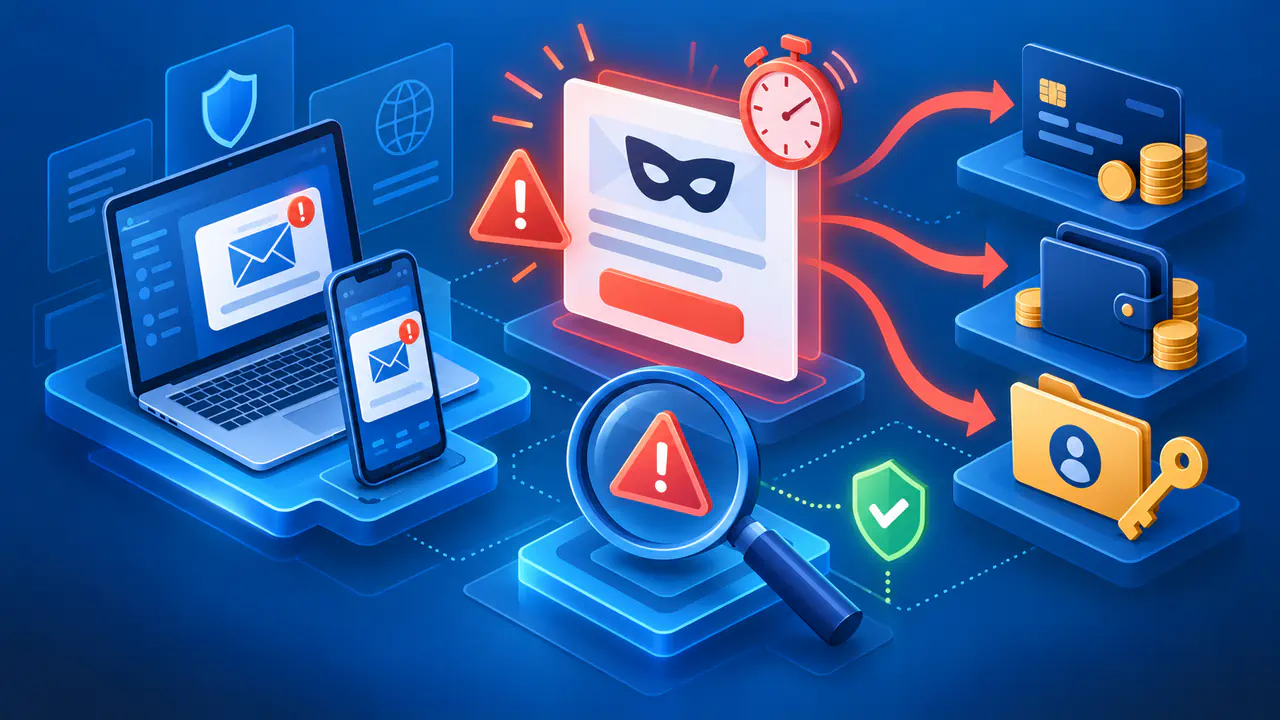
Phishing is a scam in which attackers pose as someone you trust to steal information or money, or gain access to an account or device. A message may appear to come from a bank, delivery service, employer, friend, or government agency. It may ask you to follow a link, open a file, make a payment, or share account details. Phishing can reach you through email, text messages, social apps, or phone calls.
An unexpected request, pressure to act quickly, or instructions that bypass a familiar process are reasons to pause. A display name, polished logo, or plausible IP location does not prove who is making the request. Check what the message asks you to do, then verify the request through a contact method you already trust.
Recognize Pressure and Impersonation
Phishing messages often claim that a payment failed, a delivery is delayed, or an account will be closed unless you act immediately. Other messages offer a refund or prize, demand payment for an unfamiliar invoice, or invite you to view a document. These stories give you a reason to open a link or attachment before considering whether the request makes sense.
Compare the message with what you expected. Are you waiting for that delivery? Did you arrange the purchase described in the invoice? A message asking you to send payment details or disclose a sign-in code needs a separate check, even when you recognize the company. Receiving a real order does not make every message about a delivery genuine.
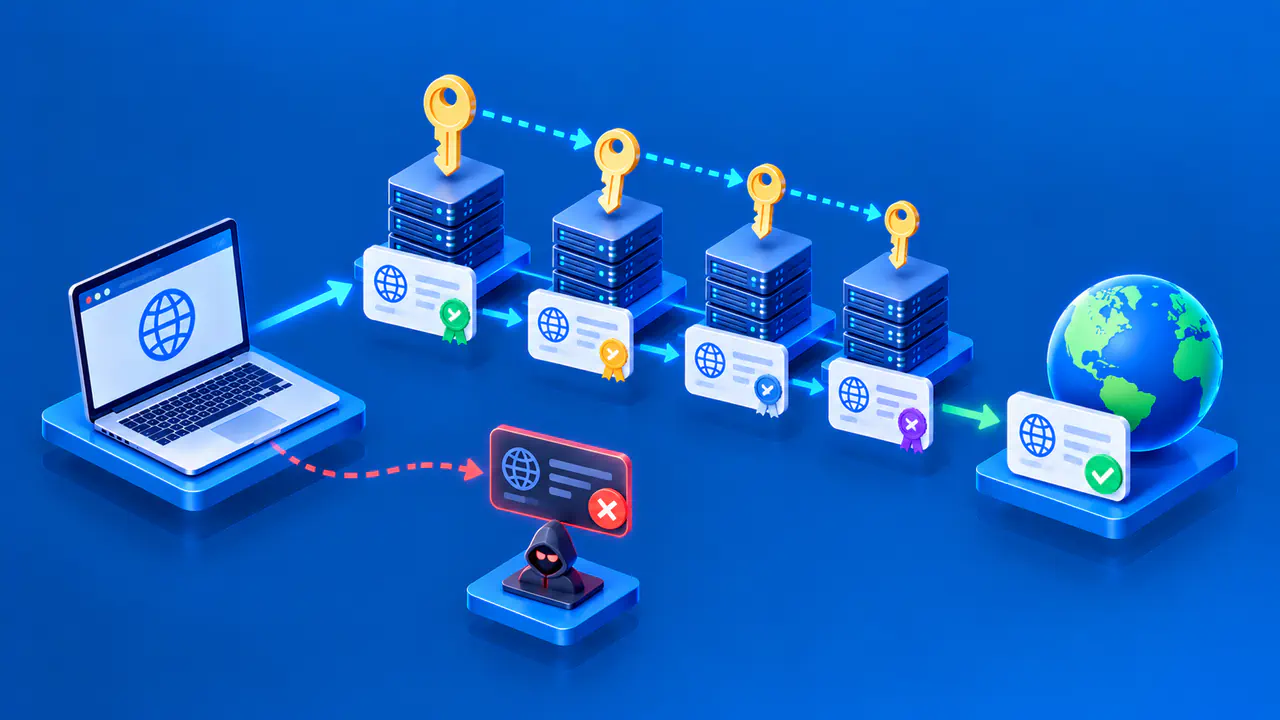
Inspect the sender's address as well as the display name. Logos can be copied, addresses can resemble familiar ones, and attackers can send messages from accounts they have taken over. Fluent writing is no assurance of legitimacy. A linked page may also copy a real sign-in screen. HTTPS encrypts your connection to the website you reach; it does not establish that the website belongs to the organization named in the message.
Pay attention to instructions that depart from the usual process. An unexpected request to install a document viewer, send a sign-in code to another person, or approve a login you did not start deserves caution. At work, a demand to skip payment approval or keep a transaction secret is a reason to consult the responsible team. You do not need to prove that a message is fraudulent before delaying the requested action.
Verify without Using the Suspicious Message
Do not use the message's links, reply address, or callback number to check whether the request is genuine. An attacker may control all three. Open the organization's app, use a bookmark you already trust, or type its known website address. For a phone call, use a number from your card, a previous statement, or the organization's official directory.
If the message appears to come from someone you know, call that person on a known number or use another trusted channel. Starting a new email conversation with the same compromised account would still reach the attacker. For a workplace request, follow your organization's verification and reporting procedures, especially when money, confidential records, or account access is involved.
Check the specific claim, not just whether the organization exists. For example, an independently opened account page may show the order or billing notice mentioned in the message. If you cannot find a matching notice, contact the service through its established support channel. A missing notice alone does not prove fraud, but you should resolve the discrepancy before supplying information or paying.
Respond to What You Shared or Opened
If you entered a password on a phishing page, change it through the real service and replace that password on any other account where you used it. Use a different, trusted device if the original device may contain malicious software. Review active sessions and use the service's controls to sign out other sessions where available. Ask support for help if you cannot regain access.
If you disclosed a one-time code or approved an unexpected sign-in, contact the provider promptly even if you did not share a password. Review recovery details and authentication methods for changes you did not make. Changing a password alone may leave an attacker's session or newly added sign-in method active. For a work account, involve your security team so they can check and revoke unauthorized access.
If you shared card or bank details, or sent money, contact the financial institution promptly through its official app or a known number. Explain what happened and ask about securing the account and disputing or recovering the payment. Recovery is not guaranteed. If identity documents or other identifying information were exposed, follow the official identity-theft guidance for your country.
If you opened a suspicious attachment or installed software from the message, do not open that file or application again. Use updated security software to scan the device and follow its removal guidance. Contact your administrator promptly for a work device and follow the organization's incident procedure. Keep the original message available for the security team without forwarding the attachment to coworkers as a warning.
Report the Message and Reduce Future Risk
Use the mail or messaging service's phishing-report option if available. A workplace may provide a separate reporting tool or security contact. Keep any details the reporting process requires, such as when the message arrived and what you clicked or shared, then delete the message. A report can help the service or security team investigate related messages even when you did not respond.
Keep your browser, operating system, and security software updated, and use a different password for each account. Enable multi-factor authentication where available so a stolen password alone is less likely to give someone access. Continue checking unexpected requests: these protections do not stop someone from persuading you to send money or disclose information voluntarily.