What Can Your ISP See When You Browse?

Your internet service provider can see information about the connections that pass through its network, even when the content is encrypted. HTTPS protects the pages and data exchanged with a website, but it does not hide every sign of a visit. A provider may still learn which site you contacted without being able to read the page.
What your ISP can observe depends on how your device connects, where it sends DNS queries, and which parts of the connection are encrypted. Software with access to data on your device may see that data before it is encrypted. Reading data on the device is different from observing encrypted traffic on the ISP's network.
Connection Details Your ISP Can See
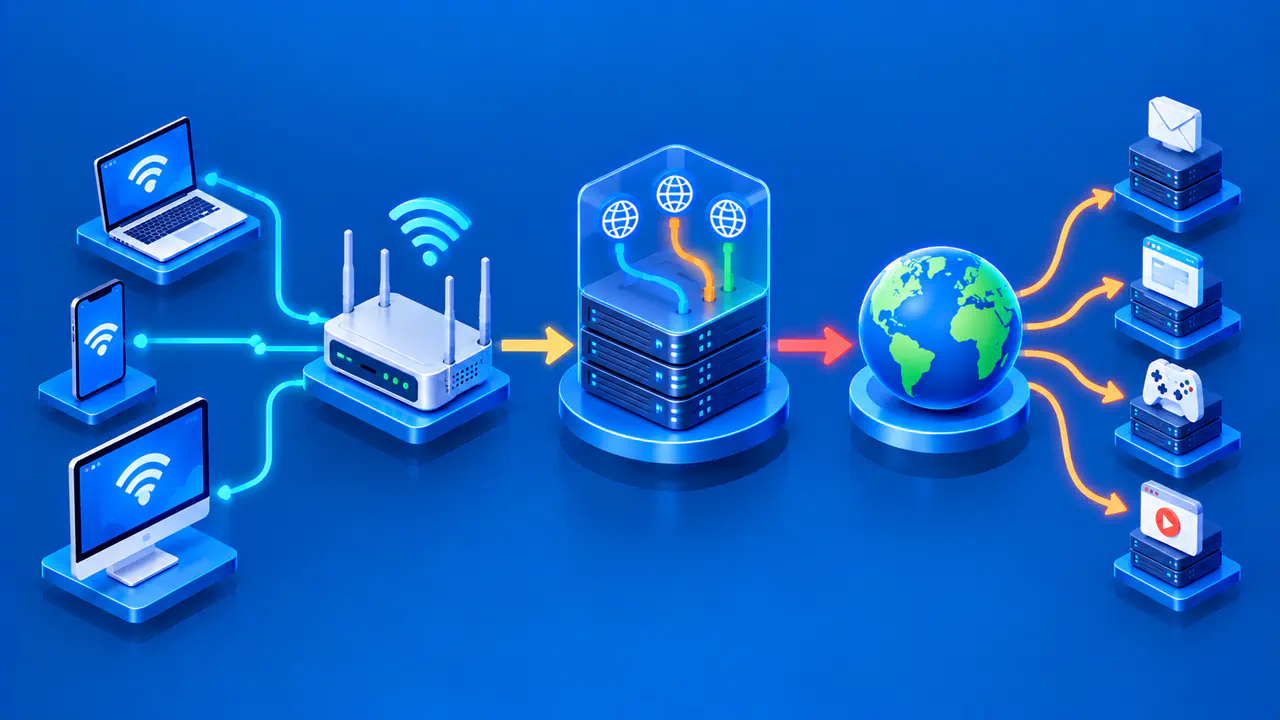
For a direct connection to a website, your ISP can observe the destination IP address, when traffic passes, and how much data moves in each direction. These details are often called metadata: information about a connection rather than the contents of the messages. The provider does not need to decrypt a page to measure the bytes crossing its network.
An IP address does not always identify one website. Many domains can share an address through a hosting service, while a single website can use several addresses. An address closely associated with one service may be a useful clue; an address shared by thousands of sites is less specific. Other visible details may help the ISP identify which of those sites you contacted.
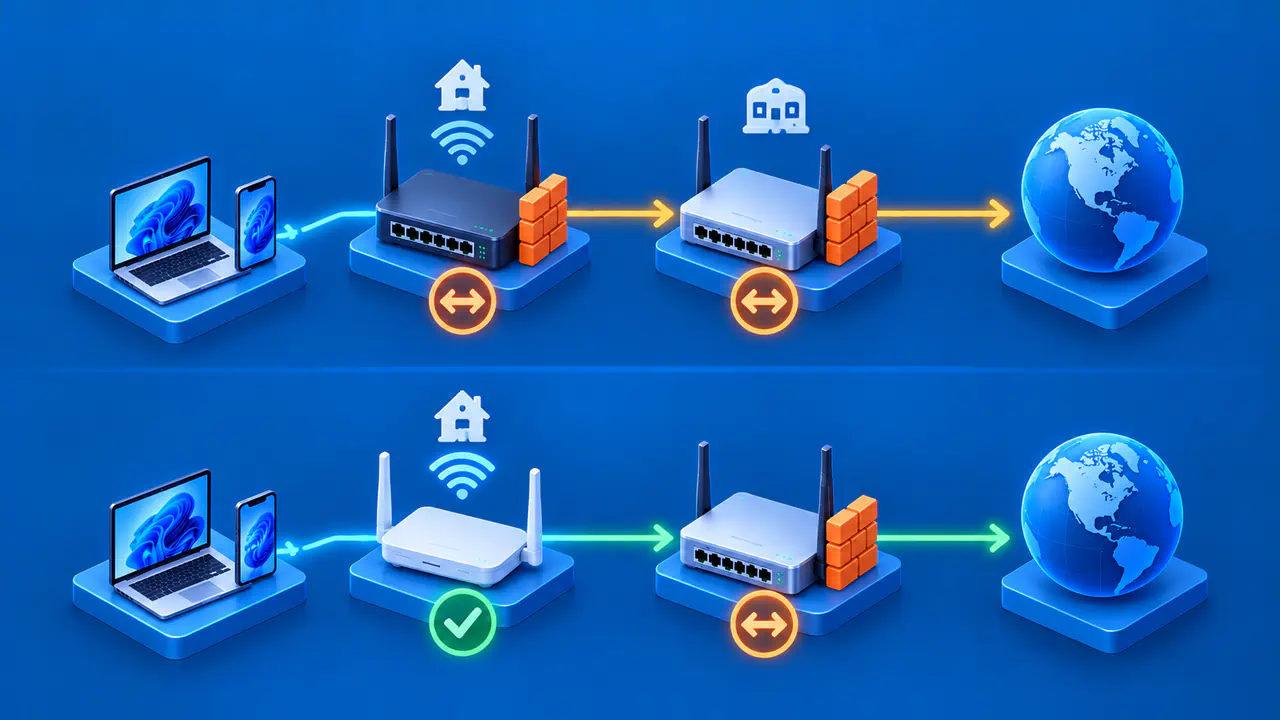
Your ISP also knows which subscriber connection it serves and can associate assigned addresses with that connection. A shared public IP does not necessarily prevent this association, because the provider may have additional address and port mappings. Identifying the subscriber does not establish which person or device made a particular request. Several people and devices may share a home connection.
What HTTPS Keeps Private
HTTPS uses TLS to encrypt communication between your browser and the website's server. In a normal, authenticated HTTPS connection, an ISP watching traffic in transit cannot read the page text, passwords, form entries, or messages inside that connection. The website receiving the data can read what you send to it.
The distinction between a domain and a complete URL matters here. For example, an ISP might identify a shopping site's domain without seeing the product page path or search terms in an HTTPS request. Paths and query parameters are encrypted along with the rest of that request. Knowing the site name does not give the ISP a readable list of every page you opened there.
Plain HTTP lacks that protection. An ISP carrying an unencrypted HTTP connection may read the request and response, including page contents and any data sent in a form. Protection applies to each connection separately; using HTTPS for one service does not encrypt another app's HTTP traffic.
When DNS Reveals a Site Name
DNS helps your device find an IP address for a domain name. If a lookup crosses your ISP's network without encryption, the provider can read the name in the query even if the later website connection uses HTTPS. A lookup does not prove that a page loaded or that someone read it: browsers can request names in advance, and background apps make their own queries.
DNS over HTTPS, usually called DoH, encrypts queries between your device and a DNS resolver, the service that answers them. DNS over TLS provides a similar encrypted connection for DNS. When your ISP only carries that encrypted DNS traffic, it cannot read the query directly.
The resolver still receives the name it must look up. If your ISP also runs your chosen resolver, encrypted DNS still delivers the query to an ISP-operated service. Choosing a different resolver changes who handles the lookup; it does not hide the IP addresses of your later website connections.
How ECH Protects the TLS Server Name
A browser also exchanges setup messages when it starts a TLS connection. Without Encrypted Client Hello, or ECH, an initial message commonly includes the requested hostname in a field called server name indication (SNI). An ISP can read an exposed SNI field even when DNS was encrypted, so protecting DNS alone may leave the site name visible.
When the browser and server successfully use ECH, the requested hostname is protected inside an encrypted part of that setup exchange. Browser support alone does not mean that every site visit uses ECH. The server's IP address remains visible to the network.
ECH is most useful for hiding a site name when DNS is also protected and the server address is shared by multiple sites. Otherwise, an exposed DNS query or a distinctive server address may still reveal the destination. Your ISP can still observe when encrypted packets are sent and how large they are.
What Changes with a VPN
A VPN can carry your browsing traffic through an encrypted tunnel to a VPN server. For traffic carried through the tunnel, your ISP sees the VPN server's IP address rather than each website's IP address. It can still see the tunnel's timing and data volume, and it still knows which subscriber connection is sending the traffic.
This protection covers only traffic routed through the VPN. Split tunneling lets some apps or destinations bypass the VPN, so their connection details remain visible to the ISP. DNS requests sent outside the tunnel can also expose names if they are unencrypted. Check which apps send traffic through the VPN and how the VPN handles DNS before assuming all browsing traffic is protected by the tunnel.
The VPN server forwards traffic onward, so its operator can observe the destination addresses of connections it carries. The server removes the tunnel's encryption, but HTTPS content stays encrypted between your browser and the website.