What Is SMTP and How Does It Work?
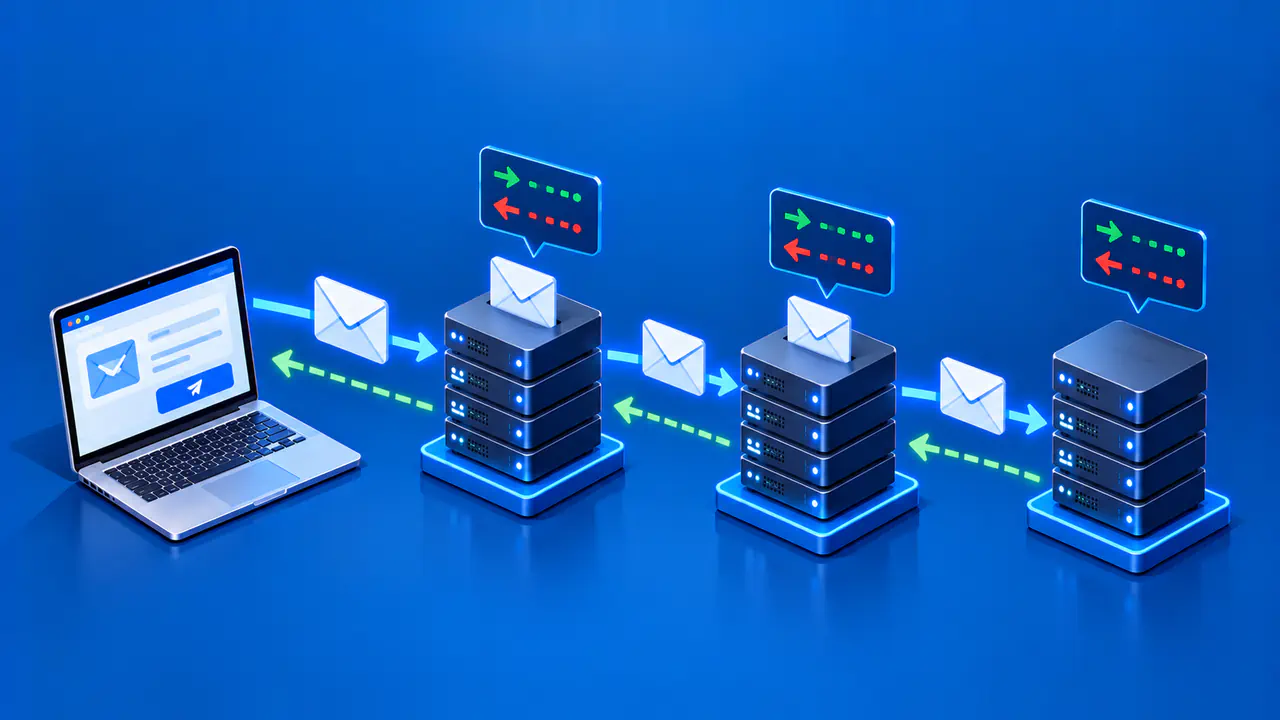
Simple Mail Transfer Protocol, or SMTP, transfers outgoing email between mail systems. It can carry a message from a sender's app to a submission service and then through one or more mail transfer agents toward the recipient domain.
The sending system issues commands, and the receiving system sends numbered replies indicating what it accepted or rejected. Acceptance at one server is one stage in this process; it does not establish that the message reached the recipient's inbox.
From Submission to Relay and Delivery
A mail app submits an outgoing message to a message submission agent, which checks that the sender is allowed to use the service and may apply site policy. Submission is a distinct role from transferring mail between servers, even when the same software performs both jobs. A mail transfer agent then forwards the message toward its destination. It can use DNS information, including MX records for the recipient domain, to find a destination mail server.
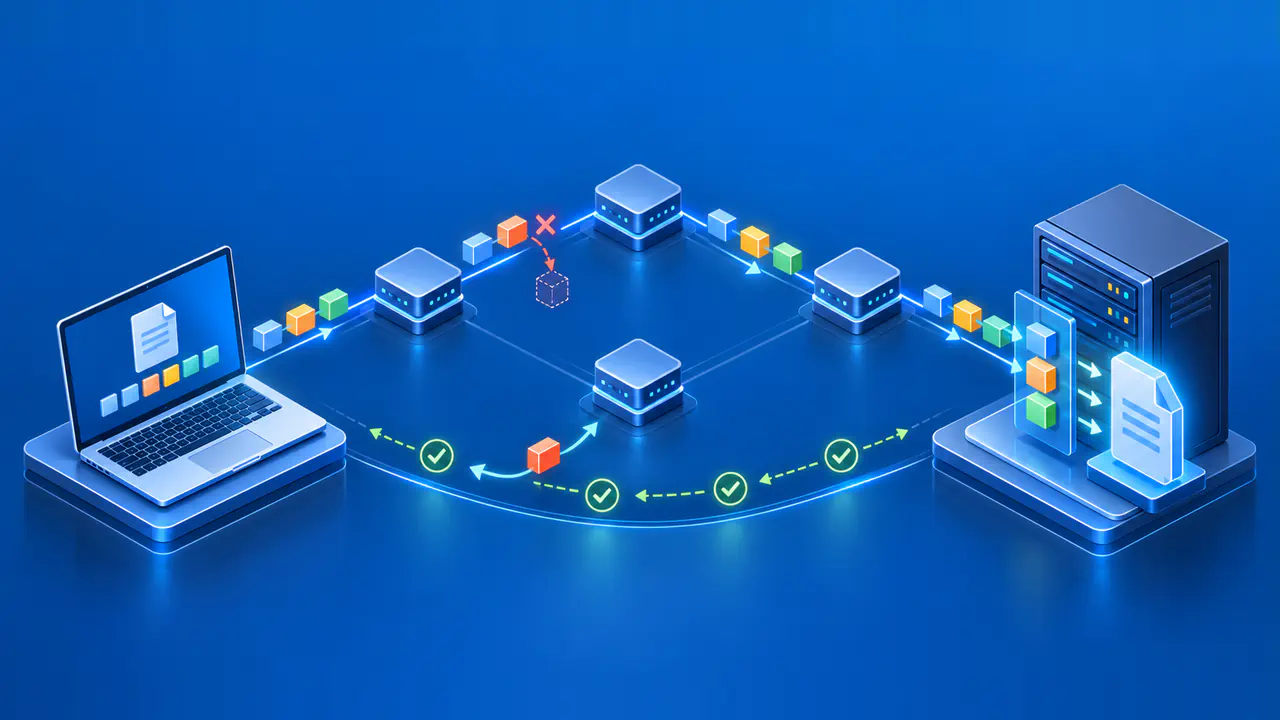
The destination may handle local delivery or pass the message through another authorized relay. Each SMTP hop has its own client and server roles: the sending system is the SMTP client for that connection, and the receiving system is the SMTP server. A machine that receives mail in one session can act as the client in the next. This staged design lets mail move across organizations without requiring the sender's app to connect to the final mailbox server.
A receiving server can apply anti-abuse, size, and routing policies before accepting a transaction. For example, a server responsible for one domain may refuse to relay mail to an unrelated domain for an unknown sender. When a message has recipients at several domains, the sending system may need separate SMTP transactions with different destination servers. The route therefore depends on the recipients and the configured mail services, rather than following a fixed number of hops.
The Envelope Is Separate from the Visible Message
An SMTP transaction has an envelope sender and one or more envelope recipients. The sender is given with MAIL FROM; recipients are given with RCPT TO. Servers use this envelope to route the message and report delivery failures. The address displayed in a message's From header is part of the message content, not the same protocol field as the envelope sender. The two can differ for legitimate mail flows.
The message data contains headers such as From, To, and Subject, a blank line, and then the body. A visible To header does not by itself tell the transport server which recipients to deliver to; the RCPT commands do that. This distinction explains why a message can reach several envelope recipients without listing every one in its visible headers.
The client's EHLO command identifies the sending host and requests information about server capabilities. The server advertises its supported extensions in the EHLO response. Neither the client's stated hostname nor the visible From address proves who wrote the message. Receiving systems use separate authentication checks and domain policies when deciding whether to trust a claimed sender.
A Simple Command and Reply Sequence
This schematic exchange shows one message passing between two mail servers. C marks lines sent by the client, and S marks replies from the server; those labels are annotations, not transmitted text. The domains and addresses are reserved examples, and the exchange is illustrative rather than a captured test:
S: 220 mail.example.net ready
C: EHLO sender.example.org
S: 250 mail.example.net
C: MAIL FROM:<alice@example.org>
S: 250 OK
C: RCPT TO:<bob@example.net>
S: 250 OK
C: DATA
S: 354 Start mail input
C: Date: Tue, 22 Sep 2026 12:00:00 +0000
C: From: Alice <alice@example.org>
C: To: Bob <bob@example.net>
C: Subject: Example
C: Message-ID: <example-20260922-120000@sender.example.org>
C:
C: Hello.
C: .
S: 250 Message accepted
C: QUIT
S: 221 Bye
The initial 220 reply indicates that the server is ready. After EHLO, MAIL FROM starts the mail transaction, and RCPT TO proposes a recipient. A client repeats RCPT TO for each additional recipient. DATA asks permission to transmit the message, and 354 means the server is ready to receive it.
The blank line separates the message headers from the body. A line containing only a period ends the data, and the following 250 reply accepts the message for the recipients accepted earlier. QUIT then ends the session. In an actual SMTP exchange, each line ends with a carriage return followed by a line feed.
The example omits transport encryption and authentication setup to focus on the message transaction. For an app submitting mail, use the provider's documented secure connection and authentication settings. The single-line EHLO response here advertises no extensions; a server offering extensions normally lists them across several reply lines.
Replies, Retries, and Later Outcomes
SMTP reply codes describe the result of the current command. A 2xx reply indicates success, while a 4xx reply indicates a temporary failure that may allow a later retry. A 5xx reply indicates a permanent failure: the sending system should not simply repeat the same request unchanged. The full reply and the command it follows help identify what needs correction.
Recipient decisions can differ within one transaction. If the server accepts one RCPT TO command and rejects another, the client can proceed with DATA for the accepted recipient. The rejected address still needs separate handling. A server can also reject the message after receiving its data, so successful recipient replies alone do not complete the handoff.
A 250 reply after the final period transfers responsibility for the accepted message to that server. If a later delivery attempt fails temporarily, the responsible server can queue the message and retry according to its policy. A permanent failure or an exhausted retry period normally leads to a failure notification to the envelope sender. Filtering policies and some message types can suppress notifications, so silence alone does not establish successful delivery.
Servers add Received trace fields as they handle mail, which can help reconstruct a route. Evaluate those fields according to the receiving systems you trust; earlier text in the message may have been forged. For a delivery investigation, use transaction logs to identify the accepting server and recipients, then check subsequent delivery records or failure notices.
SMTP Sends Mail; Mailbox Protocols Read It
SMTP handles submission and transfer. A recipient's mail app typically accesses already delivered messages through a mailbox service, often using IMAP or POP, or through a provider's web interface. These services let the recipient retrieve or view stored mail after transport has taken place.
Use evidence from the stage that failed when investigating an email problem. A rejected submission calls for the SMTP reply and the sending service's logs; a failed mailbox login calls for the mailbox service's response. If a mailbox service confirms local delivery but the message is missing from the inbox, folder placement and mailbox rules become relevant.