What Is Web Hosting?

Web hosting is a service that makes a website or web application available online. It supplies storage for files and data, computing resources to process requests when needed, and a way for visitors to reach the service over HTTP or HTTPS. A domain name and DNS can give that service a memorable address, but they are separate parts of the setup.
Hosting is broader than one web server program. Depending on the plan, the provider may manage hardware, operating systems, deployment tools, backups, or network components, while the site owner remains responsible for content and some configuration.
Website Files and Execution
A basic website includes files such as HTML, CSS, JavaScript, images, and fonts. Hosting stores those files so a web server can deliver them when a browser requests a URL. For a static site, the response may be an existing file served with little processing.
For example, a request for /about.html can return a stored HTML page. The browser may then make separate requests for the images and stylesheets referenced by that page. A static site can still be interactive in the browser, but its server does not have to assemble each page from a database.
A dynamic application runs code on the server to generate or process a response. Server-side code may read a database, check a session, or process a form. For example, a product page can combine a page template with current product details from a database.
This requires software that can run the application code, along with enough processing capacity and memory. The database might run on the same machine or as a separate managed service. A hosting package may include these components or require them to be purchased and configured separately.
A web server can mean the computer running a site or the software that accepts and answers web requests. A hosting provider can operate the computer while the site owner configures the software, or the provider can manage both. Files placed on a server are not automatically public at the desired URL. The server and application must map requested URLs to the correct files or generated responses.
Capacity and Backups
Storage capacity is only one planning factor. A site also needs enough processing ability for its workload, data transfer capacity, and a backup approach appropriate to its data. If the site uses uploads or a database, decide how those are stored, restored, and migrated. A backup feature shown on a sales page should be checked for frequency, retention, and restore responsibilities.
Network Access and Responses
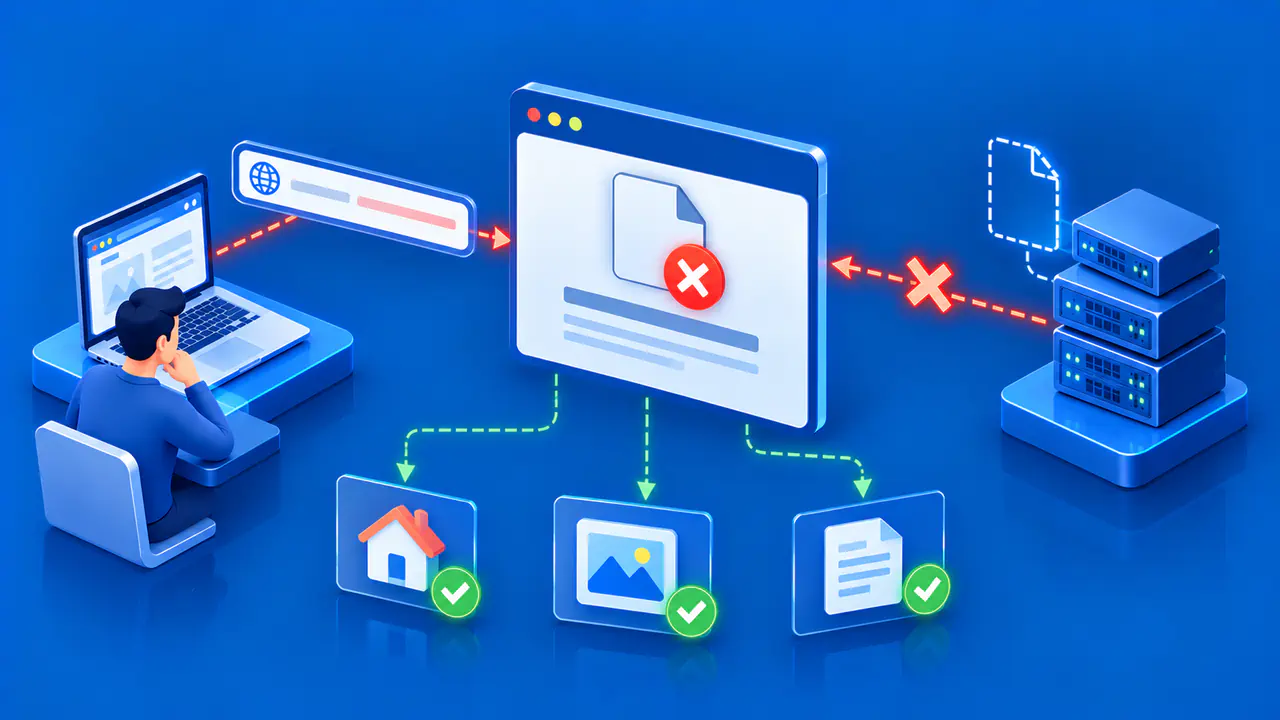
A visitor's browser establishes a connection to the site endpoint and requests a resource. The web service returns an HTTP response, which may contain a page, file, redirect, or error. With HTTPS, a secure connection and a certificate valid for the requested hostname are also involved. A reachable network endpoint is necessary, but reachability alone does not prove that the application is healthy.
Network access depends on more than the physical machine. Routing, firewalls, load balancers, and a hosting provider's network can sit between the visitor and application. Some plans expose the site's server directly, while others receive requests through a managed service such as a content delivery network (CDN). A CDN can serve stored copies near visitors and fetch content from an origin server. The origin is the source of the site's files or application responses.
Availability depends on all the services involved in delivering the website. A hosting server may be running while the application is broken, a database is unavailable, DNS points elsewhere, or a certificate is invalid. Provider uptime claims can describe only certain parts of the system. Check what the service agreement measures, and monitor whether pages and key features work from a visitor's connection.
How Domains and DNS Fit In
Domain registration gives the owner control of a name under the applicable registry and registrar rules. DNS publishes records that direct clients toward services associated with that name. Web hosting serves the site's content after the client reaches its endpoint. A company can provide all three functions in one account, but paying for one does not automatically complete the others.
To connect a custom domain, the owner generally configures the hostname in the hosting service and updates the domain's records at its active DNS hosting service using values supplied by the web host. Those values might be address records or another permitted record type, depending on the platform. The same DNS service may also publish mail and verification records. Changing nameservers or moving web hosting should be planned so those other services continue to work.
A site can sometimes be viewed through a temporary provider hostname before its own domain is connected. That is useful for checking whether content is deployed, but it does not prove the custom domain resolves correctly or that HTTPS is ready for it. Test the exact hostname visitors will use. If a site move is in progress, allow for DNS caching and verify the destination server before sending traffic there.
Basic Hosting Service Models
Shared hosting places multiple sites on infrastructure managed by a provider. The provider usually offers a control panel and limits what customers can change. This can simplify common sites, though available resources and software choices depend on the plan. A virtual private server (VPS) gives a customer a virtual machine with resources assigned to it. An unmanaged VPS usually gives the customer more control over its operating system, along with responsibility for configuration and maintenance.
Dedicated hosting gives a customer use of a physical server under an agreed management model. Cloud hosting can combine compute, storage, and network services in different ways. The label does not define one uniform architecture. Managed application platforms may hide most server administration and focus on deploying code. Static hosting can publish files through storage and delivery infrastructure without a traditional always-running application server.
Choose a model by listing the actual workload, required software, expected traffic pattern, operational skills, and recovery needs. Compare which party patches the operating system, manages certificates, backs up data, and responds to incidents. More control can also mean more maintenance work. The best fit depends on those responsibilities, not merely on the category name.