Why Does My IP Address Keep Changing?
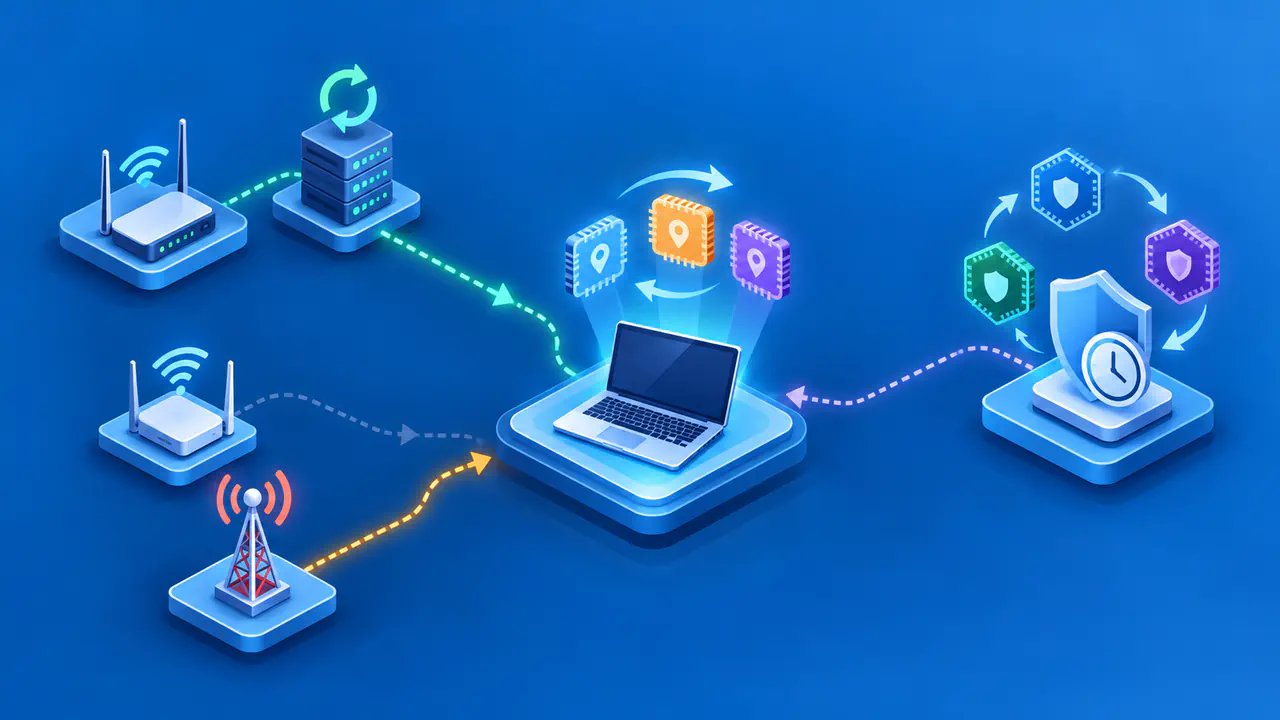
Your IP address can change when a router or internet service provider assigns a different address, when you join another network, or when your device replaces a temporary IPv6 address. You may also be comparing two different kinds of address rather than watching one address change. Before trying to keep an address fixed, identify which address changed and where you saw it.
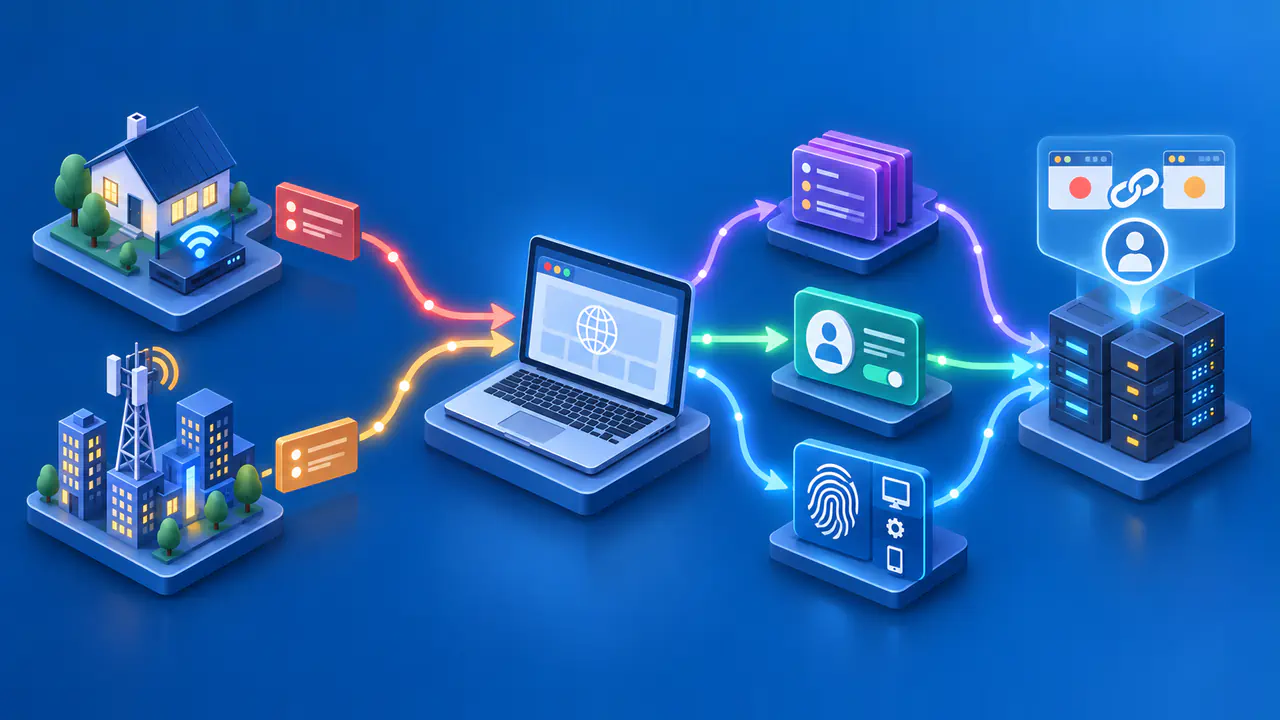
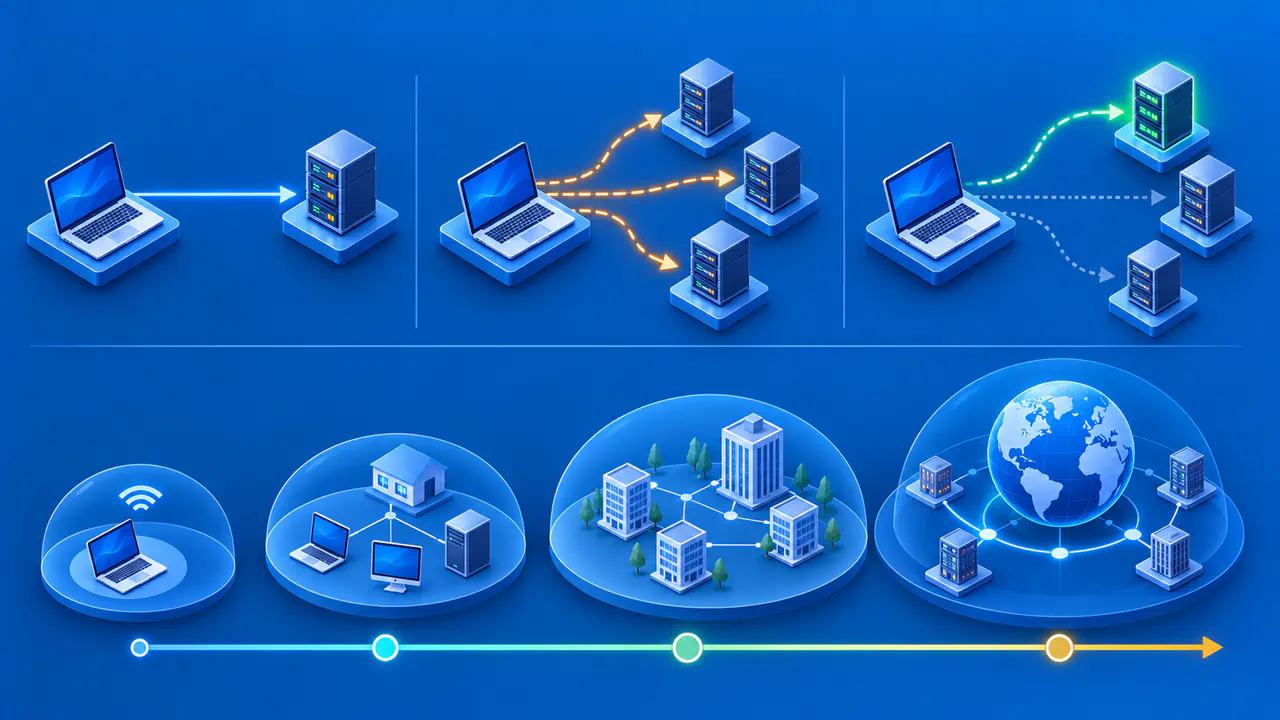
A device can have a local IPv4 address and several IPv6 addresses at the same time, while websites may see a public IPv4 address shared by the devices on your network. A change is not automatically a fault or a sign of an intruder. Two websites can show different results because one connection used IPv4 and the other used IPv6, or because only one visit passed through a VPN.
Identify Which Address Is Changing
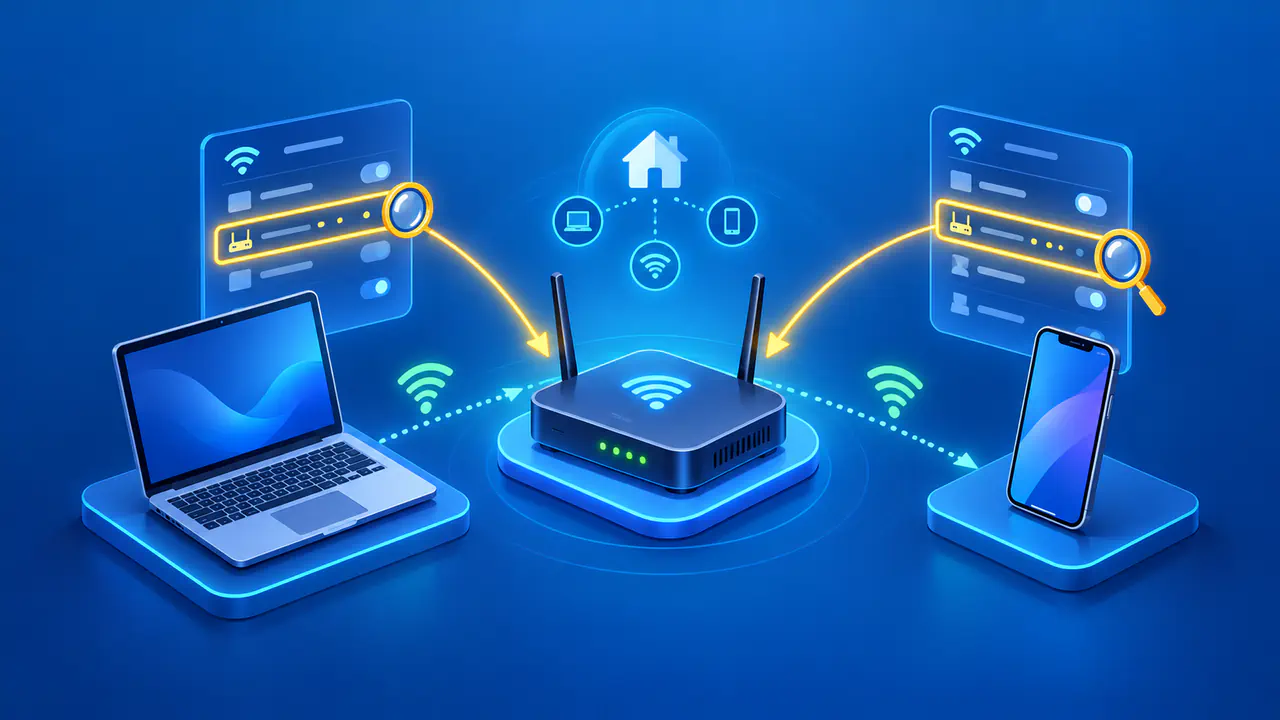
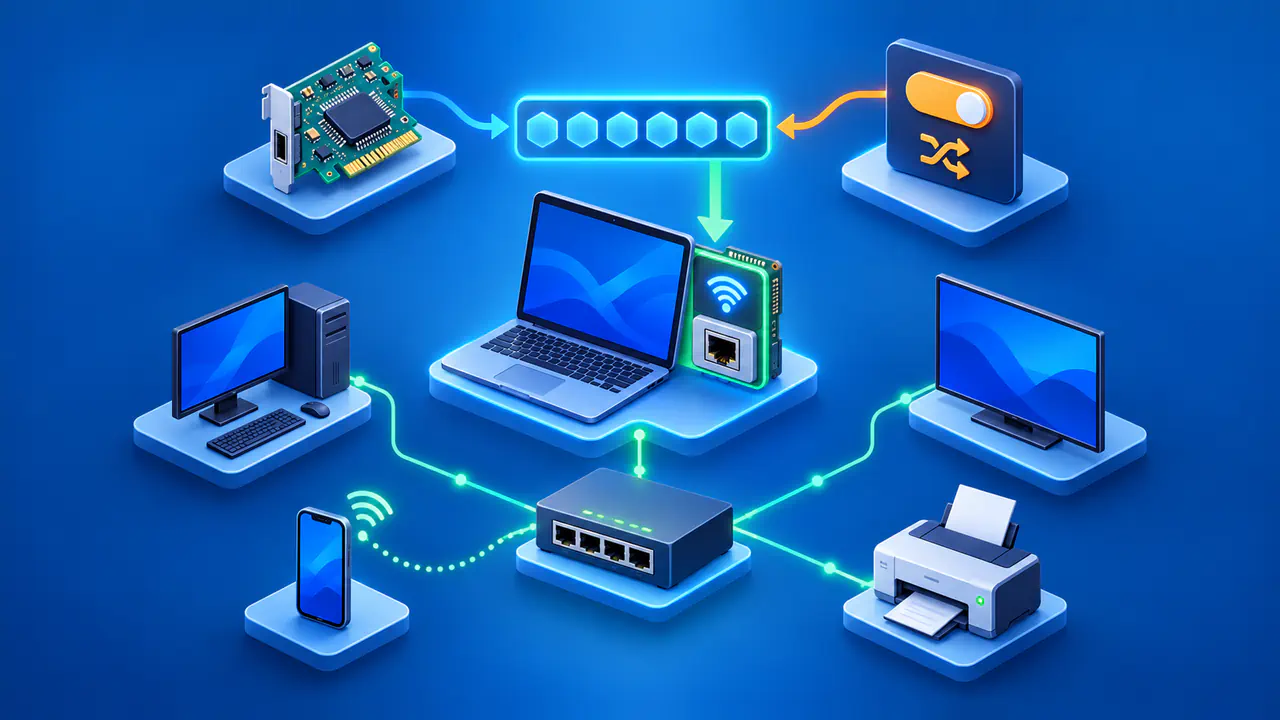
Start with where the address is displayed. Your device's Wi-Fi or Ethernet settings show the addresses assigned to that network connection. A public IP page shows the address the service observes for your request, while your router's internet or WAN status page shows the address assigned to its connection with your internet service provider (ISP). These values can differ even when the connection is working normally.
The format helps distinguish the addresses, but it does not explain why they changed. Private IPv4 addresses fall within 10.0.0.0/8, 172.16.0.0/12, or 192.168.0.0/16; 192.168.1.24 might identify a laptop on a home network. IPv6 addresses contain groups of hexadecimal digits separated by colons. Record the old and new addresses privately, along with the time, whether they are IPv4 or IPv6, and whether you read them from the device, router, or a website.
For a useful comparison, check the same device, network, and IP version through the same service on two occasions. Note whether you moved from Wi-Fi to mobile data, enabled a VPN, or changed a browser's proxy settings between checks. A website may see the address of a VPN server instead of your home connection's public address. If you compare a local IPv4 address with that result, the difference does not show that either address has changed.
Changes from Your Router or Internet Provider
On many local networks, DHCP automatically gives a device an IPv4 address for a limited lease period. The device attempts to renew the lease and can continue using the same address if renewal succeeds. A different address may be assigned after a lease expires, the router's address pool changes, or the device joins another network. Rebooting a device alone does not guarantee that its address will change.
Your ISP manages the addresses used for its internet connections separately from your router's local DHCP service. If your plan uses a dynamic public address, reconnecting the router or changes to the ISP's network may result in a new address. There is no universal schedule, and your ISP may continue assigning the same address for a long time. Your devices' local addresses can stay unchanged while the public address changes, and local addresses can change while the public one stays the same.
If the router's WAN IPv4 address differs from the IPv4 address shown by a website, the ISP may be translating traffic through another address. Carrier-grade NAT is one way providers let multiple customers share public IPv4 addresses. A VPN or proxy can also explain a mismatch, so the difference alone does not identify the cause. Check whether a VPN or proxy is active and whether your ISP uses shared addressing before assuming the router has an address fault.
Temporary IPv6 Addresses
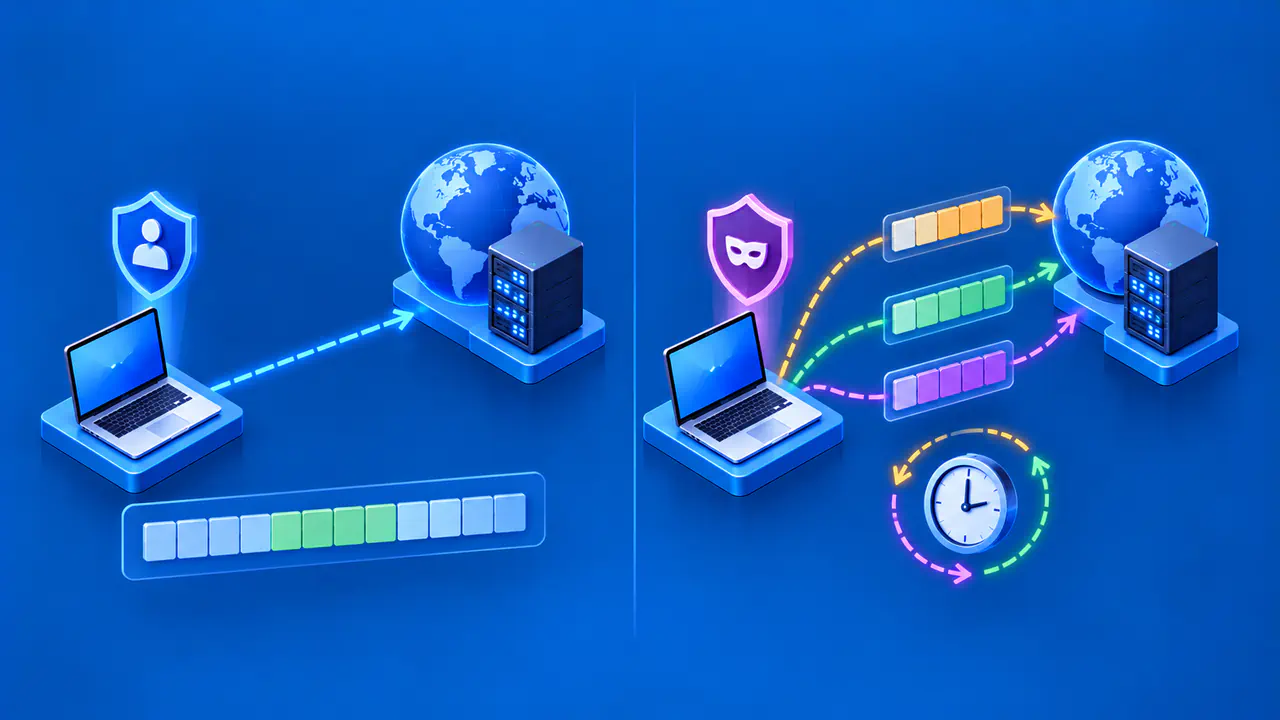
Your operating system may create temporary IPv6 addresses for outgoing connections and replace them over time. Changing the part of the address that identifies an interface makes it harder to link separate visits using that identifier alone. Other IPv6 addresses can remain assigned to the same interface, so a new source address does not necessarily mean that the device reconnected or moved to another network.
The timing of temporary address replacement and the choice of source address depend on the operating system, application, and network configuration. A website reached over IPv6 might therefore show one address on one visit and another later, while an IPv4 check still reports the same public address. If the device's network details label an address as temporary, that label helps explain the change; a random-looking suffix by itself does not prove the address is temporary.
A temporary IPv6 address can be globally routable, so a changing address is not necessarily a local-only address. Temporary addressing also does not make every visit anonymous: the network prefix, account sign-in, and cookies can still help a site recognize activity. The purpose of rotating the interface identifier is narrower than hiding every connection detail.
Keeping the Right Address Stable
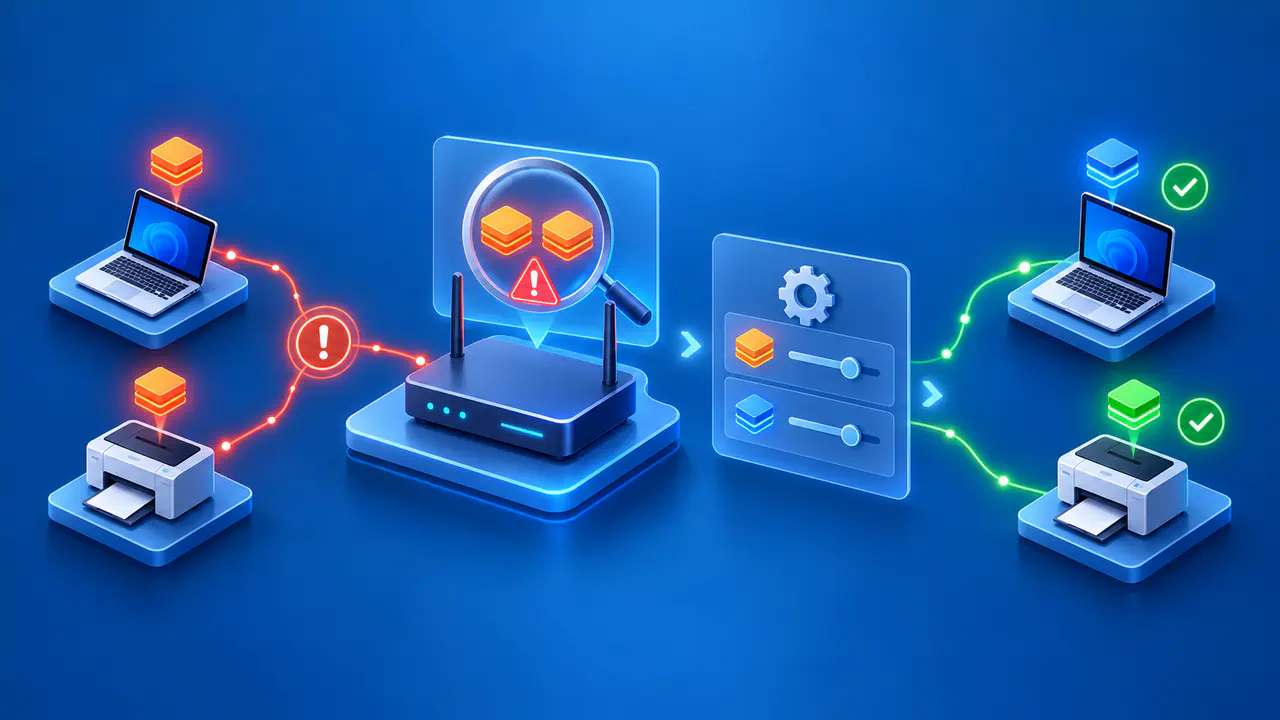
If a printer or local service becomes hard to find because its local IPv4 address changes, a DHCP reservation on the router can assign the same address to the recognized device. The device remains on automatic configuration. A manually configured address is another option, provided it fits the local subnet and does not conflict with the DHCP pool or another device. Neither method controls the public address seen by websites.
For a service that requires a fixed public address, ask your ISP whether that option is available for your connection. If you only need a hostname to point to a changing address, dynamic DNS can update the relevant DNS record through a compatible updater. Dynamic DNS does not make the address permanent or, by itself, allow incoming connections through the ISP's NAT. Check the remote service's actual requirements before choosing either option.
For a service running on an IPv6 device, use an appropriate stable address for incoming connections instead of publishing a temporary address that will expire. The device can still use temporary addresses for outgoing connections. If address changes coincide with interruptions, keep the timestamps and connection details for the network administrator or ISP responsible for that address. Repeated restarts can make the original pattern harder to follow without revealing why the address changed.