Starting a TCP Port Check
Enter a public IPv4 or IPv6 address, or a domain name, followed by one port number from 1 to 65535. The common ports menu can fill the port field for familiar services. Submit the form to start a new connection attempt from the measurement service.
You can also enter an HTTP or HTTPS URL. The checker uses only its hostname, so enter the port to test in the separate Port number field, even if the URL includes a port.
Check only a system you own or have permission to test. This page checks one TCP port at a time; it does not run a port range scan, authenticate to a service, or change firewall rules. A port number selects the connection endpoint, not the application that must be running there.
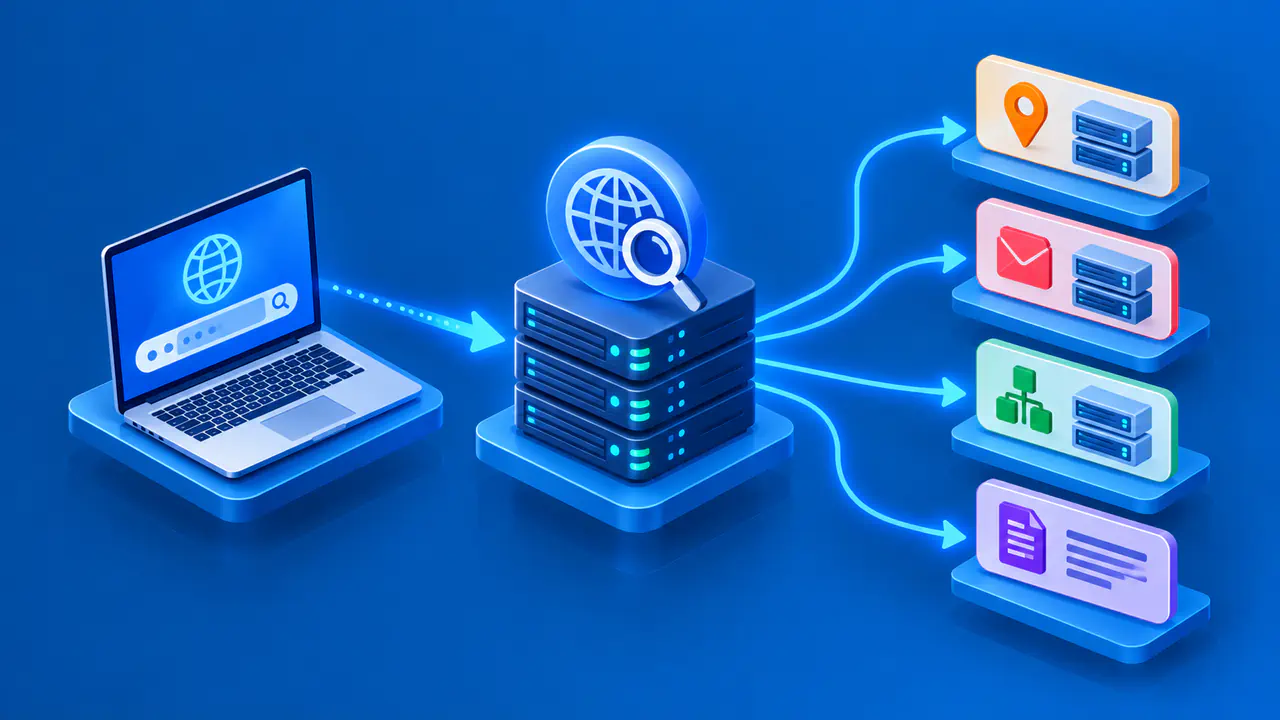
For a domain name, the service resolves available addresses and selects an address to test. The result identifies that exact IP address. A domain can have several destinations, so a result for one selected address does not describe all of them. Enter a specific public IP directly when that distinction matters.
Understanding the Port Status
Open means the selected port accepted the TCP connection. It confirms reachability for that attempt, not that the application is configured correctly or safe to use. The check does not perform a website request, database login, or another application-specific transaction.
Closed means the connection was refused. No response means the attempt timed out without a usable response. A firewall can silently drop traffic, and a temporary network problem can have the same outward effect. A timeout is therefore not proof that the target has no listening service.
Filtered or unreachable indicates that the connection was blocked or the destination could not be reached over the network. If the measurement service itself cannot establish the required network connection, the page reports a technical failure instead of treating the target port as open or closed.
Checking Port Forwarding
For an IPv4 service behind a router, test the public address and the external port of the forwarding rule. The external port can differ from the port on which the application listens internally. Check that the rule points to the intended local device and that its local IP address has not changed.
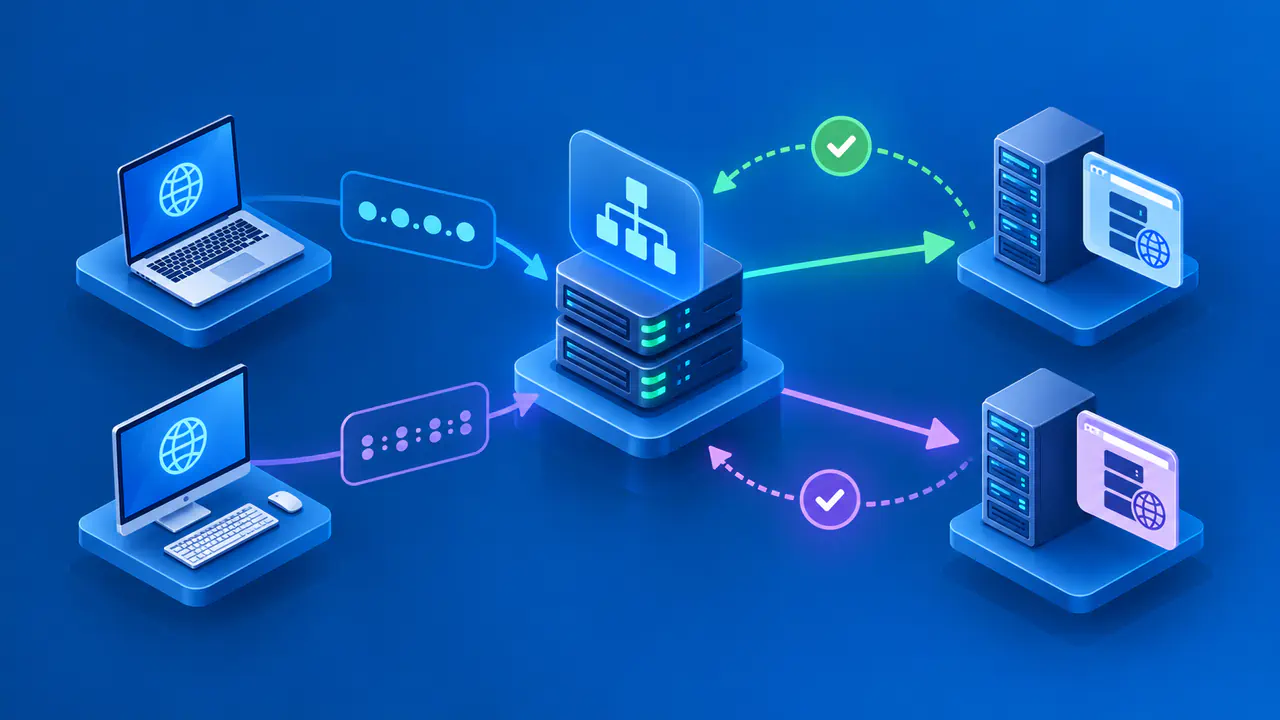
Incoming connections need a listening application, a forwarding rule to the correct device, and firewall rules that allow the connection. Opening a firewall rule does not start the application. Likewise, starting the application does not create a router forwarding rule. The result checklist helps separate these conditions without changing any of them for you.
Carrier-grade NAT can prevent ordinary router forwarding from providing incoming access. With a public IPv6 destination, check the IPv6 firewall rules on the device and gateway. Do not disable the firewall as a general troubleshooting step; limit any permitted access to the service and connections that actually need it.
Reading the Test Summary
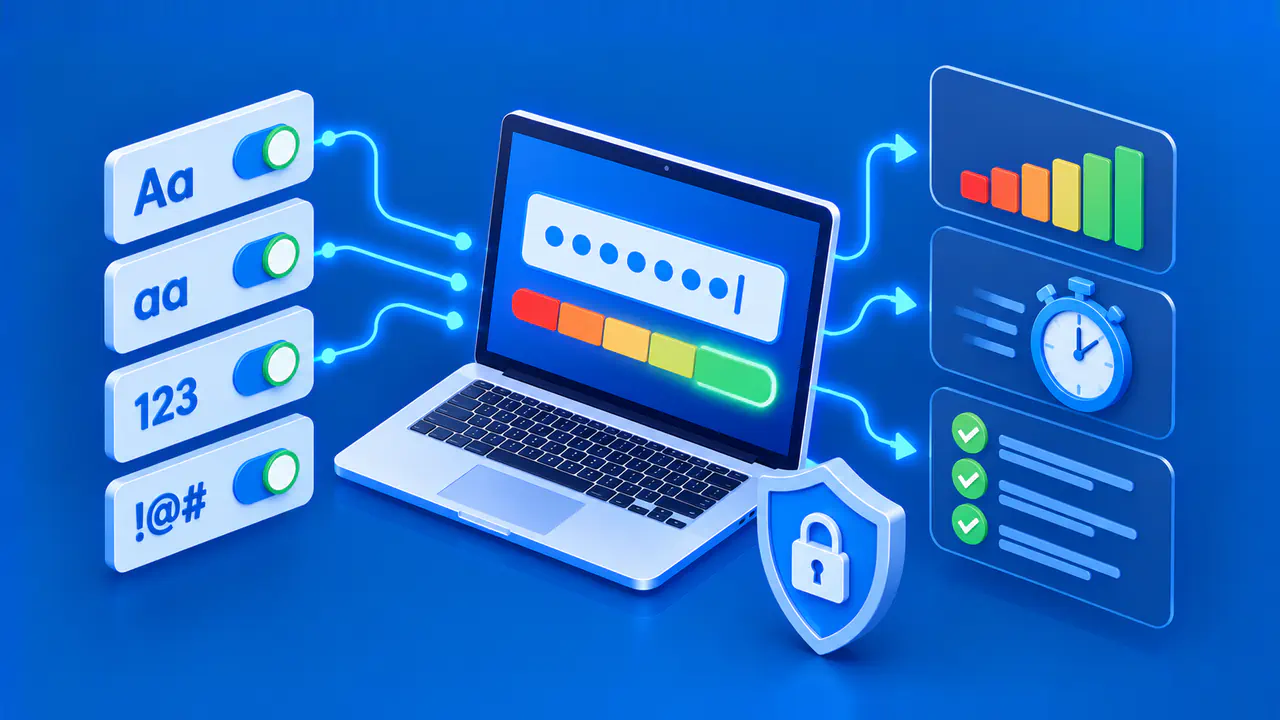
The summary includes the normalized target, tested IP address, port, status, duration, and test time. The IANA service name, when available, describes the port registration. It does not identify the software reached by the connection attempt. Service Record opens the corresponding port registry lookup for that number and TCP.
Copy Details preserves the displayed measurement information for comparison. New Check returns to the form so you can replace the target or port. If a service, route, or firewall rule changes after the test, run another check rather than assuming the earlier result still applies.
Private, local, and reserved destinations are blocked for security reasons. A domain that resolves to one of those addresses is also rejected. This public connection test is not a way to inspect devices on your private LAN.
When a Check Cannot Run
An invalid input, a busy measurement service, a temporary technical problem, or a request limit can prevent a test from starting. Read the message before retrying. If a wait time is displayed, allow that time to pass.