How to Choose vCPUs, RAM, and Storage for a VPS

Choose VPS capacity from the work your application actually performs, not a fixed rule such as a certain amount of RAM per visitor. A virtual server needs enough CPU time, memory, storage capacity, storage speed, and network throughput for both ordinary traffic and expected peaks. The limiting resource can differ between applications that receive the same number of requests.
Start with measurements from an existing system or a representative test. If the service is new, choose a modest configuration that supports monitoring and a documented upgrade path. Then validate the decision under realistic use instead of treating an advertised vCPU or disk size as a performance guarantee.
Measure the Bottleneck
Collect CPU usage, memory consumption, disk space, disk activity, network traffic, and application response times together. A high CPU graph is more meaningful when it coincides with slow requests. Rising memory use followed by swapping or process termination suggests a different problem. A disk with free space can still be too slow for a database that performs many reads and writes.
Observe normal periods and busy periods. Record request rate, background jobs, cache behavior, database activity, and the time each component spends waiting. A batch import or scheduled backup may create peaks that ordinary browsing does not. Where possible, use a controlled load test based on plausible requests and data. A test with a smaller database or fewer simultaneous requests cannot establish how the service will perform at its intended peak.
Look for bottlenecks before adding every resource. If an inefficient query saturates storage I/O, the reading and writing of data, more vCPUs may not fix it. If a process runs out of memory, faster CPU alone will not solve that failure. Application changes, caching, and database tuning may reduce demand, but sizing should be based on observed behavior after those changes as well.
Compare Shared and Dedicated CPU
A vCPU is a virtual processor assigned to the server. The count does not tell you the processor generation, scheduling policy, or sustained access. Some VPS plans share underlying CPU time among virtual machines, making them suitable for bursty workloads that can tolerate variation. Others assign dedicated CPU access under plan-specific terms for steadier demand.
Do not compare two providers by vCPU number alone. Examine whether CPU is shared or dedicated, what sustained-use limits apply, and what measurements the provider exposes. Two vCPUs on different products can behave differently. For a CPU-bound service, test the actual workload, including peak periods, before deciding that a larger count or a dedicated CPU tier is necessary.
Low CPU usage does not rule out a capacity problem. A web application may have spare processor capacity while requests wait for database access or an external service. Monitor response times and the rate at which requests complete alongside processor use. If only a background job is slow, a separate worker or schedule change may be more appropriate than resizing the entire web server.
Size Memory and Storage I/O
RAM holds the operating system, web processes, application runtime, caches, and possibly a database. Estimate each component's active memory needs and allow room for concurrent requests and maintenance tasks. Watch for memory pressure, swap activity, out-of-memory terminations, and restart patterns. On Linux, file cache can be reclaimed to make RAM available, while severe memory shortages may cause the kernel to terminate a process.
Disk planning has two dimensions: capacity and performance. Count the operating system, deployed code, database, uploads, logs, temporary files, and growth. Leave space for updates and operations that briefly create extra files. Then examine how long reads and writes take. A database with frequent writes may need more consistent storage performance even if its total size is small. An SSD label does not specify the throughput or latency a virtual server will receive.
Backups are part of the data plan. Identify where copies are stored and whether a restore can be completed within the required time. A disk image does not prove that the database can be restored into a working service, and extra storage is not itself a backup. Before resizing a disk, check whether the provider permits later shrinkage. Some products allow disk expansion but not reduction, making a storage increase harder to reverse than a CPU or memory change.
Check Network Capacity
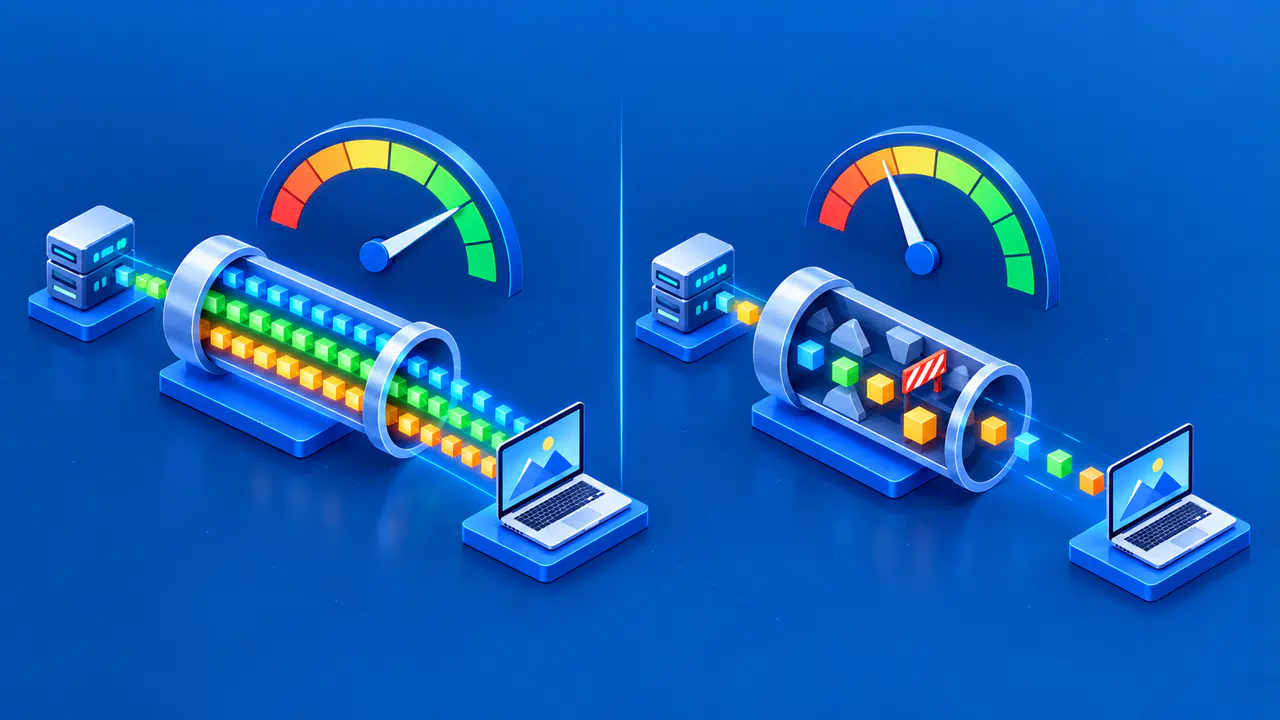
Network limits matter for large downloads, media, backups, and traffic bursts. Review throughput, the rate of data transfer, separately from the plan's total transfer allowance. A site can have sufficient CPU and RAM yet still respond slowly when network or upstream services are constrained. Measure transfer volume and connection behavior rather than inferring network needs from visitor count alone.
Leave Headroom and Plan Scaling
Choose a plan that handles measured normal load with room for known peaks, updates, and background work. This spare capacity is called headroom. The amount needed depends on the cost of a slowdown, how quickly the plan can be changed, and how predictable demand is. Monitor the limiting resource and set alerts before it reaches a failure point. An oversized plan can hide a problem temporarily without fixing its cause.
Read the provider's resize rules before committing. Determine whether changing CPU or RAM requires a reboot, whether storage can be reduced later, and whether the plan family can be switched. Maintain a current backup and a tested restore path before altering persistent storage. For a risky change, consider building a replacement instance from a known deployment and migrating traffic after validation.
Retest after Every Change
Change one capacity dimension at a time when practical, then repeat the same workload and compare response time, throughput, error rate, and resource graphs. If the bottleneck moves from CPU to disk or database access, the next action should follow that evidence. Monitor costs and operational complexity as well as speed.
Record the prior configuration and keep a rollback or replacement plan until the new configuration has proved stable. After resizing, check that the operating system sees the intended resources and that the application can read and write its data. Test the site's important functions, such as signing in or submitting an order, if it provides those functions. If the provider does not support reversing a disk expansion, plan recovery through backups or migration rather than assuming a simple downgrade button.
Keep the test conditions with each result: the application version, database size, request rate, test duration, and whether caches were already populated. If several of these change between runs, a faster response alone does not show which change helped. Record those differences before choosing another upgrade.