How to Choose a VPN for Your Needs
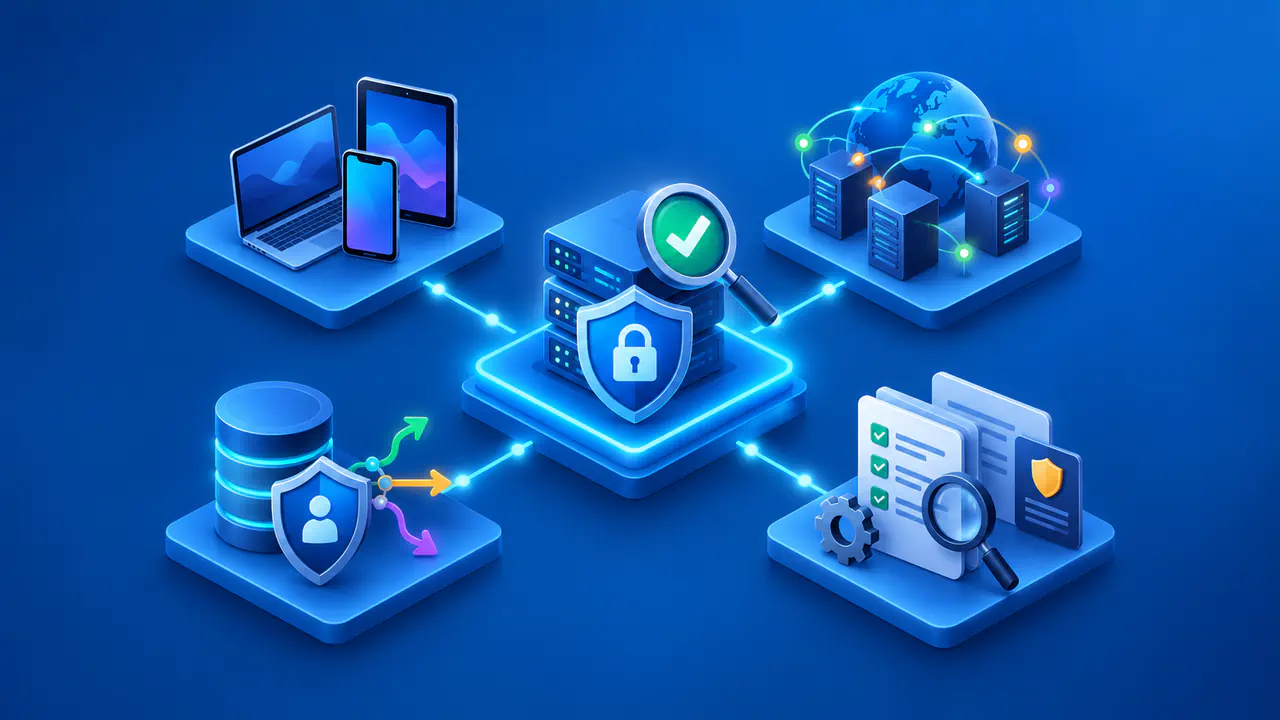
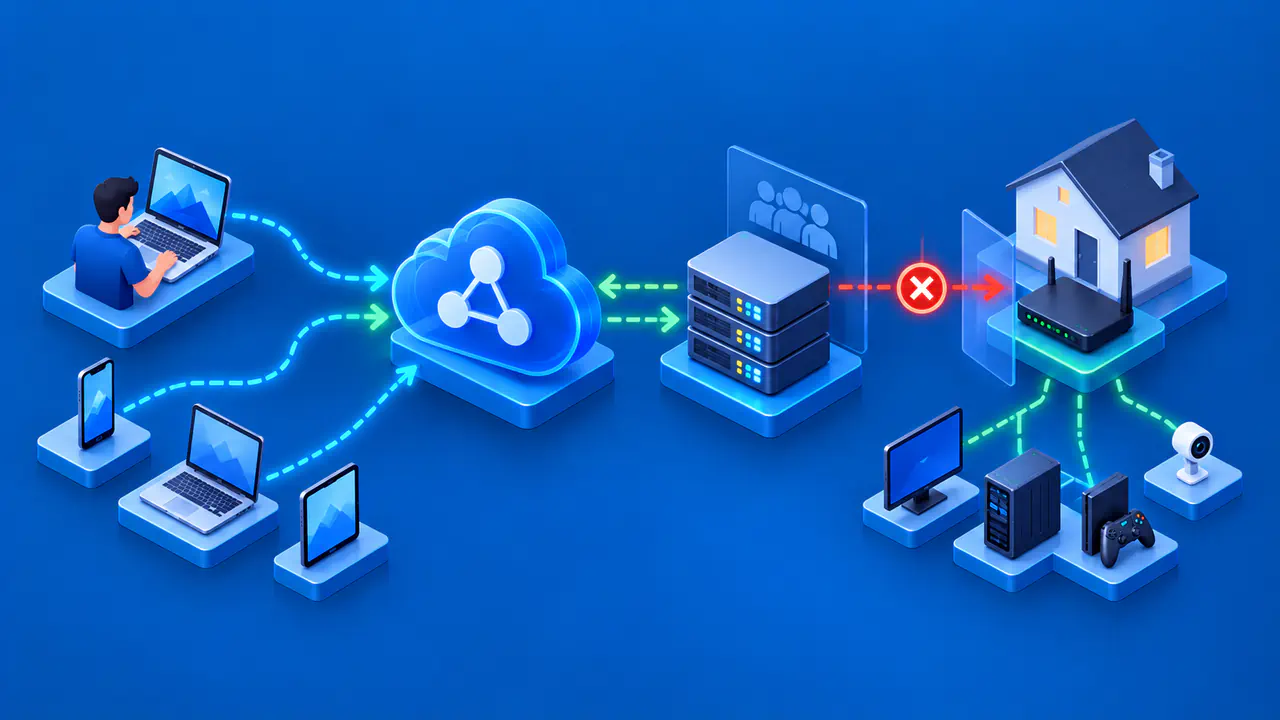
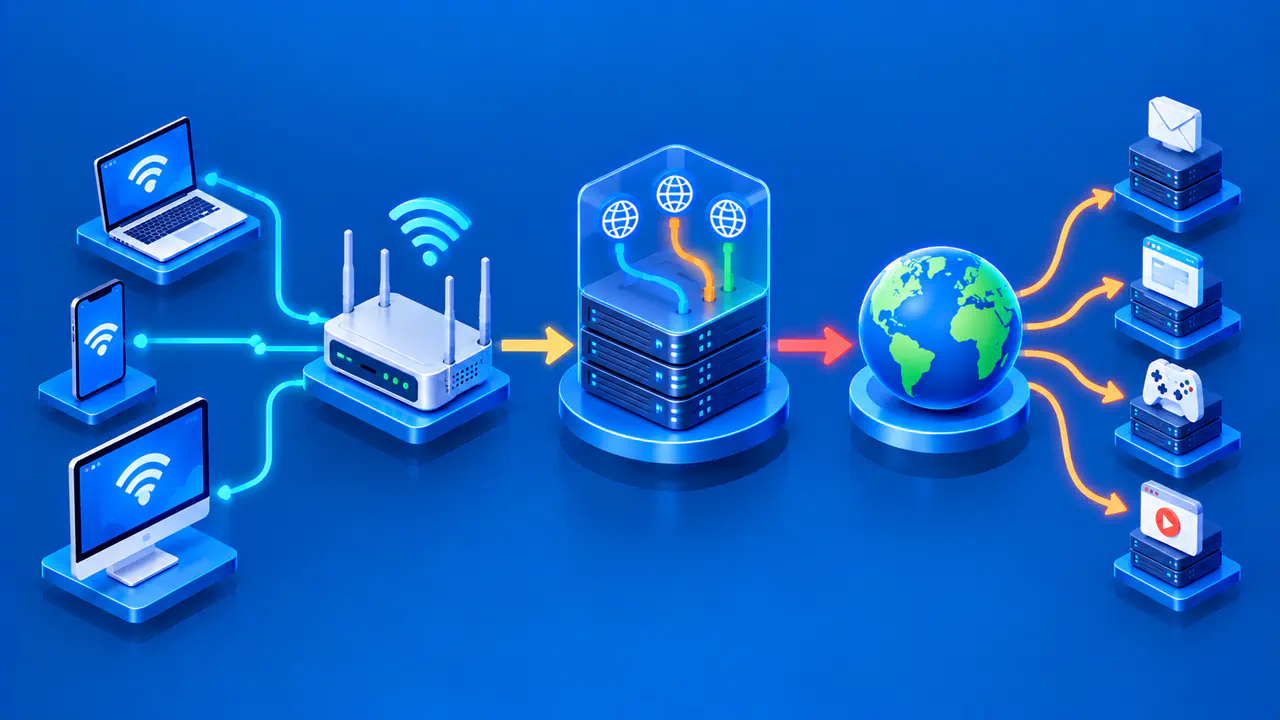
A virtual private network, or VPN, can route your device's internet traffic through a remote server, but the right choice depends on what you need the connection to do. Accessing an employer's network, hiding browsing destinations from a local WiFi operator, and using a different public IP address serve different purposes. Decide which of those goals matters to you before comparing services.
For everyday browsing at home, HTTPS already encrypts the data sent between your browser and a website, even without a VPN. Whether you also need a VPN depends on what you want to hide from your internet service provider or the operator of the network you use.
Privacy and Access Needs
Your internet service provider, or ISP, may learn which sites you contact from information such as destination IP addresses and unencrypted domain lookups. A VPN can keep the ISP from directly seeing the destination IP addresses of traffic routed through its encrypted tunnel, although the ISP can still see the connection to the VPN server. The VPN operator then handles that traffic and can see destination information, so the choice also depends on whether you trust that company.
A VPN may be useful on public WiFi when you want to limit what the local network operator sees. If an app sends unencrypted data, however, the VPN protects that data only between your device and the VPN server. The VPN does not add encryption between its server and the destination. HTTPS protects browser communication beyond that server, but even an HTTPS site can be fraudulent. An encrypted connection does not guarantee that a website will handle your information honestly.
For access to a private work network, use the connection approved by the organization that runs it. Buying a consumer VPN subscription does not provide the credentials or configuration for that access. If your concern is a website linking activity to your account, a VPN does not solve that problem either: signing in identifies the account regardless of the exit IP. Browser and account privacy settings address different parts of that tracking.
Device and Router Support
List the phones, computers, tablets, and other devices you want to connect through the VPN, along with their operating systems. Check the VPN provider's current support pages for each model or platform and operating system version. An app being available does not mean it offers the same settings everywhere. If several devices need to connect at once, confirm the connection limit for the plan you are considering.
For a TV or another device without a suitable app, a compatible router may provide the connection. Check the exact router model and whether it can act as a client for a protocol the VPN service supports. A setup guide for a different model is not enough. The VPN settings available on a router may differ from those in the VPN service's phone and desktop apps, so check that the router supports the features you need.
Routing and Protocol Options
A full-tunnel setup normally sends internet traffic through the VPN by default. Split tunneling lets some traffic take the ordinary connection instead, with selection by app or destination depending on the product. Check whether you can include only selected apps, exclude selected apps, or both. A VPN browser extension may route only that browser's traffic, leaving email software, games, and other apps outside the VPN connection.
Also check whether the VPN lets you reach devices on your local network. If you print to a home printer or use a local media server, look for the VPN's local-network settings and any restrictions when other protections are enabled. Excluding an app and allowing access to your local network are related routing choices, but they are not interchangeable settings. Review the documentation for the combination you intend to use.
VPN protocols define how the client and server establish and protect their connection. WireGuard and OpenVPN are common options, though a VPN service may offer different choices on different platforms. A familiar protocol name does not establish the quality of the app or the provider's data practices. If a network blocks your chosen method, another supported protocol may work, but no option guarantees access through every restriction.
IPv6, DNS, and Lost Connections
A kill switch is intended to block traffic that would otherwise continue outside the VPN after a disconnection. Its scope depends on the app, operating system, and settings. In some products, an accidental connection failure and a deliberate disconnect have different results. If traffic must stay inside the tunnel, check how the app behaves in both situations and whether split tunneling changes that behavior.
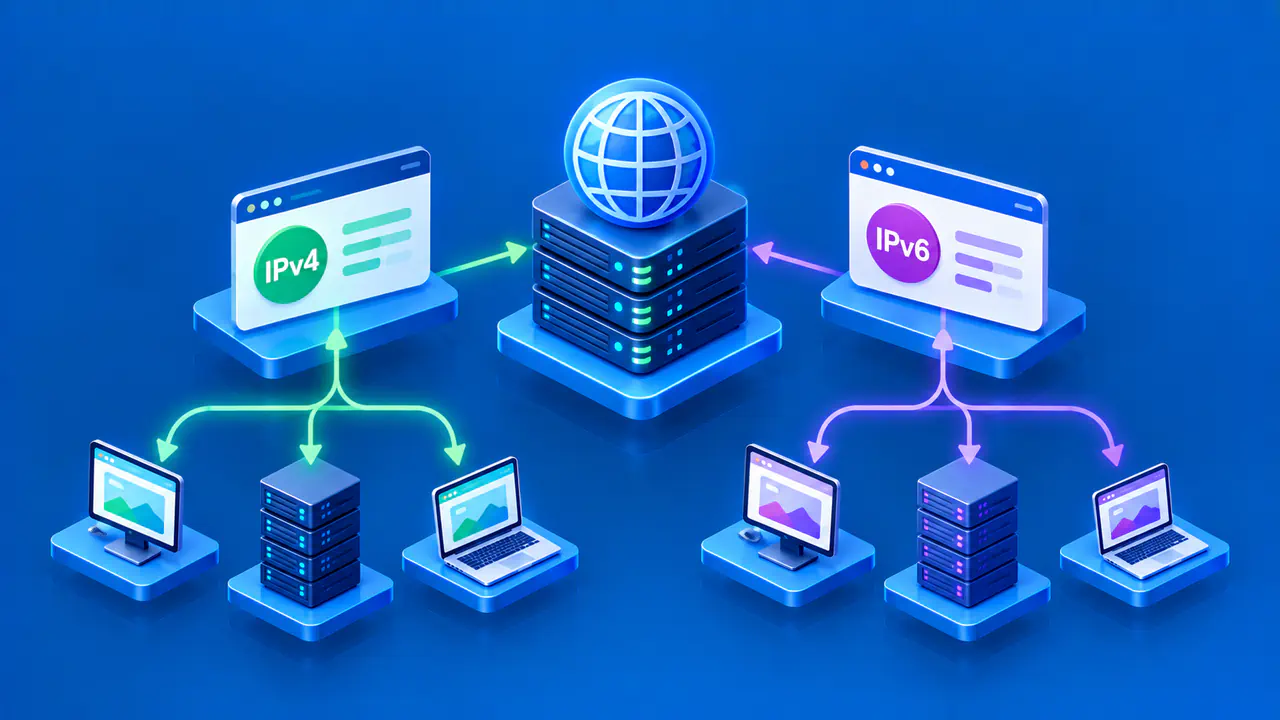
Read how the app handles IPv6, the newer version of the Internet Protocol, and the DNS lookups that translate website names into IP addresses. Some VPNs send IPv6 traffic through the tunnel, while others block IPv6 traffic to prevent connections from bypassing the VPN. Check for documented exceptions on your platform. An app's connected indicator does not show whether IPv6 traffic and DNS requests use the tunnel; check the service's guidance for verifying their routes after setup.
Company Ownership and Data Practices
Identify the company operating the VPN and read its privacy policy to see which connection records and account details it collects, keeps, and shares. A general claim of "no logs" is not enough to answer those questions. The company should also explain how it funds the service, whether through subscriptions, paid upgrades, or another source.
Independent audit reports can help, provided you check what was examined and when. A security audit of an app does not necessarily examine the VPN servers or how the company handles customer data. Read the findings and any reported fixes, as well as the scope statement. An audit reflects the systems and practices examined at a particular time; it does not guarantee how the company will operate in the future.
Try the Service before Committing
Confirm that the plan offers the locations you need and that the relevant websites or applications accept its connections. A server in a particular country does not guarantee access to a video catalog, game, or banking service. Check the destination service's terms as well as the VPN's. A large server count tells you little about whether the VPN will work with the apps you use.
If a trial or short subscription is available, use it on the devices and networks that matter to you. Try ordinary tasks such as a video call or a download, and compare the experience with and without the VPN under similar conditions. Repeat at the times you normally use the connection. Advertised speeds and tests run on other networks may not reflect the performance you get on your connection.
Before paying, check the total charge, billing period, renewal price, and cancellation process. Read any refund conditions before treating a trial or money-back offer as risk-free. A free plan may omit locations or controls included in a paid plan, so compare the plan you would actually use. If an essential feature is unclear, ask support a specific question about your device and setup before committing.