How to Find Your IP Address on Linux
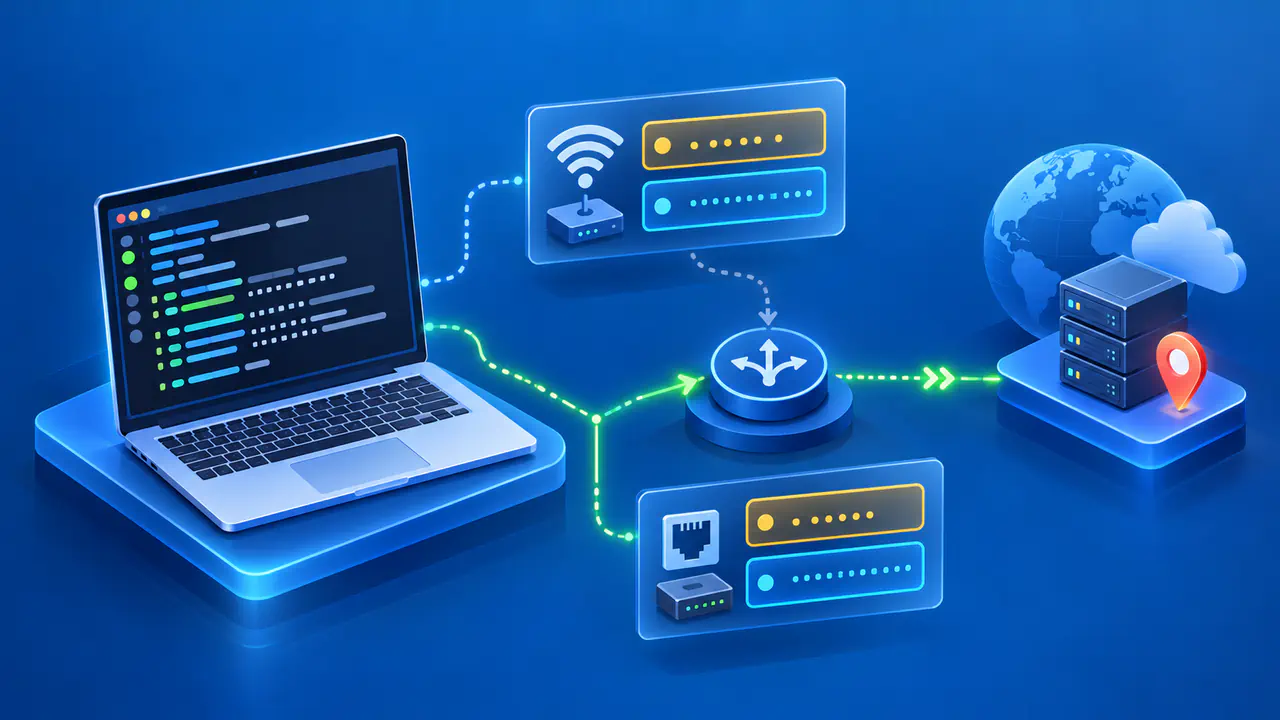
On Linux, open a terminal and run ip addr to list the addresses assigned to network interfaces. The output groups addresses by interface and labels IPv4 lines with inet and IPv6 lines with inet6. Read the interface name along with the address so you can tell a Wi-Fi or Ethernet connection from a VPN tunnel or virtual network.
The command shows configuration on the Linux machine, rather than asking a website which address it sees. An address assigned to an interface can differ from the public address used after network address translation. Decide whether you need the machine's address on a particular network or the source address observed by an internet service.
List the Addresses on Your Interfaces
Run ip addr or the full command ip address show. Both display the current address configuration without changing it. An interface can retain a configured address while disconnected, so finding a value does not by itself confirm a working connection. The output can be long when the machine runs virtual machines, containers, or VPN software.
Each section starts with an interface number, a name, and status information. Names such as enp2s0 or wlp3s0 may identify Ethernet or Wi-Fi connections, but the names vary with the system. Beneath that heading, read the entries beginning with inet or inet6 rather than treating every number in the section as an IP address.
For example, the output fragment inet 192.168.1.25/24 contains the IPv4 address 192.168.1.25 and a prefix length of 24 bits. The prefix describes the network portion of the address. If a support form asks only for the IP address, copy 192.168.1.25 without the slash suffix; include the prefix separately when the form requests it.
The interface named lo is loopback and commonly lists 127.0.0.1 and ::1. Those addresses let software communicate within the same machine. Copying a loopback address will not tell another device how to reach your Linux computer over Wi-Fi or Ethernet.
Identify the Interface Used for a Destination
An Ethernet interface and a Wi-Fi interface can both be enabled. An UP flag means the interface is administratively enabled, but it does not prove that a cable is connected or that a particular application uses that interface. Even an operational connection is not necessarily the route to every destination.
To reduce the list, ip address show up displays addresses on active interfaces. Loopback and virtual interfaces can still appear. After identifying the interface you need, use a command such as ip addr show dev enp2s0, replacing enp2s0 with the actual name on your machine.
For a particular destination, use ip route get followed by the destination's IP address. For example, ip route get 192.0.2.1 illustrates the syntax with an address reserved for documentation; replace that address with the destination you want to check. The lookup asks the kernel for a route without sending a packet to the destination.
In the result, dev identifies the outgoing interface and src identifies the selected source address. If a via value appears, it identifies the next-hop router, rather than your computer's address. The result applies to that lookup: policy routing or an application's chosen source address can affect an actual connection. It is not a test of whether the remote service is reachable.
Read IPv4, IPv6, and Scope
A private IPv4 address can belong to any of three ranges: 10.0.0.0–10.255.255.255, 172.16.0.0–172.31.255.255, or 192.168.0.0–192.168.255.255. Separate networks can reuse these addresses. On a typical home IPv4 network, a router translates the computer's private source address to a public address for internet traffic.
An IPv6 entry uses hexadecimal digits and colons. A link-local address beginning with fe80: is limited to the local link, so it is not an address for reaching the machine across the internet. An interface can also have other IPv6 addresses, including temporary addresses. Several inet6 entries under one interface are therefore not automatically an error.
The scope label in the command output must be interpreted separately from whether the address is public. A private IPv4 address can appear with scope global. That label does not override the address's private range or prove that an outside connection can reach the machine.
Keep IPv4 and IPv6 results separate when comparing readings. A website may receive an IPv6 request even though you copied an IPv4 address from the terminal. A difference between those two values does not establish that one address changed or that the command gave an incorrect result.
Distinguish VPN and Container Addresses
VPN software may add a tunnel interface or change routing while the physical connection remains enabled. A container setup can add bridges and virtual interfaces to the host. Names containing tun, wg, or veth can offer clues, but the name alone does not establish the interface's purpose.
Where you run the command also matters. A container with its own network namespace has a separate view of interfaces and routes, so its output need not match the host's output. To inspect the host's address, run the command in a terminal on the host rather than assuming a container's shell shows the same configuration.
To find the public address seen by a website, use an IP lookup from the connection you intend to inspect. Address translation at a router or internet provider, or a VPN or proxy used for the request, can affect the result. The website's observation describes that request; it does not replace the list of addresses assigned to the Linux interfaces.
When sharing a result for support, include the relevant interface name and whether the address is IPv4 or IPv6. State whether the value came from the terminal or a web lookup, and omit unrelated device details. After switching connections, take a fresh reading so the report does not mix current and earlier values.