How to Fix Cloudflare Error 522
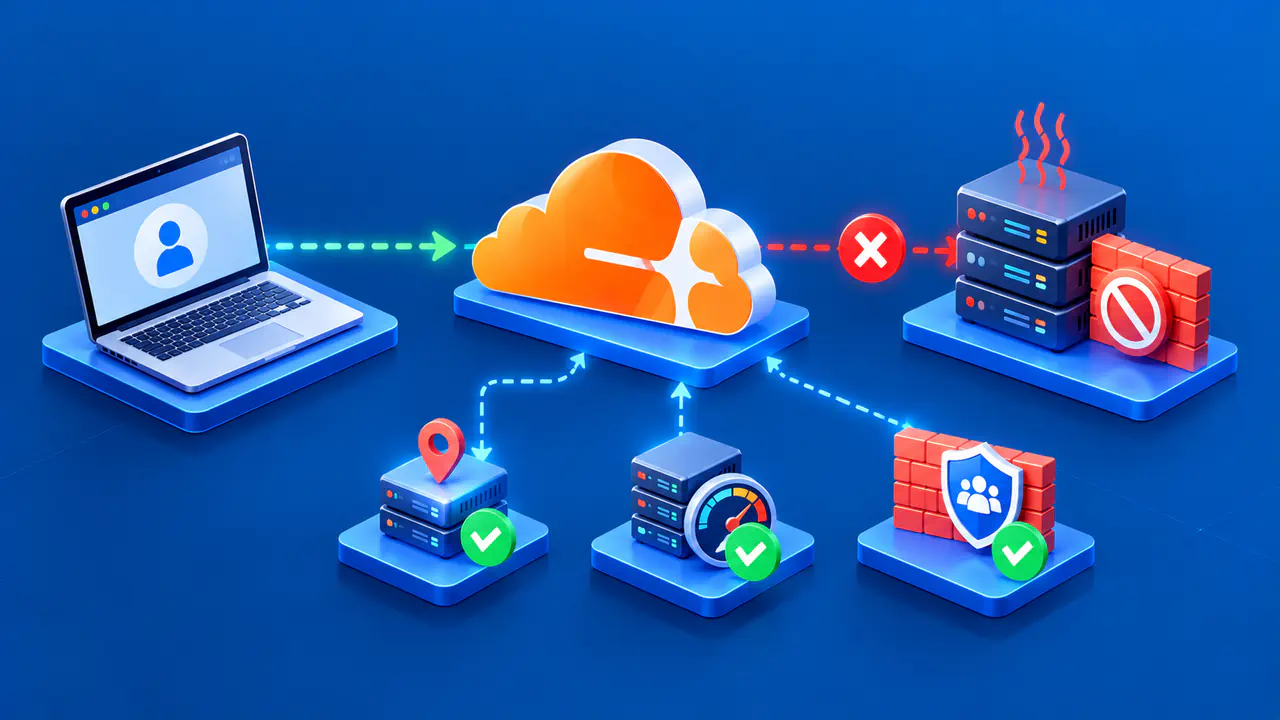
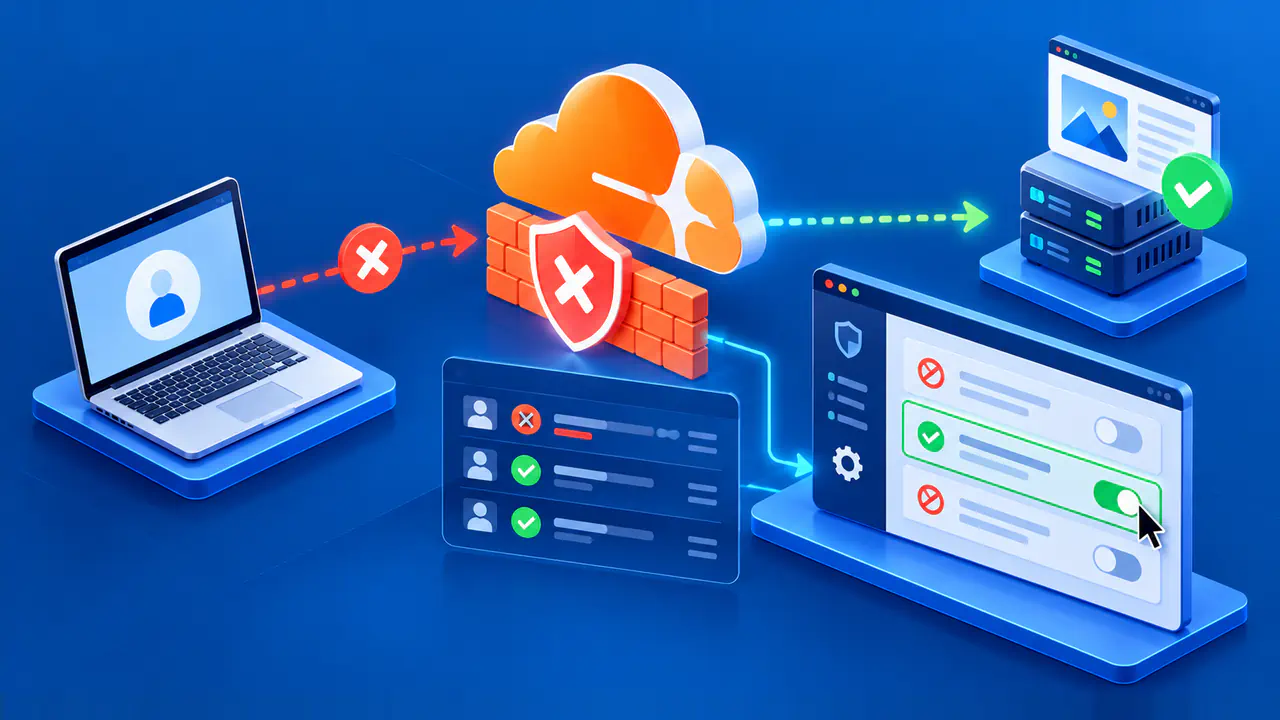
Cloudflare Error 522 means Cloudflare timed out while contacting the origin server. It points to the connection between Cloudflare and the site owner's infrastructure, rather than to a visitor's browser setting. The owner needs to verify the selected origin address, whether the server accepts connections, and whether a network or security device is dropping Cloudflare traffic.
Record the failing URL, hostname, error code, and the time with its time zone before changing anything. Details of the affected page and when it fails help the owner compare the error with server and firewall logs. If you are only a visitor, send those details to the site owner; the origin and firewall checks below require operator access.
Identify the Connection Timeout
Error 522 can occur at either of two TCP stages. During connection setup, Cloudflare sends a SYN packet and allows 19 seconds for the origin's SYN+ACK reply. After the connection is established, the origin must acknowledge the request data within 90 seconds. This TCP acknowledgment confirms receipt of data; it is separate from the application producing an HTTP response.
That is different from Error 524, in which Cloudflare has connected and is waiting too long for an HTTP response or to finish writing request data. A server can be busy in either case, but the point where the exchange stalls changes the evidence to collect. Investigate the origin listener and packet path for 522 before treating it as a slow application response.
Verify the Origin Address and Listener
Compare the origin IP address stored in the affected Cloudflare DNS record with the address currently assigned by the hosting provider. Check A and AAAA records when both are present, and account for a load balancer or origin rule that selects another destination. An old address after a migration may send Cloudflare to the wrong service. Do not infer the origin address solely from a public lookup of a proxied hostname, which normally returns Cloudflare addresses.
Confirm that the intended origin endpoint is online and listening on the configured HTTP or HTTPS port. Review the load balancer health state, web server service state, and interface binding for the correct address family. An application dashboard that says “running” does not show whether the intended external listener is accepting Cloudflare connections.
If some paths fail and others work, check whether a rule or load balancer directs those paths to different backends. Keep the test tied to the actual hostname and port that Cloudflare uses. A direct test from inside the hosting network can show that the application responds there, but it does not confirm that Cloudflare can reach the site's public endpoint.
Check Server Load and Firewall Rules
Inspect CPU and memory use, the number of open connections, connections waiting to be accepted, and service restarts around the failure. An overloaded or offline origin can drop incoming connection attempts or fail to acknowledge requests promptly. Compare the failing interval with a normal period, and review logs for resource exhaustion or connection-limit warnings rather than assuming that every timeout comes from a firewall.
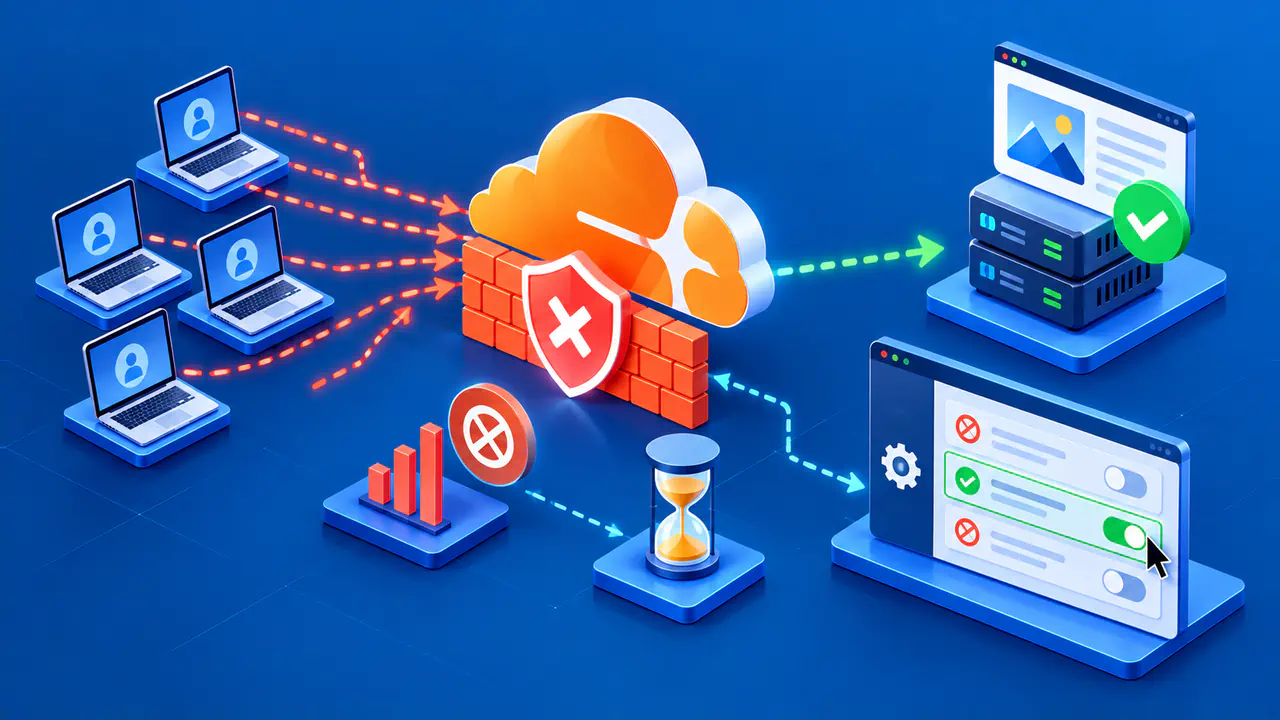
Next inspect firewalls, security plugins, provider filters, and rate limits on the path to the origin. Origin-side controls can mistakenly block Cloudflare's source IP ranges because requests from many visitors arrive through those shared addresses. Verify that current Cloudflare ranges are permitted to reach the intended service ports, including IPv6 where used, while preserving the existing restriction on unrelated sources. Coordinate with the provider if it manages the network filter.
Avoid disabling the firewall or allowing all internet traffic as a diagnostic shortcut. Such a change can expose an origin that was intentionally protected behind Cloudflare. A narrowly scoped rule correction supported by logs is safer and easier to verify. If an origin-side protection product has dynamically blocked Cloudflare addresses, correct the triggering policy as well as clearing the unintended block.
Check that the origin web server permits HTTP keep-alive connections. These connections let Cloudflare reuse an existing TCP connection for later requests, reducing the need to open new connections. Review connection reuse and the server's connection limits together, especially if timeouts coincide with a surge in new connections.
Compare Logs and Network Traces
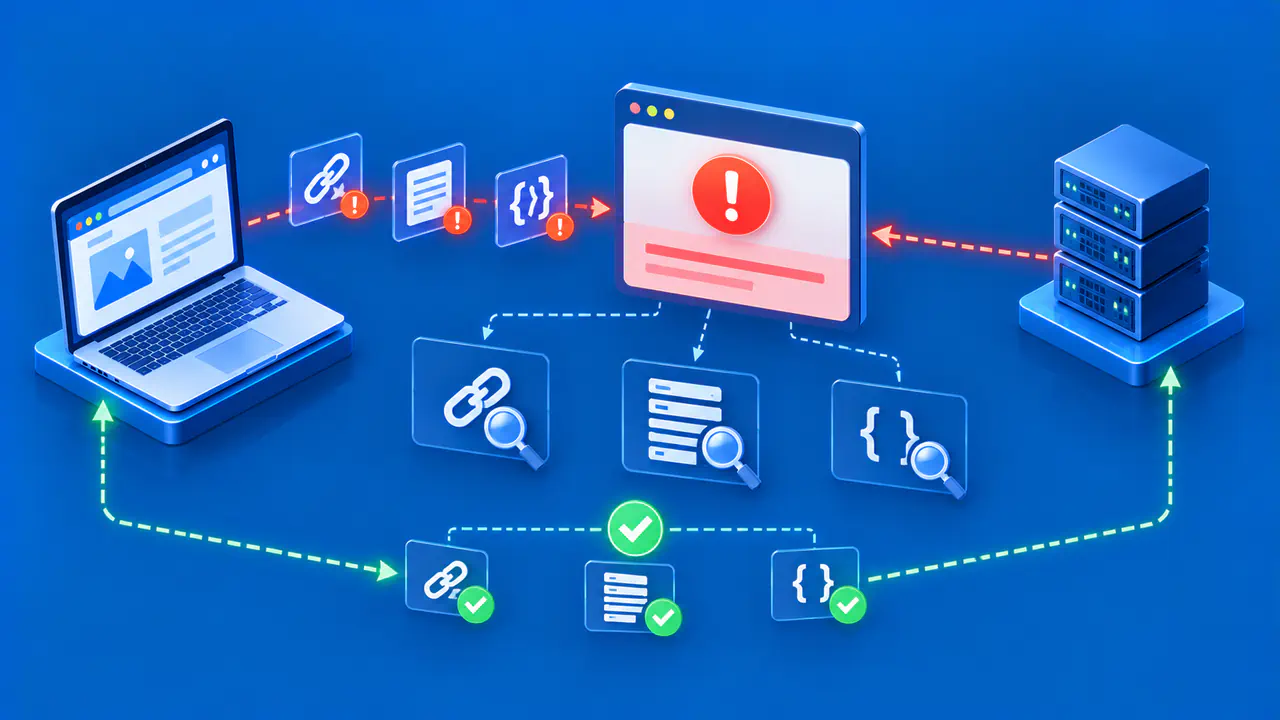
Look at the load balancer, firewall, and web server records for the exact failure time. If Cloudflare's connection attempt never reaches the host, evidence may be at an upstream device rather than in the application log. If a connection arrives but is dropped or sits in a backlog, inspect that stage. In the site's Cloudflare dashboard, open Speed > Origin Analytics and examine the TCP failure rate in Top endpoints. A concentration on one path can help identify which backend or rule to investigate.
Where authorized, ask the network operator to capture traffic to the relevant origin port for a limited time. For a failure during connection setup, check whether SYN packets arrive, whether the origin replies, and whether the reply can return through the network. For an established connection, check whether the request data reaches the origin and is acknowledged. Redact client and origin details before sharing traces outside the operating team. A ping that gets no reply or one unanswered traceroute hop does not by itself prove that the HTTP path is broken.
If local evidence does not explain the timeout, give the hosting provider the exact URL, time and time zone, affected address family, and what the connection tests showed. Ask the operator for an MTR or traceroute from the origin to a Cloudflare source address that commonly connected before the failure, using the origin logs to identify that address. Let the provider correlate that trace with its routing and filtering data rather than guessing at a network change.
Make One Correction and Retest
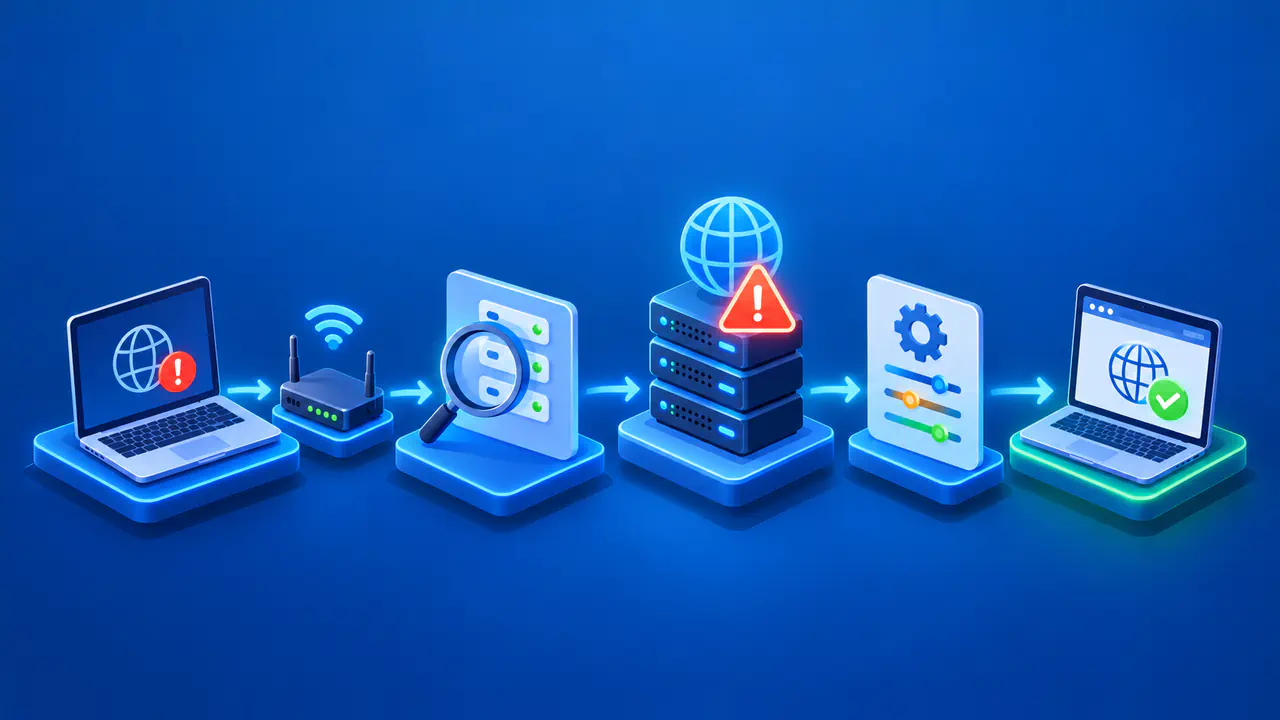
Correct the confirmed defect: an obsolete DNS origin address, an unavailable listener, exhausted server capacity, or a rule that unintentionally blocks Cloudflare traffic. Make one scoped change at a time, with a way to return to the earlier configuration if it has an unexpected effect. Avoid unrelated TLS or application changes when the evidence points to a connection timeout.
Retest the affected hostname through Cloudflare, not only by connecting directly to the origin. Check that the same URL now returns the expected site response and that connection-error counts fall during normal traffic. If 522 returns, use the new timestamp and packet or log evidence to locate the next failing stage. Use the available origin logs to confirm that the test reached the origin; receiving a cached page alone does not prove that a new origin connection succeeded.