How to Fix Cloudflare Error 523

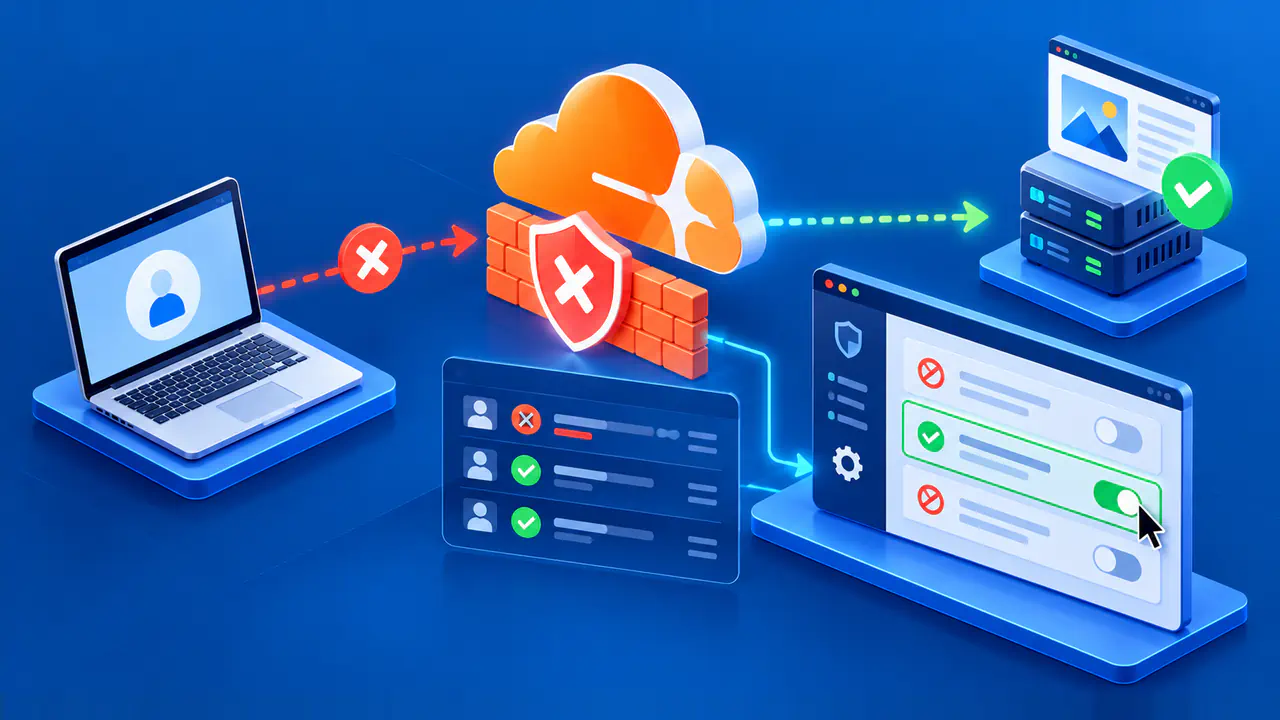
Cloudflare Error 523 means Cloudflare cannot reach the origin server for a proxied request. The origin is the server hosting the website behind Cloudflare. Start by confirming its configured address, then check the network route to that address. A running web application alone does not establish that Cloudflare can reach it.
Work from the exact hostname and the time of the failed request. Record the URL, the error code, and the time with its time zone before changing DNS or network settings. If the site has several hostnames, addresses, or origins, identifying the affected request prevents a correction to the wrong service.
Confirm the Origin Address in Cloudflare DNS
Open the Cloudflare DNS record used by the failing hostname and compare its origin address with the current address assigned by the hosting provider. Check both A and AAAA records where both address families are configured. An old address left behind after a server move can send Cloudflare toward a machine that no longer hosts the site, while a typo can point it at an unrelated destination.
Use the provider's current server or load balancer details as the reference, rather than assuming that a public DNS lookup reveals the origin address. A proxied hostname normally resolves to Cloudflare addresses for visitors. Check the destination stored in the DNS record, including a CNAME target if the record points to another hostname. If an Origin Rule overrides that destination, check the override selected for the failing request as well.
If a hostname is served through a load balancer or a separate origin service, confirm the address of that actual entry point. Do not replace it with the private address of an application node merely because the node responds inside the provider's network. Note any recent migration, reassignment, or failover that could explain why the recorded address and the active destination differ.
Distinguish a Routing Problem from an Application Failure
After confirming the configured address, ask whether traffic can reach that address through the expected public network path. Error 523 points to origin reachability, so an application log with no matching request is consistent with a failure earlier on the route. An HTTP error generated by the application means the request reached a responding service. An absent log entry alone does not identify which network component failed.
Review the provider's network status and the origin's interface, gateway, and route settings for the affected address family. Confirm that the public address is still assigned to the intended service and that the host or load balancer has a usable return path. A successful test from a workstation or another server in the same data center is useful context, but it does not prove that Cloudflare's path to the origin is working.
Check changes near the first reported failure: a server relocation, a new gateway, a route-table update, or a change in upstream connectivity. Correlate those changes with the request time instead of making broad configuration changes. If the origin responds to an external test, record the source network and time. That response proves that the test reached a service, but it does not show that Cloudflare used the same working path.
Inspect Provider and Gateway Routes
A valid origin address can still be unreachable when a router between Cloudflare and the origin has no suitable route. Ask the hosting or network provider to check the path for the exact destination address and the time of failure. Include whether the issue affects IPv4, IPv6, or both, if that is known. The provider may see an upstream route problem that is not visible in web server logs.
Also inspect any route table that you control. A route that matches a large address range can accidentally capture traffic that should use the normal internet gateway. In a cloud network, the presence of a default route alone does not guarantee that a more specific or overlapping route sends packets the right way. Review the matching destination range and next hop before changing the route.
For example, an AWS VPC route for 172.0.0.0/8 can send traffic destined for Cloudflare's public 172.64.0.0/13 range toward a private network. A VPC is a virtual network whose route table determines where outgoing packets go. If that broad route takes precedence over the internet route, it can break the return path to Cloudflare. Have the network operator correct the matching route for the actual topology.
Gather a Timestamped Route Trace
If the address is correct and the route problem remains unclear, collect a route trace for the provider. Run MTR or traceroute from the origin toward the Cloudflare IP address that most often connected before the failure, using earlier origin logs to identify it. These tools show the responding network hops between the two endpoints. That direction matters because a trace from a random visitor connection may follow a different path and answer a different question.
Record the command time and time zone, the origin address family, and the destination used. Capture enough output to show where the path stops or changes, then share it with the operator responsible for that network. A silent hop is not, by itself, proof that the hop is broken: routers can decline to answer trace probes while still forwarding traffic. The pattern across the trace and the provider's routing data carry more weight than one missing reply.
Use the connecting Cloudflare address for the trace, not a restored visitor address recorded by a proxy-aware log format. If the origin is managed by a host, ask that team to gather the trace instead of guessing at its network setup. Keep the original error details alongside the trace so the provider can correlate the evidence with its route records.
Correct the Address or Route and Verify
Make the smallest correction supported by the evidence. Update an outdated origin address in the affected DNS record, or have the network operator repair the failing route or gateway. Keep unrelated proxy, security, and application settings as they are. Changing several layers at once makes it difficult to tell which change restored reachability and may create a new exposure.
Then repeat the request through the proxied hostname and check the same type of URL that failed. Confirm that the error page is gone and that the expected site response appears, not merely that a direct origin test succeeds. If the issue was intermittent, check requests over an appropriate period and compare their timestamps with network changes. Preserve the original and post-change observations for the provider if failures continue.
If the configured address and network path appear correct but 523 persists, give the hosting provider the exact code, URL, timestamp with time zone, relevant address family, and route trace. This focused record makes it possible to investigate the path without treating a routing failure as a general application outage.