Shared Hosting vs VPS vs Cloud Hosting
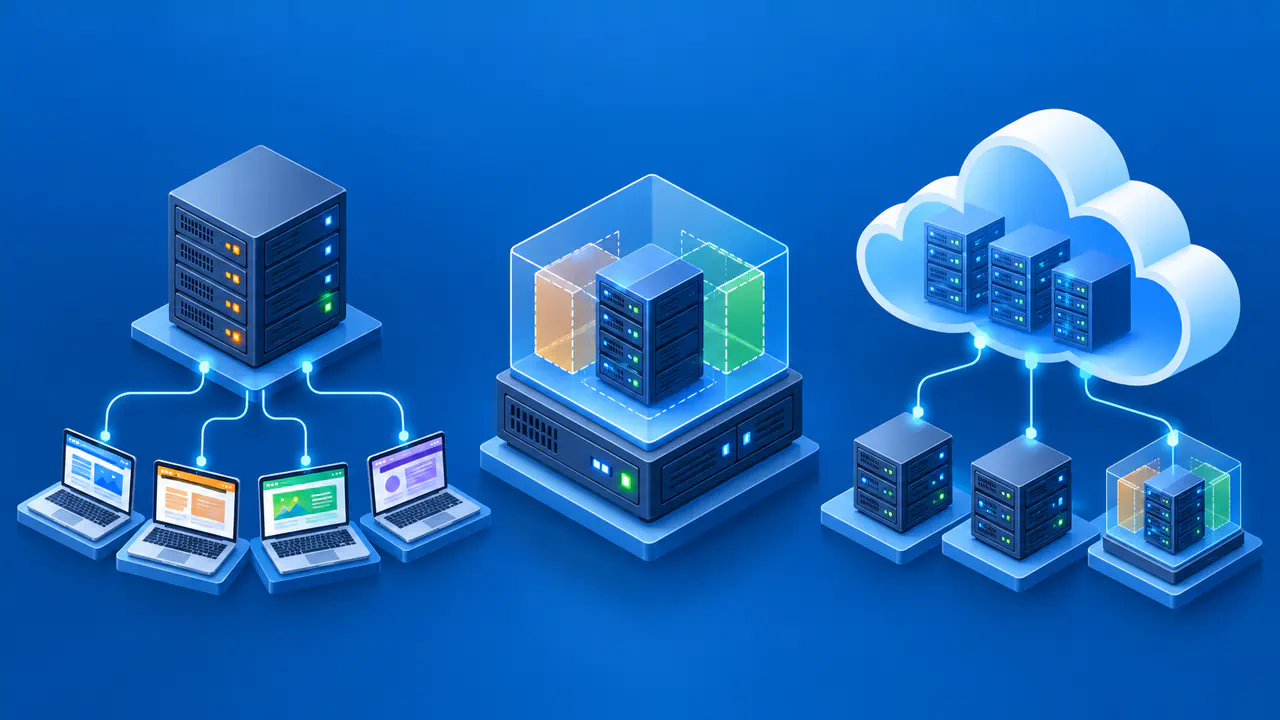
Shared hosting, VPS hosting, and cloud hosting describe different parts of a hosting service and can overlap. Shared hosting places several customers' sites on infrastructure managed by a provider. A virtual private server, or VPS, is a virtual machine with its own operating environment. Cloud hosting describes how computing resources are supplied and deployed, which can include virtual machines.
The useful comparison is what resources you receive, what you can control, how capacity changes, and who handles maintenance. A cloud VPS is still a VPS. A shared plan can also run on cloud infrastructure. Read the actual service description before using the label to predict performance or security.
Isolation and Responsibility
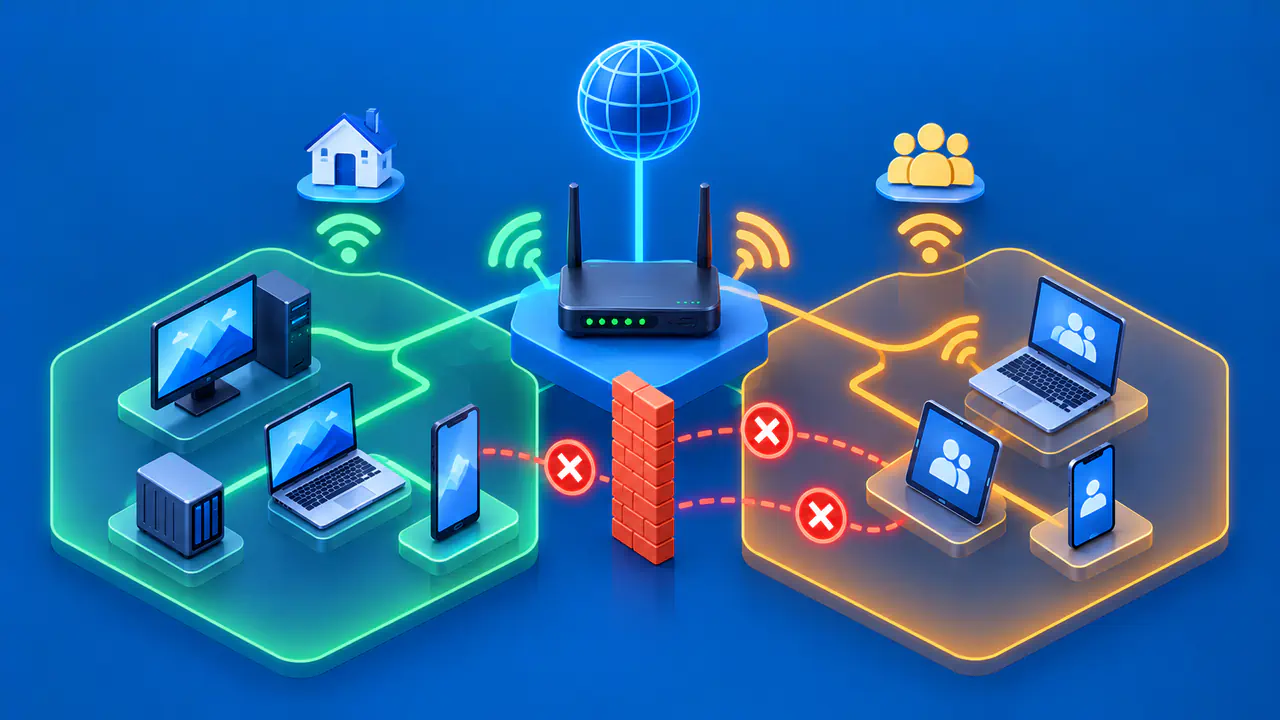
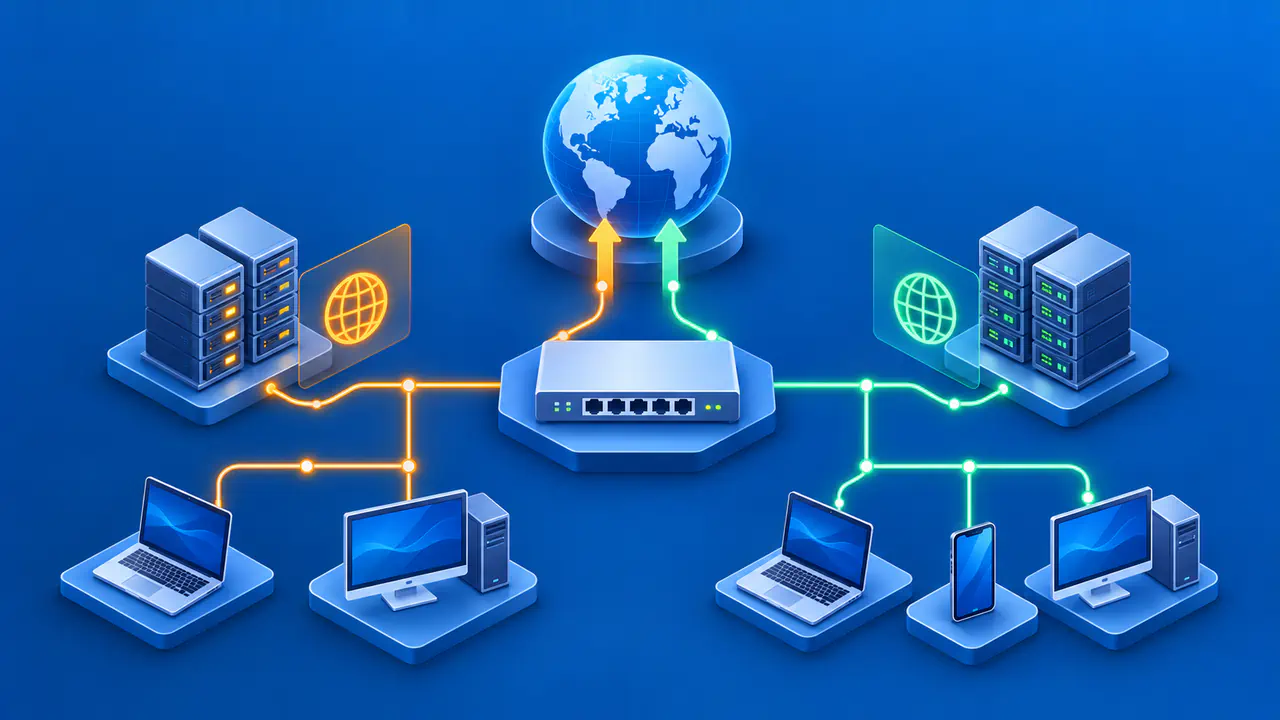
In typical shared web hosting, several sites use a provider-managed server, its operating system, and its web server software. Customers usually deploy sites through a control panel and have limited ability to alter the operating system. The provider maintains much of the platform, while the customer manages site content, application updates, credentials, and settings within the plan. Available CPU, memory, storage, and request capacity depend on the provider's limits.
A VPS gives a customer a virtual machine running on a physical host that may also run other virtual machines. Virtualization separates operating environments and allocates resources, but it does not mean that every underlying resource is physically exclusive. A provider may offer shared CPU or dedicated CPU access, and storage and network behavior vary by product. The VPS owner commonly has more control over installed software and server configuration.
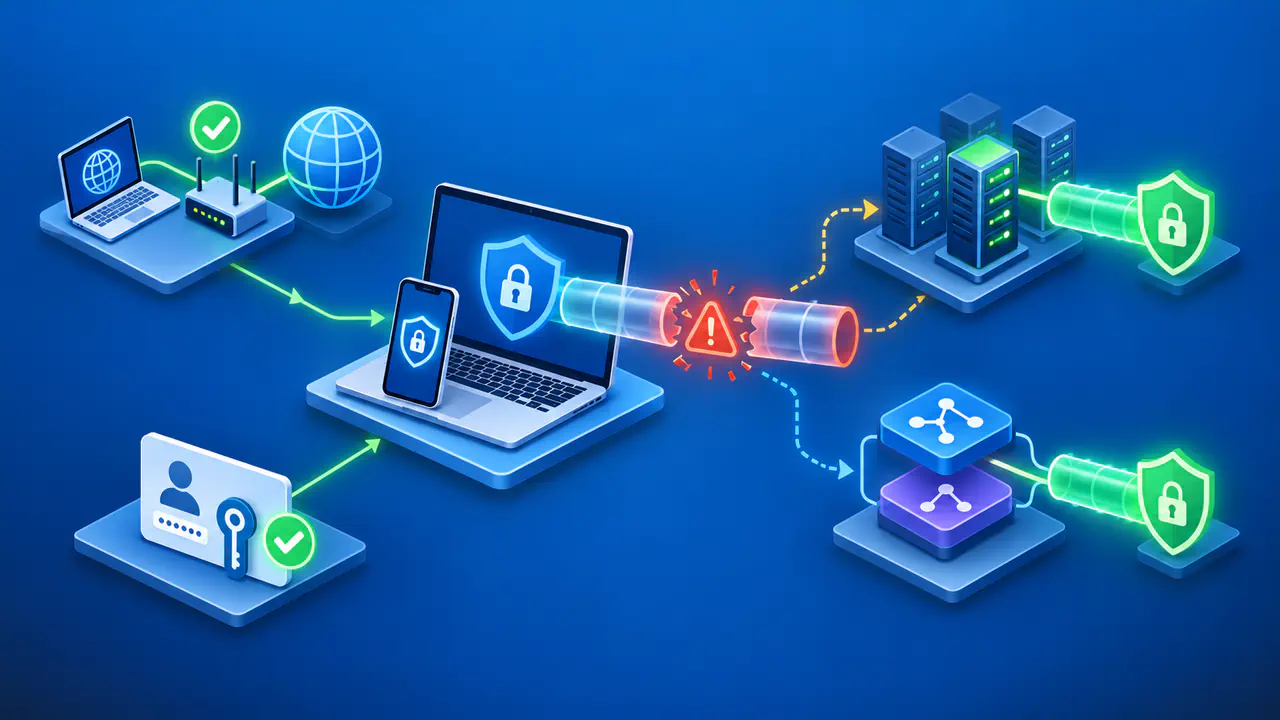
With an unmanaged VPS, the customer may need to patch the operating system, configure a firewall, maintain web server and application software, monitor usage, and plan backups. A managed VPS may shift some tasks to the provider, but the provider defines which tasks its managed service includes. Review who handles security updates, incident response, application issues, and restores instead of assuming that managed covers everything.
Neither model guarantees that a site is secure or always available. Shared hosting depends on the provider's isolation and operations. A VPS depends on virtualization, provider practices, and the customer's own configuration. A separate virtual machine does not make an application immune to attacks or network outages. Compare the actual safeguards and maintenance duties before deciding which service fits.
A VPS Can Run in the Cloud
Cloud infrastructure can supply compute, storage, and network services as they are needed. A VPS offered by a cloud provider is a virtual machine (VM) delivered through that infrastructure. For example, a customer might create a VM from an operating system image, attach separate storage, and connect it to other services. The provider's cloud platform supplies those resources, but the service agreement still determines who maintains the VM.
Cloud hosting may also mean a managed application platform, a group of instances, a service for static sites, or separately configured resources. Some designs use several locations or a load balancer that distributes traffic between servers. Others consist of one virtual machine.
A single cloud VPS can still be a single point of failure: if it stops serving requests and no replacement is ready, the website can go offline. A backup helps restore data later; it does not keep that machine serving requests. Cloud hosting does not automatically provide redundancy or continuous availability.
For example, compare a single VM containing both the website and its database with several application instances using a separate database service. In the second design, an application instance may be replaced independently, but a database outage can still stop the site. Check whether backups, failover to another working instance, and monitoring are included in the service or need separate configuration.
Scaling and Resource Limits
Shared plans usually offer fixed tiers and provider-set limits. Moving up a tier may add space or capacity, but the customer often cannot tune the machine directly. A VPS can often be resized to add virtual CPU, memory, or storage, subject to product rules and possible downtime. Increasing the capacity of one instance is called vertical scaling, or scaling up.
Horizontal scaling, or scaling out, adds application instances to share the workload. For a website, a load balancer can send requests to those instances. The application must work correctly when consecutive requests reach different servers.
If one instance stores a visitor's session locally, another instance may not have the information needed for the next request. Sharing session data outside the application instances can avoid that problem. Adding web servers does not resolve a database bottleneck, so a database-backed site may need changes beyond choosing a larger machine.
Workload Measurements
A virtual CPU, or vCPU, count alone does not show how two providers' plans will perform. CPU generation, shared versus dedicated access, scheduling, memory, disk performance, and network limits all influence results. Some virtual machines get variable access to shared CPU time, while others receive more predictable dedicated access under their plan. Even then, application code and data access can dominate response time.
Estimate needs from the workload instead of applying a universal formula based on visitor count. A mostly cached informational page and a dynamic application with expensive queries can have very different resource demands at the same traffic level. Observe CPU, memory, disk, network, and response times under representative activity. If the project is new, start with a plan that supports measurement and a clear upgrade path.
Choose Hosting for Your Workload and Support Needs
Shared hosting may fit a conventional site whose software is supported by the provider and whose operator wants a simple control panel. A VPS may fit custom software, unusual configuration, or a need for direct system control, if the plan permits those changes and the team can manage the work or purchase suitable management. A broader cloud design can help when the application needs several services or independent scaling, but it adds architectural choices.
Compare support as carefully as hardware. Find out whether support will troubleshoot the application, only the virtual machine, or only the underlying infrastructure. Confirm backup and restore procedures, monitoring, upgrade paths, and how incidents are communicated. Check the pricing model for the actual resources and services you would use, without assuming one label is always cheaper.
Write down your required software, expected peak workload, operational skills, and recovery needs. For recovery, specify how long the site can be unavailable and how much recent data it can afford to lose. Use those requirements to compare specific offers and their maintenance tasks.