What Can Someone Do with Your IP Address?
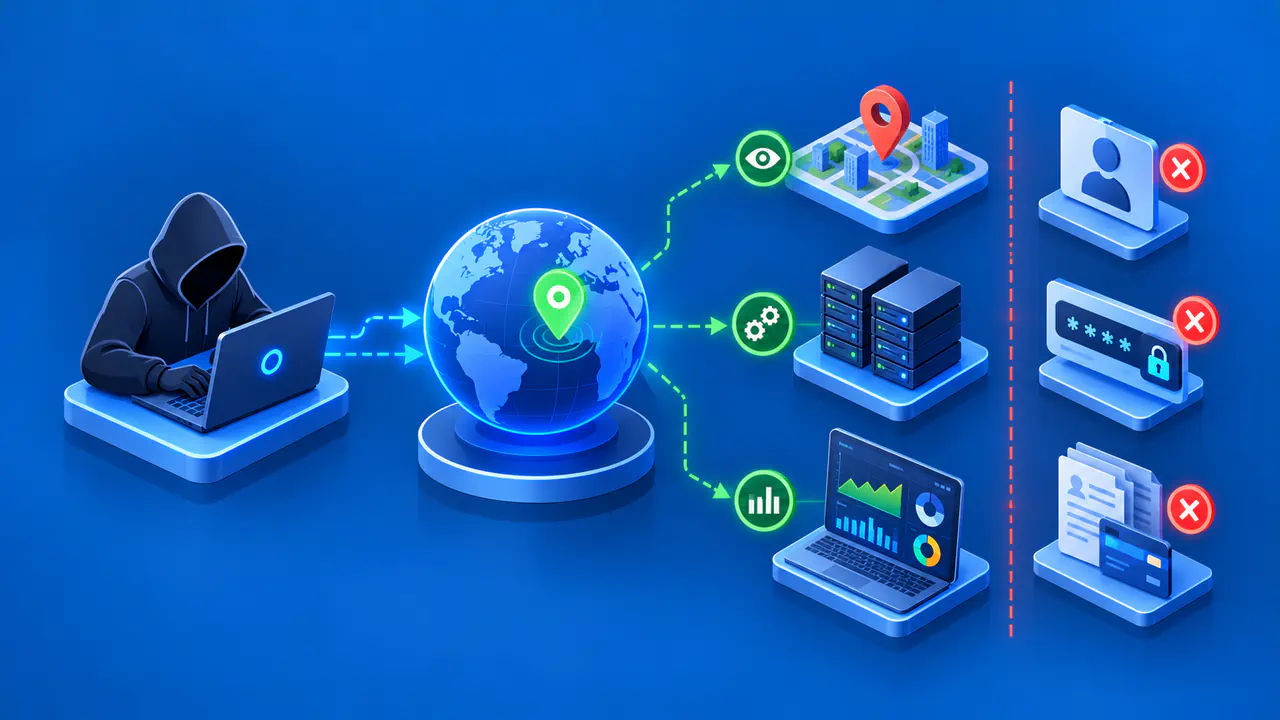
Someone who knows your public IP address can look up the network operator and an approximate geographic area. They may also try to send unwanted traffic to your connection or reach services exposed on your network. The address alone does not reveal your password, complete browsing history, name, or exact home address. The risk depends on the network's protections and any other information the person has.
Websites normally receive the public IP address used to connect, so a site showing your address is not evidence of a break-in. Check what actually happened before assuming that another person has access to your accounts or devices.
What Someone Can Learn from Your IP Address
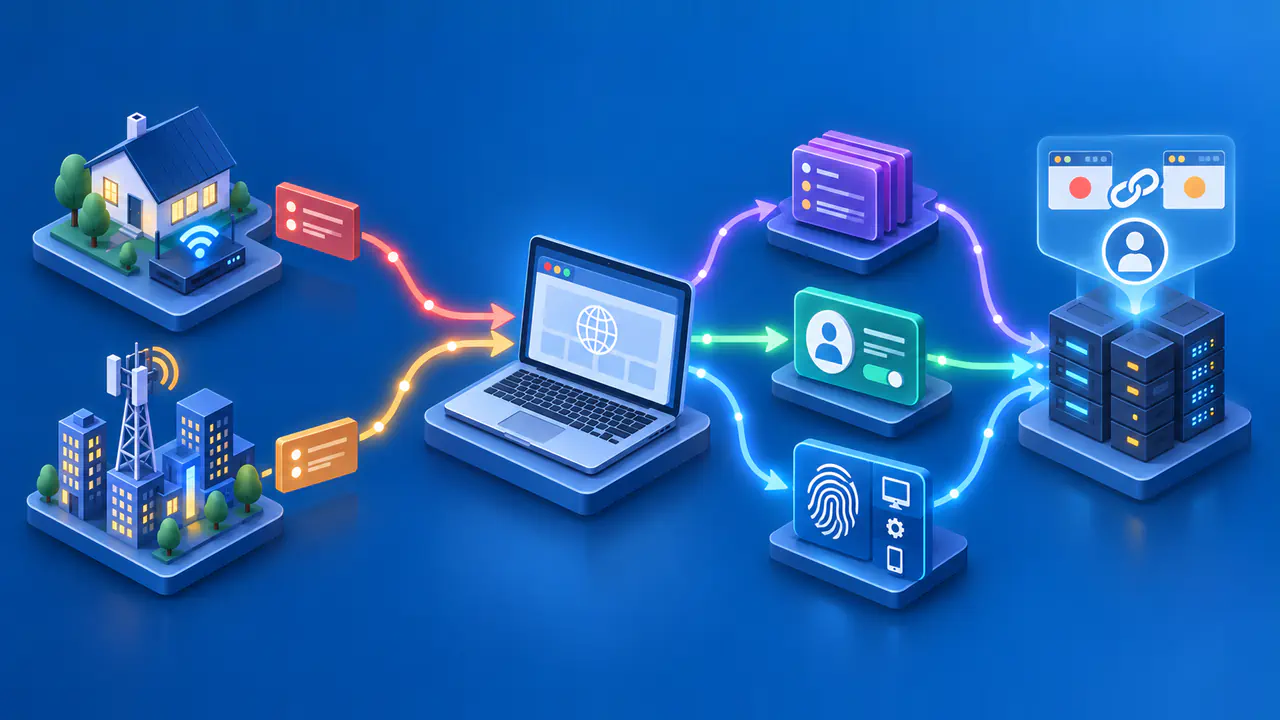
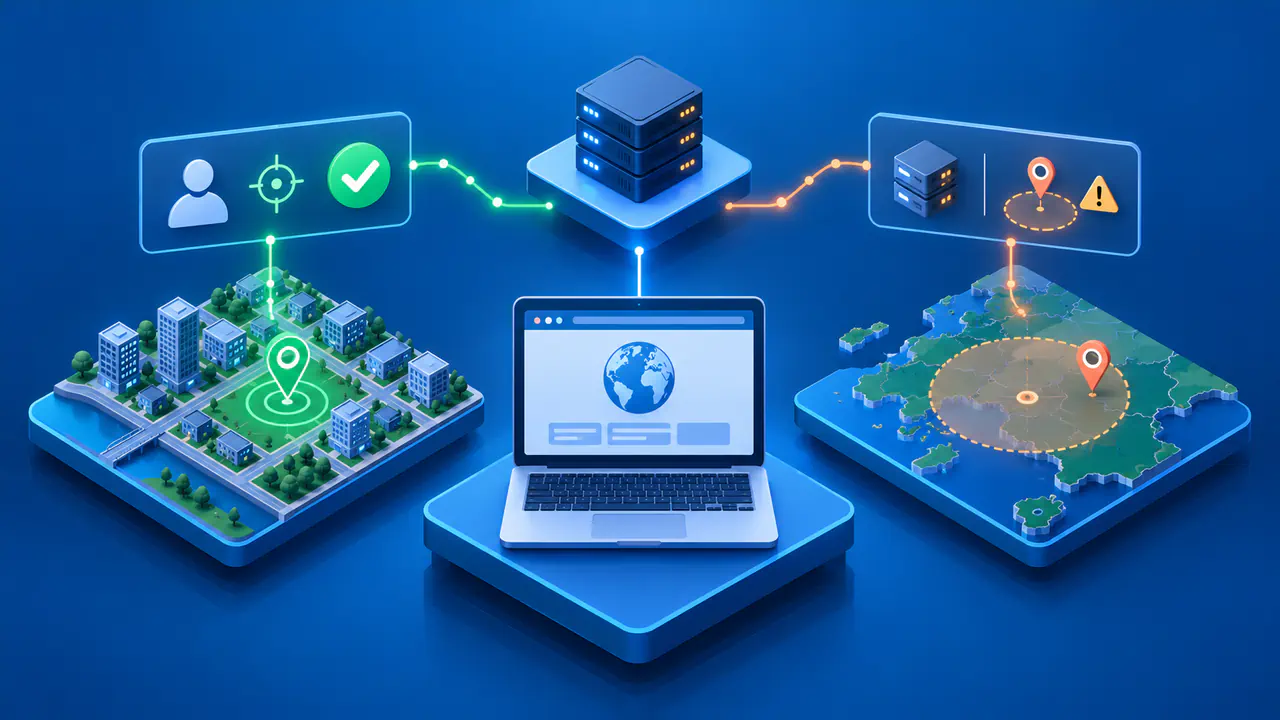
A public IP address identifies a source or destination for internet traffic. A lookup can associate the address with an internet service provider, mobile carrier, hosting company, or other network operator. A geolocation database may estimate a country, region, or city. The estimate can be broad or wrong, particularly for mobile networks, VPN connections, and addresses whose assignment has changed.
A location shown on a map does not establish which household or person used the connection. The coordinates may represent an area served by the network rather than a point measured at your device. A threatening message may combine an IP lookup with information from a public profile, an earlier data leak, or details you supplied elsewhere. Those sources can reveal information that the IP address does not contain.
Opening a link also sends a request to the destination service. Along with the connection's public address, the service may receive a user-agent header describing the browser and operating system. A referrer header may indicate the page you came from, depending on the browser and the page's referrer policy. Cookies or an existing sign-in can give the site additional context, but those details are separate from what the IP address reveals.
A website operator can record visits to its own site and compare requests over time. Knowing an IP address alone does not grant access to visits at unrelated sites. Seeing one referring page in a request is different from obtaining a person's complete browsing history.
How an Exposed IP Address Can Be Misused
An attacker can direct unwanted traffic toward a reachable public address. If enough traffic overwhelms a connection or service, a denial-of-service attack can make normal use slow or impossible. Knowing the address gives someone a destination to target, but it does not mean an attack has occurred. Slow internet by itself is not proof of deliberate interference.
A service that accepts connections from the internet creates a separate risk. For example, a router's remote administration page or a home server may be reachable if configured to allow outside access. Weak passwords or outdated software can then provide an opportunity for intrusion. The IP address helps locate the service, but gaining control still requires some weakness or usable credentials.
A message claiming that knowledge of your IP address also reveals your password is misleading. Passwords are not encoded in IP addresses. If the sender includes a real password, treat the password as exposed, but do not assume that the IP address was the source. A reused password or an earlier data breach can explain how a stranger obtained it.
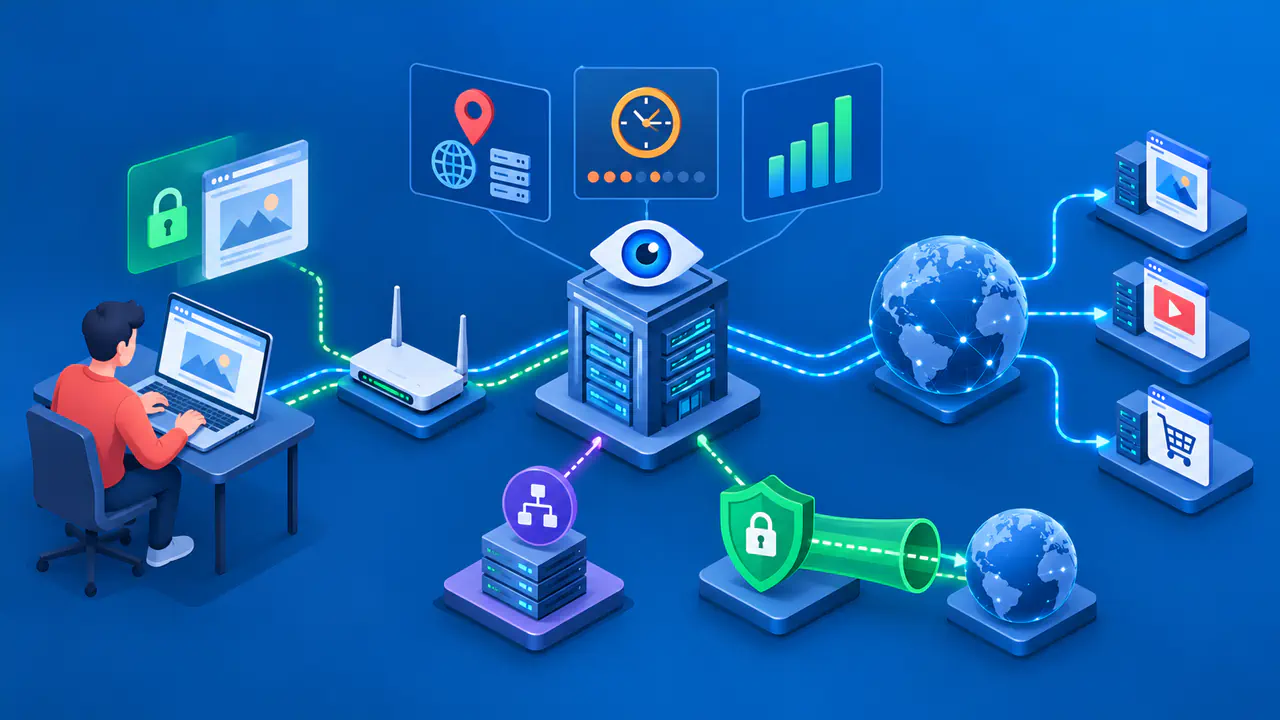
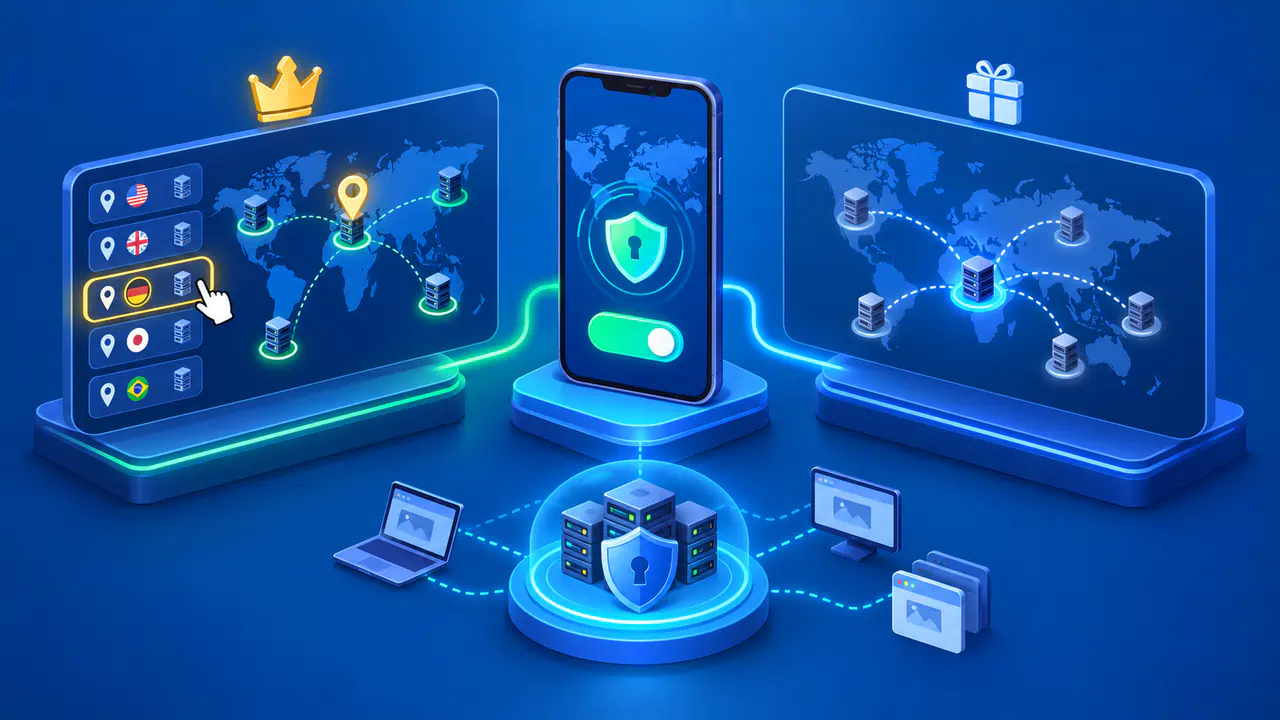
For web traffic routed through a VPN, the destination normally sees the VPN server's address. Traffic that bypasses the tunnel can still expose the address of your internet connection. A VPN does not erase information already sent to a site, sign you out of an account, or guarantee anonymity.
Why an IP Address Does Not Identify One Person
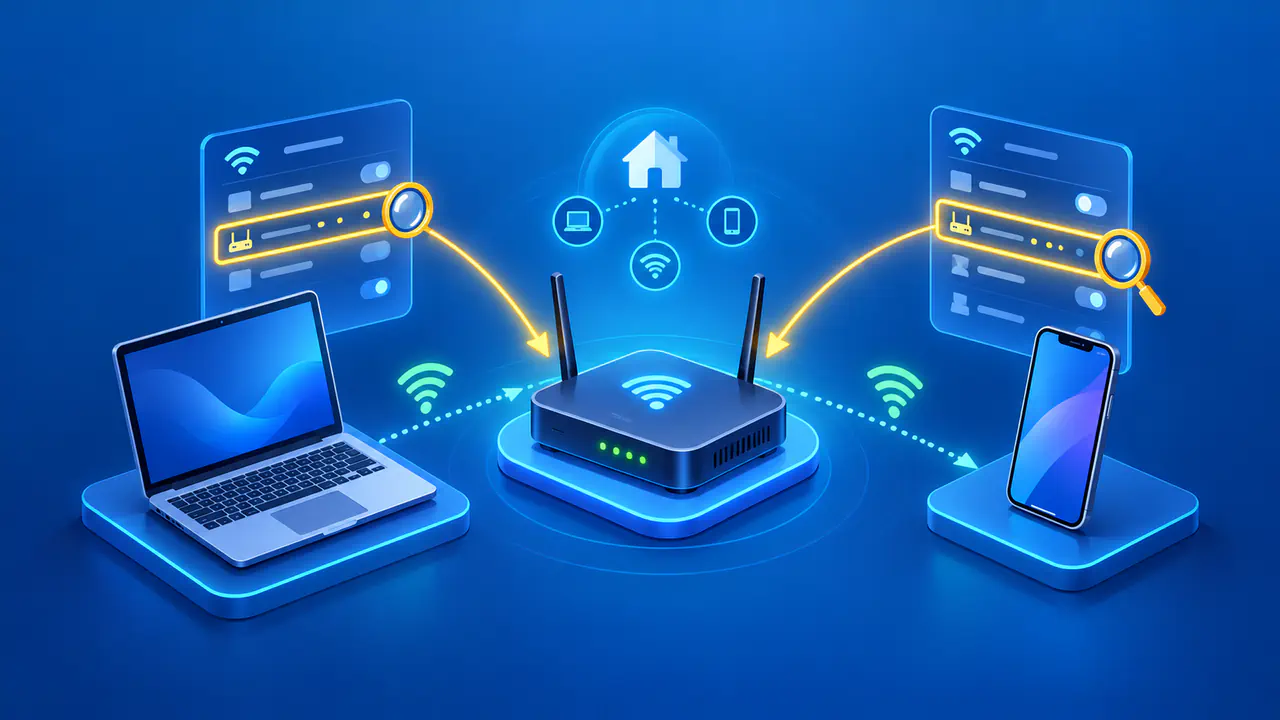
Home devices commonly share a single public IPv4 address through a router. Some internet providers also share public addresses across multiple customers. A mobile carrier may carry connections from many phones through shared infrastructure, while a VPN exit can serve many users. Several people can therefore appear under the same public address.
An internet provider may later assign a dynamic address to another customer. A record of yesterday's connection may therefore refer to a different customer from the one using the address today. An address, a precise time, and additional network records may help identify a subscription. Even that association does not establish who was using a particular device.
An internet provider may hold records of address assignments, depending on the network and its recordkeeping. A public IP lookup does not give strangers access to those subscriber records. Registration data about a network operator should not be mistaken for a list of the operator's customers.
What to Do After Opening a Suspicious Link
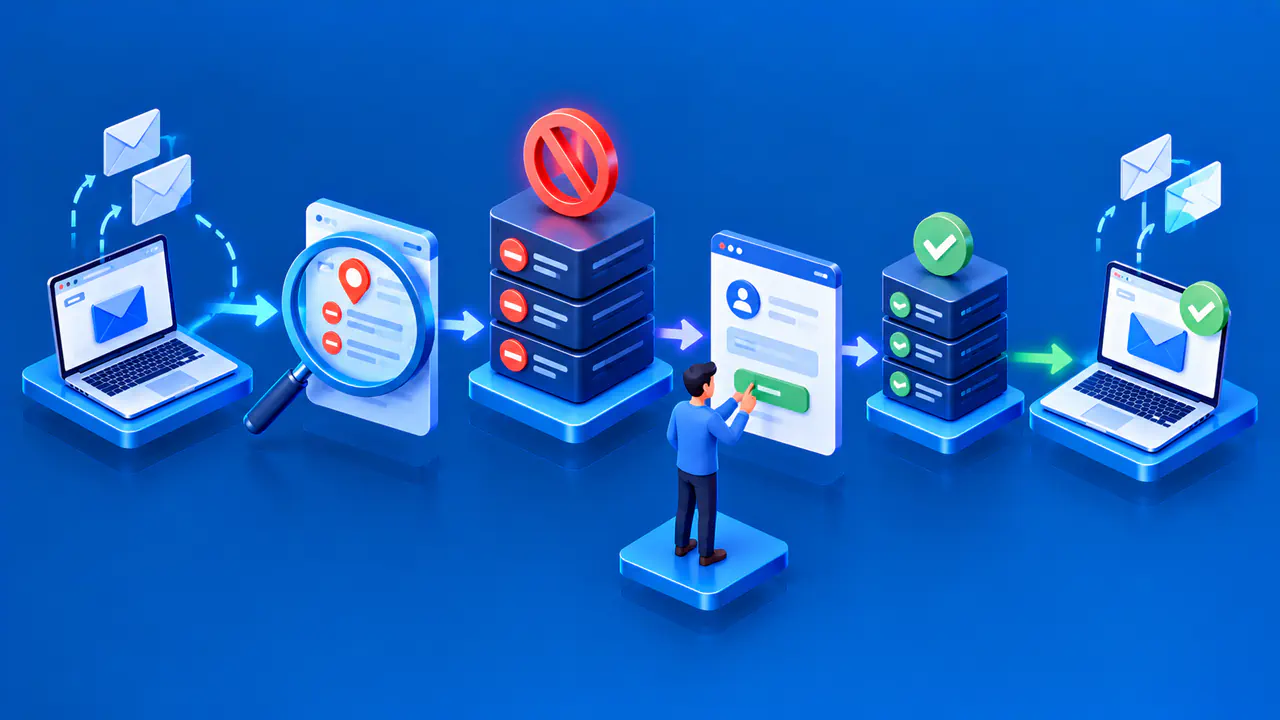
If you opened an unexpected link, close the page and avoid further interaction. The destination may have received connection details, but a click alone does not prove that an account was taken over. Do not enter information, approve unexpected sign-in requests, or follow payment instructions on the suspicious page. Reach the company through a website or phone number you already trust if you need to check the message.
If you entered a password, change it through the genuine service and replace that password on any other account where you reused it. Review recent account activity, unfamiliar signed-in devices, and recovery settings. Enable multifactor authentication where available, and use the service's account recovery process if you can no longer sign in.
If a suspicious link or attachment may have downloaded harmful software, update your security software and run a scan. Follow the software's removal instructions if it detects a threat, and seek help if the problem persists. If you entered payment or other sensitive information, contact the relevant provider through a trusted channel for steps specific to the information exposed.
Protect Your Network from Unwanted Access
Keep router and device software current, use a strong router administrator password, and leave the firewall enabled. Disable remote administration or other internet-facing services you do not need.
If your connection is being disrupted, contact your internet provider with the times, symptoms, and any related threatening messages. The provider can investigate whether unwanted traffic is involved and explain the options for your connection. An IP change may be possible, but changing the address does not secure a compromised account or remove harmful software from a device.