What Is DHCP Lease Time?

DHCP lease time is the period for which a DHCP server grants a client permission to use an assigned IP address and related network settings. A phone or laptop usually renews its lease before that period ends. Renewal often keeps the same address. Reaching the renewal point does not mean the address must change. The lease is a way to manage address allocation as devices join, leave, and return to a network.
The setting can apply to your home router's local address pool, an office network, or an address assigned to a router by an internet provider. Those are different DHCP relationships. Changing a home LAN lease does not automatically change the public address the provider gives you. To interpret a lease time, identify the interface using the lease and the DHCP server that granted it.
Lease Duration and Renewal
When a client obtains an IPv4 address through DHCP, the server sends a lease duration with the configuration. The client records when the lease will expire, then attempts to extend it while it is still valid. Normal renewal is a background operation, so most users do not notice it.
IPv4 DHCP has two renewal milestones. At T1, the client enters its scheduled renewal phase and asks the original server to extend the lease. If that does not succeed, at T2 it tries to rebind through a request that another suitable server may answer. The server can supply these timers; otherwise, the default timers are halfway through the lease for T1 and seven-eighths for T2. Both occur before final expiration, leaving time to try again.
A successful DHCP acknowledgment can renew the existing assignment. The client does not have to take a new IP merely because the lease clock restarted. The server may also assign different configuration under its policy, and a client reconnecting on another network needs a valid assignment for that network. The lease authorizes address use for a set period. It does not schedule a change of address.
For example, a device with a one-day lease might attempt renewal before the day is over and keep using the same local address after the server extends it. The one-day value illustrates the process; it is not a recommended setting for every network. The actual renewal and expiration times depend on what the server sends and how the client behaves within the protocol.
What Happens at Expiration
If the server cannot be reached during an early renewal attempt, the client may continue using the address while its current lease remains valid. If the lease expires before the client receives a DHCP acknowledgment, the client must stop using the previous address and seek new configuration. If it receives its old address again, it may continue with that renewed assignment. If it receives a new one, it must stop using the old value.
Expiration is therefore different from the first renewal attempt. A brief server interruption around T1 need not immediately disconnect every device, because there is still remaining lease time. A prolonged DHCP outage can become visible when leases run out or new devices cannot obtain addresses. The exact effect depends on whether the client has a valid current lease and whether other network settings remain usable.
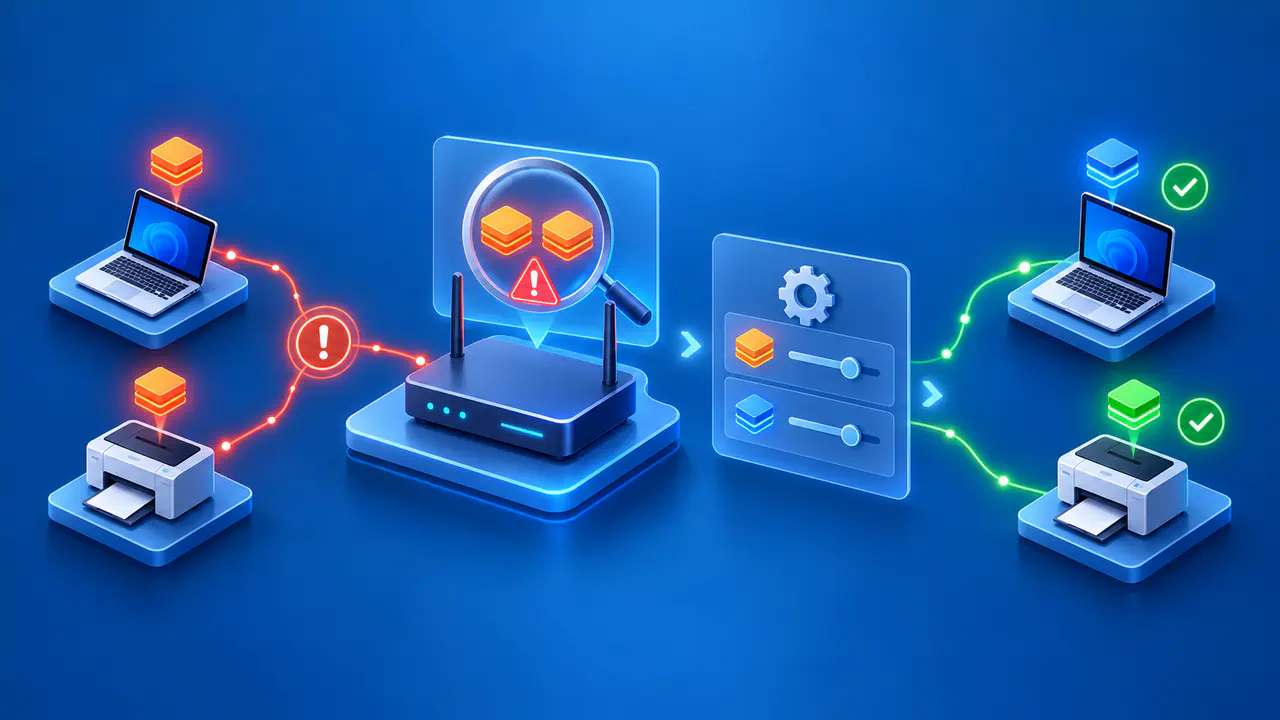
The server can later reuse an expired address for another client, subject to its allocation behavior. This is one reason a disconnected guest device should not hold a scarce address indefinitely. It is also why a saved printer or remote access setting that depends on a particular local IP may need a reservation or a name that is updated correctly, rather than relying on a long lease as a guarantee.
A manual renew action can be helpful for a concrete configuration problem, but it may return the same IP. Likewise, restarting a router may cause a new address in some circumstances but is not a reliable way to obtain one. Keep the local DHCP lease separate from a provider-side public IP assignment when diagnosing such changes.
Choosing a Lease Time for Your Network
Choose a duration based on how many addresses are available, how often devices appear, and how long they normally remain. A guest Wi-Fi network with many short visits may benefit from returning unused addresses to its pool sooner. A small, stable office network with ample addresses may tolerate longer leases and fewer renewal exchanges. The administrator should observe the actual pool usage and client behavior rather than copying a number from a different network.
There is a tradeoff. A shorter lease can make expired assignments reusable sooner, but it makes clients contact DHCP more often and leaves less time to recover from a server outage before expiration. A longer lease can reduce routine renewal traffic and provide more time during a brief outage, but addresses held by departed devices may remain unavailable longer. The best balance depends on capacity, reliability, and device turnover.
A DHCP server with client policy support can give mobile and stable devices different lease durations. Each group's duration should reflect its actual needs. On a home network, first check whether you actually have pool exhaustion or frequent reassignments before changing the lease setting. Expanding an undersized address pool or fixing an unreliable DHCP server may be more relevant than changing duration.
For a device that needs a predictable local address, use the network's supported reservation or managed assignment method. An extremely long dynamic lease cannot prevent changes in the network. Devices can be replaced, interfaces can present new identifiers, and network configuration can change. Document the purpose of any exception so it can be maintained.
Why a Longer Lease Does Not Increase Speed
Lease time controls how long an IP assignment is valid. It does not set Wi-Fi radio rate, internet bandwidth, routing capacity, or application performance. Once a device has a usable address, making its lease longer does not make data packets travel faster. A renewal is occasional control traffic, not a speed limiter for an otherwise healthy connection.
If a network feels slow, check signal quality, congestion, equipment load, and the path to the service. If disconnections coincide with renewal attempts, check the DHCP server's availability and logs for failed renewals. Increasing the duration may postpone the symptom while leaving the DHCP failure unresolved.