What Is Localhost? Understanding 127.0.0.1 and ::1
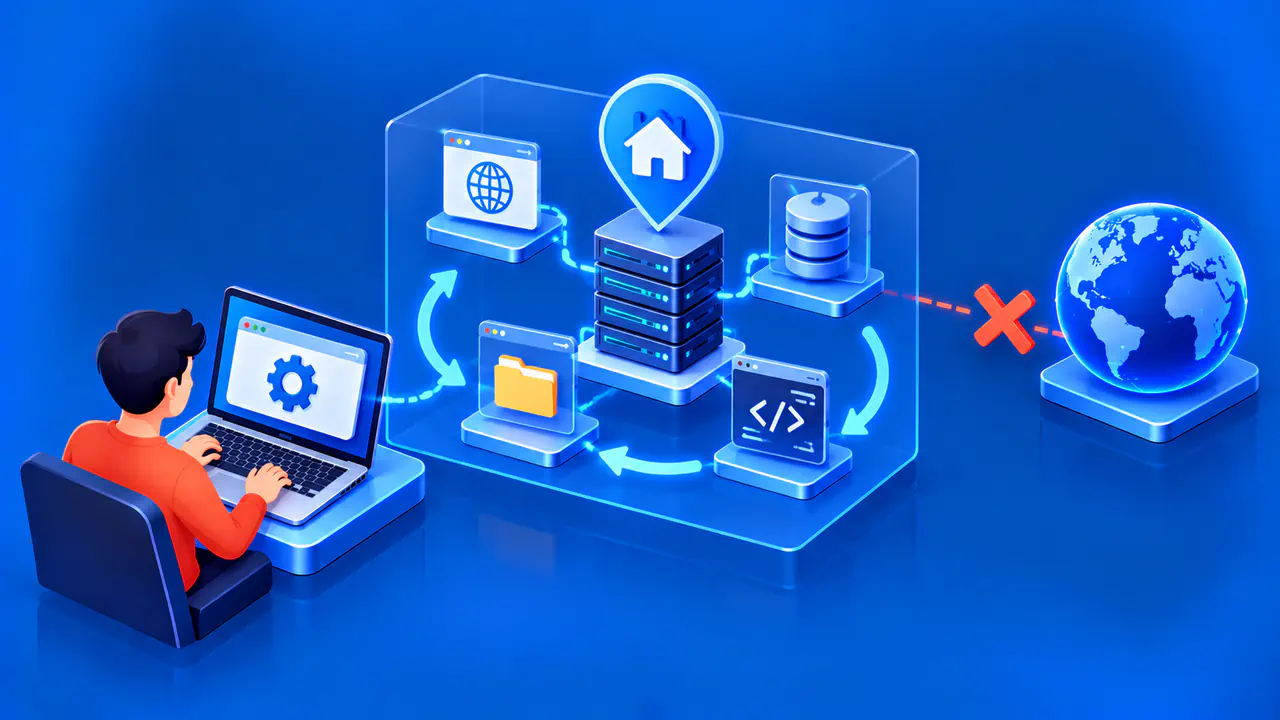
Localhost is a reserved name for the local network environment in which an application is running. On a typical laptop or phone, that means the device itself. The name resolves to a loopback address, usually 127.0.0.1 for IPv4 or ::1 for IPv6, so an application can contact a service locally.
A developer can use localhost to open a web app before making the app available to other devices. However, the meaning of local depends on where the requesting program runs. A browser on your phone, a browser on your laptop, and software inside a virtual machine may each have a different local environment.
How Localhost and Loopback Work
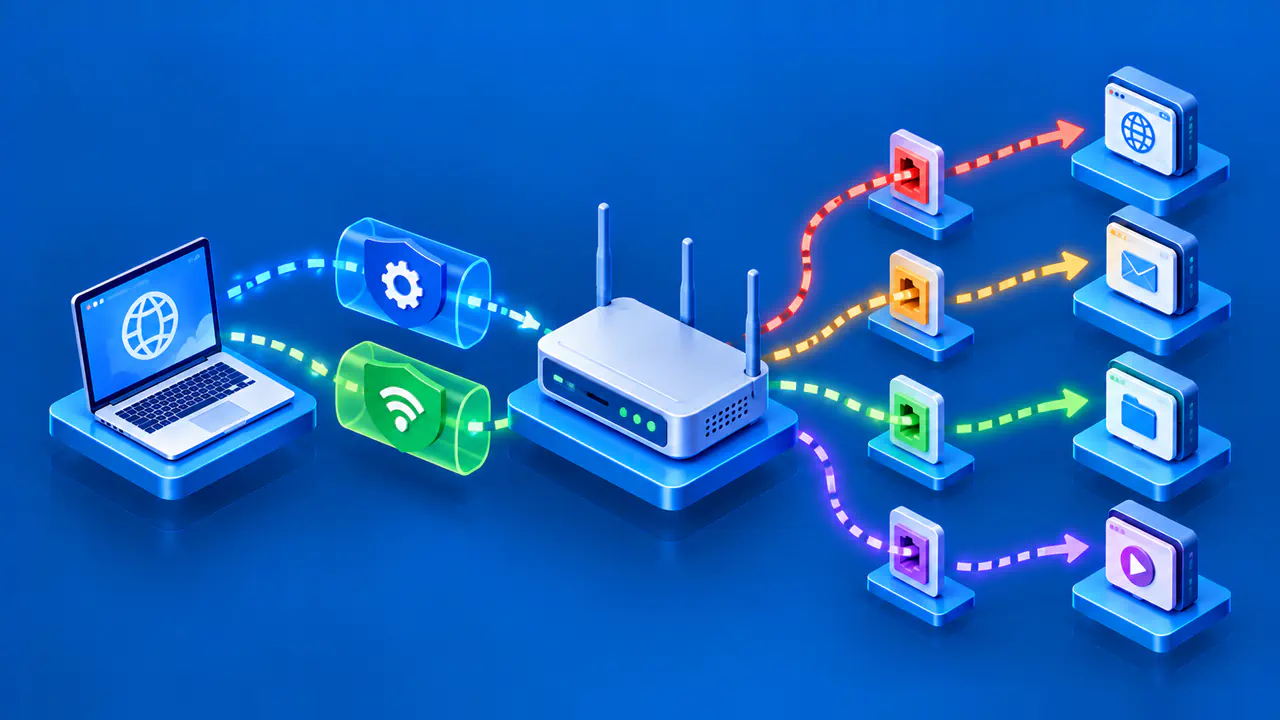
Loopback lets the operating system deliver network traffic back to its own network stack. A direct connection to a loopback address does not travel through your WiFi router or out to the internet. The client still needs a running service at the requested address and port; the address alone cannot produce a web page or start a server.
Localhost is a name, while 127.0.0.1 and ::1 are addresses. The entire IPv4 block 127.0.0.0/8 is reserved for loopback, although 127.0.0.1 is the address most people encounter. IPv6 uses the single address ::1 for loopback. Applications use name resolution to turn localhost into a suitable address before connecting.
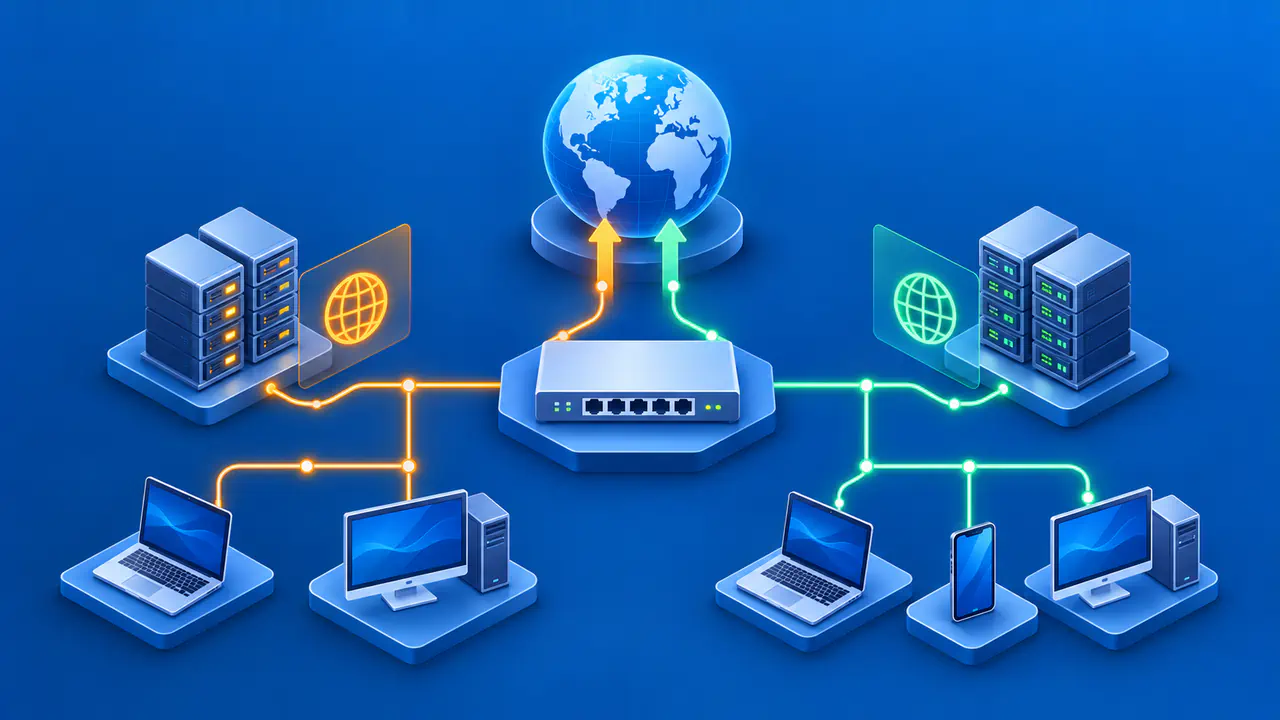
A loopback address serves a different purpose from a private LAN address such as 192.168.1.10. The LAN address can identify your computer to other devices on that network. Localhost does not identify a shared server for everyone connected to the router, and a successful local connection does not demonstrate that another device can reach the same service.
Choosing IPv4 or IPv6
A service can listen on IPv4 loopback, IPv6 loopback, or both. An application configured to accept connections only at 127.0.0.1 will not automatically accept them at ::1. Because clients may try the two address families in different orders, localhost can work in one test while a particular numeric address fails.
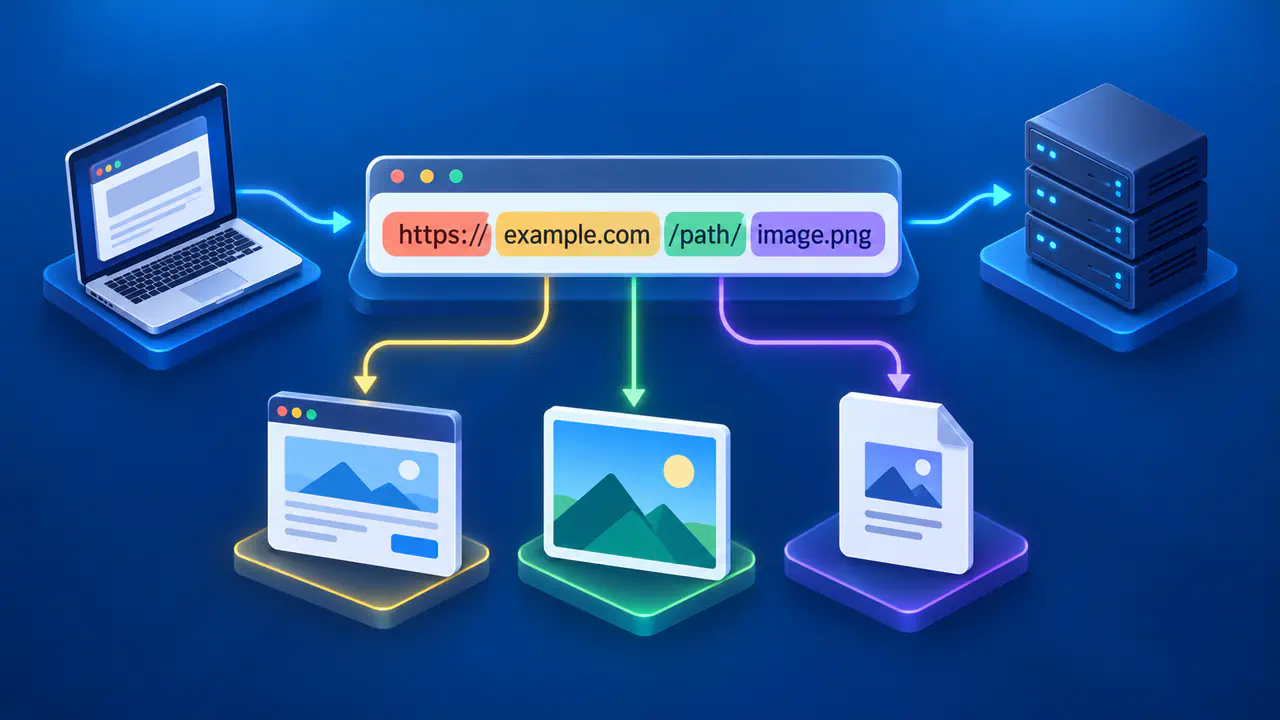
For a server listening on IPv4 port 8080, an example URL is http://127.0.0.1:8080/. The equivalent IPv6 URL is http://[::1]:8080/. An IPv6 address in a URL needs square brackets even when no port is written; an explicit port goes after the closing bracket. Port 8080 is only an example, so use the port your service actually reports.
Do not confuse either loopback address with a wildcard listening address. In server settings, 0.0.0.0 commonly means all local IPv4 interfaces, while :: can mean all local IPv6 interfaces. Whether an IPv6 wildcard also accepts IPv4 connections depends on the operating system and server settings. A wildcard can therefore expose a service beyond loopback; it is not another name for localhost.
Testing a Local Web Server
Start the application using its documented development command and check the startup output for the listening address, port, and protocol. Open the matching URL from a browser in the same network environment. Confirm whether the service expects HTTP or HTTPS, because selecting the wrong protocol can cause an error even when the address and port are correct.
If the browser cannot connect, check that the server process is still running and that the port matches its configuration. Then check the listening address. Trying the appropriate numeric loopback address can help distinguish a localhost name-resolution problem from an IPv4 or IPv6 mismatch. Keep the port and protocol unchanged while comparing addresses so the test answers a clear question.
If a fresh request receives an error response from the intended server, the connection has reached that server. Check the application log for the corresponding request instead of treating every browser error as a network failure. A cached page, by contrast, does not prove that the server is currently available. Reload the page and inspect the browser's network details when the result is unclear.
Localhost in Virtual Machines and Containers
A virtual machine normally has its own operating system and loopback interface. A program inside that machine uses localhost to reach services inside the guest, rather than services running in the host operating system. Sharing a physical computer does not make the guest and host loopback interfaces the same.
Containers can also have separate network environments. In a container with its own network namespace, which is an isolated set of network interfaces and routes, 127.0.0.1 refers to that container's environment. Some configurations share the host's network stack or another container's network stack, so the actual network mode matters.
When a browser on the host cannot reach a containerized app, check the container's listening address and any published port mapping. A service listening only on loopback inside an isolated container is normally unavailable through a mapping that targets the container's network interface. Use the container platform's documented setup, and check which host address exposes the published port.
Reaching the App from Another Device
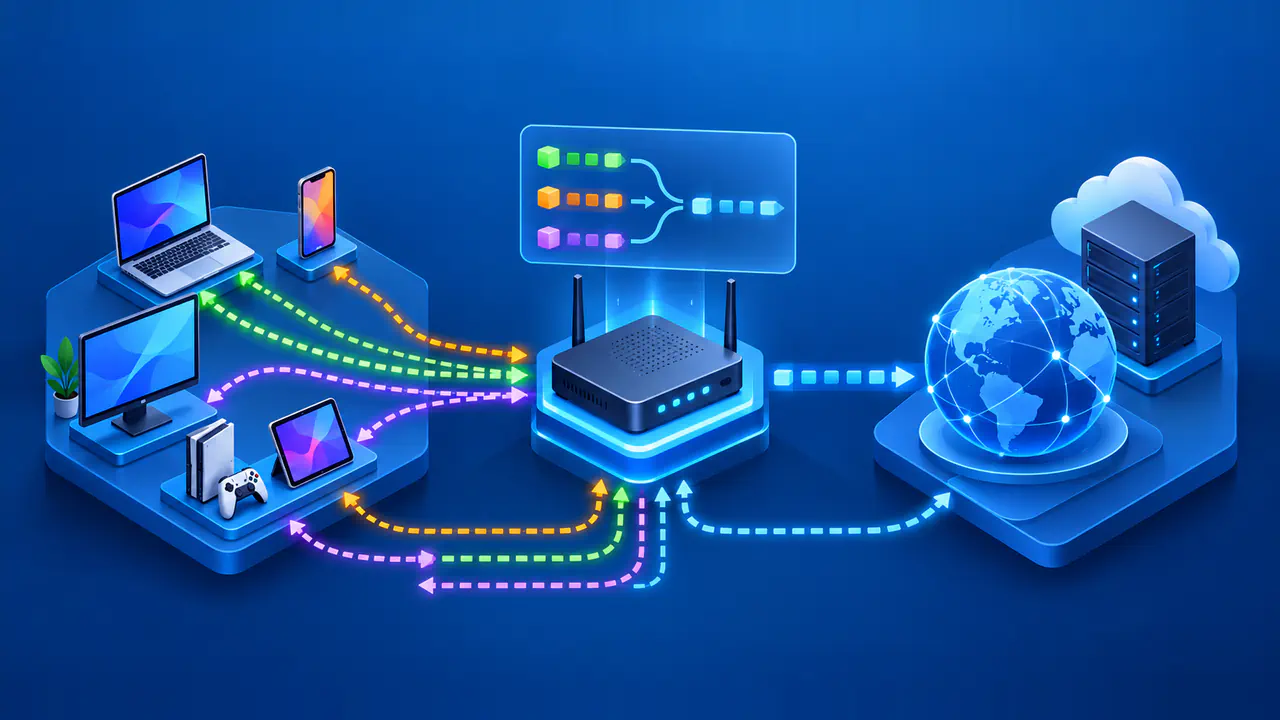
If a laptop runs a web app on localhost, typing the same localhost URL into a phone's browser asks the phone to contact a local service. The request does not discover the laptop. To test directly over the LAN, use the laptop's LAN address and the app's port, with the app configured to listen on an interface that the phone can reach.
The host firewall must allow the connection, and the network must permit communication between the devices. Guest WiFi and client isolation can prevent that communication even when both devices appear to use the same wireless network. Make a deliberate choice about which interface to expose instead of assuming that a development server should accept connections from every network.
Keeping a service on loopback limits direct network access, but local software may still contact the service. A proxy or forwarding arrangement can also provide an indirect route from elsewhere. Before sharing access, check the app's authentication and the information it exposes. Successful localhost testing confirms only the local setup; testing from another device is a separate step.